YACReader Remote

4.20

Information

Category:

Comics

Price:

$ 4.49

Rank:

5

Rating:

4.20

Overview

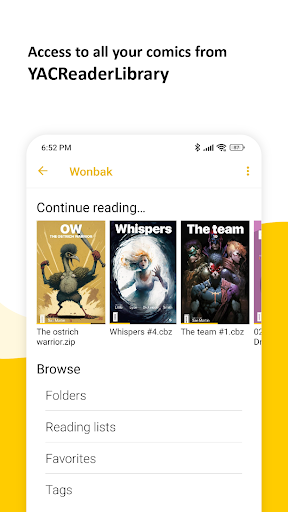
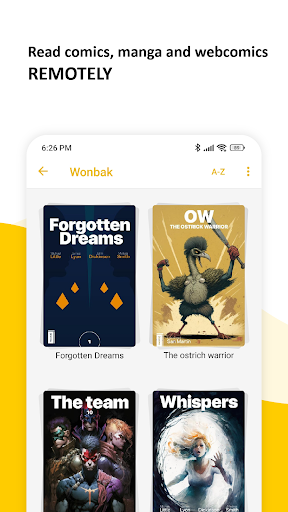
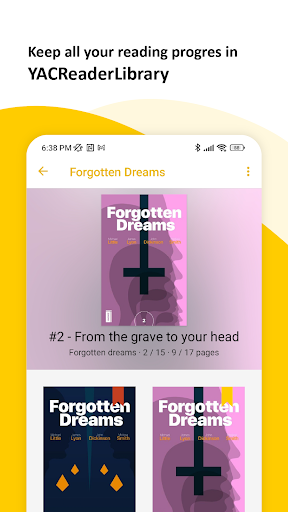
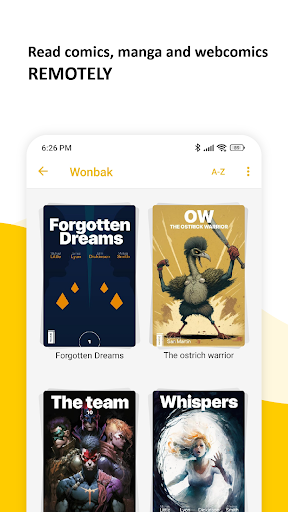
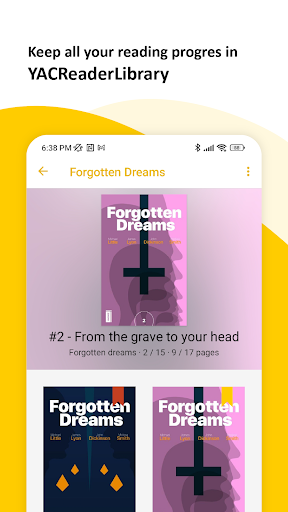
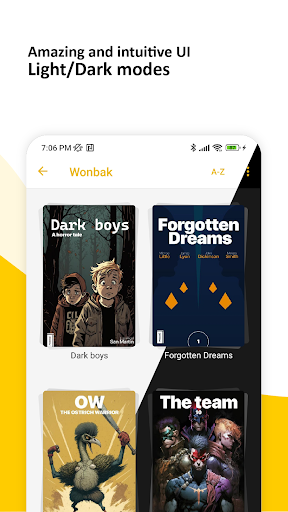
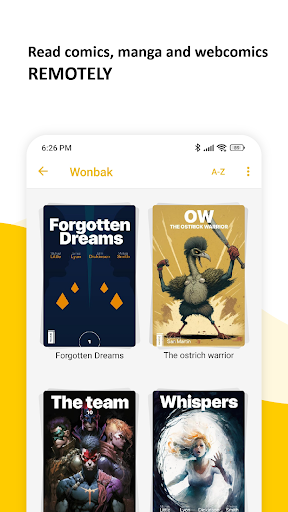
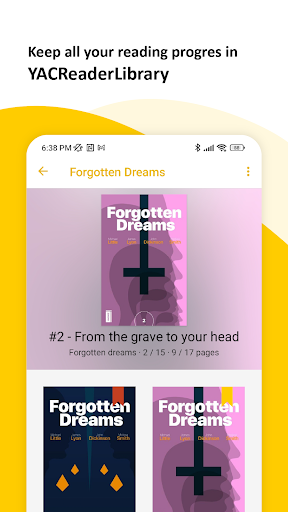
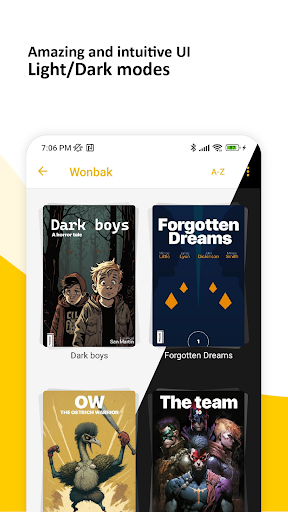
YACReader Remote is a versatile comic and manga reader app designed for Android users. It allows seamless remote access to your entire YACReaderLibrary, enabling you to browse and read all your favorite comics directly from your mobile device. The app also supports offline reading by importing library content into a local collection, ensuring synchronized reading progress across multiple devices.

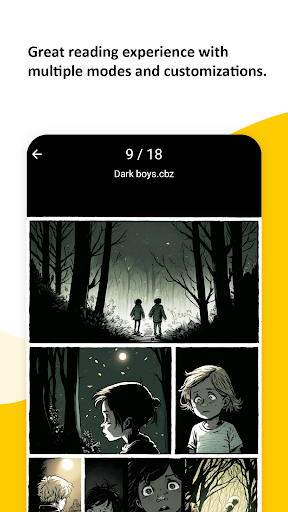
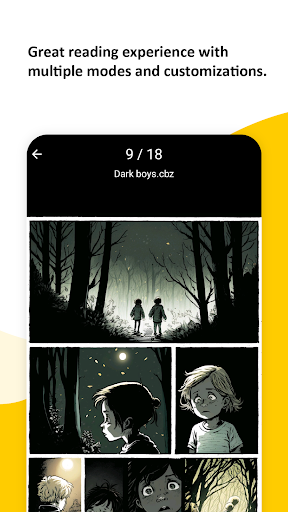
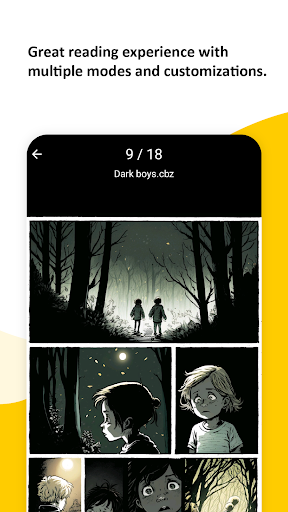
With its advanced reading features, YACReader Remote offers an exceptional user experience. It includes multiple fitting modes, specialized manga reading options, continuous vertical scroll for web-based content, double-page viewing, and auto-scroll functionality. Whether you're a long-time YACReader user or new to the platform, this app brings over a decade of comic-reading expertise to Android, making it the ultimate choice for comic enthusiasts.

Features

YACReader Remote stands out with its comprehensive feature set tailored for comic lovers. The app's remote browsing capability lets you access your YACReaderLibrary without being tied to a desktop, while the offline mode ensures uninterrupted reading even without an internet connection. Its synchronization feature keeps your reading progress consistent across all devices, providing a seamless transition between platforms.

The advanced reader in YACReader Remote offers several specialized reading modes. These include various fitting options to enhance readability, dedicated manga mode for proper right-to-left reading, and a unique continuous vertical scroll ideal for webtoons. Additionally, the double-page mode and tap-to-scroll functionality provide a natural and immersive reading experience. With support for multiple file formats and a decade-long legacy on other platforms, YACReader Remote delivers a polished and reliable comic reading solution on Android.

Comic library size & variety

The size and variety of a comic library are crucial factors that determine the overall user experience for any comic reading application. YACReader Remote offers an extensive and diverse library that caters to both casual readers and hardcore enthusiasts alike. The app allows users to browse and read all their comics and mangas from YACReaderLibrary remotely which means you have access to a vast collection without being tied down to a single device or location. Additionally the ability to import the content of your library into a local library for offline reading ensures that you can enjoy your favorite comics even when you do not have an active internet connection. This feature also helps in keeping your progress synchronized between devices making it convenient for users who switch between multiple gadgets. With support for various formats including cbr cbz and pdf YACReader Remote ensures that users can access comics in their preferred format. The diversity in content is not just limited to the type of files but also extends to the genres covered. Whether you are into superhero stories manga or indie comics this app has got you covered. The regular updates and addition of new content keep the library fresh and engaging ensuring that there is always something new to explore. This vast and varied library enhances user engagement by providing endless reading options and the ability to discover new favorites.

Content authenticity & licensing

Content authenticity and proper licensing are essential aspects of any digital content platform especially in the realm of comics where copyright issues can be prevalent. YACReader Remote takes these concerns seriously and ensures that all the content available through its platform is properly licensed and authenticated. By allowing users to access their own libraries or import content from YACReaderLibrary the app emphasizes the importance of owning legitimate copies of comics and mangas. This approach not only respects intellectual property rights but also encourages users to build their personal collections responsibly. Furthermore the app's support for various file formats indicates a commitment to compatibility and accessibility without compromising on legal standards. Users can be confident that their reading material is obtained through legitimate means thus supporting creators and publishers in the process. The emphasis on proper licensing also extends to the app's advanced reader features such as support for multiple fitting modes manga reading continuous vertical scroll for web based content double page mode auto scroll by tapping and more. These features enhance the reading experience while maintaining the integrity of the original content. Overall YACReader Remote provides a trustworthy platform where users can enjoy their comics knowing that they are respecting copyright laws and supporting the comic industry responsibly.

Props

User-friendly interface

Advanced reading modes

Cross-device sync

Offline reading support

Multiple format compatibility

Cons

Limited to comic formats

No native iOS version

Requires library setup

Complex for beginners

Occasional sync issues

Features and Functions

What is this app and what can I use it for?

A comic reader app for accessing and managing digital comics

How do I download and install this app on my device?

Search YACReader Remote on Google Play Store and tap install

How do I get started after opening the app for the first time?

Grant necessary permissions and sign in to your YACReader account

What are the main features and capabilities of this app?

Remote library access offline reading cross-device sync advanced reader

How can I customize my experience and adjust preferences?

Adjust display settings and reading preferences in settings menu

How do I save or bookmark my favorite content for later access?

Use the bookmark feature to save current page or comic position

How can I share content with friends or on social media?

Share comic details via social media or messaging apps

How do I access detailed information and explore more content?

Explore detailed info through the library browser section

What permissions does this app need and how do I manage them?

Needs storage permission manage in app settings or system settings

How do I check for updates and keep the app running smoothly?

Enable automatic updates in Google Play Store app settings
Show more

User Reveiws

{{ comment.reviewer_name }}
{{ comment.review_date_formatted}}
{{ comment.review_content }}
{{ tab.name }}
{{ comment.reviewer_name }}
{{ comment.review_date_formatted}}
{{ comment.review_content }}
No reviews with this rating