ALDLdroid

4.60

Information

Category:

Auto & Vehicles

Price:

$ 24.99

Rank:

17

Rating:

4.60

Overview

ALDLdroid is a specialized application designed for OBD1 GM ECMs, compatible with both 160 baud and 8192 baud protocols. It supports TunerPro files (ADX) for data logging and requires users to have the appropriate ADX file for their ECM before purchase. Beyond GM ECMs, it facilitates tuning file editing for various car brands through proper XDF files.

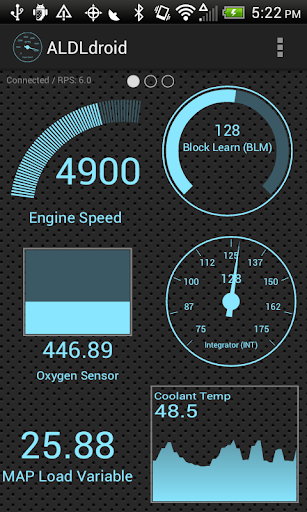
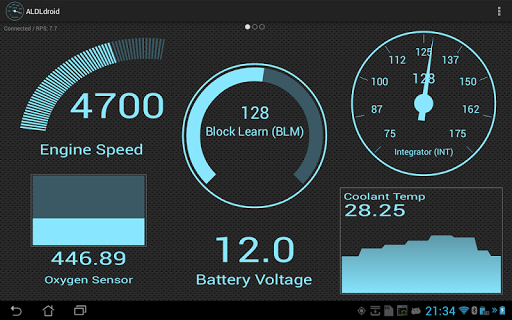
The app offers real-time tuning support for Moates Ostrich, AutoProm hardware, and NVRAM-based ECUs. Connection to the ECM can be established via Bluetooth or USB (FTDI), ensuring compatibility with most Android devices. ALDLdroid also includes customizable dashboard indicators and multiple log viewers for comprehensive data analysis.

Features

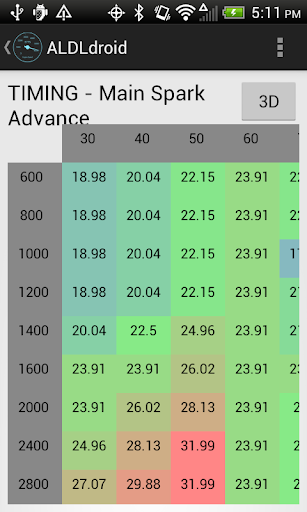
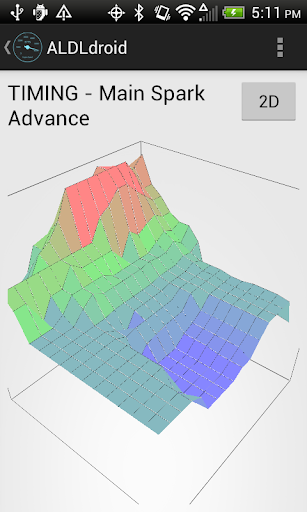
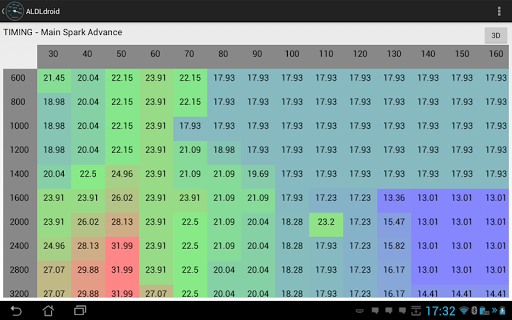
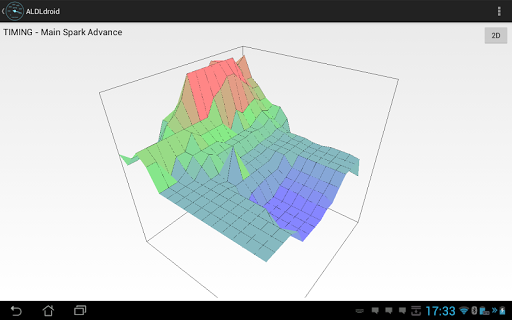
ALDLdroid stands out with its compatibility with a wide range of car brands beyond GM ECMs, provided the correct XDF file is sourced. The tuning section leverages TunerPro files (XDF) for BIN file editing, supporting real-time tuning with specific hardware like Moates Ostrich and AutoProm.

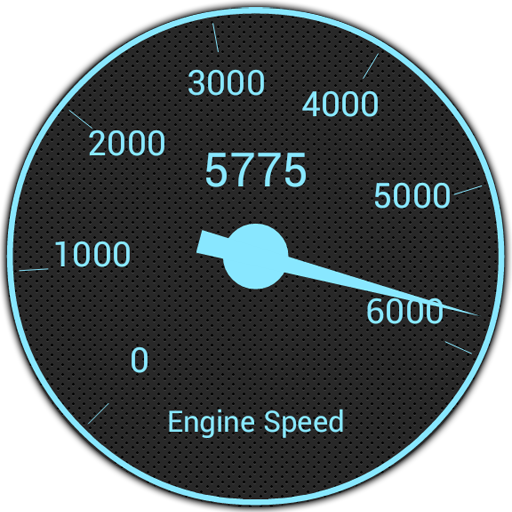
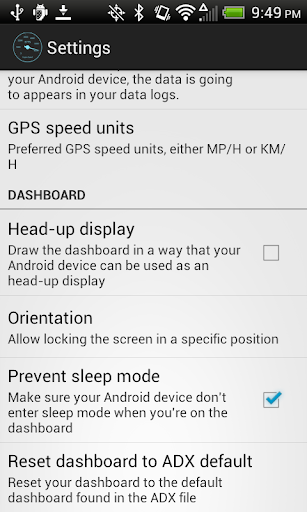
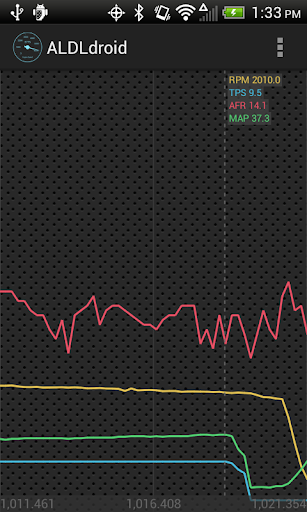
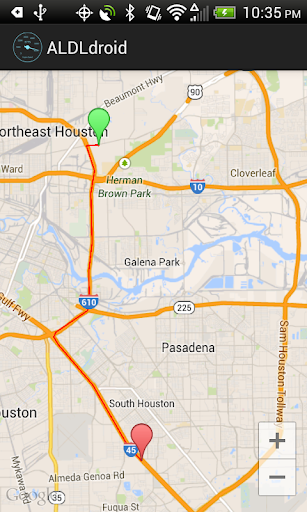
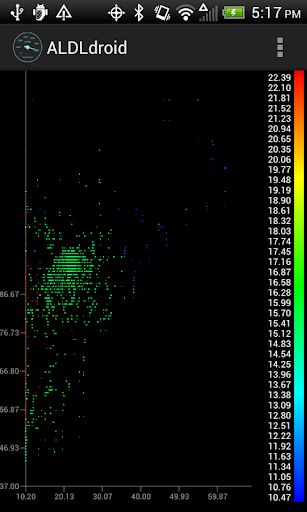
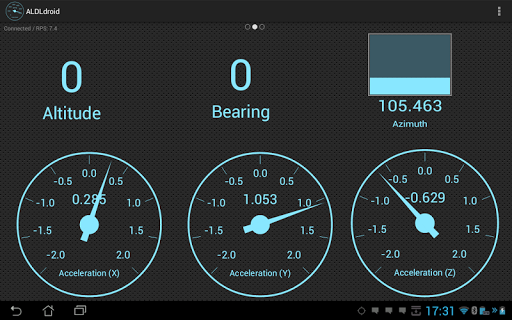
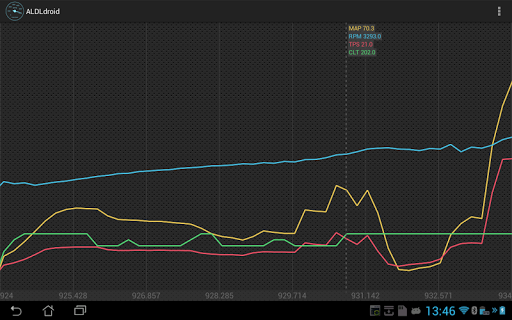
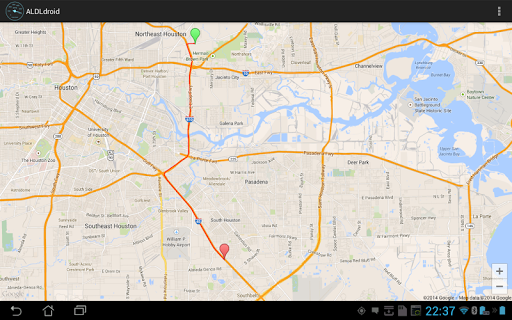
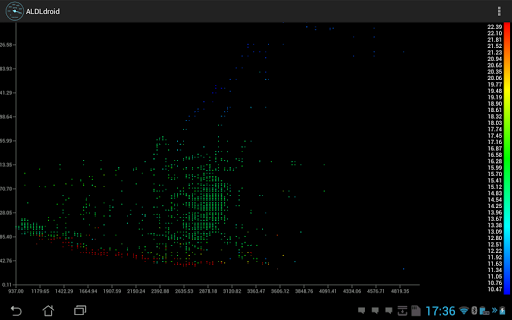
Users benefit from versatile connection options including Bluetooth and USB, alongside a highly customizable dashboard. This feature allows full control over dashboard indicators' appearance and functionality, such as setting alarms that trigger visual or vibrational alerts. Additionally, the inclusion of diverse log viewers enhances data interpretation through scatter plots, GPS data mapping, and time-series displays.

Detailed vehicle information

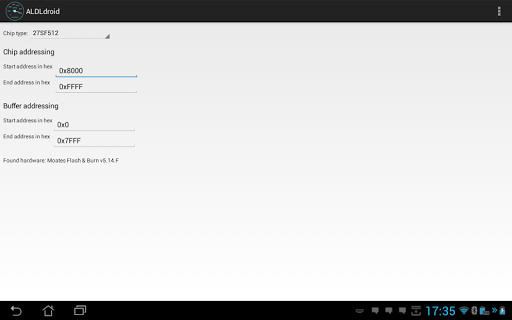
ALDLdroid provides comprehensive access to detailed vehicle information by interfacing with OBD1 GM ECMs and other supported car brands through specific XDF files. This application allows users to log data using TunerPro files (ADX) for GM vehicles or edit tuning files for a variety of car and motorcycle brands including BMW N54 Buell DSM Ducati Ford Holden Nissan Porsche Volvo Fiat and Renault. The importance of this feature lies in its ability to provide real-time data and tuning capabilities which are essential for enthusiasts and professionals who require precise control over their vehicle's performance parameters. ALDLdroid supports real-time tuning with Moates Ostrich and AutoProm hardware and chip programming with Moates BURN1/BURN2 hardware. Users can connect to the ECM via Bluetooth or USB ensuring compatibility with a wide range of devices. By providing such detailed vehicle information ALDLdroid empowers users to make informed decisions about modifications and optimizations enhancing both vehicle performance and driving experience.

Price transparency

When it comes to price transparency ALDLdroid ensures that users are well-informed about the costs associated with utilizing the app to its full potential. While the application itself is available for purchase on Google Play the costs do not end there. Users need to be aware of additional expenses such as acquiring compatible ADX or XDF files for their specific vehicle's ECM if these are not pre-packaged with the app. Furthermore investing in quality ALDL adapters either Bluetooth or USB versions is crucial for establishing a reliable connection between the app and the vehicleu2019s ECM. These adapters are available for purchase from specified online stores. Additionally optional hardware like Moates Ostrich AutoProm BURN1 or BURN2 might be required for advanced features such as real-time tuning and chip programming. By clearly outlining these potential costs ALDLdroid promotes an open pricing structure allowing users to budget accordingly and make cost-effective decisions while leveraging the app's powerful vehicle diagnostic and tuning capabilities.

Props

User-friendly interface

Wide vehicle compatibility

Real-time tuning support

Customizable dashboard

Comprehensive log viewers

Cons

Requires specific files

No refunds after 15 minutes

Limited by device compatibility

Potential setup complexity

Dependent on third-party hardware
Features and Functions

What is this app and what can I use it for?

ALDLdroid is an app for OBD1 GM ECMs, offering data logging and tuning capabilities.

How do I download and install this app on my device?

Download ALDLdroid from Google Play Store and follow installation prompts.

How do I get started after opening the app for the first time?

Upon first launch, allow folder structure creation and add necessary ADX files.

What are the main features and capabilities of this app?

Main features include data logging, real-time tuning, and customizable dashboards.

How can I customize my experience and adjust preferences?

Customize experience by editing dashboard indicators and setting alarm triggers.

How do I save or bookmark my favorite content for later access?

Save favorite content by configuring dashboard indicators and saving settings.

How can I share content with friends or on social media?

Share content by exporting data logs and screenshots via available Android sharing options.

How do I access detailed information and explore more content?

Access detailed information through diverse log viewers analyzing data in various formats.

What permissions does this app need and how do I manage them?

App needs permissions for Bluetooth or USB connections, managed in Android settings.

How do I check for updates and keep the app running smoothly?

Check Google Play Store for updates and ensure your Android device meets app requirements.
Show more

User Reveiws

{{ comment.reviewer_name }}
{{ comment.review_date_formatted}}
{{ comment.review_content }}
{{ tab.name }}
{{ comment.reviewer_name }}
{{ comment.review_date_formatted}}
{{ comment.review_content }}
No reviews with this rating