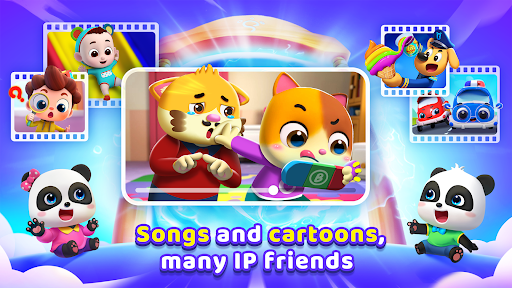
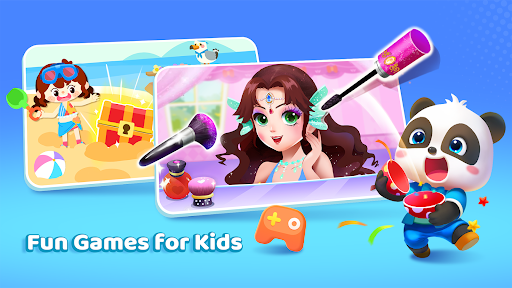
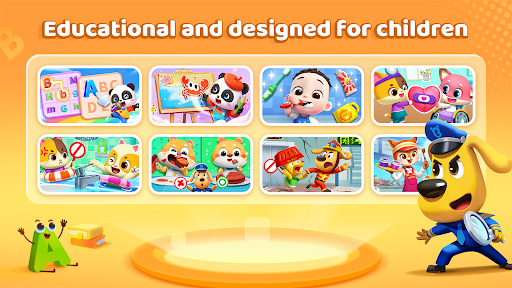
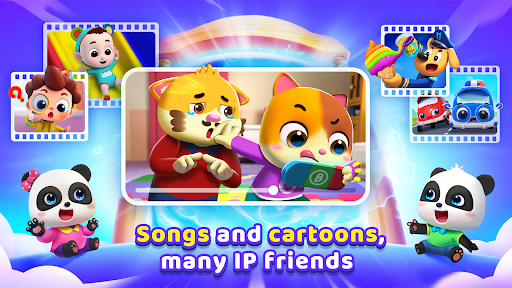
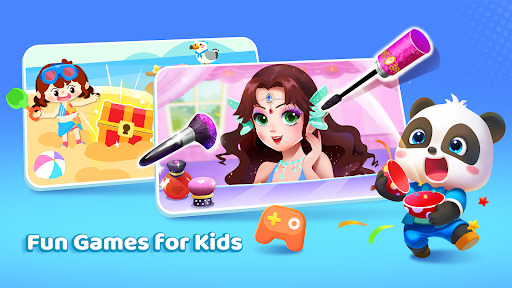
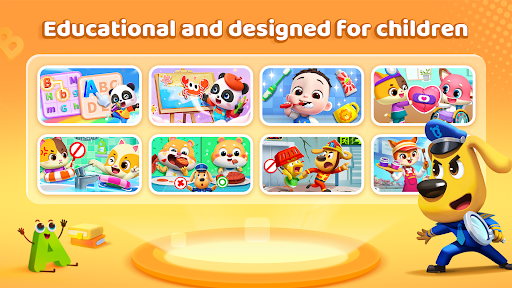
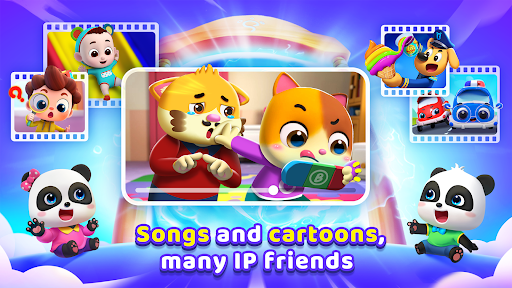
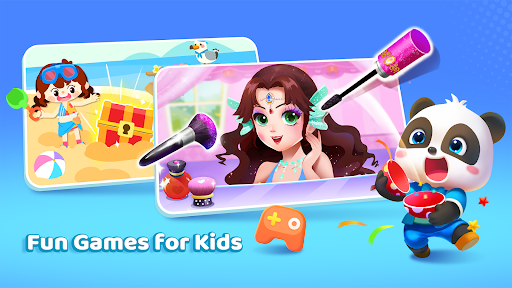

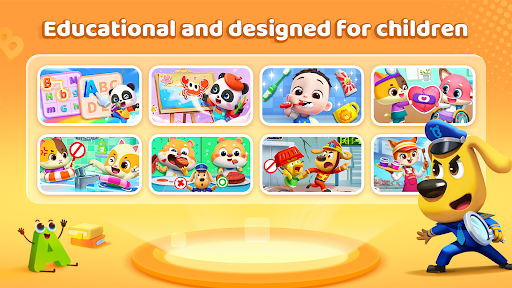
BabyBus TV is an educational app designed to spark children's imagination while instilling a lifelong love of learning. With over 600 episodes of engaging content, it covers various topics such as habits, art, safety, cognition, emotions, and knowledge through songs, cartoons, and interactive games.
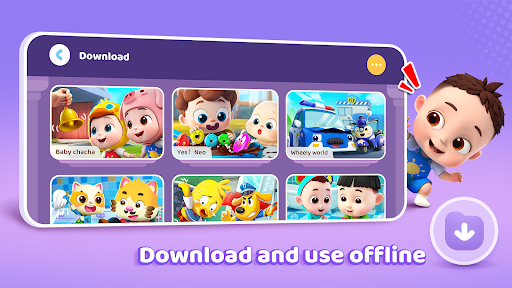
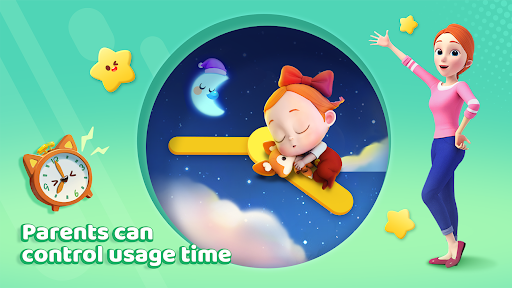
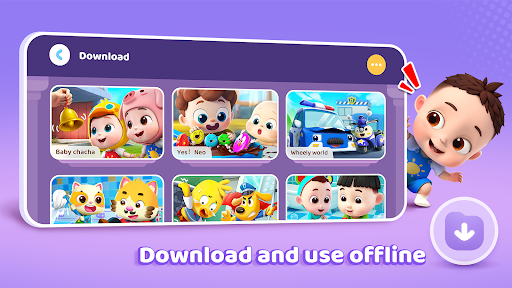
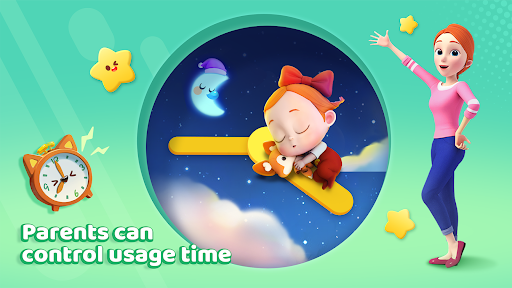
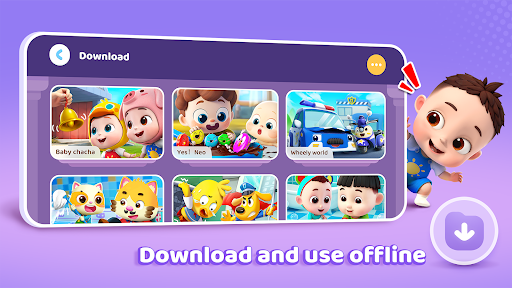
The app features beloved characters like baby pandas Kiki and Miumiu, dinosaurs, and monster cars to captivate young minds. It also includes parental controls for screen time management, free downloads for offline viewing, and privacy protection measures to ensure a safe learning environment.
BabyBus TV offers a comprehensive suite of features that cater to both children and parents. The app provides a vast library of educational videos and games featuring popular characters, ensuring sustained engagement. Key functionalities include habit formation through fun activities, creativity development via art and music, and crucial safety knowledge.
Parents can manage their child's experience with practical tools such as screen time control, offline viewing options, and auto-save for tracking progress. The app also supports full-screen play and adheres to strict privacy protection standards, giving parents peace of mind while their children explore an enchanting world of learning.
Engaging content for kids
User-friendly interface
Parental control features
Free educational resources
Strong privacy protection
Limited offline functionality
Ads between videos
Occasional loading issues
Subscription fees for premium
Device compatibility concerns

Learn math, step-by-step
 4.30
4.30
Perform physics experiments with your phone. (by the RWTH Aachen University)
4.70
Welcome to the Speak Navajo Language Application - Volume 1
4.50
Master the NRP with 700+ questions, rationales, and updated NREMT scenarios.
3.00
Stack the Countries makes learning world geography fun!
4.50
An aviator’s preparation, study and test tool for FAA Knowledge Exams.
4.30
Make your own game and world. Draw and animate characters
3.70
Cool math games & learn to read activities- loved by kids, approved by teachers.
4.50
Fun, personalized math learning games that adapt to your child’s needs.
4.40
Childcare Management App: Daily sheets, sign in-out, billing and learning tools
4.70
Gain new skills in 10 minutes
4.70
An easy to use yet powerful and full-featured flashcard study app.
4.50
The Only Official DVSA Theory Test Kit App
4.50
Intuitive Transformer Lab - By a Lineman, For Linemen & Apprentices
4.50
Listen, request and record pronunciations in more than 450 languages. Everywhere
3.90
FAR/AIM, FAR for Flight Crew and FAR for Aviation Maintenance Technicians
3.80
An aviator’s preparation, study and test tool for FAA Knowledge Exams.
3.80
An animated storybook app to help ease your child through toilet training.
3.70
Hasbro's Classic Board Game - Make Cavity Sam better or get the buzzer!
3.50


User Reveiws