
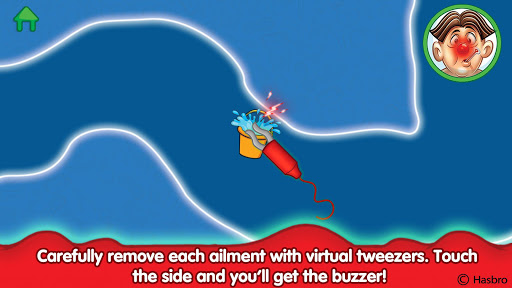

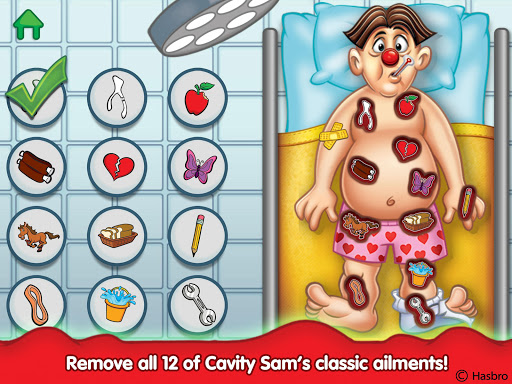

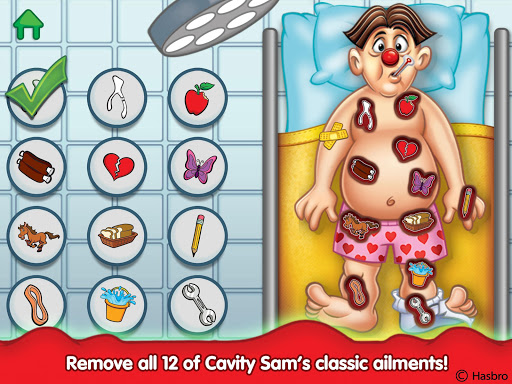
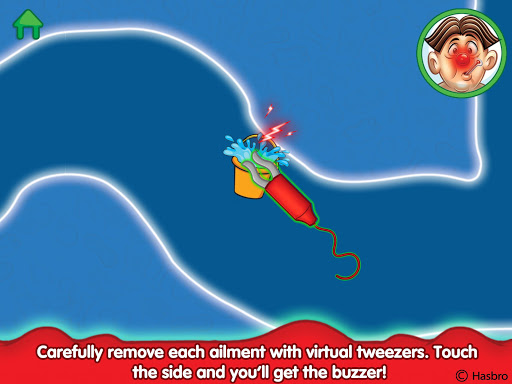
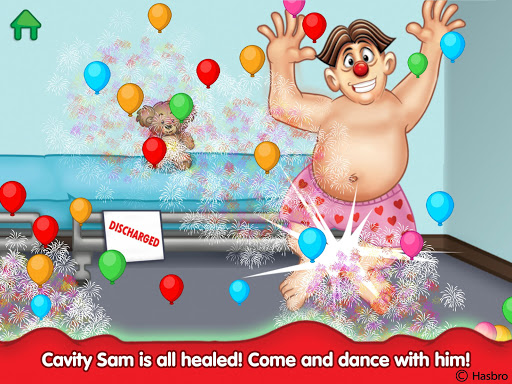
Operation is an engaging educational app that brings the classic OPERATION board game to life. Designed to test children's hand-eye coordination and fine motor skills, it features twelve interactive medical challenges. Kids use virtual tweezers to carefully remove ailments from Cavity Sam, experiencing tactile feedback through vibrations when they touch the sides.
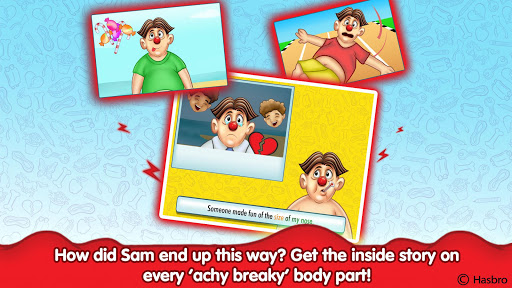
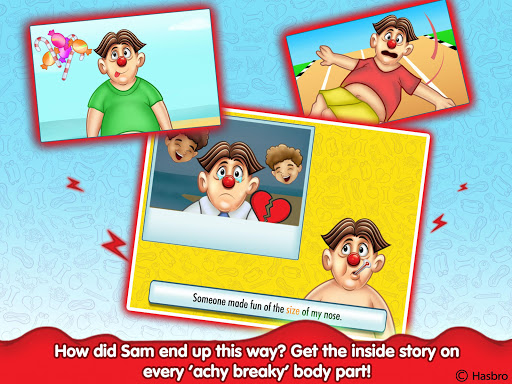
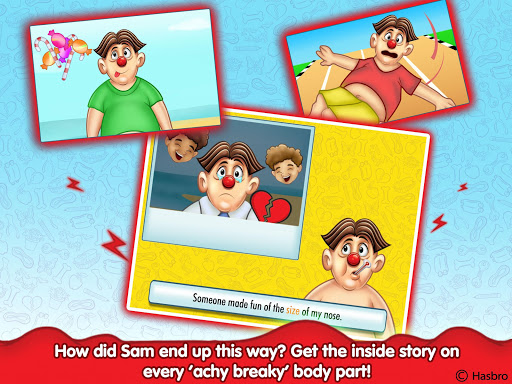
Beyond the familiar buzzer tension, the app introduces entertaining narratives for each ailment. Children learn about different health conditions through fun rhyming stories and 'read along' medical files. Every successful operation teaches valuable health lessons, making learning both enjoyable and informative.
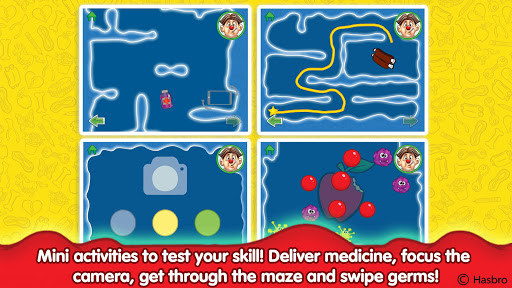
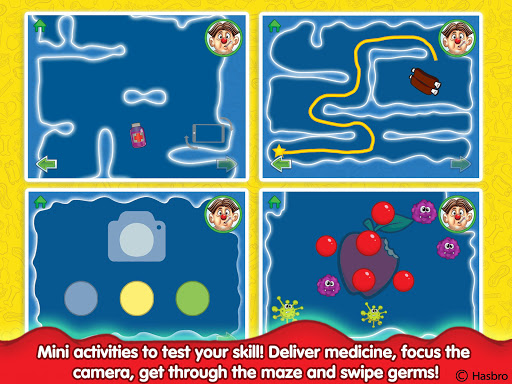
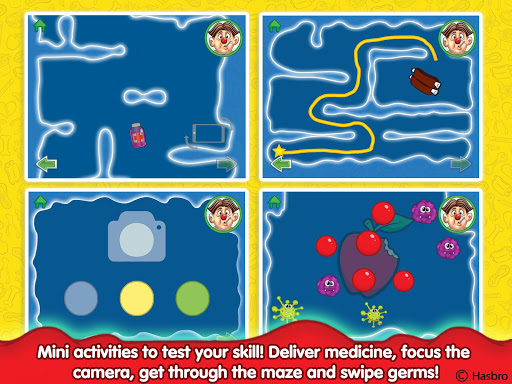
The app's comprehensive approach combines play with education, offering various activities like navigating mazes within Sam's body, using a surgical camera, delivering medicines by tilting the device, and eliminating germs. With beautiful animations and classic gameplay elements, Operation provides hours of educational entertainment suitable for young learners.
Operation offers a rich set of features designed to engage and educate young users. The app includes all twelve classic funny ailments such as Charlie Horse and Butterflies in the Stomach. Each challenge requires precision and care, simulating real surgical procedures with virtual tools.
Interactive elements include a maze navigation system where kids explore Cavity Sam's insides to find and remove 'ouchies.' A surgical camera feature lets them focus on problem areas, while medicine delivery tasks involve tilting the device to move treatments accurately. Additionally, germ elimination activities help develop quick reflexes and attention to detail.
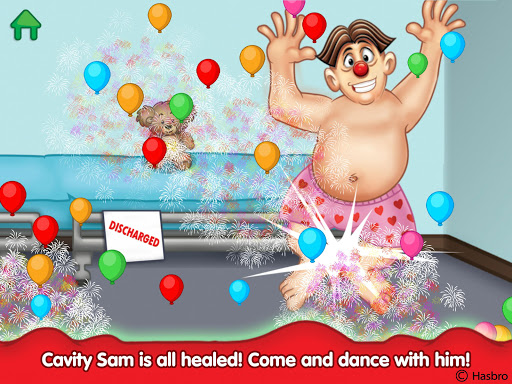
Every ailment comes with a fun rhyming narrative explaining how Cavity Sam ended up in his predicament. After successfully completing operations, children receive easy-to-read 'lessons learned,' promoting healthy habits. Beautiful animations and sound effects enhance the overall experience, making learning both entertaining and memorable.
Engaging gameplay
Educational content
Interactive features
Fun narratives
Health lessons
Simple graphics
Limited age range
No multiplayer
Repetitive tasks
Device vibration

Study the questions most likely to be asked during the Oral & Practical Exams.
 2.80
2.80
Short Lessons for Better Finances, Health, Skills, Jobs & Relationships.
4.80
THE MOST COMPREHENSIVE JUMPMASTER STUDY RESOURCE AVAILABLE.
3.40
Monkey Preschool Lunchbox: 7 exciting educational games for your preschooler.
4.30
Intuitive Transformer Lab - By a Lineman, For Linemen & Apprentices
4.50
Skelly is a fully poseable, anatomically correct reference skeleton for artists.
4.10
Enrich the experience of your visit to the Pantheon with our audiotour.
1.60
Flashnote Derby is the fun way for kids to learn music notes and memorize them.
3.40
MONOPOLY JUNIOR brings Hasbro's classic the board game to life.
3.00
Explore myths and gods across cultures with in-depth insights and stories.
5.00
Experience the sky, planet earth and the solar system like never before
4.90
Learn Japanese in an immersive educational game set in Japan!
4.90
AI Language tutor: Speak fluently with Lucy’s personalized coaching
4.70
Guitar chord finder, analyzer, smartly visualized theory, progressions, quizzes.
4.70
Stack the States makes learning about the 50 states fun!
4.70
Learn & Speak New Languages
4.70
Stack the Countries makes learning world geography fun!
4.50
Professional Award-Winning Astronomy Star Map App With Telescope Control
4.40
One of the most engaging and innovative ABC apps on the market.
4.30


User Reveiws