Beauty Camera - Selfie Camera

4.50

Information

Category:

Beauty

Price:

Free

Rank:

62

Rating:

4.50

Overview

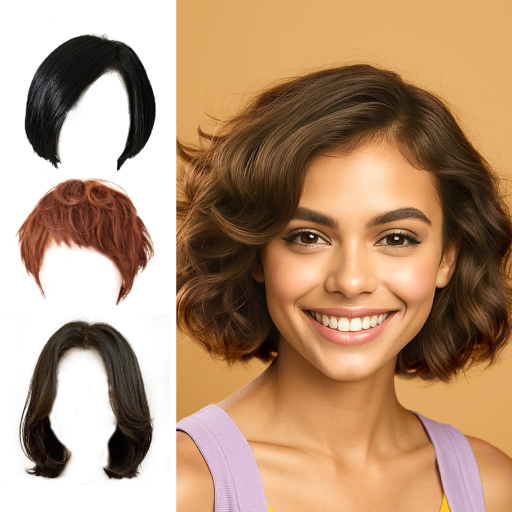
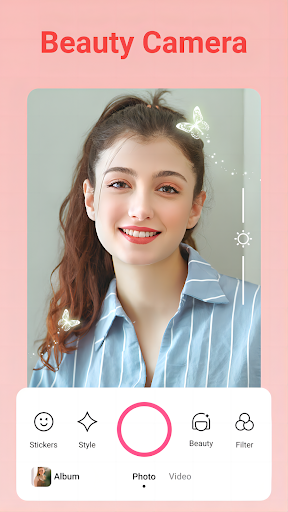
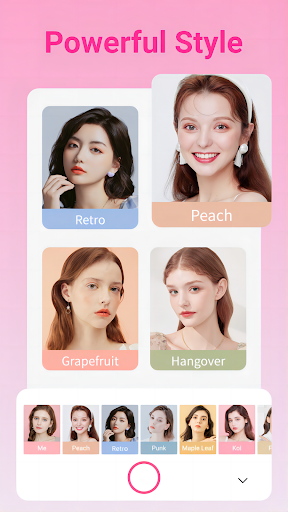
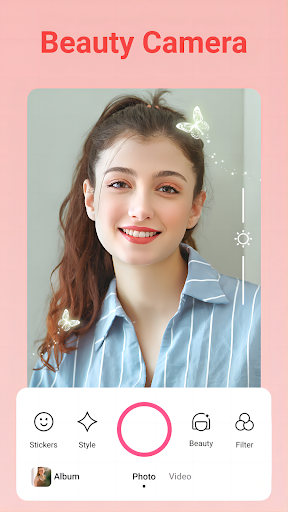
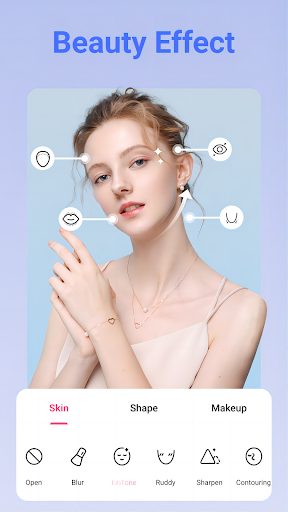
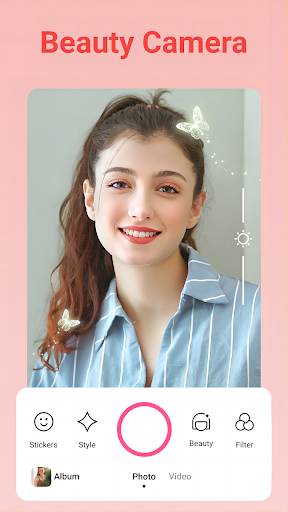
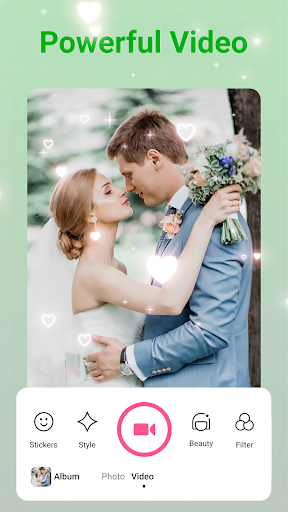
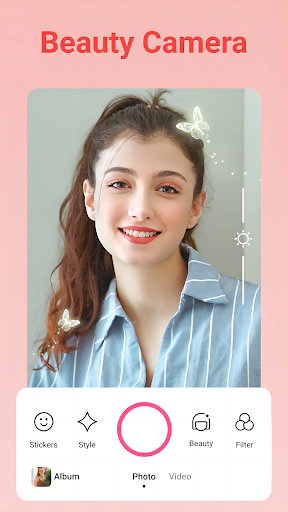
Beauty Camera - Selfie Camera is a comprehensive beauty camera and photo/video editing app designed to enhance your selfies with professional tools and various effects. The app offers an array of features including color filters, skin smoothing, face reshaping, and teeth whitening, making every moment more special.

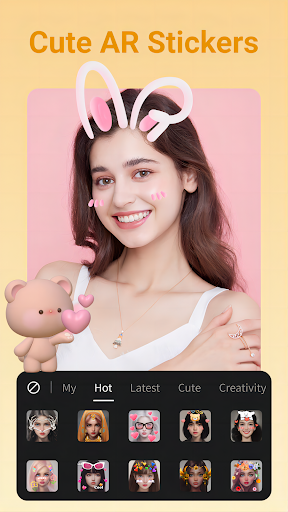
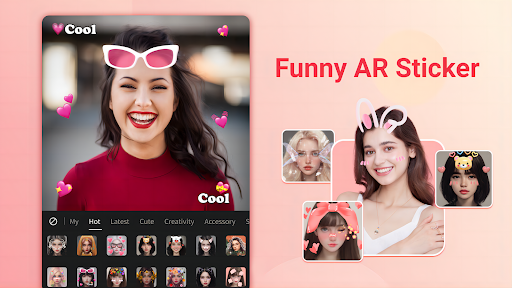
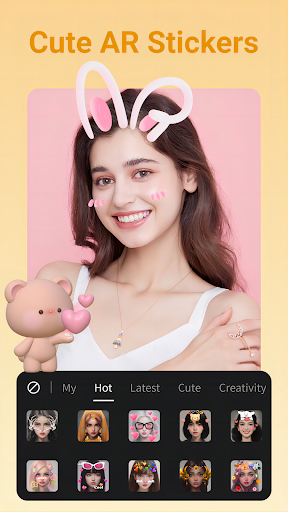
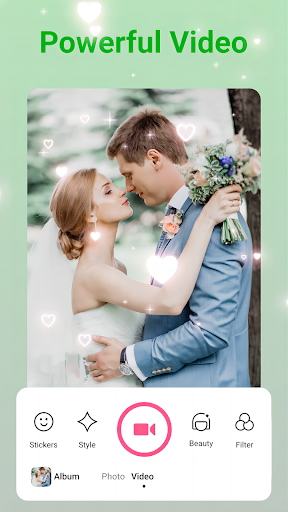
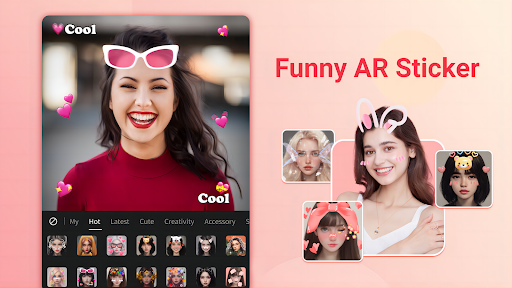
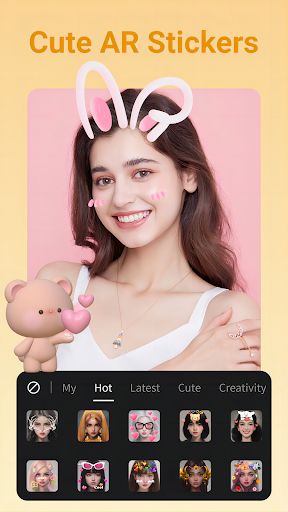
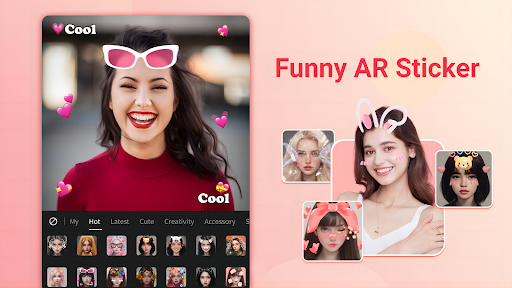
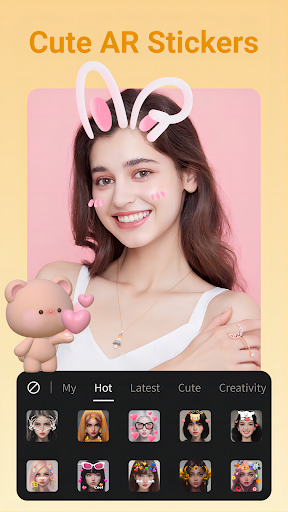
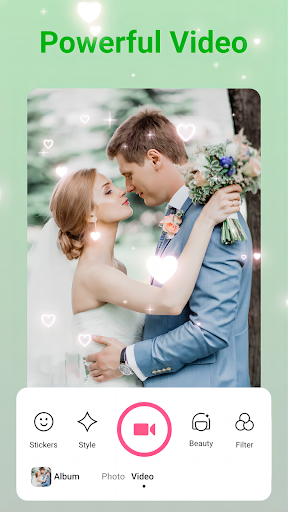
With its one-tap beautification function, users can effortlessly achieve flawless skin and reshape facial features. Additionally, the app provides numerous photo editing tools such as face retouch, photo effects, camera filters, collages, fonts, stickers, frames, and animated effects, allowing for creative expression and easy sharing on social media platforms.

Features

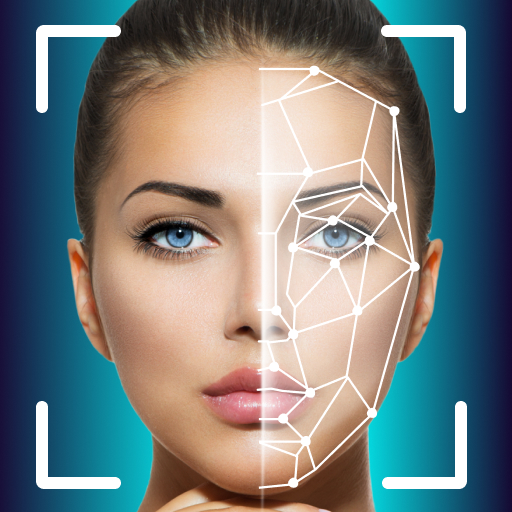
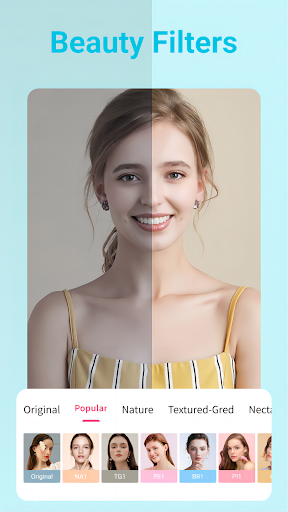
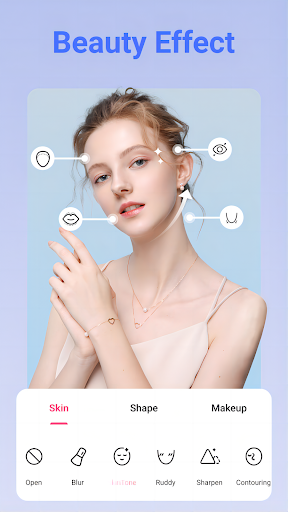
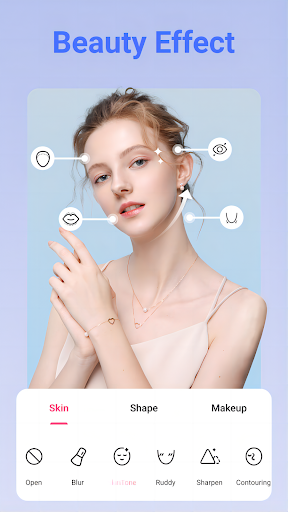
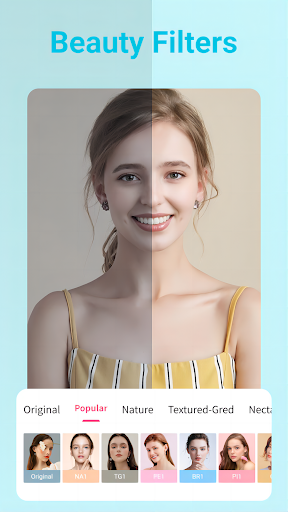
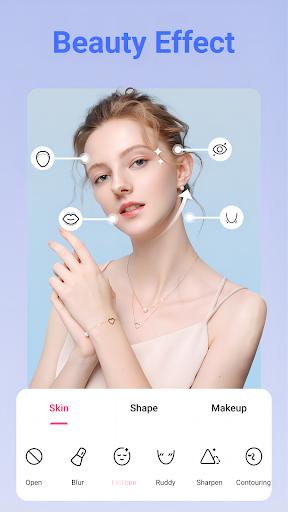
Beauty Camera - Selfie Camera stands out with its collection of amazing color filters and beauty touch-up tools. Users can apply beauty filters instantly, use HD Retouch for natural-looking selfies, smooth skin, reshape facial features, enlarge and brighten eyes, and whiten teeth.

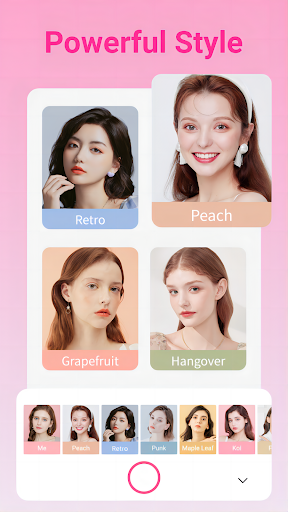
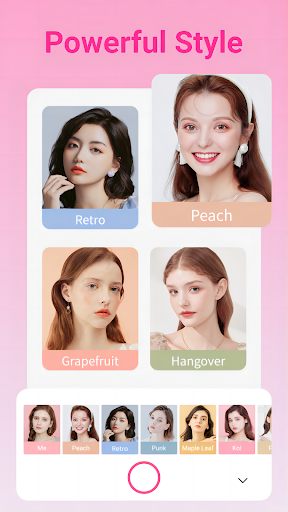
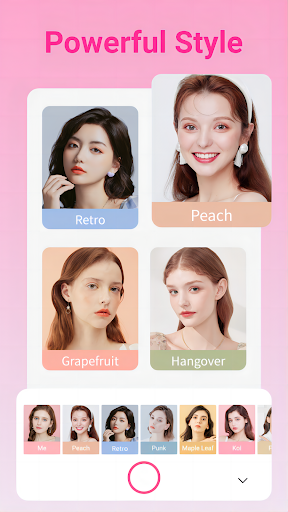
The app also includes light makeup presets that automatically detect faces and show real-time makeup effects, perfect for beginners. As a professional photo editor, it offers essential blur tools, cropping, background changing, and adjustments like brightness, contrast, and saturation. Moreover, users can create amazing collages with preset templates and layouts, enhancing them with filters, stickers, text, and more.

Product database depth

The Product database depth in Beauty Camera - Selfie Camera refers to the extensive range of beauty and editing tools available within the app that cater to various user needs. This feature is crucial as it ensures users have access to a comprehensive suite of options for enhancing their selfies and photos. The app provides professional editing tools such as face retouch, photo effects, camera filters, amazing collages, fonts, stickers, frames, and animated effects. These tools are meticulously designed to offer users the ability to edit their images with precision and creativity. For instance the HD Retouch function allows users to achieve a more natural and stunning selfie with just one tap while the Smooth tool helps refine pores and smoothen skin for a perfect complexion. Additionally the Reshape tool enables touch-ups on eyes nose lips and more allowing for personalized adjustments. The significance of having an in-depth product database in this context lies in empowering users to explore different aesthetics and find what best suits their personal style. With numerous features including light makeup looks beauty touch-up and professional photo editing capabilities users can experiment with the latest makeup trends adjust facial features and apply artistic effects. This vast array of functionalities not only enhances user experience by providing countless ways to beautify photos but also sets Beauty Camera - Selfie Camera apart from other similar applications by offering unparalleled versatility and creative freedom.

Personalization precision

Personalization precision in Beauty Camera - Selfie Camera pertains to the app's ability to tailor beauty enhancements and editing features according to individual user preferences and characteristics. This aspect is vital because it directly impacts how natural or customized the edits appear on each useru2019s photos. The application employs advanced algorithms that automatically detect facial features allowing for real-time makeup effects through preset light makeups which are perfect for beginners unfamiliar with cosmetics application. Moreover these intelligent systems enable users to try out trendy makeup styles instantly without any prior expertise required thus democratizing access to high-quality photo editing tools regardless of skill level. The Teeth Whitening function exemplifies this precision by bringing out the natural beauty in smiles while maintaining authenticity. Similarly the Eyes feature allows enlargement and brightening alongside dark circle removal ensuring every detail contributes towards achieving an ideal yet believable look. By focusing on delivering accurate personalized results whether smoothing skin reshaping facial structures or applying makeup effects Beauty Camera - Selfie Camera guarantees that each modification aligns closely with the original image preserving its genuineness while elevating its overall appeal. Such meticulous attention to detail not only enhances user satisfaction but also fosters trust in the applicationu2019s capability to deliver professional-grade outcomes consistently making it a preferred choice among those seeking reliable and sophisticated photo enhancement solutions.

Props

User-friendly interface

Wide range of beauty filters

Real-time makeup application

Professional photo editing tools

Creative collage options

Cons

May require in-app purchases

Some features might be overwhelming

Potential over-processing of images

Privacy concerns with social sharing

High system requirements

Features and Functions

What is this app and what can I use it for?

A selfie camera app with beauty filters and photo editing tools

How do I download and install this app on my device?

Visit Google Play Store, search for Beauty Camera, tap Install, and open after download

How do I get started after opening the app for the first time?

Grant necessary permissions, explore tutorials, and start capturing photos

What are the main features and capabilities of this app?

Offers beauty filters, HD retouch, skin smoothing, face reshaping, and teeth whitening

How can I customize my experience and adjust preferences?

Adjust settings via the Preferences menu to customize your experience

How do I save or bookmark my favorite content for later access?

Use Save or Bookmark options within the app to store favorite content

How can I share content with friends or on social media?

Tap Share button, choose platform, and post content directly to social media

How do I access detailed information and explore more content?

Navigate app sections to access detailed info and explore additional content

What permissions does this app need and how do I manage them?

App needs camera and storage access; manage in device Settings if needed

How do I check for updates and keep the app running smoothly?

Enable auto-updates in Google Play Store or manually check for updates regularly
Show more

User Reveiws

{{ comment.reviewer_name }}
{{ comment.review_date_formatted}}
{{ comment.review_content }}
{{ tab.name }}
{{ comment.reviewer_name }}
{{ comment.review_date_formatted}}
{{ comment.review_content }}
No reviews with this rating