
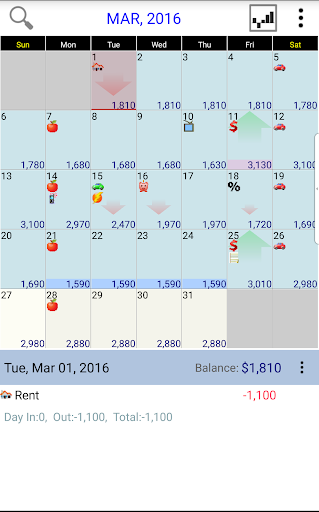
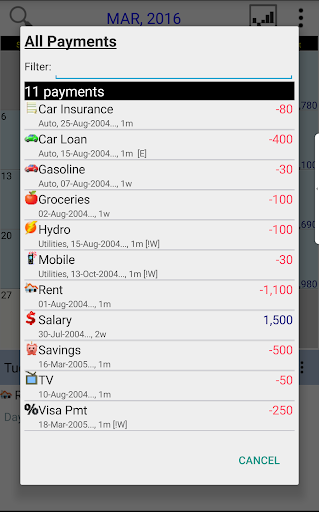
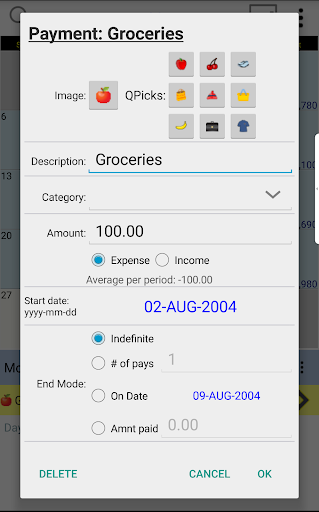
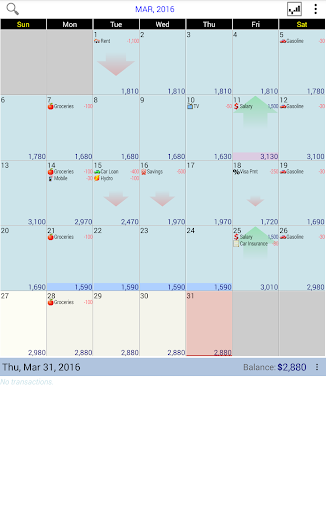
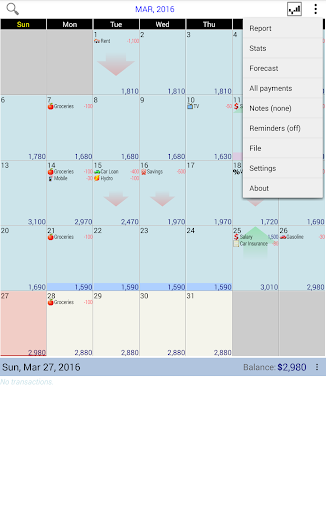
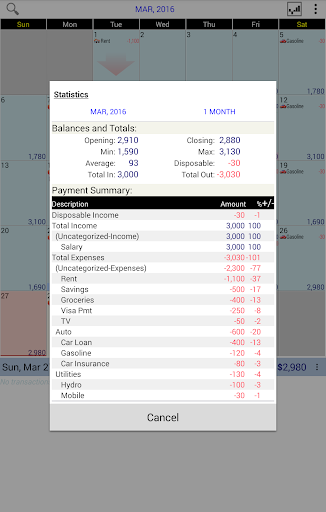
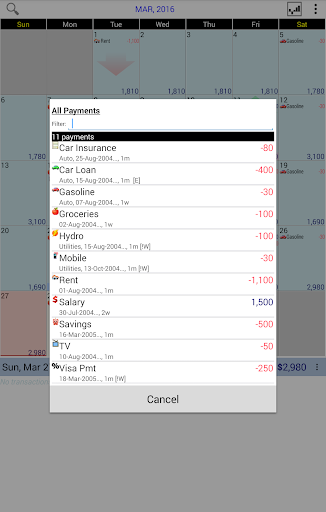
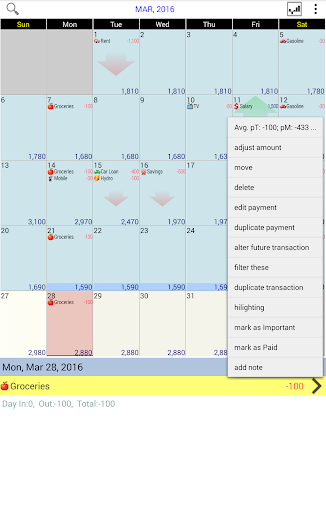
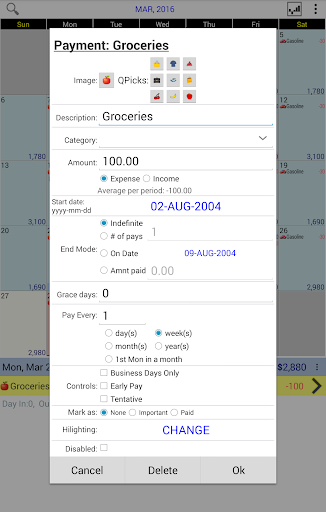
Budget Calendar is a comprehensive financial planning tool designed to simplify budget management through an intuitive calendar-based interface. Unlike traditional ledger systems, this application visualizes all transactions directly on a calendar, providing users with a clear overview of their financial activities. Each payment entry can be customized with unique icons, making it easy to identify different types of expenses at a glance.
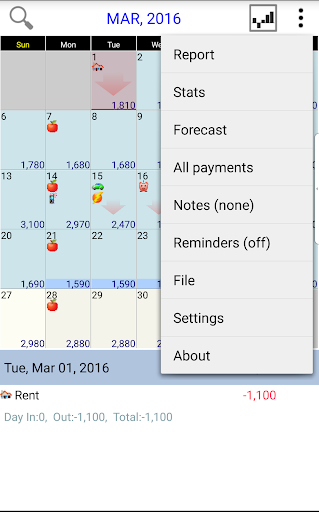
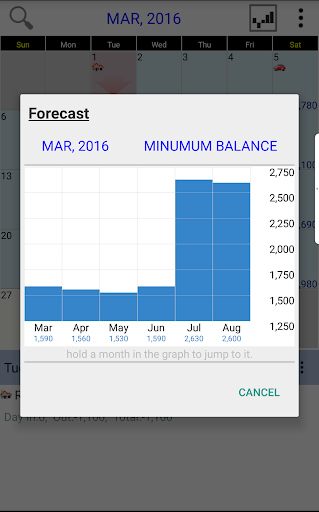
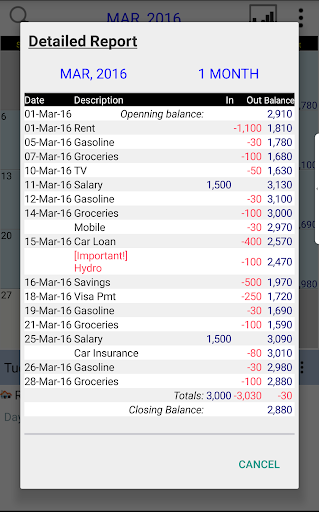
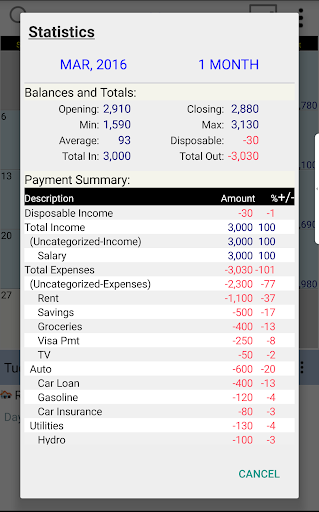
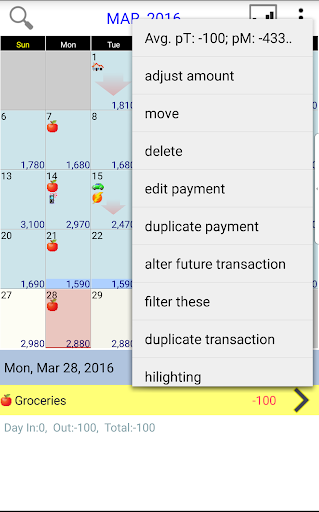
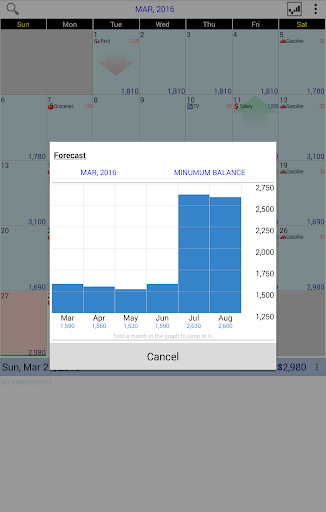
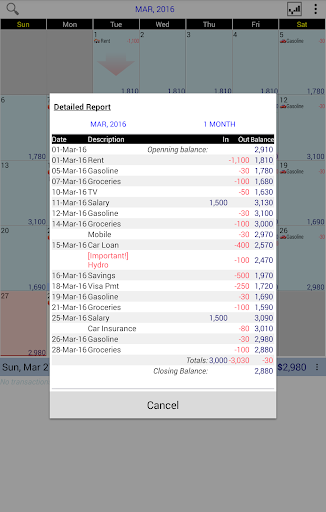
The app's standout feature is its flexibility - users can effortlessly move transactions between dates to better fit their financial schedules. This functionality is particularly useful for forecasting future expenditures and understanding cash flow patterns. Additionally, Budget Calendar offers robust reporting capabilities, generating detailed statistics and monthly reports that help users maintain accurate financial records. The ability to adjust budget balances according to actual account statements ensures precise financial tracking.
For users who value cross-platform accessibility, Budget Calendar supports synchronization between mobile devices and desktop versions through Google Drive integration. This seamless connectivity allows for real-time updates across all devices, ensuring that your financial data is always current and accessible wherever you are. Whether you're managing personal finances or tracking business expenses, Budget Calendar provides the tools necessary for effective financial planning and analysis.
Budget Calendar distinguishes itself through several innovative features that enhance the user experience in financial management. The application's core functionality revolves around its calendar-based transaction system, which replaces complex ledgers with a visually intuitive interface. Users can easily navigate through months and years of financial data, quickly identifying patterns and trends in their spending habits. The customizable icon system for each transaction adds another layer of personalization and clarity to financial tracking.
Advanced planning capabilities are another key aspect of Budget Calendar's feature set. The drag-and-drop functionality for moving transactions between dates enables users to experiment with different financial scenarios and plan for upcoming expenses. The application's reporting tools provide comprehensive insights into financial performance, offering both summary views and detailed breakdowns of expenditures. Users can generate customized reports for specific time periods, helping them make informed decisions about future spending.
For those requiring multi-device synchronization, Budget Calendar offers seamless integration with Google Drive. This feature ensures that all financial data remains consistent across smartphones, tablets, and desktop computers. The compatibility between mobile and desktop versions (available through separate purchase) creates a unified ecosystem for financial management. Additionally, the availability of a TRIAL desktop version allows users to explore the full range of features before committing to the mobile application, ensuring that it meets their specific financial planning needs.
User-friendly interface
Customizable transaction icons
Flexible date adjustment
Comprehensive reporting tools
Cross-platform synchronization
Separate desktop purchase
Limited free features
Requires Google account
Internet connection needed
Learning curve for beginners

Currency Converter supports all currencies of the world.
 5.00
5.00
Manage your Discover account conveniently from anywhere.
4.80
Get 250$ Cash Advance to solve emergencies instantly in loan app called LendMe
4.70
Change the way you money with Credit Genie
4.30
Invest, bank & save in one app. Trade stocks, earn high APY & budget smarter.
4.00
Keep track of your subscriptions with no limitations
4.80
Powerful Money Manager, Expense & Savings Tracker, Budget Planner - Pro Version
4.70
SuperQi, Your all-in-one Super App.
1.30
Pay, bank & build credit.
4.70
No credit checked needed.
4.80
Secure, simple money transfer app. Send money to Mexico and worldwide fast.
4.80
Play for fun, earn for real. Collect rent by owning virtual land & get cashback
4.60
Manage your prepaid cards and add to Google or Samsung Wallet.
4.60
Easily invest, save, and plan—all in one app.
4.60
Manage and cancel subscriptions, lower bills, track expenses, create budgets.
4.60
Car Insurance Made For You.
4.50
Mine Bitcoin in the cloud! Earn BTC daily with high-speed mining power.
4.30
Make your paycheck work harder for you with Perpay.
4.10
Venmo is the fun and easy way to pay and get paid.
4.10


User Reveiws