


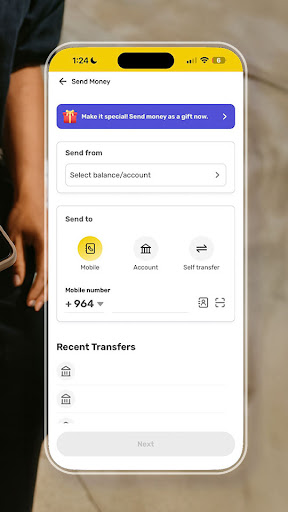
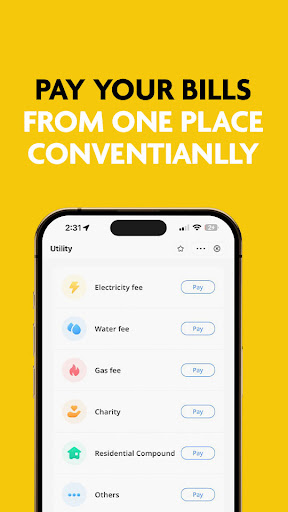

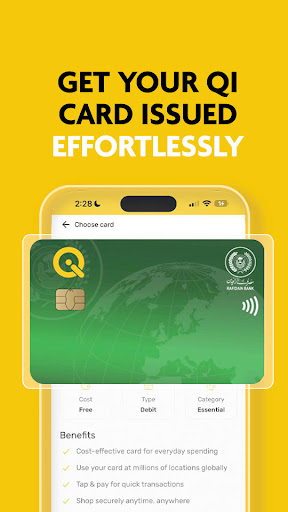
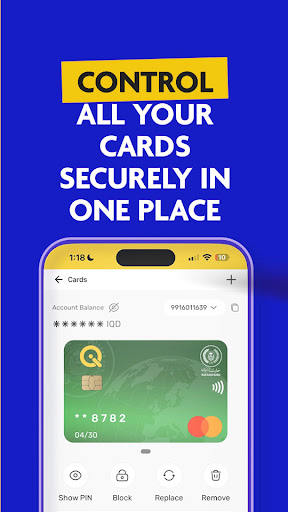

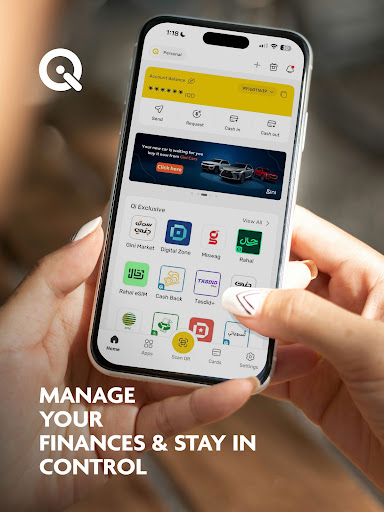
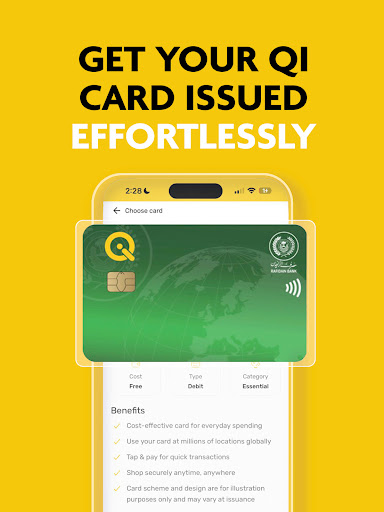
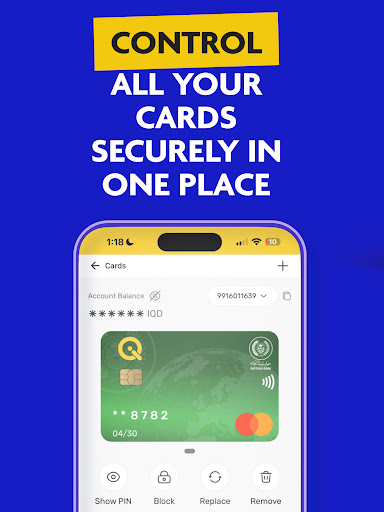
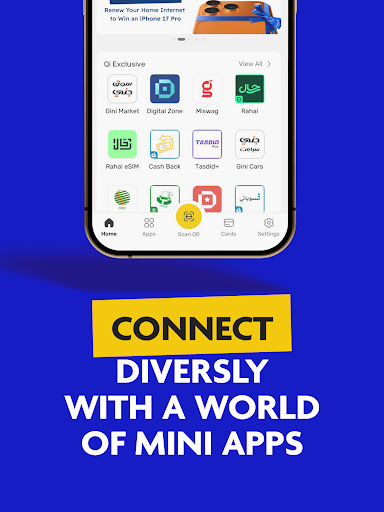
SuperQi is a pioneering super-app in Iraq, designed to be your ultimate lifestyle partner for seamless digital transactions. It simplifies daily activities by offering a comprehensive suite of financial services including money transfers, bill payments, e-commerce, mobile recharge, and digital billing. The app ensures secure transactions through advanced security measures while providing easy access to Qi Bank accounts.
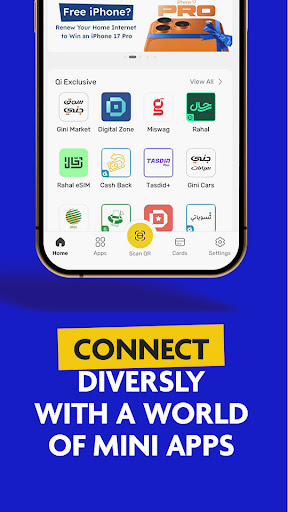
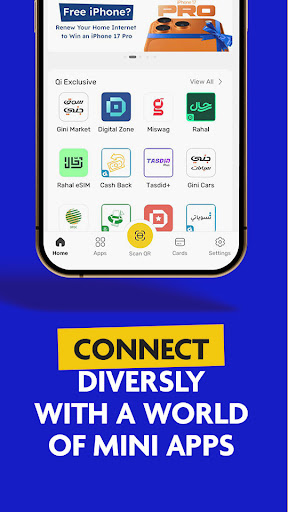
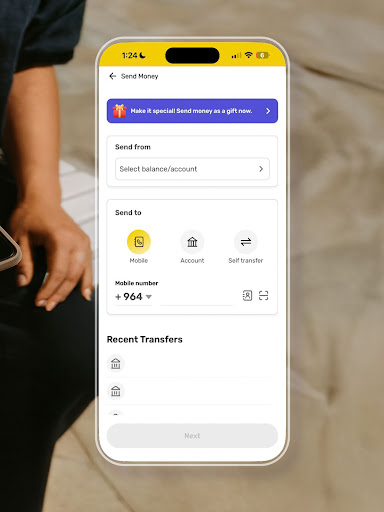
With its innovative mini-apps feature, SuperQi enhances various aspects of daily life, making it more convenient and efficient. Users can effortlessly transfer money between accounts, make payments via QR codes, and enjoy one-tap bill payments. Additionally, the app boasts a wide network of trusted merchants, catering to diverse needs from groceries to travel. Its anytime, anywhere access allows users to manage their finances conveniently from any location.
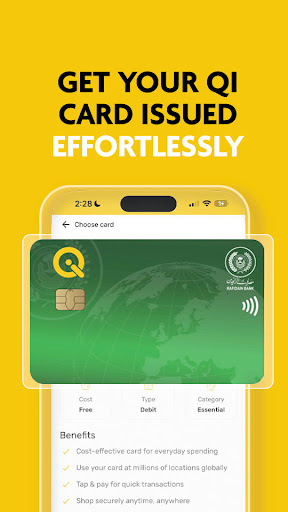
SuperQi integrates with MasterCard or Visa, functioning as a digital wallet and payment gateway. It also offers additional services such as applying for Rafidain Bank loans and Western Union money transfers, positioning itself as an all-in-one solution for modern financial management in Iraq and beyond.
SuperQi stands out with its robust set of features tailored to enhance user convenience and security. One of its key highlights is the secure transaction system, which employs advanced security protocols to protect user data and financial information. This ensures that every transaction made within the app is safe and reliable.
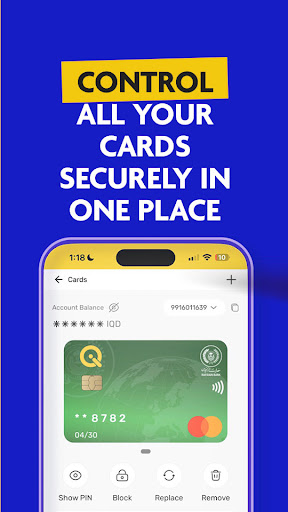
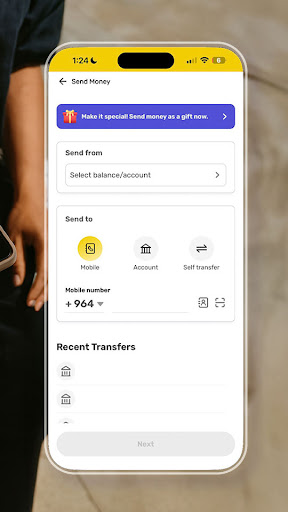
The app provides seamless access to Qi Bank accounts, allowing users to manage their finances efficiently. The mini-apps feature offers a unique super-app experience, integrating various services into one platform. These mini-apps cater to different aspects of daily life, enhancing productivity and convenience. Moreover, the app supports quick money transfers between cards or accounts, enabling users to move funds effortlessly.
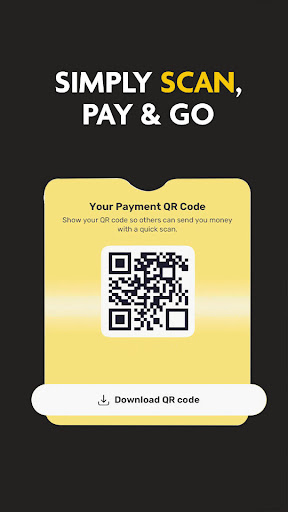
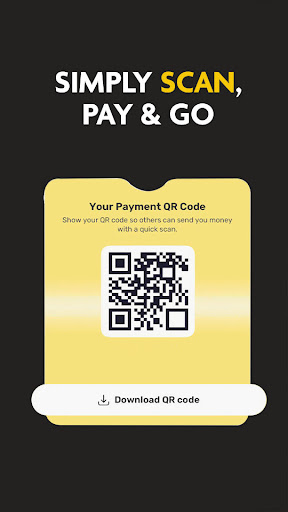
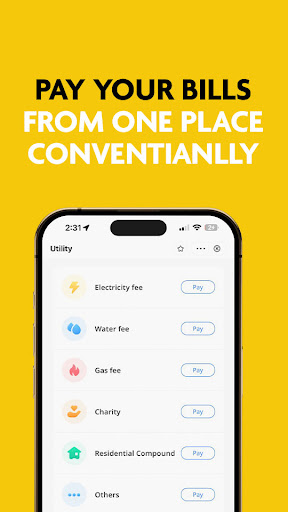
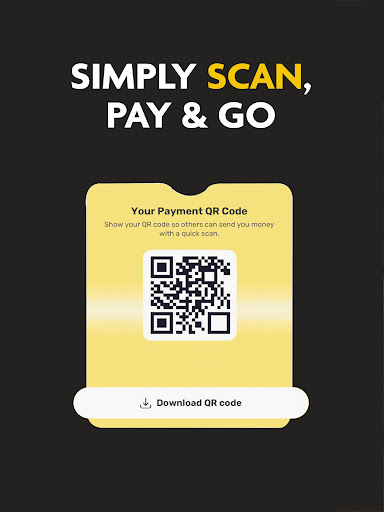
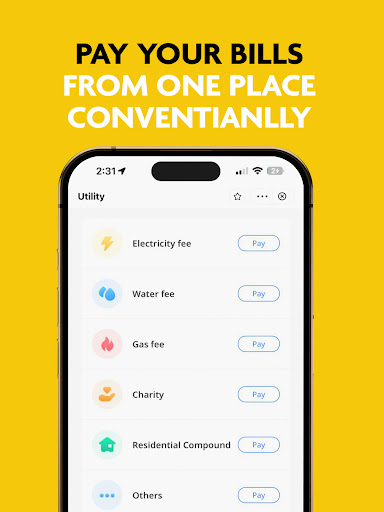
SuperQi's scan-to-pay functionality simplifies payments through QR code scanning, making transactions swift and hassle-free. The one-tap bill payment feature allows users to settle bills instantly and securely. With a vast network of merchants, users can shop for groceries, household essentials, and even book travels, all within the app. This extensive merchant network, combined with the app's anytime, anywhere access, makes SuperQi a versatile tool for managing daily essentials efficiently.
User-friendly interface
Secure transactions
Wide merchant network
Convenient mini-apps
Anytime access
Limited international support
Occasional bugs
High system requirements
Complex setup
Customer service delays

Manage your account, make a payment, and redeem your rewards on the go.
 4.50
4.50
The all-in-one app to save, earn, travel, and put more money in your pocket
4.50
Bitcoin gpu app helps you remote mine using your cell phone easily .
3.60
Get 250$ Cash Advance to solve emergencies instantly in loan app called LendMe
4.70
Car Insurance Made For You.
4.50
No credit checked needed.
4.80
Manage your credit card account with the Credit One Bank mobile app.
4.70
Mine Bitcoin in the cloud! Earn BTC daily with high-speed mining power.
4.30
Make your paycheck work harder for you with Perpay.
4.10
Currency Converter supports all currencies of the world.
5.00
Join 12M+ users. Instant cash advances, personal loans, build credit, save money
4.80
Loan Calculator, Mortgage Calculator, Compound Interest Calculator
4.70
Over 180 currencies conversion rates with live exchange rates and offline mode.
4.60
Real-time tracking: Stocks, Indices, Futures, Commodities, ETF, & Funds prices.
4.60
The US Debt Clock .org App gives you a Real-Time glimpse of US Financial Stats
4.60
Bill pay, card lock, check deposit and more - all on the Capital One Mobile app.
4.50
Put crypto to work & earn rewards. Stake crypto like Ethereum, Solana & Cardano
4.40
Amazing Financial Calculator. Based on HP 10bII, but easier to use!
4.40
Your insurance, anytime, anywhere
4.00


User Reveiws