
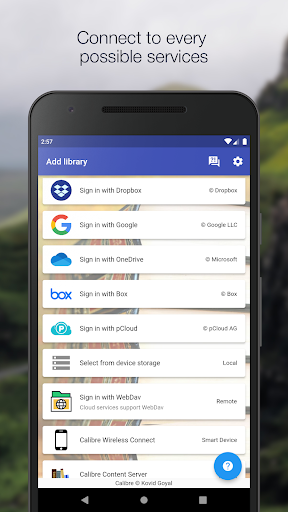



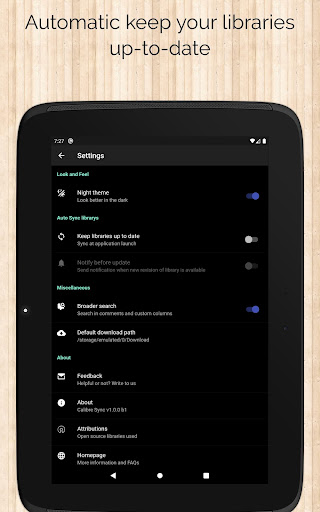
Calibre Sync is a powerful tool designed for book enthusiasts who need seamless access to their Calibre libraries across multiple cloud services. The app supports major platforms like Google Drive, Dropbox, and OneDrive, allowing users to browse, sort, search, and read books directly from their devices. With its wireless connectivity feature, it transforms your device into a smart emulator that connects effortlessly to Calibre.
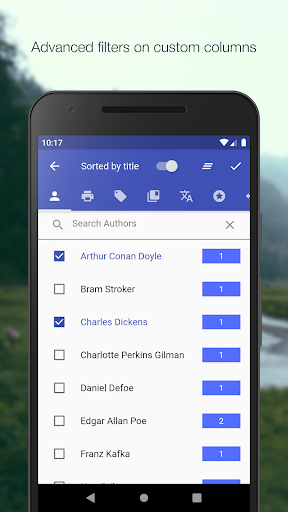
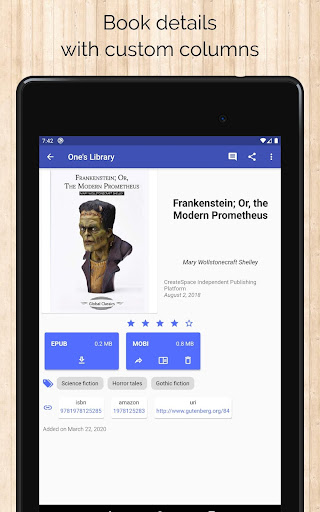
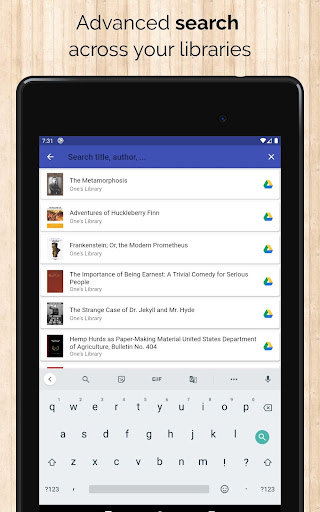
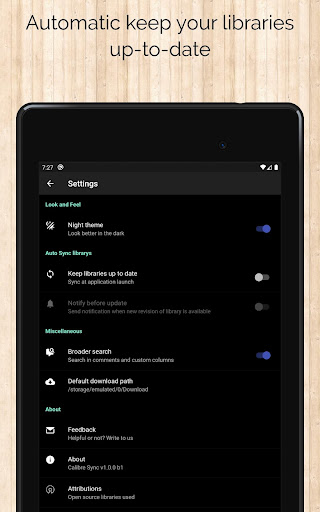
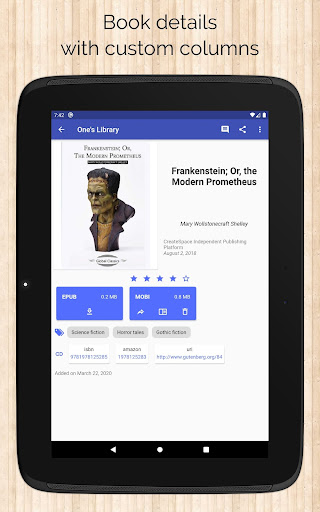
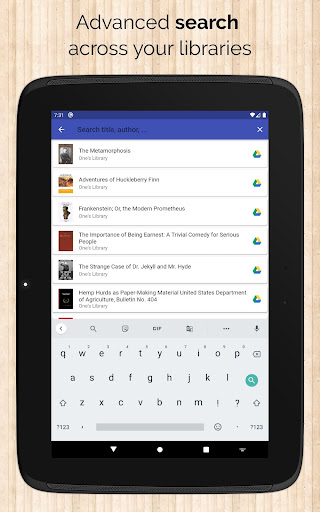
Beyond basic library access, Calibre Sync offers advanced functionalities such as automatic library updates, multiple account management, and support for custom columns in book details. Whether you're searching by title, author, or even comments, the app provides comprehensive filtering and sorting options. Its support for different book list layouts, dark/light themes, and detailed library statistics makes it an indispensable tool for managing extensive e-book collections.
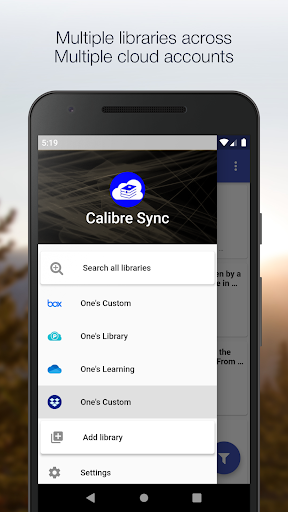
The true value of Calibre Sync lies in its ability to streamline digital library management while offering flexibility and performance. By supporting unlimited libraries and integrating with external storage solutions, it ensures users can maintain their entire book collection in one accessible location. This makes it particularly useful for those who rely on cloud-based storage for their reading materials.
Calibre Sync stands out with its robust feature set tailored for efficient library management. One of its key strengths is the ability to handle unlimited Calibre libraries across various cloud services, including Google Drive, Dropbox, and OneDrive. This cross-platform support allows users to switch between multiple libraries effortlessly, ensuring all their books are accessible from a single app interface.
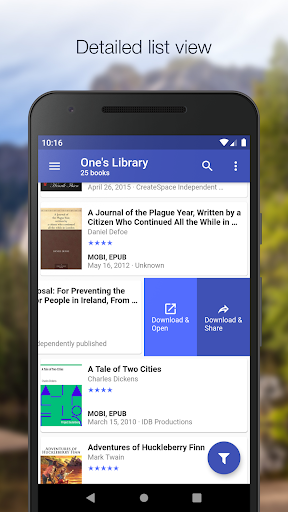
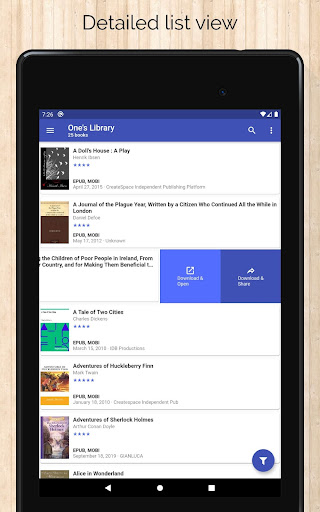
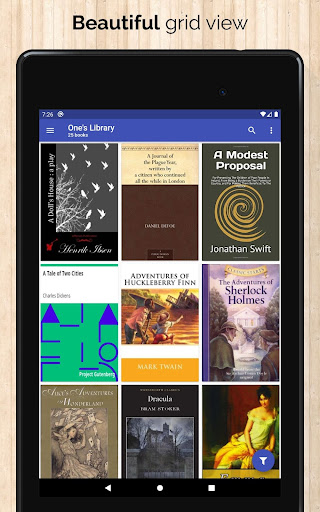
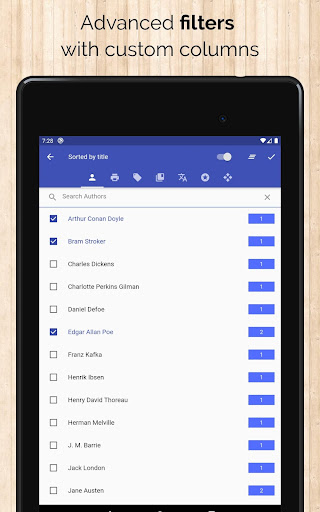
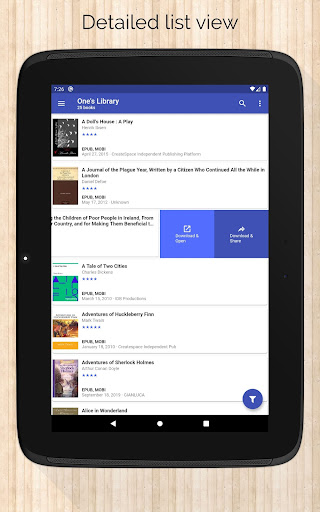
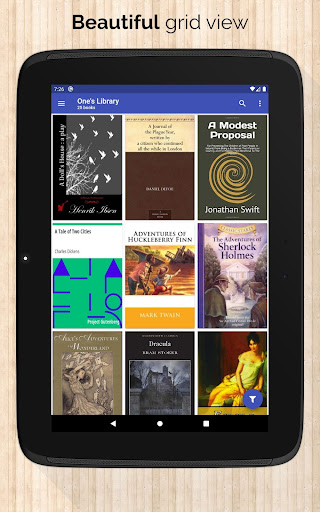
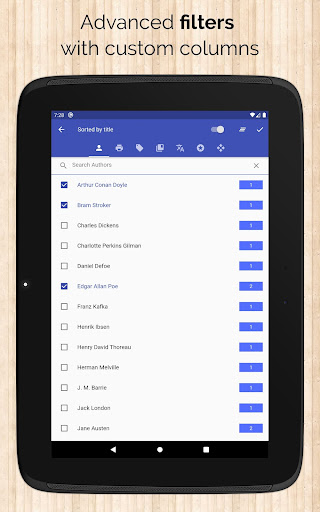
The app's innovative wireless connection feature enables devices to function as smart emulators for Calibre, providing remarkable performance even with large libraries. It includes practical tools like automatic library checks upon launch, pull-refresh capabilities, and multiple book list layouts (List, Grid, Carousel). Users can also filter books by authors, series, tags, and custom columns, making organization intuitive and efficient.
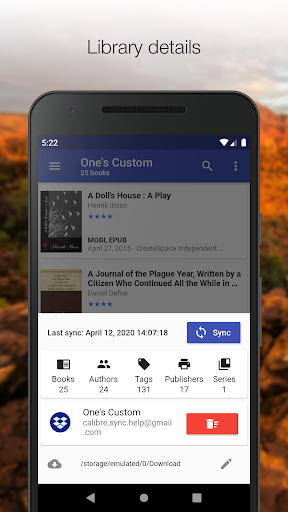
Additional features include detailed library statistics, zoomable book covers, and swipe navigation in book details view. The app supports emailing or sharing downloaded books and integrates with third-party reader apps for an enhanced reading experience. With its focus on usability and performance, Calibre Sync delivers a comprehensive solution for managing and accessing e-book collections.
User-friendly interface
Extensive cloud support
Advanced filtering options
Wireless Calibre connection
Multiple library management
No built-in reader
Limited OneDrive support
Requires storage permission
Box API restrictions
Case-sensitive file system needed

Contains the 365 daily readings and everything other thing needed for catholics
 4.70
4.70
Flora of Virginia Project (www.floraofvirginia.org)
5.00
A guide for the Court of Atonement spiritual healing process.
4.2
7 Languages, Google, Wiki, Vocabulary.com, Cambridge & Urban Dictionary!
4.50
A wonderful reader for good time spend.
4.20
Liturgy of the Hours totally off-line
4.80
Read Trending Romance Stories
4.00
Build family tree & discover DNA, family history heritage, origins and ancestors
4.60
A highly sophisticated app for all of your mobile reading—any format, any time
4.50
Plan of Life that Saint Josemaría recommended
4.80
Personalized Chat with Bible
4.80
8 Dr. Seuss short stories in 1 app!
4.70
"Do you like green eggs and ham?"
4.70
Discover, track, and share your reading with friends & our community of readers
4.60
Learn Electricians' Handbook PRO complete guide beginners to advance.
4.40
Cute bedtime story for kids
4.30
Prime novels await! Fantasy & Romance on JoyRead. Immersive reads!
4.20
Novels, audiobooks, ebooks & fanfiction. Read anytime, anywhere!
3.40
The Psalms for singing
4.5


User Reveiws