Librera PRO

4.50

Information

Category:

Books & Reference

Price:

$ 5.99

Rank:

8

Rating:

4.50

Overview

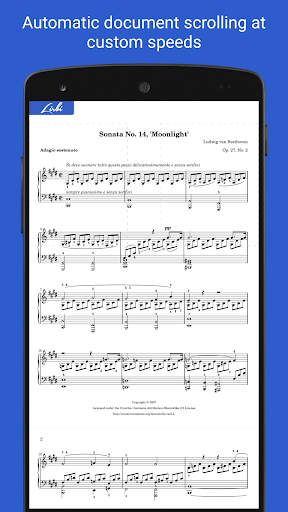
Librera PRO is a versatile reading application designed for book enthusiasts who require support for multiple document formats. This app supports PDF, EPUB, MOBI, DjVu, and many more, making it an all-in-one solution for digital reading. Its user-friendly interface offers RSVP reading and a unique Musician's mode for hands-free auto-scrolling.

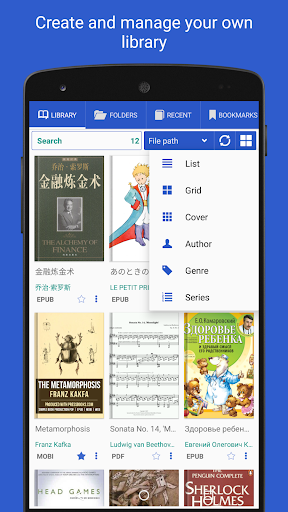
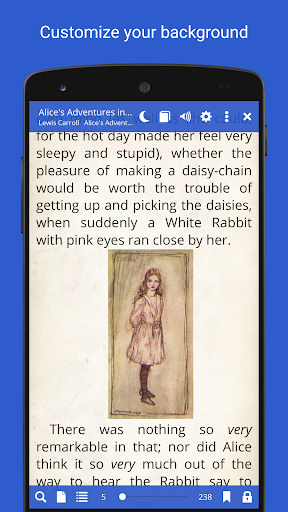
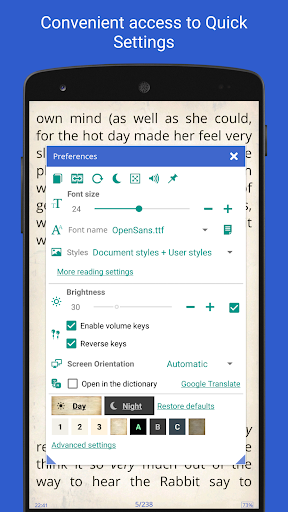
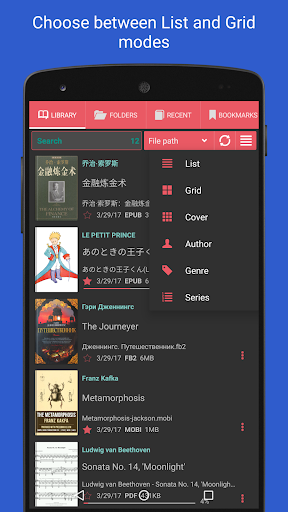
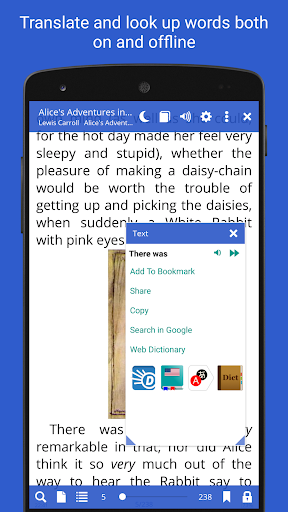
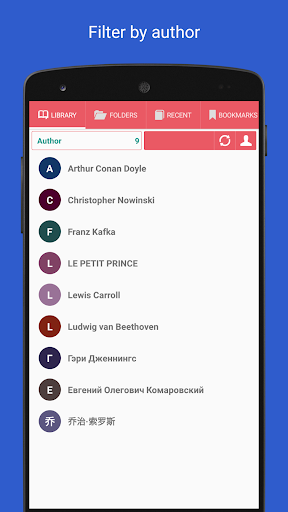
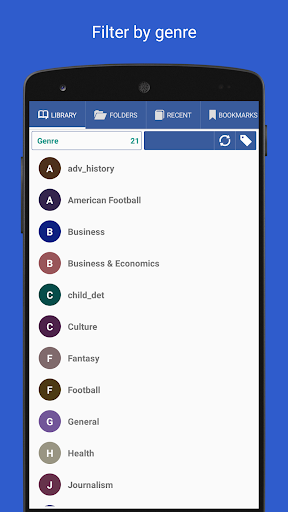
The app allows users to create personalized libraries by scanning specified folders and organizing books with detailed tags and sorting options. With features like vertical-scroll lock, configurable Day and Night modes, and integration with online translators and offline dictionaries, Librera PRO enhances the reading experience while providing practical usability for readers of different languages and preferences.

Features

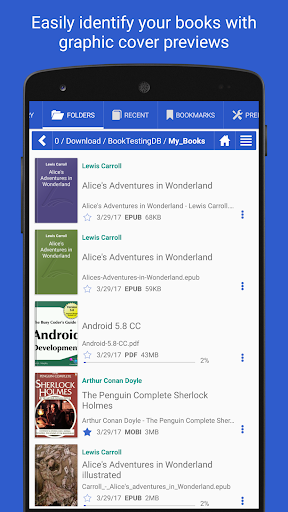
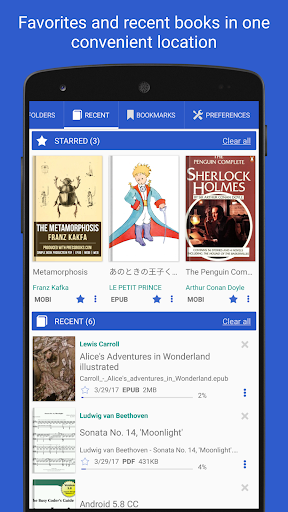
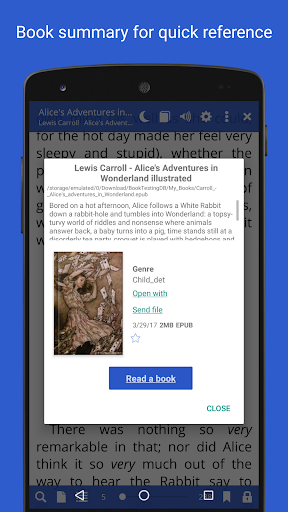
Librera PRO stands out with its comprehensive feature set tailored for avid readers. The app provides easy document discovery through auto-scanning of user-specified folders and an in-app file explorer that browses catalogs and disks. Users can benefit from Recent and Favorites folders, displaying progress bars and offering quick access to essential commands.

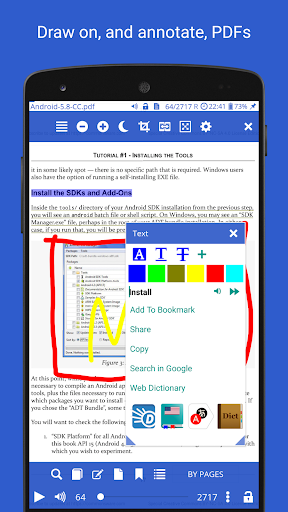
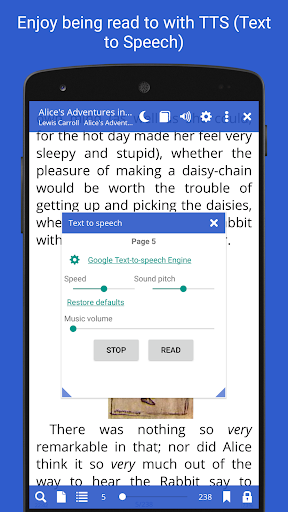
Among its powerful tools are support for bookmarks and annotations, dual-paged document viewing, and read-aloud capability via TTS engines. Additionally, Librera PRO offers advanced search functionalities, online document format conversion, and syncing of reading progress across devices. These features ensure a highly customizable and uninterrupted reading session adaptable to various user needs.

E-book library size & copyright authenticity

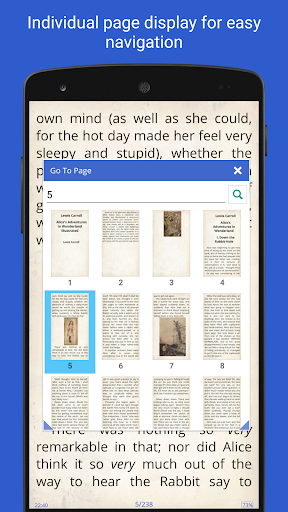
The E-book library size and copyright authenticity are crucial aspects of any digital reading application as they determine both the breadth of content available to users and the legitimacy of the material provided. Librera PRO excels in these areas by offering extensive support for a wide array of document formats including PDF EPUB MOBI DjVu FB2 DOC TXT RTF AZW CBZ HTML and more. This ensures that users have access to a vast library of reading materials catering to diverse interests and needs. The app allows users to scan specified folders and browse catalogs disks and folders with an in-app file explorer which not only simplifies document discovery but also enhances the overall library size by integrating personal collections with online resources. Furthermore Librera PRO places a strong emphasis on copyright authenticity by supporting legal online document format conversion and enabling users to organize their libraries with custom tags and grouping options. By providing features such as syncing of reading progress across multiple devices and integration with major offline dictionaries Librera PRO ensures that users can trust the legitimacy of their reading materials while enjoying a seamless reading experience. The ability to create self-maintaining libraries by specifying formats and folders to scan further enriches the user's personal collection making it easier than ever to manage and access a wide variety of e-books. In summary Librera PRO offers a comprehensive solution for managing large e-book libraries while ensuring all content is legitimate and properly organized.

Format compatibility

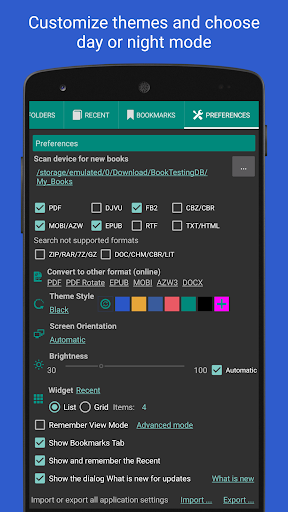
Format compatibility is a defining feature for any e-book reader as it determines the range of document types that users can access within the application. Librera PRO demonstrates exceptional versatility in this area by supporting an impressive list of popular document formats such as PDF EPUB EPUB3 MOBI DjVu FB2 FB2.zip DOC DOCX TXT RTX AZW AZW3 CBR CBZ HTML XPS MHT and many others. This extensive format support ensures that users can open and read virtually any document type they encounter without worrying about compatibility issues. The app goes beyond basic format support by offering advanced features tailored to specific formats. For instance it provides text reflow and annotation capabilities for PDF documents supports right-to-left languages like Persian Farsi Hebrew and Arabic and even handles archived books in ZIP format. Additionally Librera PRO includes specialized viewing modes such as single-page display for dual-paged documents and vertical-scroll lock for improved readability. The inclusion of customizable CSS code allows users to enhance their reading experience further by adjusting the visual presentation of supported formats according to personal preferences. With its comprehensive format compatibility and specialized features Librera PRO empowers users to enjoy a consistent and high-quality reading experience regardless of the document type they choose to engage with. This makes the app an invaluable tool for anyone who regularly works with multiple document formats or requires specialized viewing options for specific types of content.

Props

User-friendly interface

Wide format support

Customizable reading modes

Advanced search options

Cross-device syncing

Cons

Paid PRO version

Complex for beginners

Feature overload

Occasional bugs

Ads in free version

Features and Functions

What is this app and what can I use it for?

A versatile eBook reader supporting multiple formats.

How do I download and install this app on my device?

Visit Google Play Store, search Librera PRO, and install.

How do I get started after opening the app for the first time?

Specify library folders and customize initial settings.

What are the main features and capabilities of this app?

Multi-format support, Musician's mode, extensive library management.

How can I customize my experience and adjust preferences?

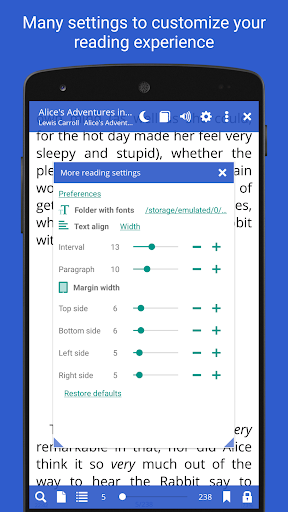
Adjust reading modes, colors, and layout preferences in settings.

How do I save or bookmark my favorite content for later access?

Use bookmarks or favorites to save content for later.

How can I share content with friends or on social media?

Share text via email or social media directly from the app.

How do I access detailed information and explore more content?

Search within documents or browse library with filters.

What permissions does this app need and how do I manage them?

Needs storage and file access permissions; manage in settings.

How do I check for updates and keep the app running smoothly?

Enable auto-updates in Google Play Store for latest version.
Show more

User Reveiws

{{ comment.reviewer_name }}
{{ comment.review_date_formatted}}
{{ comment.review_content }}
{{ tab.name }}
{{ comment.reviewer_name }}
{{ comment.review_date_formatted}}
{{ comment.review_content }}
No reviews with this rating