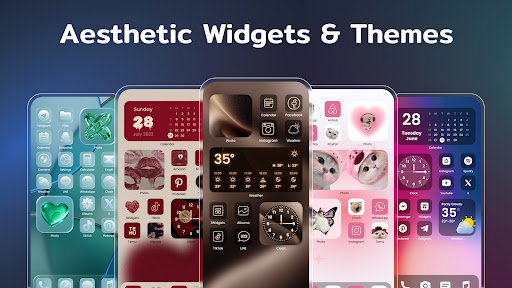
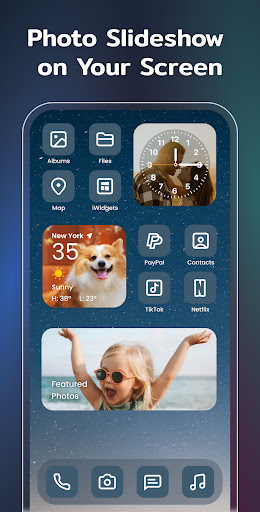
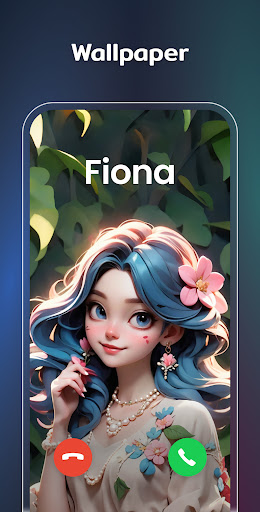
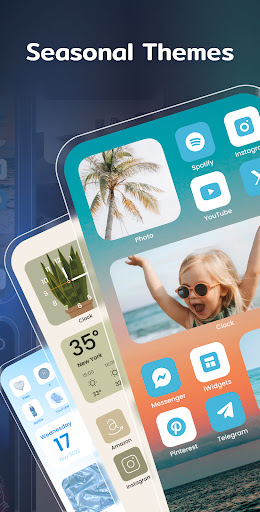
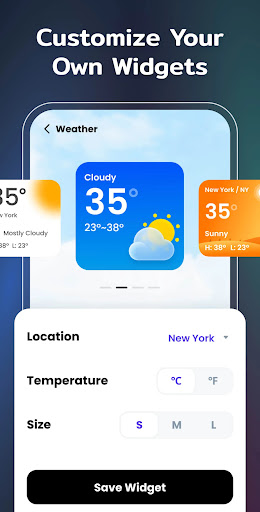
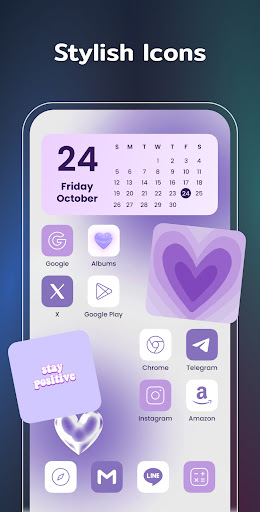
Color Widgets, Theme is a comprehensive lifestyle app designed to enhance your Android device's home screen with customizable widgets and themes. The app offers a wide range of aesthetic themes, practical widgets, and custom icons that allow users to personalize their phone screens effortlessly.
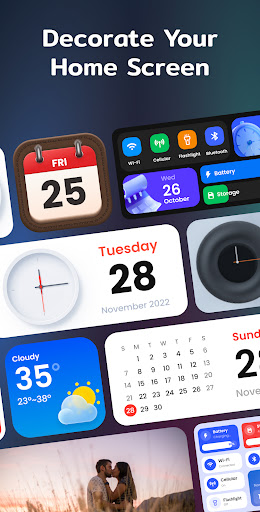
With support for all Android devices, the app provides various widget types including clock, photo, X-panel, calendar, weather, battery level, Bluetooth status, and event timers. These widgets come in multiple sizes and styles, ensuring there's something for every user's unique taste and functional needs. Whether you want to check the weather at a glance or create a countdown for an important event, Color Widgets, Theme makes it simple and stylish.
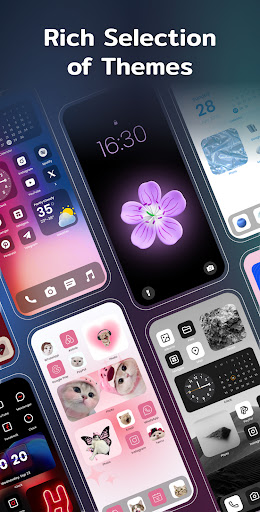
The true value of this app lies in its ability to make your device truly yours. By offering one-click widget additions, customizable app icons, and preset themes in different styles such as anime, neon, and vintage, it allows users to design a home screen that reflects their personal style while keeping their life organized.
Color Widgets, Theme stands out with its extensive features tailored to provide both aesthetic appeal and practical utility. One of the key highlights is the X-Panel Widget, which consolidates shortcuts and essential phone information like date, time, network connection, and battery level onto your home screen for easy access.
In addition to the X-Panel, the app includes specialized widgets such as Photo Widget for displaying cherished memories, Clock Widget available in analog and digital formats, Weather Widget providing real-time local weather updates, and Calendar Widget offering creative display options. Each widget type is designed with multiple styles and sizes, allowing users to tailor their home screens precisely to their liking.
Another remarkable feature is the ability to customize app icons freely, enabling users to redesign their home screens with unique aesthetics. The Event Timer adds functionality by helping users keep track of important dates through clear countdown displays. With upcoming widget types like To-do lists and Notes on the horizon, Color Widgets, Theme continues to innovate in personalizing user experiences.
User-friendly interface
Wide variety of widgets
Highly customizable themes
One-click widget addition
Regular updates with new features
Requires multiple permissions
Some features may feel redundant
Premium themes cost extra
Occasional performance lags
Limited iOS compatibility

Take Hobby Lobby with you wherever you go!
 3.40
3.40
Easily manage your child's playtime, spending messaging and more.
3.50
Use your device sensors to detect energy and convert it into spoken words.
4.10
This app is intended to support professional EMDR therapy.
4.50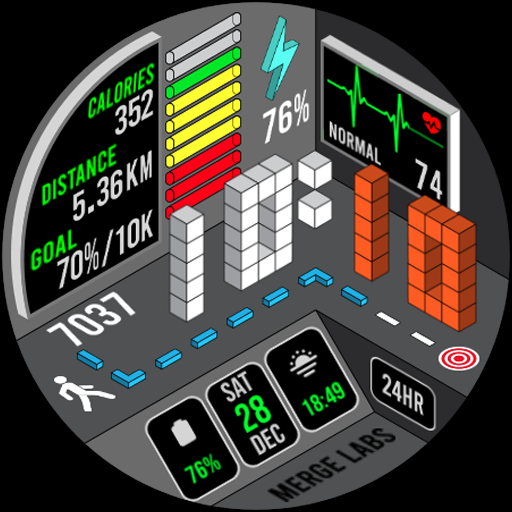
A uniquely designed isometric digital watch face made for Wear OS
4.0
Material You inspired colors with BIG and Bold looks for Wear OS watches.
4.20
Celebrate the holidays with Advent Calendar: daily surprises and festive fun!
4.0
Going above and beyond known spirit communication
3.60
Subwoofer school’s in session! You’ve now enrolled into KICKER U.
3.80
Have your Tehillim with you at all times
4.70
A smart Siddur with halachic times
4.60
Make money, get paid cash rewards & gift cards for every survey. Earn today!
4.60
Zodiac & Horoscope Launcher: Daily Sign Predictions & Astrology
4.40
This is a simple and highly functional alarm clock "Smart Alarm" paid version.
4.20
Paranormal EVP, Ghost Box, Spirit box, ITC, Haunted, Spirit communication device
3.70
Communicate with your vehicles and Powerwalls anytime, anywhere
3.60
An Eerie Musical Trigger Toy for Spirits to Play with!
3.50
LineLearner, the quick way to learn lines.
2.90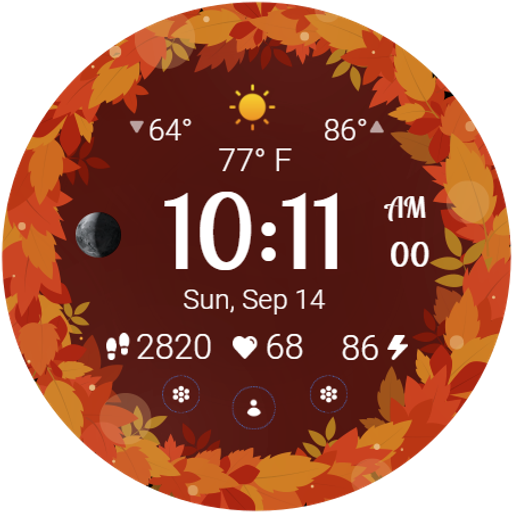
Bring the warm colors of fall directly to your wrist with Autumn Leaves!
4.5


User Reveiws