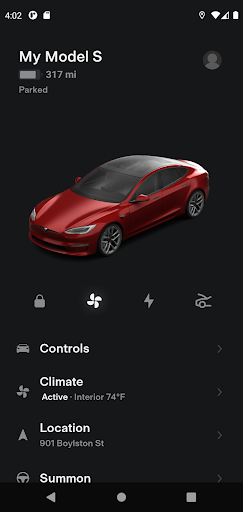
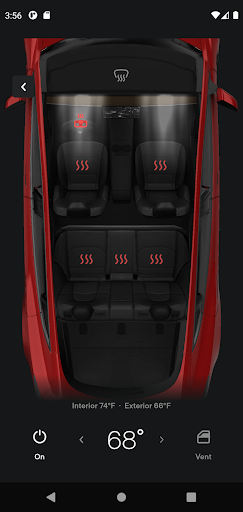
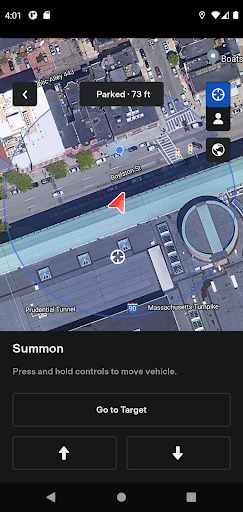
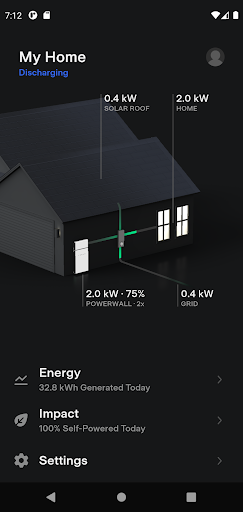
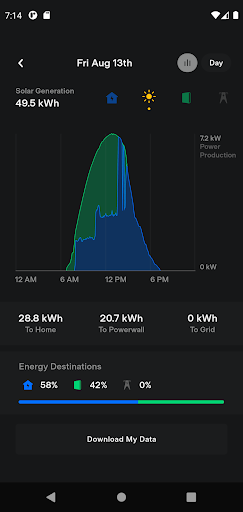
Tesla app serves as a comprehensive remote control and monitoring system for Tesla vehicle owners, enabling seamless interaction with their cars and Powerwalls from any location. The application provides real-time charging updates, climate control before driving, remote locking and unlocking, and vehicle location services. Additionally, it supports navigation setup, media control for passengers, and even light or horn activation to locate the parked car. For vehicles equipped with Autopilot, users can summon their car remotely. Powerwall integration allows energy storage monitoring, home energy usage tracking, and solar production data downloads.
This app is particularly beneficial for Tesla owners who wish to maintain constant connectivity with their vehicles, ensuring convenience, security, and optimal energy management. Whether you're at home or on the go, the Tesla app ensures your vehicle is ready for your next journey while providing valuable insights into your energy consumption patterns.
The Tesla app boasts an array of sophisticated features designed to enhance user experience and vehicle functionality. One standout capability is the real-time charging status update, allowing users to monitor and manage the charging process effortlessly. This feature not only starts or stops charging but also optimizes energy use based on personal preferences. Another significant aspect is the remote climate control function, which enables pre-conditioning of the car's interior temperature, ensuring comfort regardless of external weather conditions.
Furthermore, the app facilitates advanced security measures through remote lock/unlock functions and vehicle location tracking. Users can easily locate their car using GPS directions or track its movement if needed. The integration with Powerwall systems adds another layer of utility by offering detailed insights into solar energy storage, home energy usage, and grid export data. These features collectively empower Tesla owners with unprecedented control over their vehicles and energy solutions, enhancing both convenience and sustainability.
User-friendly interface
Comprehensive vehicle control
Real-time energy monitoring
Remote climate management
Advanced security features
Limited to Tesla products
Requires internet connection
Dependent on vehicle model
No third-party integrations
Premium feature exclusivity
Fly your Solo like a boss.
 4.10
4.10
Discover how to help puppies stay calm around noise with this helpful app.
4.1
Pay your rent, submit work orders and much more with the RentCafe Resident App.
4.70
Play. Earn. Repeat. Get rewarded for playing mobile games. Welcome to Mobius!
4.80
Smart home security protection
3.20
Made To Order Faves
4.70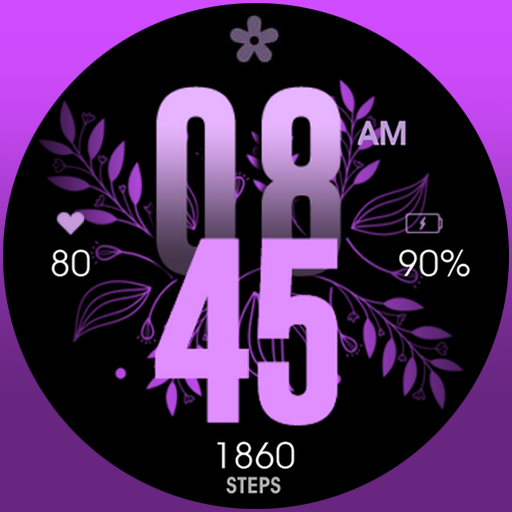
Colorful selection floral watch face with gyro for Wear OS
4.60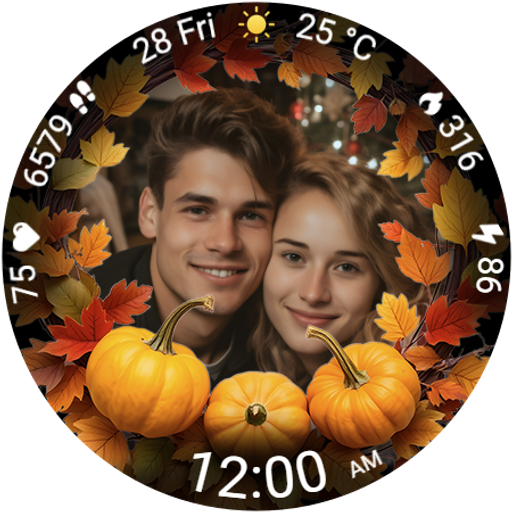
Wear your favorite memories, loved ones, pets or travel photos on your watch
4.4
Subwoofer school’s in session! You’ve now enrolled into KICKER U.
3.80
Good magnifier app to see tiny things bigger and more clearly!
4.80
Have your Tehillim with you at all times
4.70
Stay connected with your loved ones & vehicles | Share live GPS location updates
4.60
The all-new Cync app. The simple, connected app for Cync and C by GE.
4.50
Mixing Colors for Menswear
4.20
What is my face shape? Find out your face shape from picture, see fitting frames
3.90
Take Hobby Lobby with you wherever you go!
3.40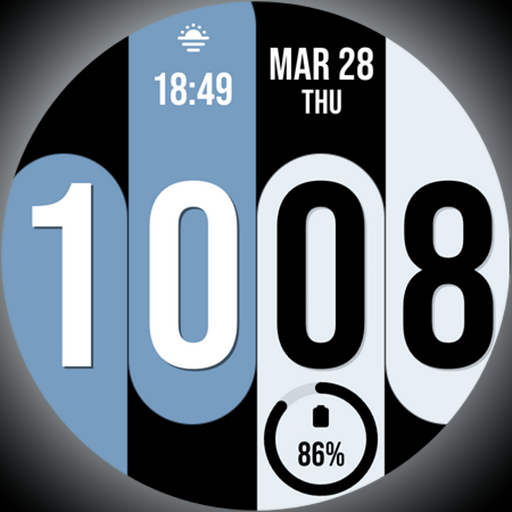
Unique Dual Colors with 6 Custom Complications for Wear OS watches!
3.40
Falling Fruit is a massive collaborative map of food in our cities.
3.20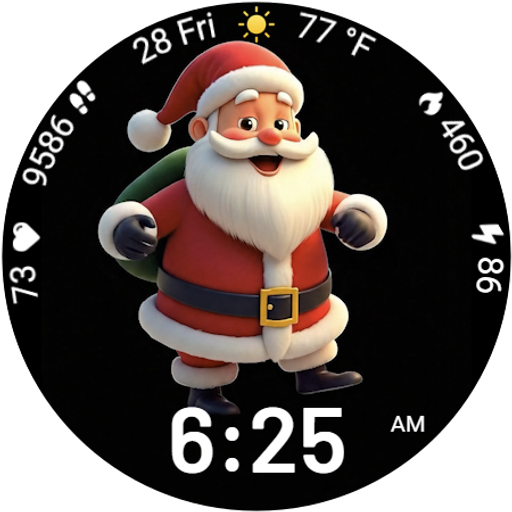
Designed to delight, impress and energize your festive spirit every single day
4.2


User Reveiws