Colors Fall

3.40

Information

Category:

Lifestyle

Price:

$ 0.99

Rank:

37

Rating:

3.40

Overview

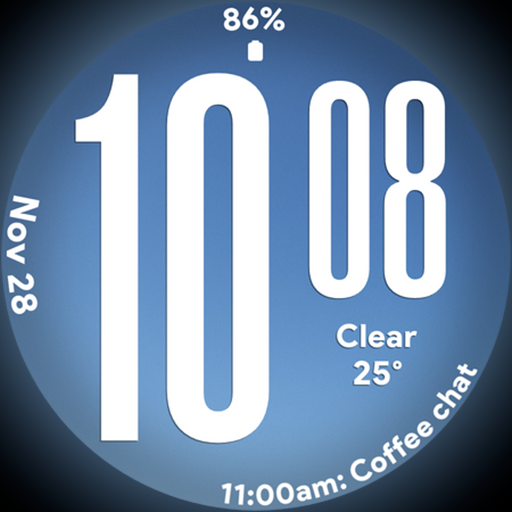
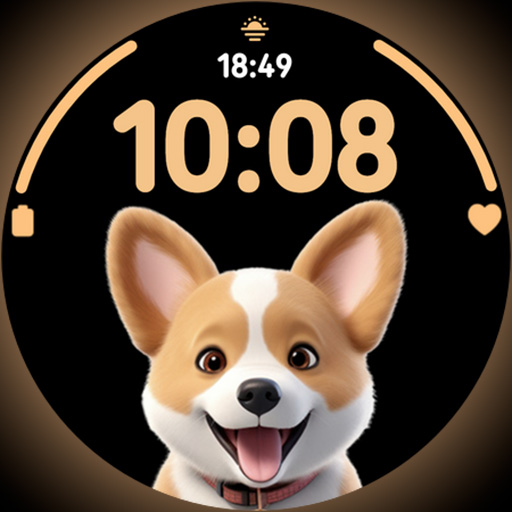
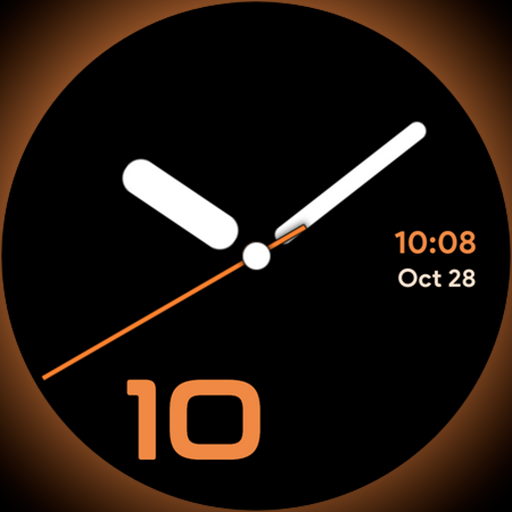
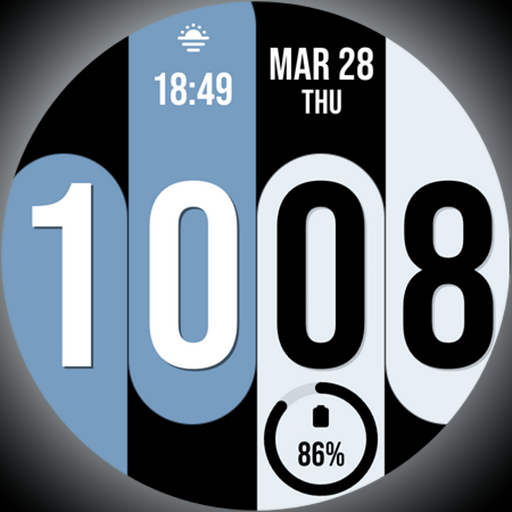
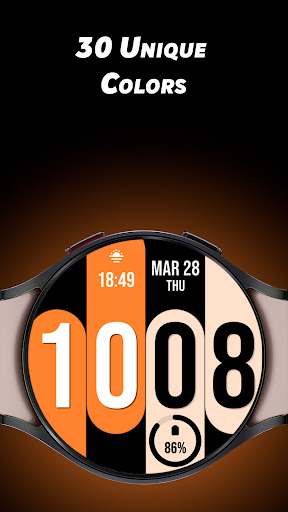
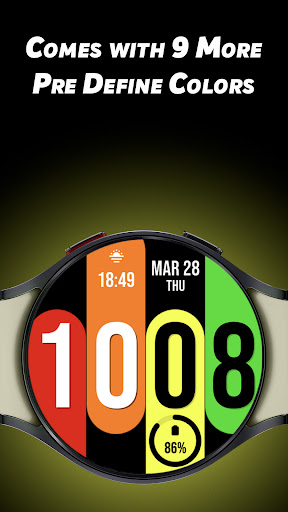
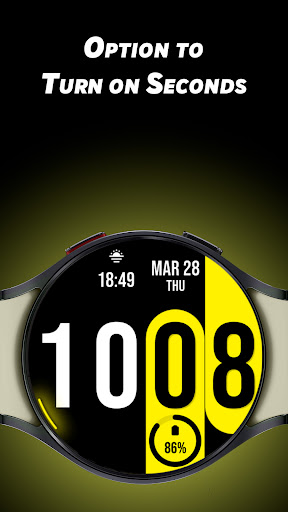
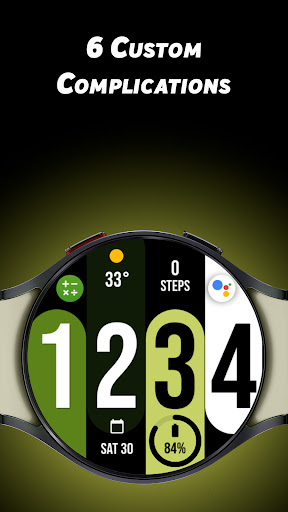
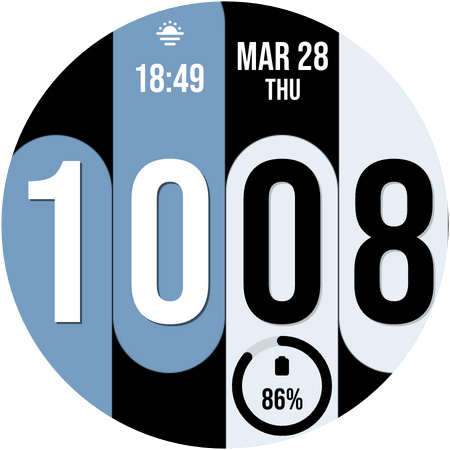
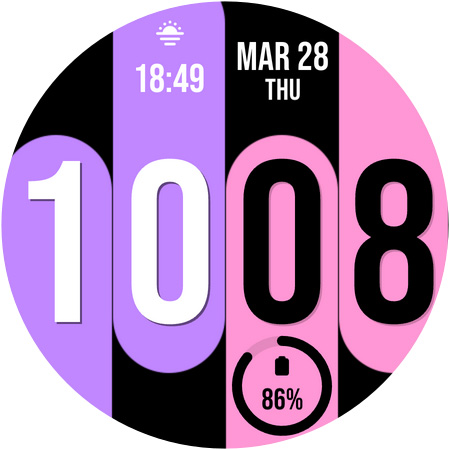
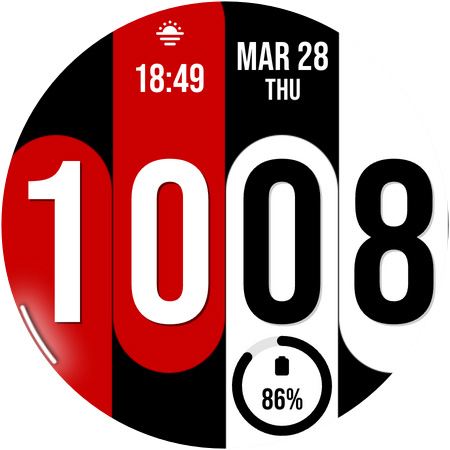
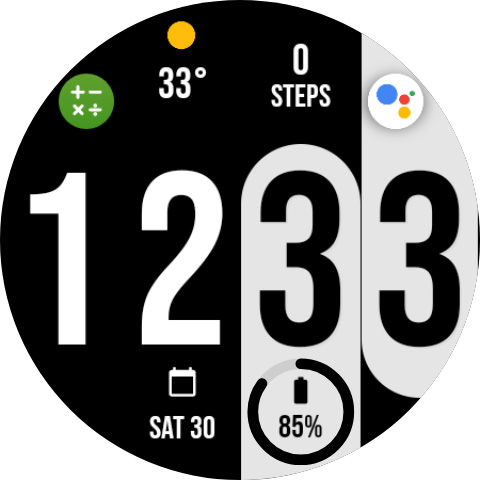
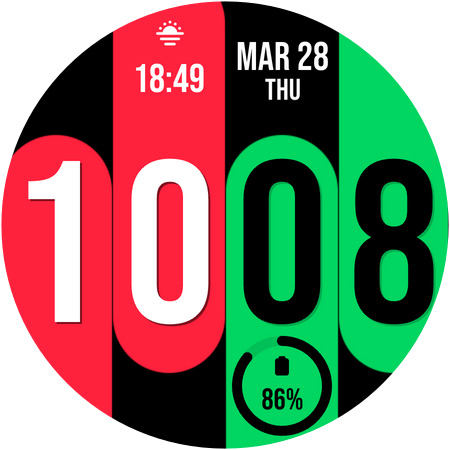
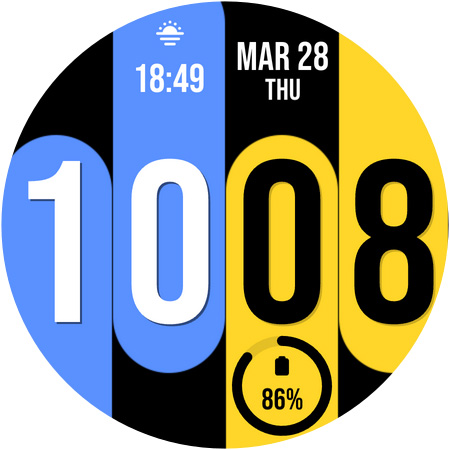
Colors Fall is a feature-rich customization app designed specifically for Wear OS devices. This application allows users to personalize their smartwatch experience with unique color options and versatile customizations. The app offers 30 distinctive color choices along with the option to enable predefined colors, providing a total of 9 preset color schemes to choose from. Users can enhance their watch faces with 6 custom complications and activate a unique seconds display that rotates dynamically on the edge of the watch face.

The app supports both 12-hour and 24-hour time formats, catering to individual preferences. Whether you're looking to refresh your smartwatch's appearance or optimize its functionality, Colors Fall delivers a comprehensive solution for personalizing your wearable device. Its diverse range of customization options makes it an ideal choice for those seeking to express their personal style through their technology accessories.

Features

Colors Fall stands out with its extensive array of customization features tailored for Wear OS users. One of its key attributes is the availability of 30 unique colors, allowing users to select shades that best represent their personality or mood. Additionally, the app provides an option to activate predefined color sets, offering 9 carefully curated combinations for those who prefer ready-made aesthetics.

Beyond color options, Colors Fall includes 6 custom complications that enable users to add functional elements to their watch faces, such as weather updates or fitness tracking. The innovative seconds display feature rotates around the watch's perimeter, creating a visually striking effect. These combined features not only enhance the visual appeal of Wear OS devices but also improve their practical utility by providing customizable, information-rich interfaces.

Lifestyle category coverage

Colors Fall offers a comprehensive lifestyle experience by providing users with a wide range of customization options specifically designed for Wear OS devices. The app's primary focus is on delivering unique and bold aesthetics that cater to individual preferences, making it an ideal choice for users who seek to personalize their smartwatch experience. With 30 distinctive color options and the ability to choose from 9 predefined color schemes, Colors Fall ensures that users can find the perfect look to match their personal style. Additionally, the inclusion of 6 custom complications allows users to tailor their watch face to display the information most relevant to their daily lives. This level of customization extends to practical features such as the option to display time in 12 or 24-hour formats, catering to different regional and personal timekeeping preferences. By offering these diverse customization possibilities, Colors Fall demonstrates its commitment to covering various aspects of a user's lifestyle, ensuring that the smartwatch not only serves as a functional device but also as a personalized accessory that reflects the wearer's unique identity and enhances their overall wearable experience.

Content authenticity & expert credibility

When it comes to content authenticity and expert credibility, Colors Fall establishes itself as a reliable source for Wear OS customization. The application provides a robust set of features developed with clear attention to detail and user feedback, ensuring that each customization option is both aesthetically pleasing and functionally sound. The 30 unique colors and 9 predefined color schemes have been carefully selected to offer a balance between trendy and timeless design choices, while the 6 custom complications are crafted to provide meaningful data points without cluttering the watch face. Furthermore, the rotating seconds feature showcases the developer's expertise in creating visually engaging elements that maintain optimal performance on Wear OS devices. The availability of both 12 and 24-hour time formats demonstrates an understanding of global user preferences and reinforces the app's credibility as a solution that caters to an international audience. Each aspect of Colors Fall has been thoughtfully implemented to ensure that users receive authentic content that not only enhances the visual appeal of their smartwatches but also maintains high standards of usability and reliability. This combination of aesthetic innovation and technical proficiency establishes Colors Fall as a trustworthy choice for users seeking to personalize their Wear OS devices with confidence.

Props

Extensive color options

Custom complications

Unique seconds display

User-friendly interface

Supports 12/24hr formats

Cons

Limited to Wear OS

Requires smartwatch

Preset colors only

No iOS support

Watch face only
Features and Functions

What is this app and what can I use it for?

Colors Fall is a Wear OS customization app offering unique color options and complications for personalized watch faces.

How do I download and install this app on my device?

Search 'Colors Fall' on Google Play Store, tap Install, and follow the on-screen instructions to download and install.

How do I get started after opening the app for the first time?

Open the app, select preferred color scheme, customize complications, and adjust time format settings as needed.

What are the main features and capabilities of this app?

The app features 30 unique colors, 6 custom complications, rotating seconds display, and 12/24hr time format options.

How can I customize my experience and adjust preferences?

Choose from 30 colors, enable predefined sets, customize complications, and toggle rotating seconds display in settings.

How do I save or bookmark my favorite content for later access?

Save favorite color combinations by enabling predefined color sets or manually setting preferred options.

How can I share content with friends or on social media?

Share your customized watch face designs through social media by capturing screenshots within the app interface.

How do I access detailed information and explore more content?

Access detailed customization options by exploring the app's settings menu and experimenting with different configurations.

What permissions does this app need and how do I manage them?

The app requires basic watch face permissions and allows managing these settings through the app's preference menu.

How do I check for updates and keep the app running smoothly?

Check for app updates automatically through Google Play Store or manually in the app's settings section.
Show more

User Reveiws

{{ comment.reviewer_name }}
{{ comment.review_date_formatted}}
{{ comment.review_content }}
{{ tab.name }}
{{ comment.reviewer_name }}
{{ comment.review_date_formatted}}
{{ comment.review_content }}
No reviews with this rating