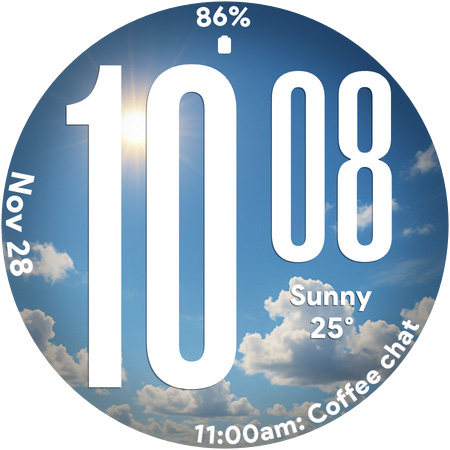
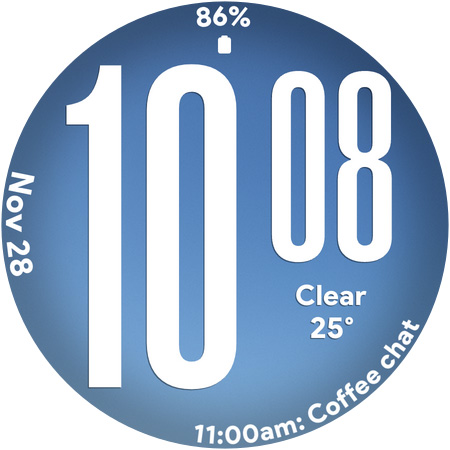
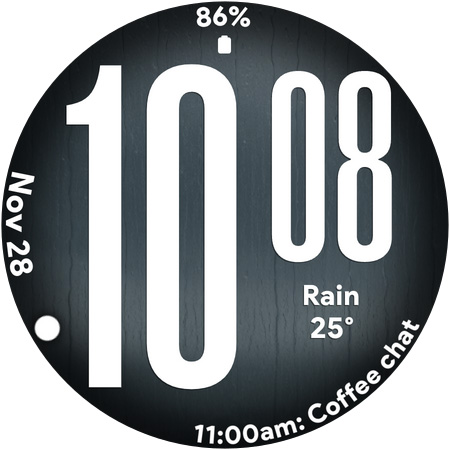
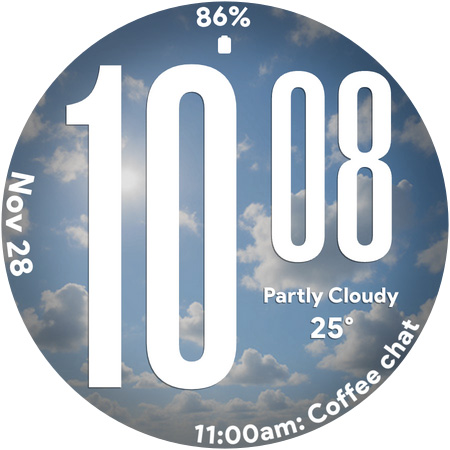
Ultra Weather - Watch face

4.0

Information

Category:

Lifestyle

Price:

$ 1.49

Rank:

26

Rating:

4.0

Overview

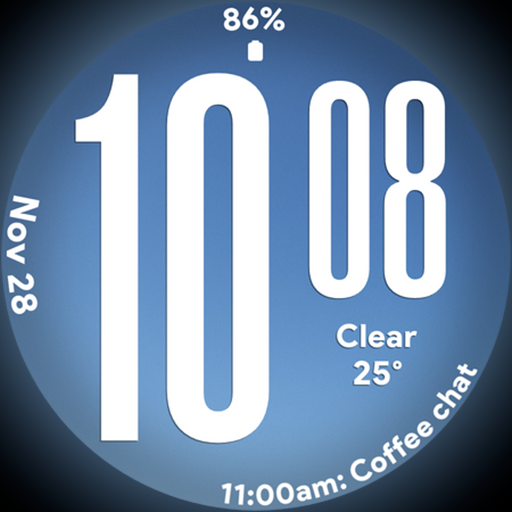
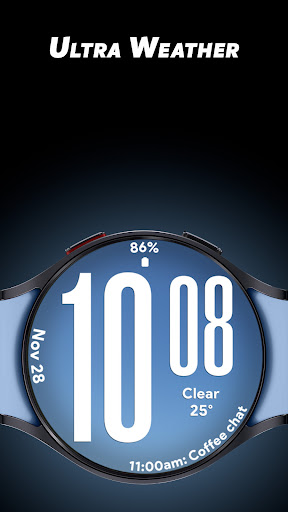
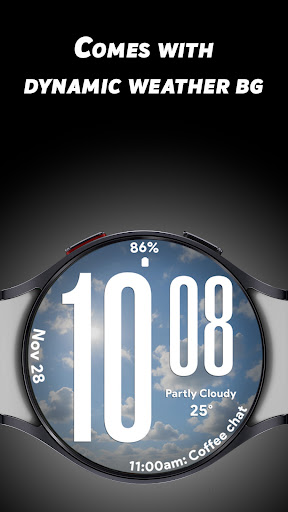
Ultra Weather is a dynamic and visually striking watch face designed specifically for Wear OS devices. This app transforms your smartwatch into a real-time weather display, with backgrounds that change automatically based on current weather conditions. Whether it's sunny, cloudy, rainy, or foggy, Ultra Weather ensures your watch face reflects the atmosphere outside.

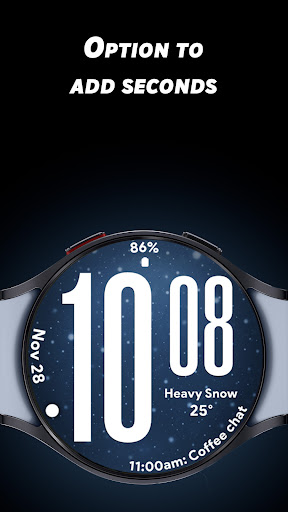
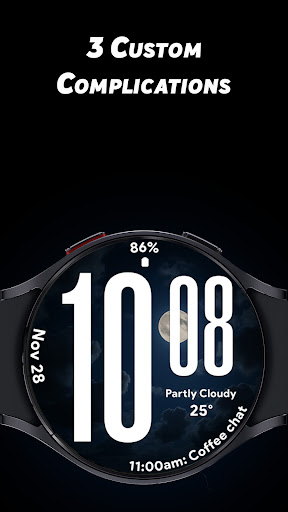
The app features big, bold digital time displays for instant readability, along with three customizable complications that allow users to add details like weather information, step counts, battery status, calendar events, and heart rate monitoring. With support for both 12-hour and 24-hour time formats and an optimized Always-On Display (AOD) mode, Ultra Weather combines style and functionality seamlessly.

Features

Ultra Weather stands out with its live weather-synced backgrounds that create an immersive experience on your smartwatch. These dynamic visuals update in real time, ensuring your watch face always matches the current weather. The oversized digital time digits are designed for maximum clarity at a glance, making it perfect for users who prioritize readability.

In addition to its aesthetic appeal, Ultra Weather offers practical customization options. Users can personalize their watch faces by adding up to three complications, such as weather details, fitness stats, battery levels, and more. The app also supports both 12-hour and 24-hour time formats, catering to different user preferences worldwide. Its battery-friendly Always-On Display ensures efficient performance throughout the day without compromising functionality.

Lifestyle category coverage

Lifestyle category coverage refers to the extent and diversity of lifestyle-related features that an application offers to enhance user experience in daily life activities Ultra Weather for Wear OS excels in this aspect by providing a comprehensive suite of functionalities tailored to enrich users' everyday interactions with their smartwatches This watch face not only displays time but also integrates real-time weather updates customizable complications and battery-efficient always-on display options which cater to various lifestyle needs such as fitness tracking travel planning and personal organization The dynamic weather backgrounds are automatically updated based on current conditions offering visual cues about the environment outside while the oversized digital time ensures instant readability even during physical activities or when outdoors With support for both 12-hour and 24-hour formats along with three customizable complications users can personalize their watch faces to show relevant information like steps taken heart rate battery status calendar events and more This level of customization allows individuals to tailor their smartwatch experience according to their specific preferences making Ultra Weather a versatile companion for different aspects of daily life Whether you're monitoring your health staying informed about upcoming appointments or simply enjoying aesthetically pleasing designs Ultra Weather provides a well-rounded package that addresses multiple facets of modern living Its ability to seamlessly blend style with functionality makes it an ideal choice for those seeking a visually dynamic yet highly practical smartwatch experience

Content authenticity & expert credibility

Content authenticity and expert credibility are crucial factors in determining the reliability and trustworthiness of an application's features and information provided Ultra Weather stands out in these areas by delivering accurate real-time weather data through its dynamic watch face designed specifically for Wear OS devices The app sources its weather information from reputable providers ensuring that users receive up-to-date and precise meteorological details directly on their wrists This commitment to accuracy is further enhanced by the automatic transformation of the watch face background based on current weather conditions whether sunny cloudy rainy or foggy Such attention to detail not only adds aesthetic value but also reinforces the authenticity of the content presented Moreover Ultra Weather has been crafted with input from experts who understand both design principles and technical requirements necessary for creating functional yet visually appealing smartwatch interfaces The inclusion of oversized time digits smooth readability options and customizable complications reflects a deep understanding of user needs particularly when it comes to quick access to essential information at a glance Additionally the optimization of battery-friendly always-on display AOD demonstrates expertise in balancing performance with power consumption ensuring all-day usability without compromising device longevity By combining reliable weather data with thoughtful design elements Ultra Weather establishes itself as a credible source for enhancing smartwatch experiences It bridges the gap between form and function providing users with a product they can trust to deliver meaningful insights into their daily lives while maintaining high standards of quality and professionalism

Props

Real-time weather updates

Customizable complications

Bold typography design

Optimized AOD mode

Dynamic backgrounds

Cons

Limited to Wear OS

Requires data connection

No analog option

Premium features locked

Heavy on battery
Features and Functions

What is this app and what can I use it for?

Ultra Weather is a dynamic Wear OS watch face with real-time weather visuals and customizable features.

How do I download and install this app on my device?

Search for Ultra Weather in the Google Play Store and tap Install to download it on your device.

How do I get started after opening the app for the first time?

After opening the app select your preferred time format and customize complications via settings menu.

What are the main features and capabilities of this app?

Key features include live weather backgrounds customizable complications and bold digital time display.

How can I customize my experience and adjust preferences?

Adjust preferences through the settings menu to customize complications and choose between 12-hour or 24-hour formats.

How do I save or bookmark my favorite content for later access?

Save favorite layouts by setting them as default in the customization menu for quick access later.

How can I share content with friends or on social media?

Share screenshots of your customized watch face directly from the appu2019s sharing feature.

How do I access detailed information and explore more content?

Access detailed info by tapping on specific complications or exploring additional options in settings.

What permissions does this app need and how do I manage them?

The app requires location permissions to provide accurate weather updates which can be managed in system settings.

How do I check for updates and keep the app running smoothly?

Check for updates regularly in the Google Play Store to ensure smooth operation and access new features.
Show more

User Reveiws

{{ comment.reviewer_name }}
{{ comment.review_date_formatted}}
{{ comment.review_content }}
{{ tab.name }}
{{ comment.reviewer_name }}
{{ comment.review_date_formatted}}
{{ comment.review_content }}
No reviews with this rating