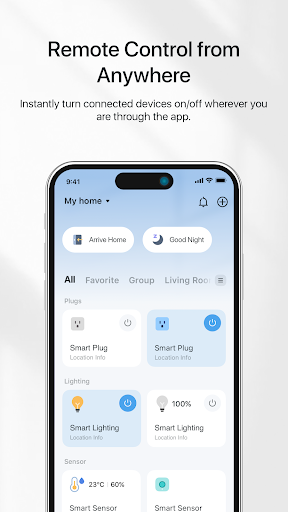
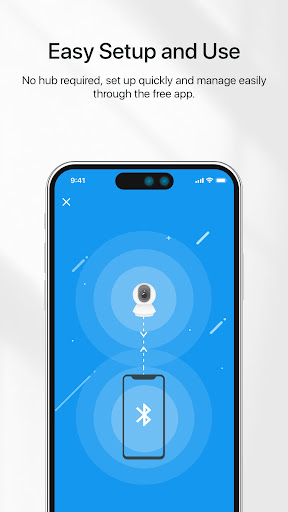

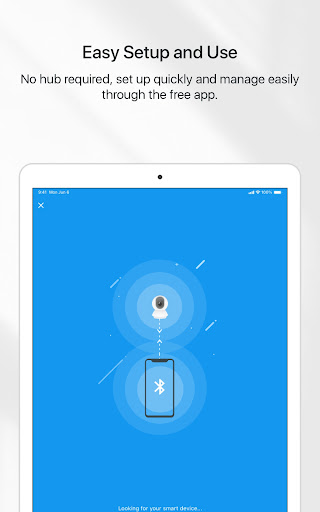

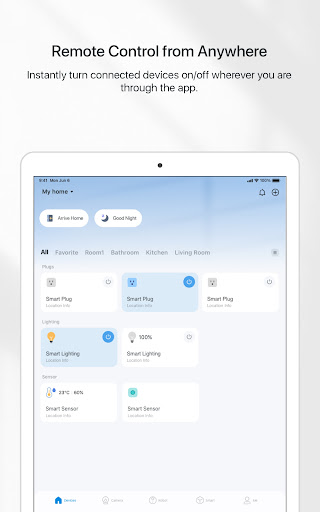

TP-Link Tapo is a comprehensive smart home management application designed to simplify the control of your Tapo smart devices. With this app, users can effortlessly set up and manage their smart devices within minutes, ensuring convenience and efficiency in everyday life. The app provides remote access capabilities, allowing you to control your smart devices from anywhere using just your smartphone.
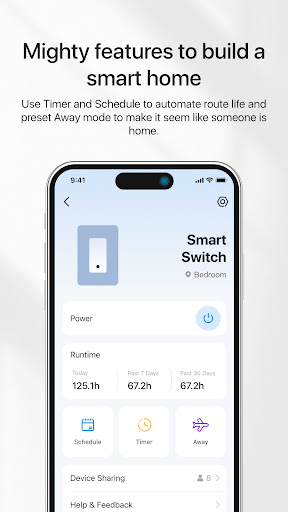
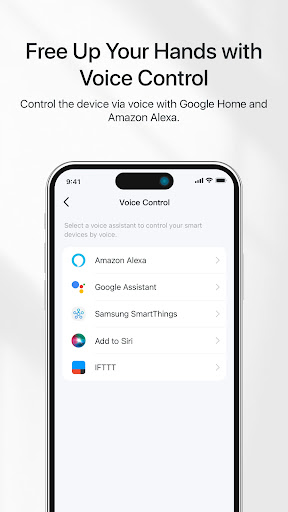
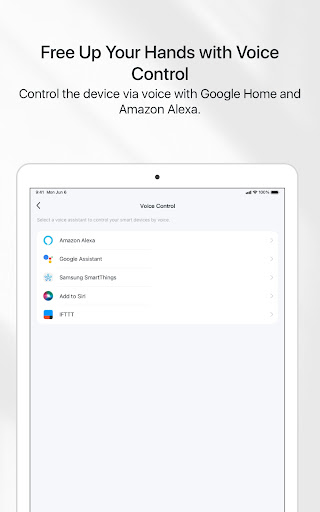
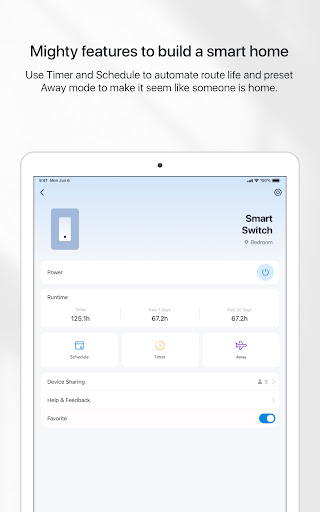
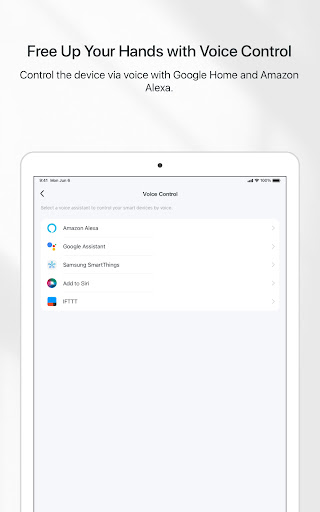
One of the standout features of TP-Link Tapo is its seamless integration with popular voice assistants like Google Home and Amazon Echo, enabling voice control for hands-free operation. Additionally, the app offers advanced functionalities such as Away mode, which simulates presence by controlling device activity, enhancing home security. Users can also take advantage of scheduling and timer features to automate device operations, making daily routines more efficient and energy-saving.
TP-Link Tapo boasts an array of sophisticated features tailored to enhance user experience. The app's intuitive interface allows for quick setup and easy management of various smart devices, providing a centralized control hub at your fingertips. Remote control functionality ensures that users can manage their devices from any location, offering unparalleled convenience and peace of mind.
Voice control compatibility with Google Home and Amazon Echo adds another layer of accessibility, allowing users to operate their devices through simple voice commands. The app also includes practical features such as Away mode, which helps deter potential intruders by mimicking occupancy patterns. Furthermore, users can utilize countdown timers and scheduling options to automate device operations, optimizing energy usage and streamlining household tasks.
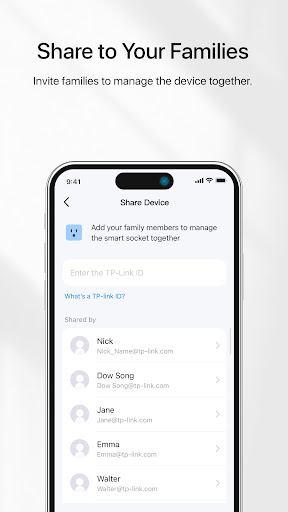
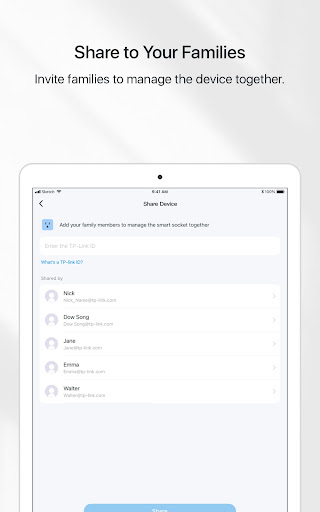
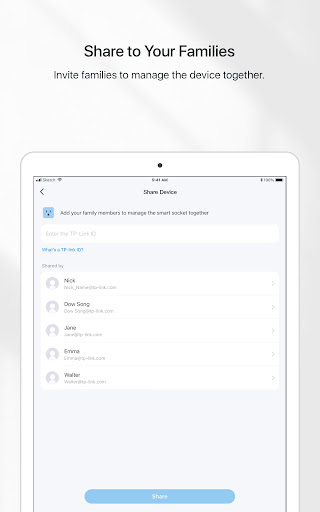
Another notable feature is the ability to invite family members to collaborate on device management, fostering a shared smart home environment. This collaborative approach not only enhances convenience but also promotes better coordination among household members, ensuring everyone stays connected and informed.
User-friendly interface
Remote device management
Voice assistant integration
Advanced automation options
Family collaboration features
Limited third-party device support
Occasional connectivity issues
Basic analytics capabilities
Device compatibility constraints
Premium features require subscription
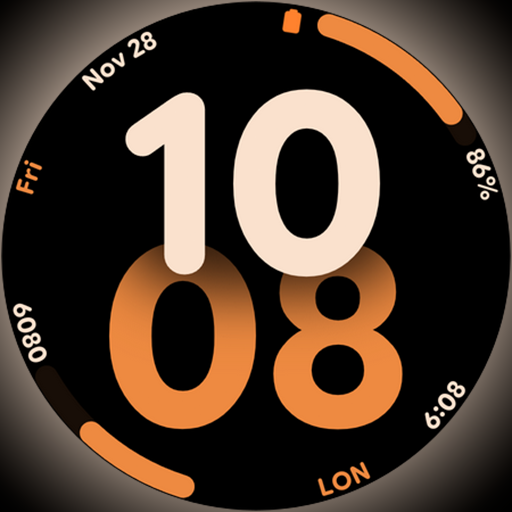
Big bold digital watch face with 30 colors, 6 complications and AOD.
 4.4
4.4
Pay your rent, submit work orders and much more with the RentCafe Resident App.
4.70
Tap to the beat with interactive videos — warm up your reflexes & have fun
4.70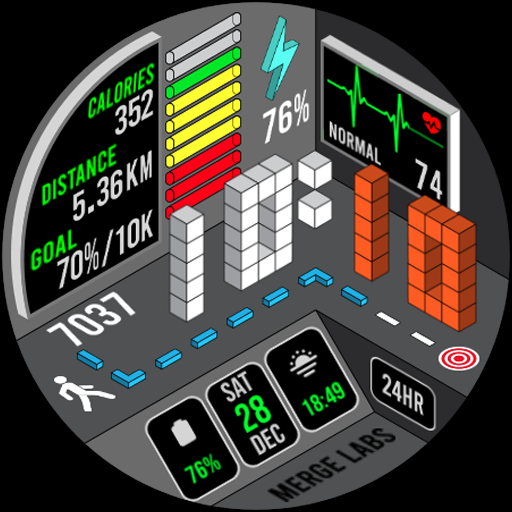
A uniquely designed isometric digital watch face made for Wear OS
4.5
Spirit Communicator is a real paranormal ghost hunting app with many fun modes.
3.90
Discounts, savings, and rewards
4.20
Smart home security protection
3.20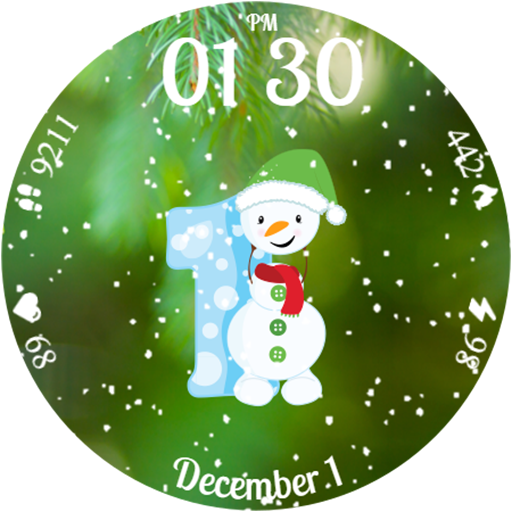
Celebrate the holidays with Advent Calendar: daily surprises and festive fun!
4.4
Subwoofer school’s in session! You’ve now enrolled into KICKER U.
3.80
Play. Earn. Repeat. Get rewarded for playing mobile games. Welcome to Mobius!
4.80
Discover your Nationality, Family Origin, and Ancestry from one selfie
4.50
A smart Siddur with halachic times
4.50
Fly your Solo like a boss.
4.10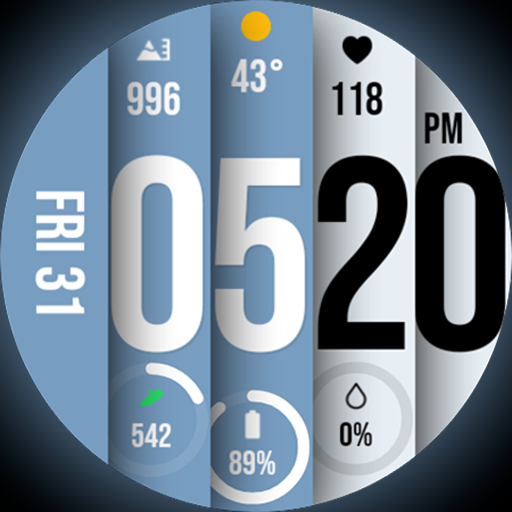
Unique BIG BOLD TIME with amazing colors and customisations.
3.70
Paranormal EVP, Ghost Box, Spirit box, ITC, Haunted, Spirit communication device
3.70
Communicate with your vehicles and Powerwalls anytime, anywhere
3.60
Creativity and savings for kids, beginners and experts in arts and crafts
3.50
Turn your watch into a key fob for your Tesla
2.90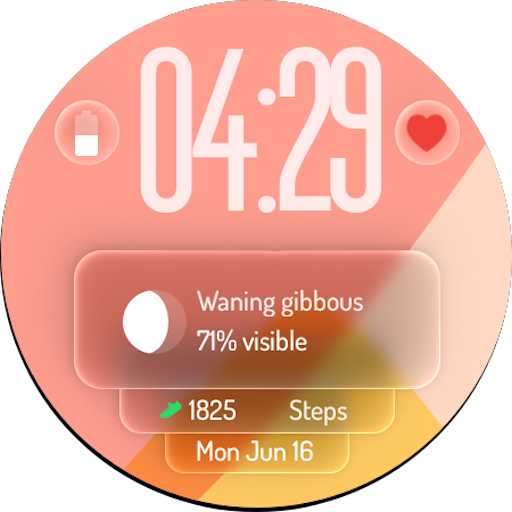
A watch face with transparency and fluid visuals inspired by liquid glass design
4.0


User Reveiws