
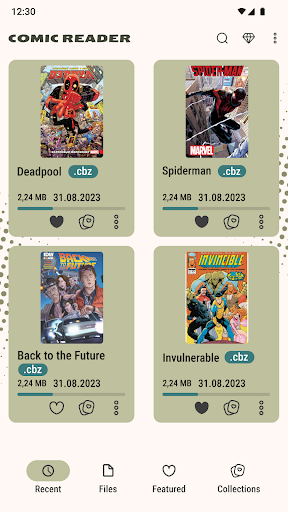
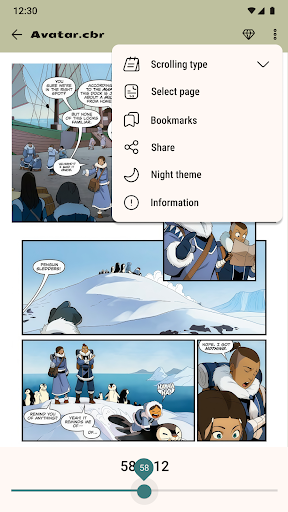
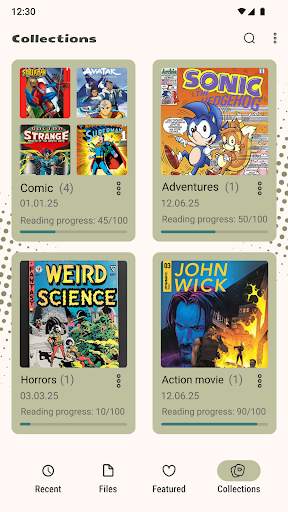
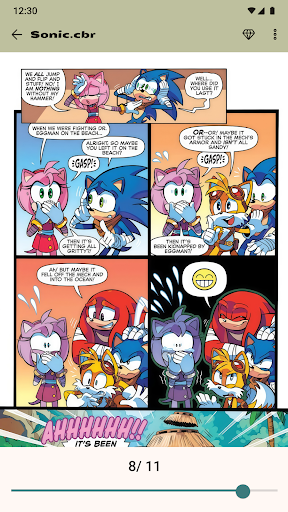
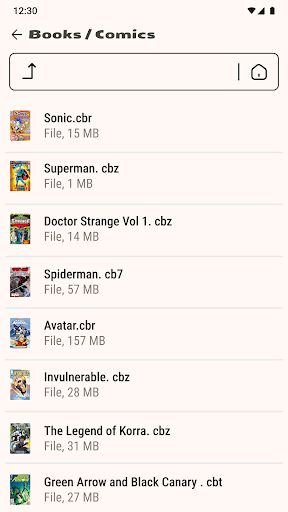
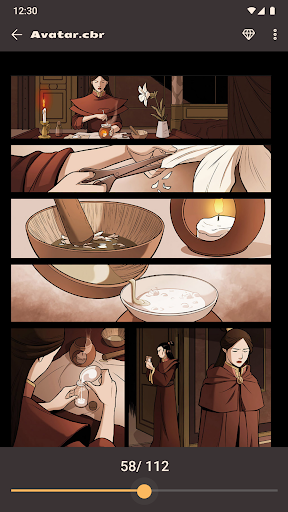

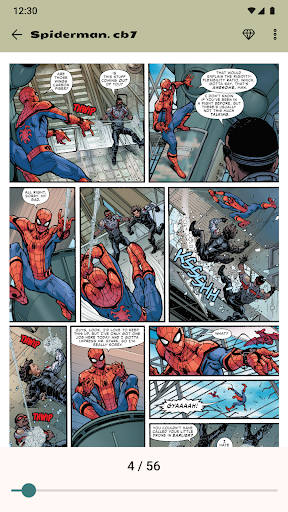
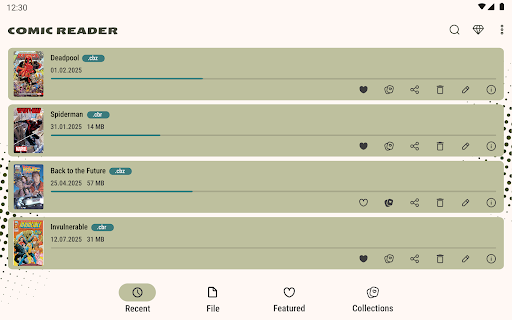
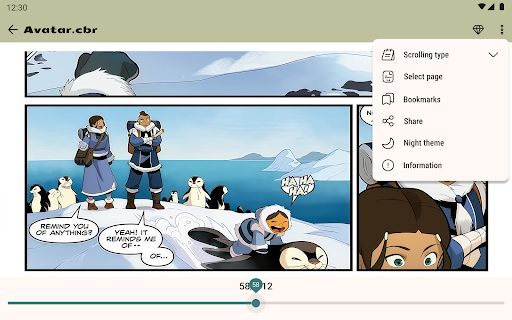
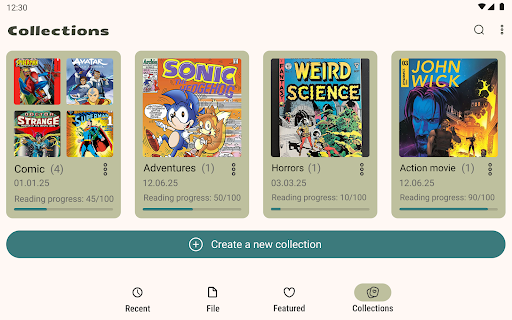
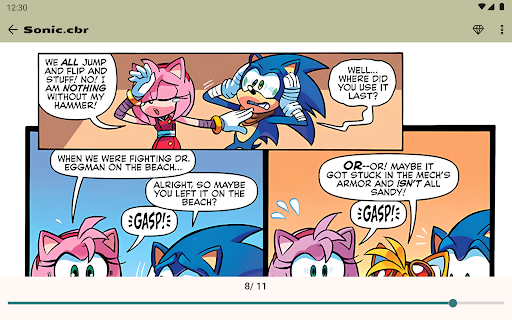
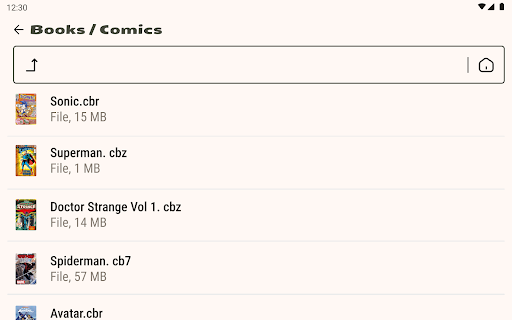
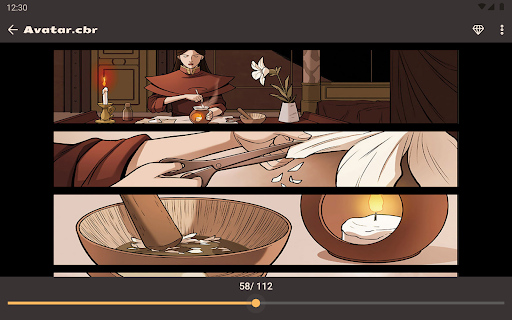
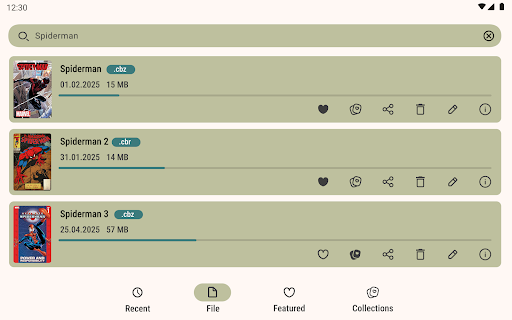

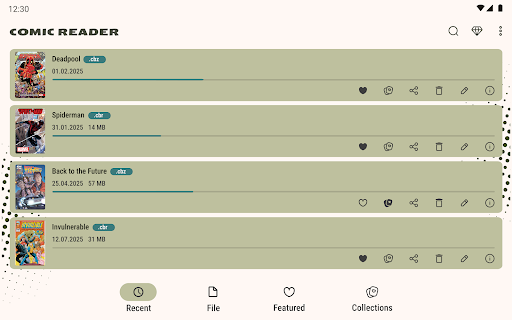
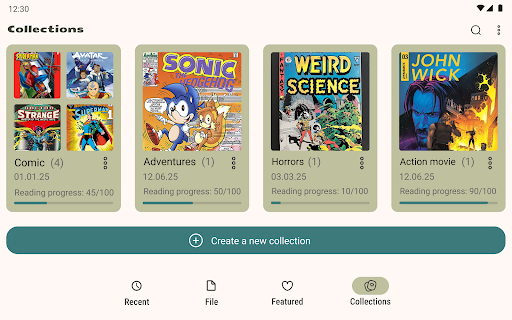
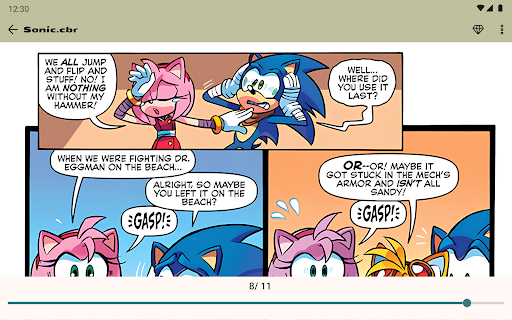
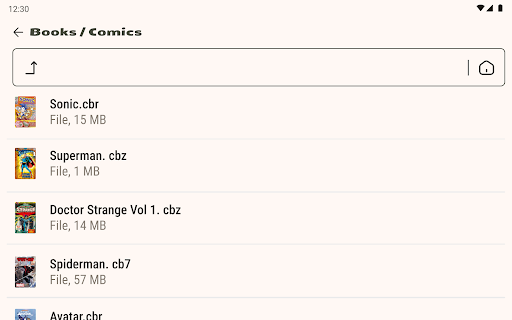
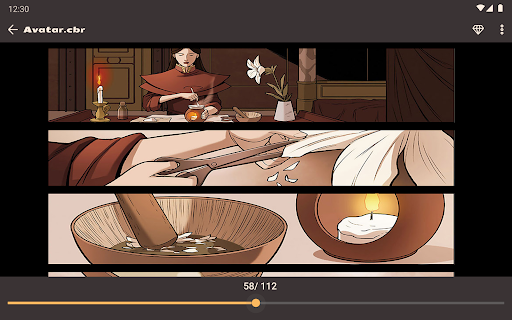
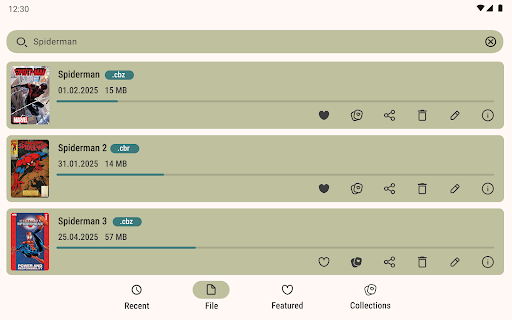
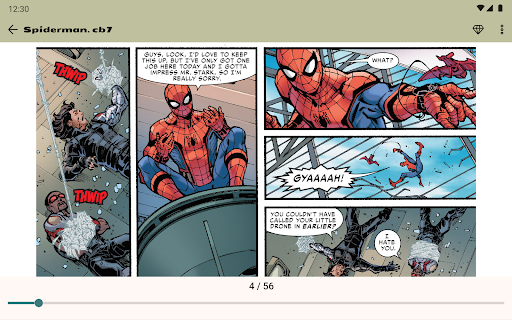
Comic Book Reader is a versatile offline comic reader designed for comic enthusiasts who want to enjoy their favorite content without an internet connection. Supporting popular formats like CBR, CBZ, CB7, CBT, JPEG, PNG, and GIF, this app ensures that users can access a wide range of comics, manga, graphic novels, and magazines seamlessly.
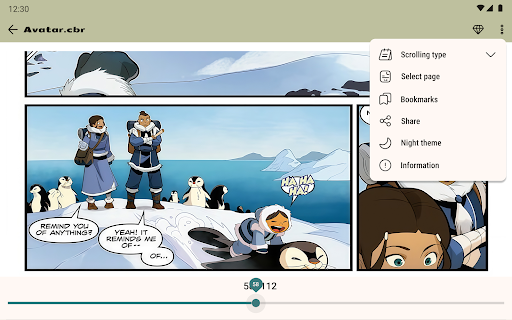
The app offers essential features such as night mode, day mode, page zoom, bookmarks, and the ability to jump to any page by number, ensuring a comfortable reading experience. Its built-in file manager allows users to add, rename, delete, and share files directly from the app. With fast loading times and full offline support, Comic Book Reader is perfect for travel or areas with limited connectivity.
Whether you're commuting or relaxing at home, Comic Book Reader provides a reliable way to manage and read your digital comic collection. The app's user-friendly interface and customizable options make it suitable for both casual readers and dedicated collectors.
Comic Book Reader stands out with its comprehensive feature set tailored for comic lovers. One of its key strengths is full offline support, allowing users to download their collections and read them without needing an internet connection. This makes it ideal for travel, commutes, or areas with poor connectivity.
The app supports all major comic formats including CBR, CBZ, CB7, CBT, JPEG, PNG, and GIF, ensuring compatibility with virtually any digital comic file. It includes practical tools like a built-in file manager, which lets users organize their library by adding, renaming, deleting, and sharing files. Additional features such as night mode, day mode, page zoom, and bookmarking enhance the reading experience by providing comfort and convenience.
Users can also search their library by title, save reading progress, and share comics via messengers and social networks. For those seeking an uninterrupted experience, ads can be removed with a one-time purchase. Lightweight, fast, and easy to use, Comic Book Reader delivers a seamless experience without requiring registration.
User-friendly interface
Full offline functionality
Wide format compatibility
Customizable reading modes
Built-in file management
Ad-supported free version
Limited advanced features
No cloud sync option
Basic UI design
Occasional bugs reported

Draw the comics with glow brushes! Easy and relax!
 4.40
4.40
More fun from BOM! Hurry up and do the following self-test, if you meet more than one item, come and experience the brand new world of comics!
3.40
Find free mangas in Spanish
4.70
You can create comics, manga and manwha using AI with Arcstory comic book maker
2.70
AsuraScans read manga, manhua, manhwa, and webtoon
3.90
Browse and read all your comics and mangas from YACReaderLibrary
4.20
100k comics, manga & webcomics, including Batman, Invincible, Hellboy & more
4.60
Kodansha official Manga app
4.30
Official from Japan
4.80
The pure application on the Manga SWAT website
4.80
File management and show images, comics and pictures in compressed cbr, pdf file
4.70
Instant access to over 30,000 Marvel comics with new issues added every week.
4.70
Read comics & manga
4.70
Read your favorite mangas for free
4.50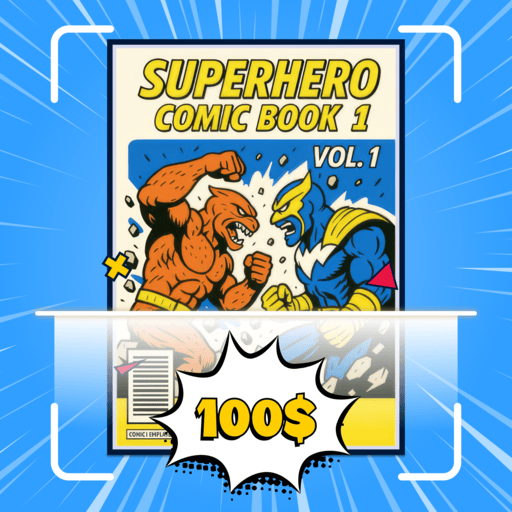
Comic Book Identifier Value - Scan comics & prices. Your comic book price guide!
4.50
Read latest manga with this minimal reader with NO ADS.
4.30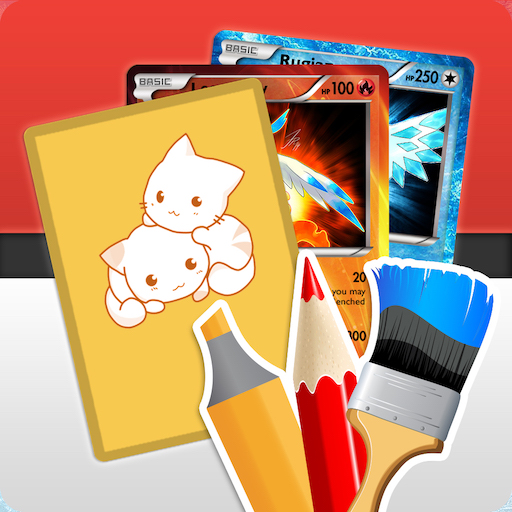
Become a real PKM Card Maker, create or custom any Poke TCG cards and share them
4.10
Read manga, comics, and manhwa
4.4
Goat sound simulator. This app makes for fun.
4.0


User Reveiws