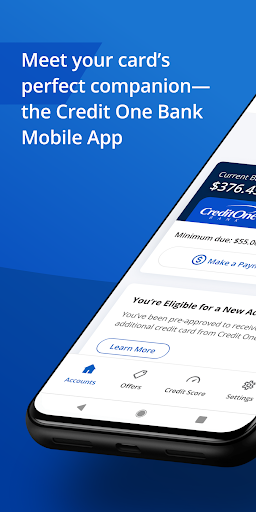

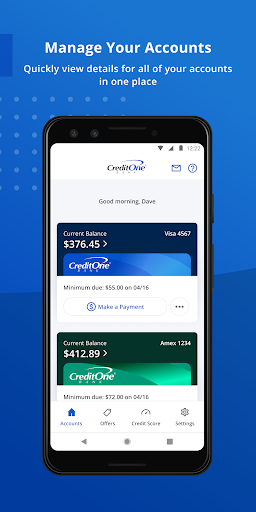
Credit One Bank Mobile is a comprehensive financial management tool designed specifically for Credit One Bank cardholders. This app allows users to manage their accounts with ease, offering features such as activating new cards, viewing statements, and setting up customized alerts. With its robust security measures, users can sign in quickly using fingerprint authentication, lock or unlock their cards, and receive notifications about transactions and balances.
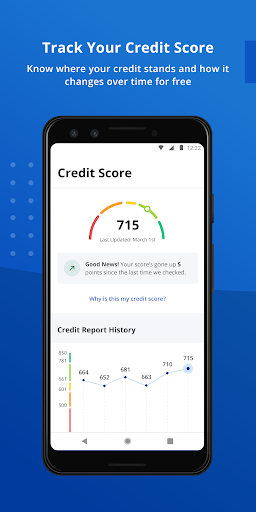
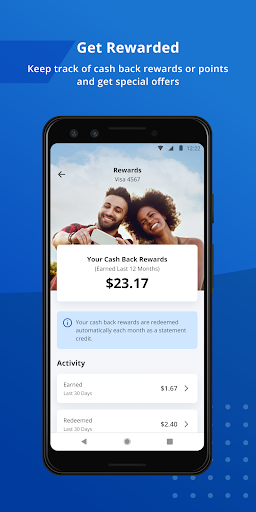
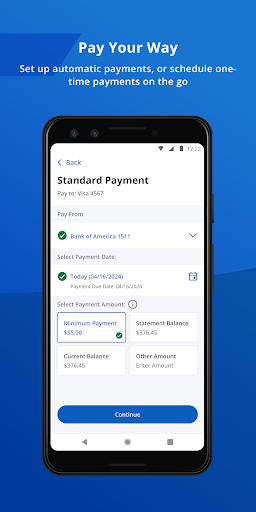
One of the standout features of this app is its rewards tracking system. Users can monitor their cash back rewards or points earned through their card usage. Additionally, the app provides convenient payment options, including scheduling payments and enabling AutoPay. For those interested in maintaining a healthy credit score, the app offers free monthly credit score tracking and detailed credit reports. Whether you're at home or on the go, Credit One Bank Mobile ensures that essential financial information is always at your fingertips.
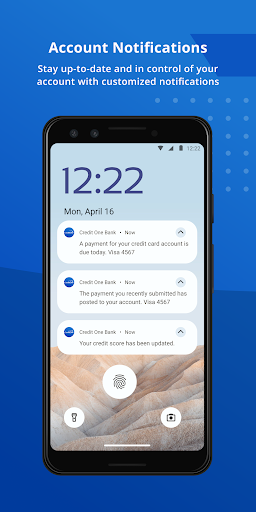
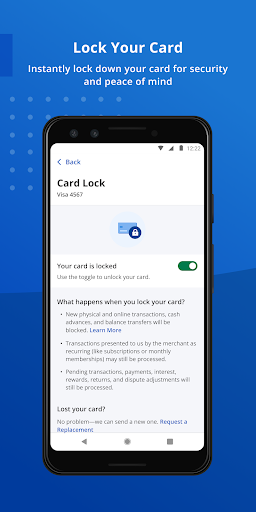
Credit One Bank Mobile stands out with its array of features tailored to enhance user experience and security. The app incorporates biometric authentication, allowing users to sign in securely using their fingerprint. It also enables users to lock and unlock their cards instantly, providing an additional layer of security against unauthorized transactions. Customizable fraud alerts and transaction notifications keep users informed about their account activities in real time.
Beyond security, the app excels in convenience and rewards management. Users can track their eligibility for new accounts or credit line increases directly within the app, streamlining the process of expanding their financial capabilities. The rewards tracking feature helps users stay updated on their cash back rewards or points. Furthermore, the app simplifies bill payments by offering quick scheduling options and AutoPay functionality. Integration with Google Pay enhances the user's ability to make seamless payments both online and in-store.
User-friendly interface
Secure login options
Comprehensive account management
Reward tracking system
Convenient payment scheduling
Limited to Credit One customers
No investment tracking
Occasional bugs reported
Customer support delays
Requires constant updates

Currency Converter supports all currencies of the world.
 5.00
5.00
Easily invest, save, and plan—all in one app.
4.60
Save, spend & get paid faster²
4.50
Money App - Earn Cash back, Fast Cash Advance, Personal Loan Offers, Banking
4.70
Mine Bitcoin in the cloud! Earn BTC daily with high-speed mining power.
4.30
Real-time tracking: Stocks, Indices, Futures, Commodities, ETF, & Funds prices.
4.60
Access State Farm accounts, policies, ID cards and more
4.60
Make your paycheck work harder for you with Perpay.
4.10
Pay, bank & build credit.
4.70
Easy budgeting planning on a calendar!
4.80
Military retirement pay estimation calculator
4.70
Navigate your unique financial path confidently with help from Credit Karma.
4.70
Send money and bitcoin easily. Invest, bank and do more with your money
4.70
Get a cash advance instantly. File taxes & cover unexpected bills in minutes.
4.60
The US Debt Clock .org App gives you a Real-Time glimpse of US Financial Stats
4.60
Get up to 500, get paid early, earn interest and find work with no hidden fees.
4.40
Amazing Financial Calculator. Based on HP 10bII, but easier to use!
4.40
Invest, bank & save in one app. Trade stocks, earn high APY & budget smarter.
4.00
View BSC Transactions for multiple accounts
3.90


User Reveiws