
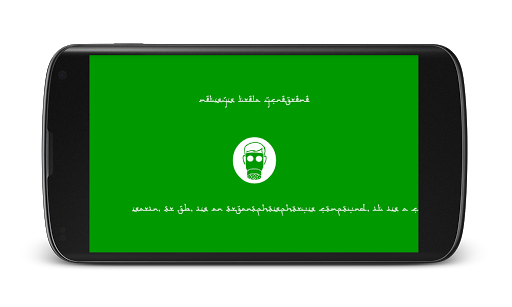




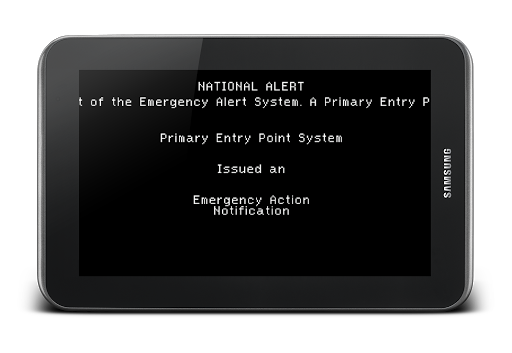

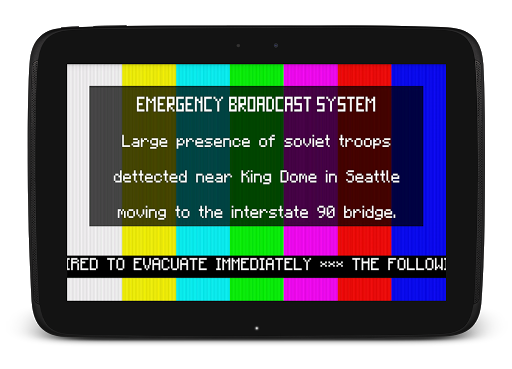
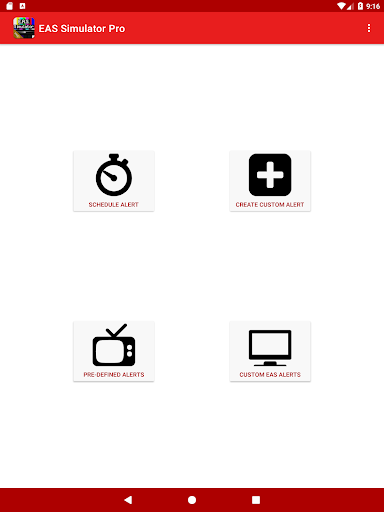
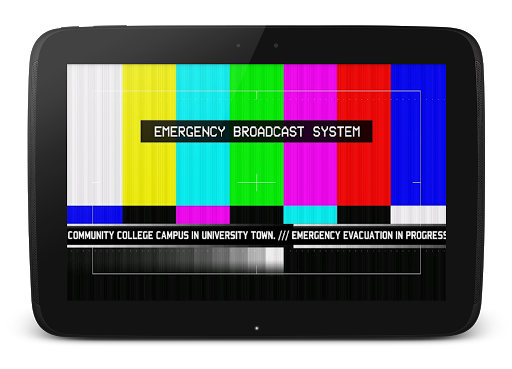
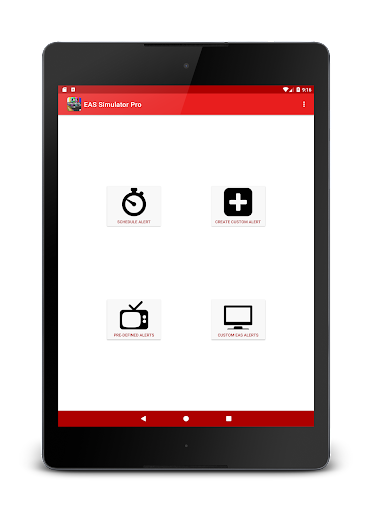
EAS Simulator Pro is an innovative entertainment app that allows users to create and experience realistic Emergency Alert System (EAS) simulations on their Android devices. The app offers a comprehensive suite of features for crafting detailed emergency scenarios, ranging from natural disasters like flash floods and tornadoes to fictional situations such as zombie apocalypses or nuclear strikes.
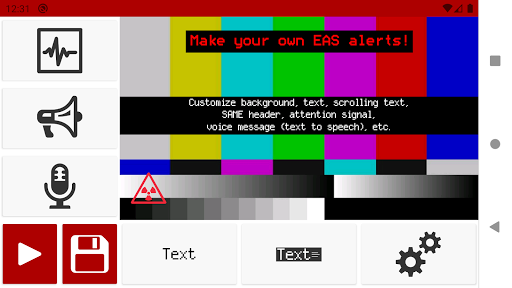
With its robust alert editor, users can design custom alerts with various visual and audio elements, including scrolling texts, SAME headers, attention signals, and voice messages generated through the device's Text to Speech engine. The app also supports video conversion of these alerts, scheduled playback even when the device is locked, and seamless import/export functionality for sharing or backup purposes.
This application is particularly useful for emergency preparedness drills, creative role-playing, or simply exploring hypothetical disaster scenarios in a controlled environment. Its realistic simulation capabilities provide both educational value and entertainment, making it a versatile tool for various user groups.
The app boasts an impressive array of features that cater to both casual users and serious enthusiasts. One of its standout capabilities is the full-featured alert editor, which provides unrestricted access to all elements of EAS message creation. Users can customize backgrounds, text styles, audio signals, and even incorporate news-ticker-like scrolling texts.
EAS Simulator Pro differentiates itself through several advanced functionalities. The ability to convert alerts into video format using screen recording and microphone audio adds a layer of authenticity to the simulations. The scheduling feature enables precise timing of alert playback, making it ideal for organized drills or surprise pranks. Additionally, the app comes pre-loaded with numerous real-life and fictional emergency scenarios, offering diverse possibilities for creative exploration.
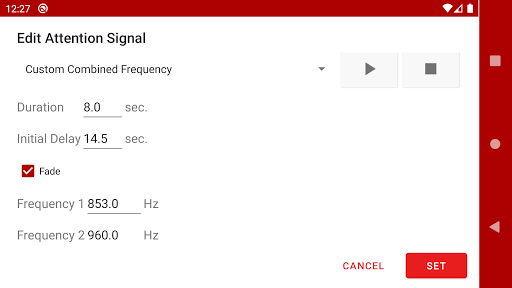
What truly sets this app apart is its attention to detail in replicating genuine EAS components. From SAME headers to attention signals and end-of-message sounds, every aspect has been carefully implemented to ensure maximum realism. The inclusion of TTS-generated voice messages and support for alternative TTS engines further enhances the customization options available to users.
User-friendly interface
Highly customizable alerts
Realistic simulation quality
Video export capability
Extensive scenario library
Paid version only
Requires TTS engine
Some features device-dependent
Permissions required
Occasional compatibility issues

Create, chat & bond with AI souls who truly listen.
 4.50
4.50
Play games. Earn real rewards. Cash out in 3hours via PayPal or gift cards.
4.40
Air Horn - Siren Sounds Prank, Fun way to wake up your Friends and Family
4.5
Stream over 80 hours of exclusive mashups and remixes by DJ Rehab.
4.1
Fire effects for your Philips Hue lights
4.20
Watch everything you want.
2.90
Christmas Globe: Transform your Wear OS device into a festive timekeeper!
4.3
Earn big rewards like PayPal & Amazon gift cards by playing games you love!
4.30
Play casual games to get gift cards and money. More playing, more earning.
4.70
Open-source, fast, simple and powerful IPTV app
4.90
Watch Reels, Drama Shorts & TV Series Anytime. Download DramaWave Now!
4.70
Create melty bead designs by numbers, photos or your imagination
4.40
Practice and master your ESP and intuition with five mode trainer.
4.20
Realistic Baby Simulator App
4.00
Stream live TV shows, sports, news, movies & more - all without cable.
3.00
Explore the unknown!
3.00
With the Steam Mobile App, you can take Steam with you anywhere.
3.00
EVP Recorder / Voice Recorder for ghost hunting, to communicate with ghosts.
4.4
Music visualizer and party effects for your Nanoleaf devices
4.1


User Reveiws