

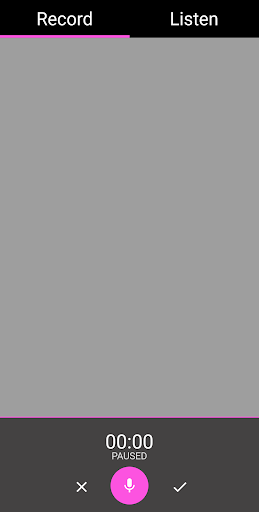

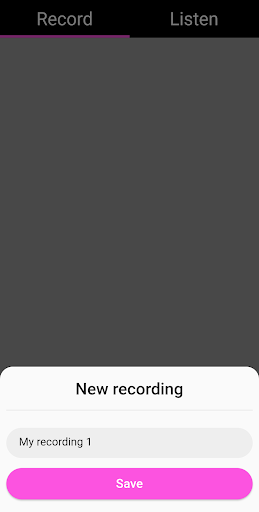
EVP Recorder is a specialized application designed for ghost hunting enthusiasts, enabling users to capture Electronic Voice Phenomena (EVP) through their device's microphone. The app allows for seamless recording sessions where users can communicate with spirits by asking questions and leaving gaps for responses.
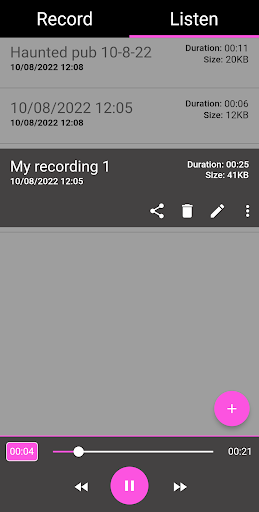
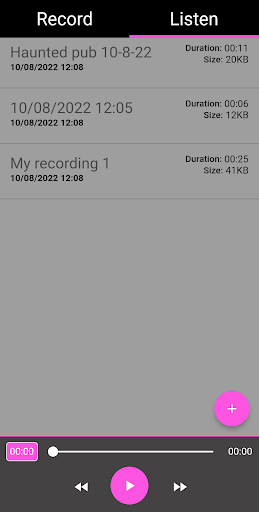
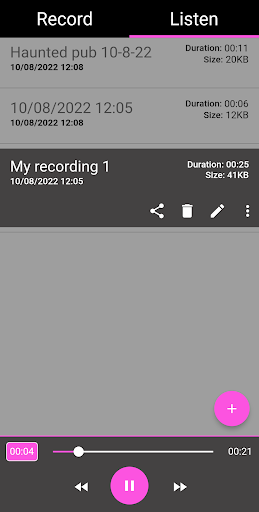
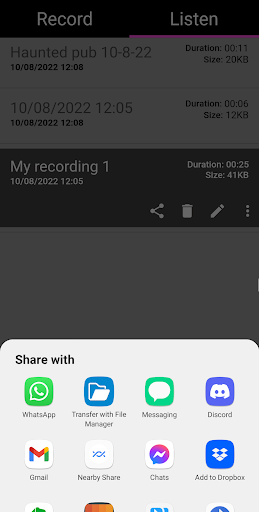
Key features include the ability to save, pause, and playback recordings, as well as advanced options like renaming and deleting files. Users can also share their findings on social media platforms directly from the app. With an intuitive interface, EVP Recorder offers a comprehensive toolset for both amateur and experienced paranormal investigators.
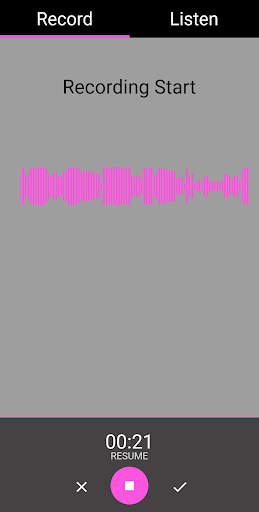
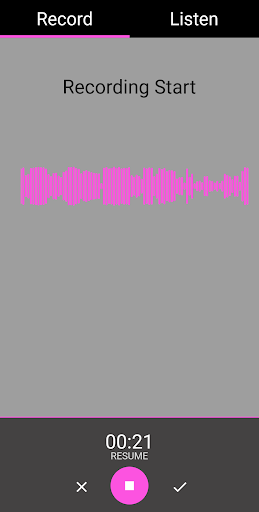
The app's value lies in its ability to provide clear audio visualization during recordings, making it easier to identify potential EVPs. Suitable for anyone interested in the paranormal, this app ensures a professional-grade experience without any in-app purchases or advertisements.
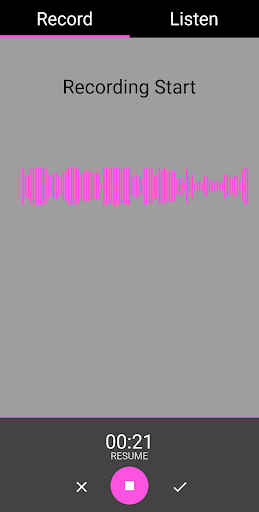
EVP Recorder stands out with its specialized features tailored for paranormal investigation. The app includes an advanced audio visualization tool that allows users to see responses while recording, enhancing the detection of EVPs. This feature is particularly useful when trying to identify subtle spirit communications.
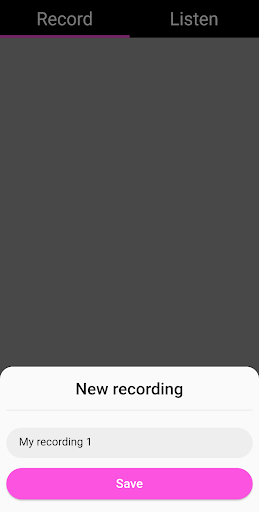
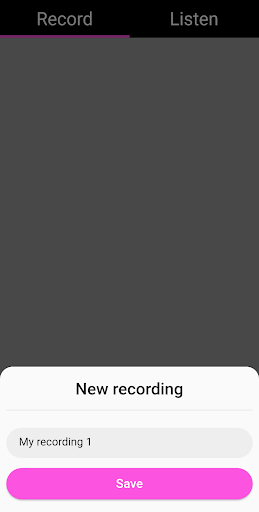
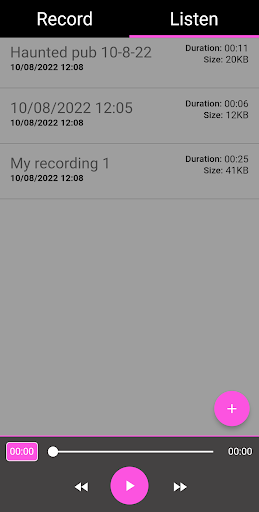
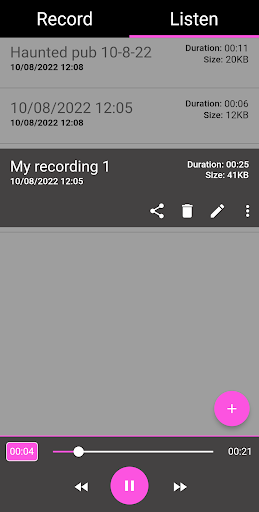
Another notable aspect is the app's robust file management system. Users can easily save, delete, rename, and load existing recordings into the app. The pause function during recording provides flexibility, ensuring no important moments are missed. Additionally, fast forward and reverse options during playback allow for detailed analysis of captured EVPs.
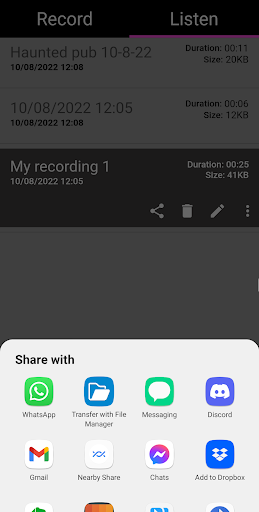
The sharing functionality supports various platforms including Facebook and WhatsApp, facilitating collaboration among ghost hunting teams. With lifetime free updates and no ads, EVP Recorder delivers exceptional value for paranormal researchers seeking reliable equipment for their investigations.
User-friendly interface
Advanced audio visualization
Comprehensive file management
No in-app purchases
Lifetime free updates
Limited to paranormal use
Requires quiet environment
Results may vary
No live monitoring
Basic audio editing tools

Air Horn - Siren Sounds Prank, Fun way to wake up your Friends and Family
 4.2
4.2
Journey to the world’s oldest rainforest and meet its Indigenous Custodians.
4.0
Fire effects for your Philips Hue lights
4.20
Chat with AI characters! Anime, games, roleplay & more.
4.50
The Xbox app keeps you connected to your gaming community.
4.50
Premium version to enjoy your favorite anime
4.60
Official KennysGifs Stickers
4.20
Watch TV shows, movies, and stream Live TV channels without a subscription!
3.80
Scary prank camera & on face app: Shoot videos, selfies with spiders & scorpions
4.60
Everything FOX in one place. Watch FOX News, NFL, MLB, TV shows and more.
4.50
Create melty bead designs by numbers, photos or your imagination
4.40
Atomus is a 10-finger multi-touch interactive visualizer.
4.30
Build and Share AI
4.20
Catch the latest episodes of The Voice or live stream NFL games with The NBC App
4.20
Experience the video editing experience brought by our intuitive interface
4.10
Binaural Brainwave Doses for Every Imaginable Mood
3.60
VR 360 Cinema Player is the ultimate VR player for playing videos on mobile
3.50
Watch everything you want.
2.90
A wonderful collection of the most beautiful sounds of animals and birds
4.2


User Reveiws