Easy Draw

4.70

Information

Category:

Education

Price:

Free

Rank:

20

Rating:

4.70

Overview

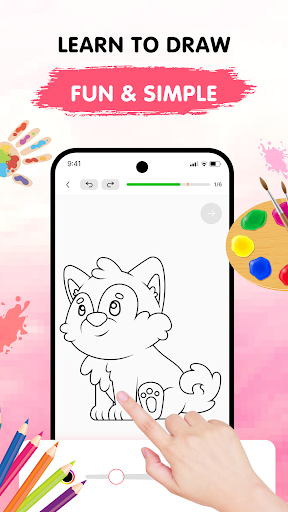
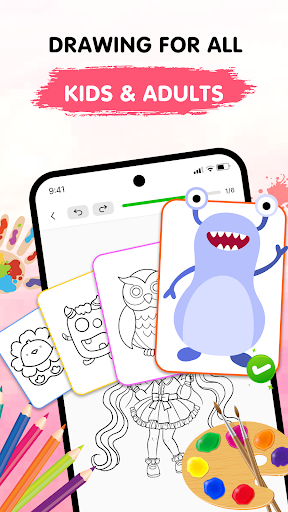
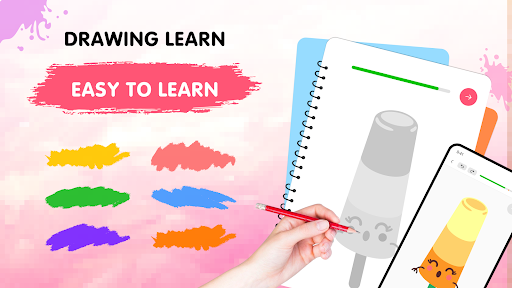
Easy Draw: Learn How to Draw is an innovative educational app designed to help users develop their artistic skills. This personal art tutor offers a structured learning environment with step-by-step drawing tutorials suitable for all skill levels.

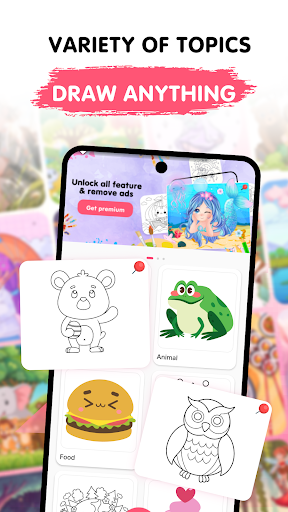
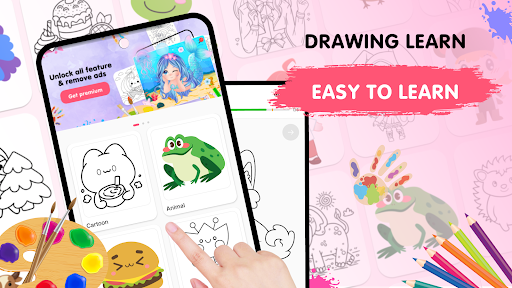
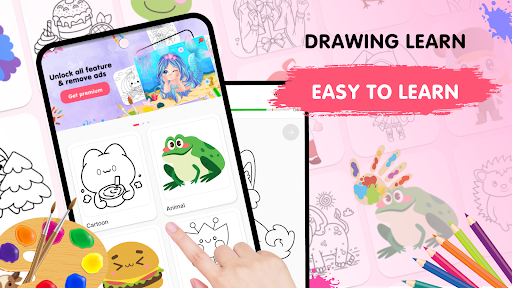
The app features a wide range of drawing themes, from animals to landscapes, providing diverse creative opportunities. With intuitive drawing tools and adjustable settings, users can experiment freely and refine their techniques at their own pace.

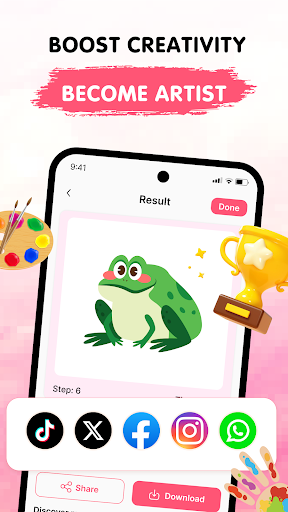
Whether you're a beginner or looking to enhance your existing skills, Easy Draw creates a relaxing space for artistic exploration. The ability to save and share artwork adds extra motivation, making it perfect for those who want to document their creative journey and progress in drawing.

Features

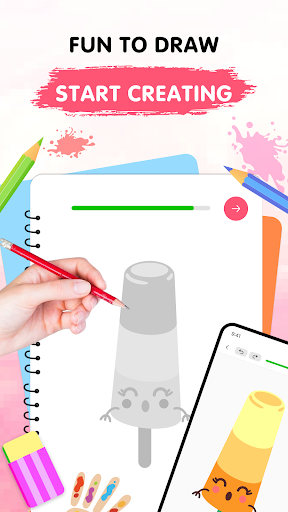
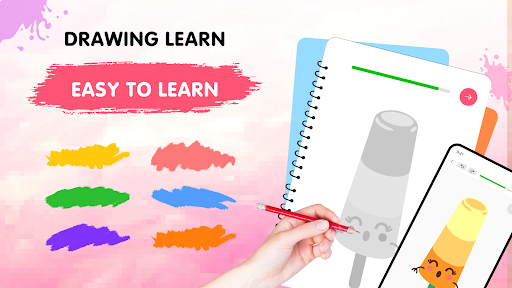
Easy Draw stands out with its comprehensive set of drawing features tailored for education. The app provides guided drawing steps broken into manageable sections, allowing users to follow along easily regardless of their experience level.

A key highlight is the versatile drawing toolkit, including essential functions like undo, redo, erase, and reset options. Users can customize brush sizes and choose from an expressive color palette, enabling precise control over their artwork.

The app's library covers various topics, from cartoon characters to environmental scenes, supporting different interests. These features work together to create an optimal learning environment that encourages creativity while building fundamental drawing skills.

Content accuracy & authority

In the realm of educational applications like Easy Draw Learn How to Draw content accuracy and authority stand as pivotal elements for ensuring a valuable learning experience. This app takes these aspects seriously by offering meticulously crafted drawing tutorials that cater to users at all skill levels. Each lesson is designed with clear step-by-step instructions which are essential for learners to follow along without confusion. The app covers a wide range of topics from animals and cartoons to food and the universe providing a comprehensive library that ensures there's something for everyone. By partnering with experienced artists and educators Easy Draw guarantees that the content delivered through its platform is not only engaging but also accurate and authoritative. This means that users can trust the techniques and methods taught within the app to be reliable and effective in improving their drawing skills over time. With such a solid foundation learners can confidently explore new styles and develop their artistic abilities knowing they are receiving quality instruction.

Personalized learning paths

Easy Draw Learn How to Draw distinguishes itself through its commitment to personalized learning paths a feature that significantly enhances the educational journey for its users. Understanding that every artist has unique needs and preferences the app offers a customizable experience that adapts to individual learning styles. Users can select from a variety of themes and subjects allowing them to focus on areas that truly inspire them. Whether it's perfecting the art of sketching animals or mastering the intricacies of cartoon characters Easy Draw provides tailored lessons that evolve with the learner's progress. The app's intuitive interface further supports this personalization by enabling users to adjust brush settings experiment with an expressive color palette and utilize easy-to-use drawing tools. These features empower learners to take control of their creative process making each drawing session a reflection of their personal growth. Moreover the ability to save and share artwork fosters a sense of accomplishment and encourages continuous improvement. Through these personalized learning paths Easy Draw not only teaches drawing techniques but also nurtures a deeper connection with the art form promoting self-expression and creativity in a way that is uniquely suited to each user.

Props

User-friendly interface

Step-by-step guidance

Versatile drawing tools

Customizable brushes

Free sharing option

Cons

Limited advanced tools

Occasional ads

Premium content locked

Offline access limited

Storage intensive
Features and Functions

What is this app and what can I use it for?

An educational app for learning drawing through guided tutorials and practice exercises

How do I download and install this app on my device?

Search 'Easy Draw' on Google Play Store, tap Install, and open after download completion

How do I get started after opening the app for the first time?

Browse available lessons, pick one, and follow step-by-step drawing instructions provided

What are the main features and capabilities of this app?

Guided tutorials, adjustable tools, various themes, and saving-sharing capabilities included

How can I customize my experience and adjust preferences?

Adjust brush size, color palette, and use customization options in settings menu

How do I save or bookmark my favorite content for later access?

Save completed drawings locally or export them through the app's saving feature

How can I share content with friends or on social media?

Use built-in sharing function to post artwork directly to social media platforms

How do I access detailed information and explore more content?

Access detailed drawing steps and explore additional lessons within the app

What permissions does this app need and how do I manage them?

Requires storage and basic device permissions managed through system settings

How do I check for updates and keep the app running smoothly?

Enable automatic updates in Google Play Store or manually check for app updates regularly
Show more

User Reveiws

{{ comment.reviewer_name }}
{{ comment.review_date_formatted}}
{{ comment.review_content }}
{{ tab.name }}
{{ comment.reviewer_name }}
{{ comment.review_date_formatted}}
{{ comment.review_content }}
No reviews with this rating