

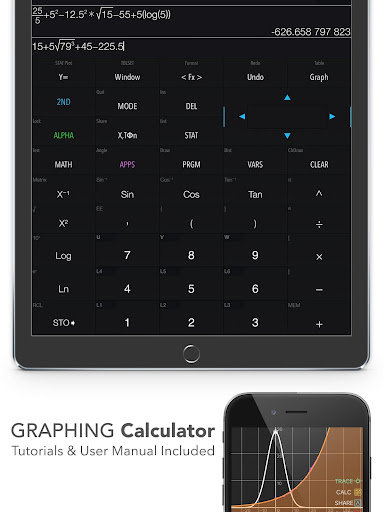
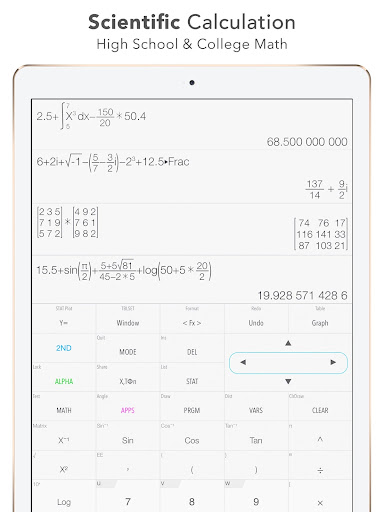

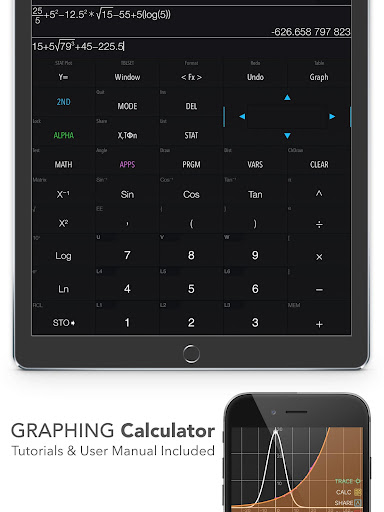
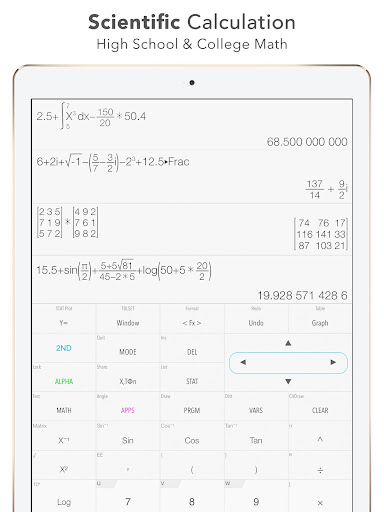

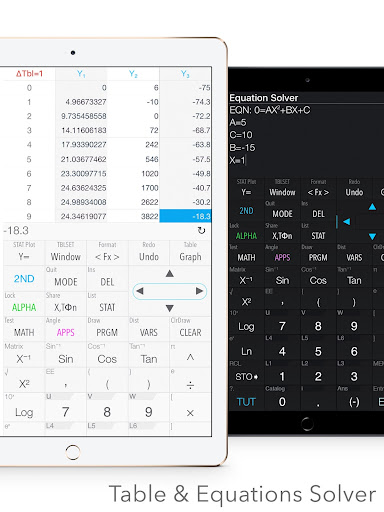
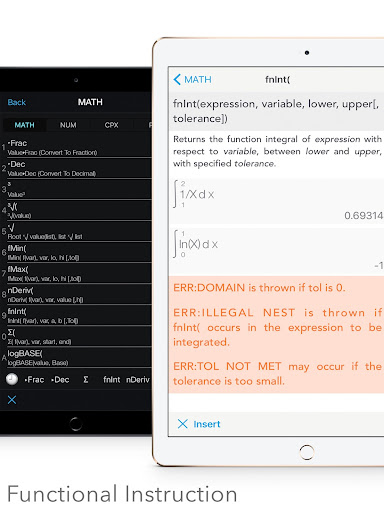
Graphing Calculator Plus represents the pinnacle of advanced calculation tools available on mobile devices, designed specifically for students, engineers, and math enthusiasts. This application successfully replicates the functionalities of traditional hardware calculators like TI 84 and TI 83 while leveraging the flexibility of software to offer even more features.
The app provides a comprehensive suite of mathematical tools including graphing, statistics, matrix calculations, and programming capabilities. Its powerful MATH CORE and intuitive MATH DISPLAY support make it suitable for both basic calculations and complex mathematical problem-solving. Whether you're dealing with algebra, calculus, or engineering problems, Graphing Calculator Plus delivers accurate results and visual representations that enhance understanding.
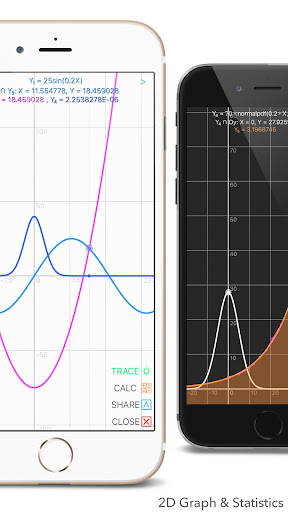
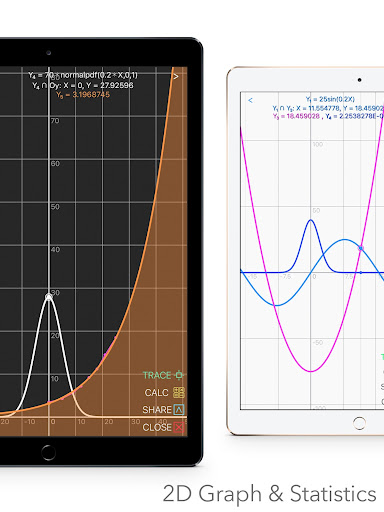
One notable feature is its ability to handle 2D graphs with smooth zoom and transformation capabilities. Users can plot multiple functions simultaneously, find intersections, and trace special points. This makes it an invaluable tool for visual learners and professionals who need to analyze mathematical relationships in their work.
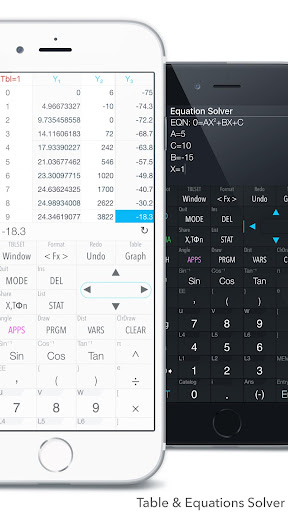
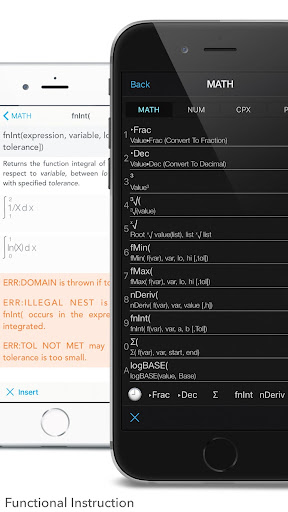
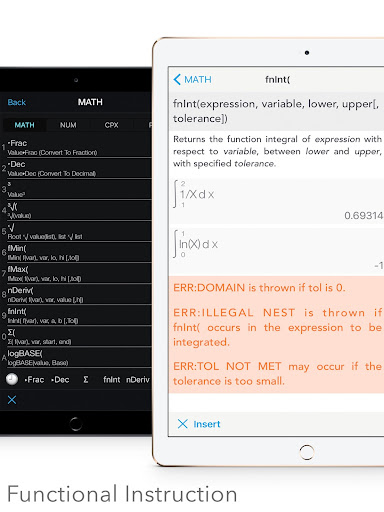
Graphing Calculator Plus stands out through its extensive feature set tailored for diverse mathematical needs. The app includes a universal calculator with advanced functions such as Sin, Cos, Ln, and E, alongside specialized tools like equation solvers and numerical integral calculations.
A key highlight is its statistical and regression analysis capabilities. Users can create and edit lists, perform various types of regressions (linear, quadratic, logarithmic), and conduct different statistical tests. These features are particularly beneficial for data analysis in academic and professional settings.
Additional noteworthy aspects include its matrix operations, programming environment with control commands, and number base-N mode supporting up to 15 different bases. The inclusion of financial calculations and geometry applications further expands its utility across various disciplines, making it an indispensable tool for anyone involved in mathematics or related fields.
Powerful math engine
Comprehensive feature set
User-friendly interface
Regular updates
Educational value
Steep learning curve
Occasional bugs
Complex UI
High cost
Limited offline help

Childcare Management App: Daily sheets, sign in-out, billing and learning tools
 4.70
4.70
Hebrew Vocab
4.90
Guitar chord finder, analyzer, smartly visualized theory, progressions, quizzes.
4.70
Engage in learning science and math with the award-winning PhET simulations!
4.70
Prepare for the BCBA / BCaBA exam. Study ABA with the ABA Wizard app.
4.60
Astronomy Guide To Night Sky
4.30
Discover Your Place in the Universe
4.70
School Communication
4.30
Plant identifier: Identify plants, trees, weeds, flowers. Disease diagnosis.
4.30
A realistic sky map to observe stars, planets, satellites and constellations!
4.80
The Only Official DVSA Theory Test Kit App
4.50
Latest TLC Practice Questions! Multiple languages available!
4.50
Practice Casino Roulette Payouts for Table Game Dealers and Croupiers
4.40
Monkey Preschool Lunchbox: 7 exciting educational games for your preschooler.
4.30
Explore numbers the Starfall way!
4.00
FAR/AIM, FAR for Flight Crew and FAR for Aviation Maintenance Technicians
3.80
Hasbro's Classic Board Game - Make Cavity Sam better or get the buzzer!
3.50
Master the NRP with 700+ questions, rationales, and updated NREMT scenarios.
3.00
Test prep for Indiana students
4.5


User Reveiws