
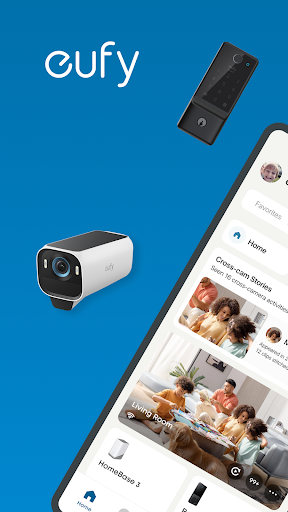
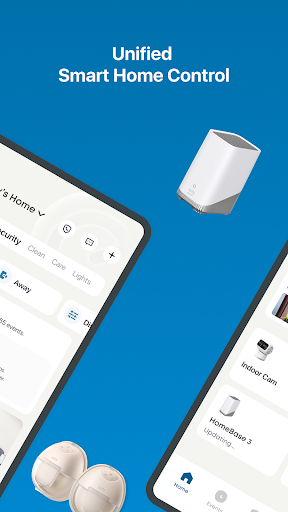
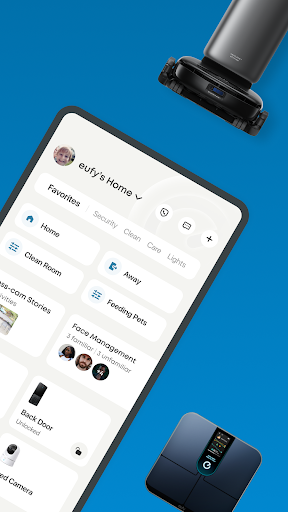

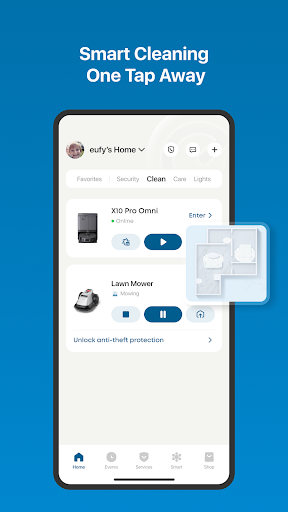
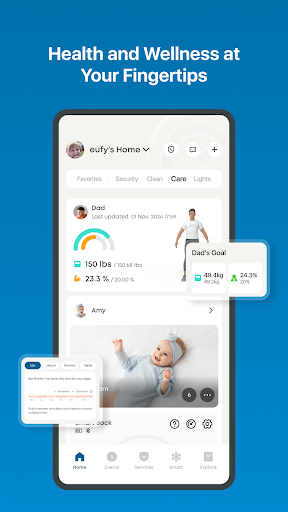
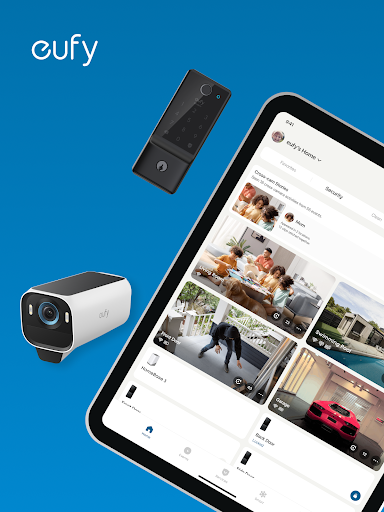
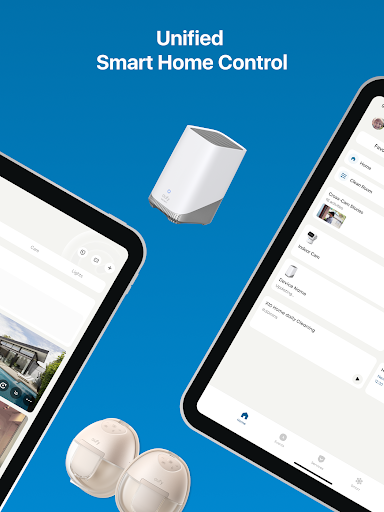
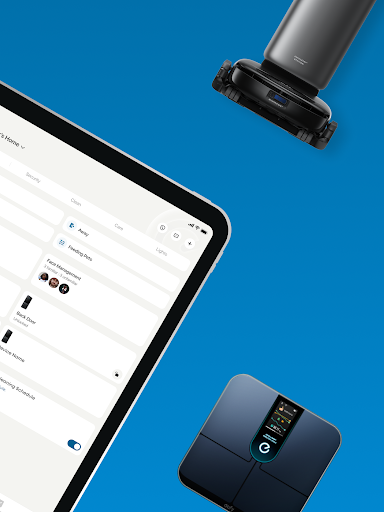
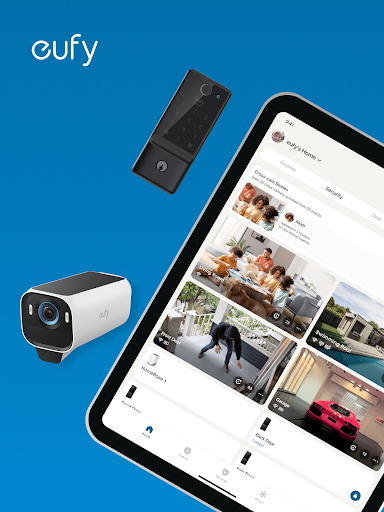
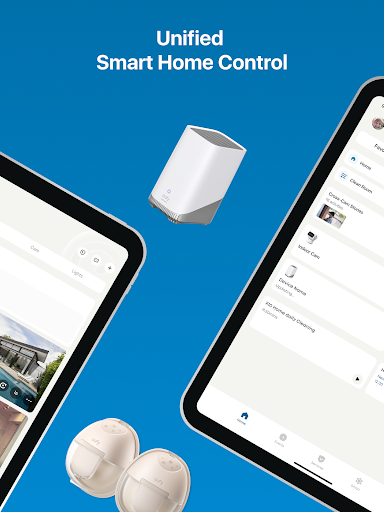
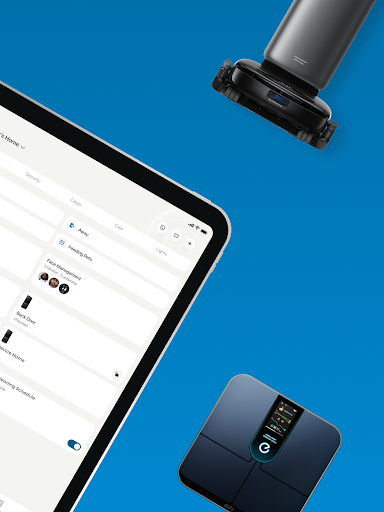
eufy Security is a comprehensive smart home management app that integrates various eufy product lines, including Security, Clean, Baby, Life, and Pet. The app provides users with centralized control over their smart devices, enabling them to manage home security, cleaning schedules, baby monitoring, health data, and pet care from a single platform.
With advanced features like HomeBase integration, Alexa and Google Assistant compatibility, and industry-leading battery life for security cameras, the app ensures robust home protection. Users can also remotely control cleaning devices, monitor health metrics through smart scales, oversee infant care, and manage pet supplies, all while prioritizing data privacy and encryption.
This unified approach simplifies smart home management, making it easier for users to maintain a secure, clean, and healthy living environment while enjoying seamless device integration and easy setup processes.
The eufy Security app offers an array of sophisticated features designed to enhance smart home management. One standout feature is its ability to consolidate multiple product lines into one platform, allowing users to control security systems, cleaning robots, baby monitors, health devices, and pet supplies without switching between different apps.
For home security, the app supports advanced functionalities such as real-time video monitoring, motion detection alerts, and integration with smart assistants like Alexa and Google Assistant. Cleaning devices can be scheduled and managed remotely, while health data from smart scales syncs with popular fitness platforms like Apple Health and Google Fit. Additionally, parental controls for baby products and remote pet care management ensure comprehensive oversight of family and pet needs.
These features collectively provide users with unparalleled convenience, privacy protection, and efficient smart home management, setting eufy Security apart in the lifestyle app category.
User-friendly interface
Comprehensive device support
Strong privacy protection
Seamless third-party integrations
Efficient cleaning scheduling
Limited model compatibility
Occasional connectivity issues
Premium feature costs
Complex initial setup
Health metric inaccuracies

Countdown to Christmas 2025 with festive games & activities in a virtual village
 4.80
4.80
Smart controls for your Ember Smart Mugs
4.10
Pay your rent, submit work orders and much more with the RentCafe Resident App.
4.70
The all-new Cync app. The simple, connected app for Cync and C by GE.
4.50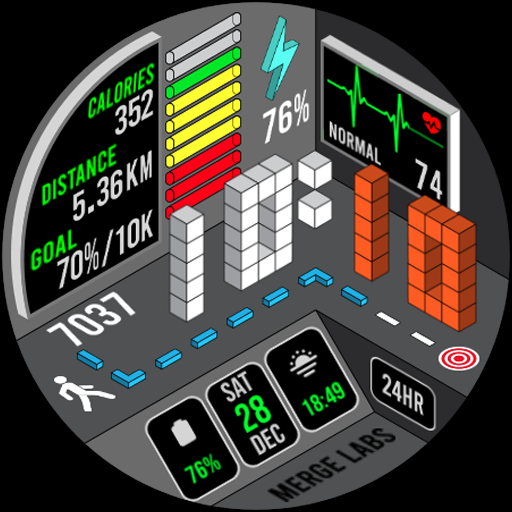
A uniquely designed isometric digital watch face made for Wear OS
4.4
Crochet made easy: step-by-step tutorials, beginner patterns & projects
4.60
DailyGift can help you record your habits and get rewards along the way!
4.60
Decorate your home screen with custom icons, color widgets, themes & wallpapers
4.70
Create slime on your phone and enjoy satisfying and relaxing ASMR games
4.50
A smart Siddur with halachic times
4.50
The Work of Byron Katie— the mobile app for inner peace.
4.40
Cute Adorable Animals now on your wrist with our Wear OS watch face!
4.40
Paranormal Spirit Bell Trigger Device
4.30
Use your device sensors to detect energy and convert it into spoken words.
4.10
Digital watch face design. Modern looking, hi-res & battery friendly.
4.00
Duo Watch Face (animated)
4.0
A daily quote for success
4.5
Big bold hybrid watch face with 30 colors, 5 fonts & 5 complications.
4.4
Celebrate the holidays with Advent Calendar: daily surprises and festive fun!
4.4


User Reveiws