
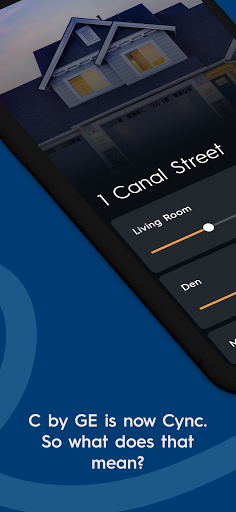
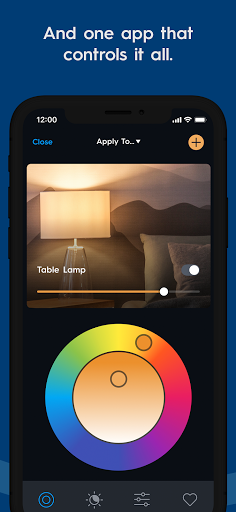
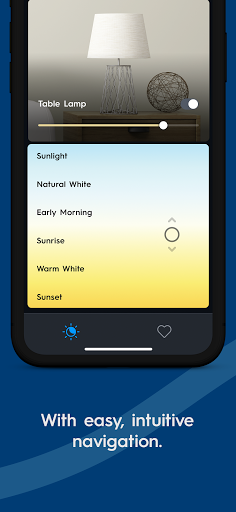
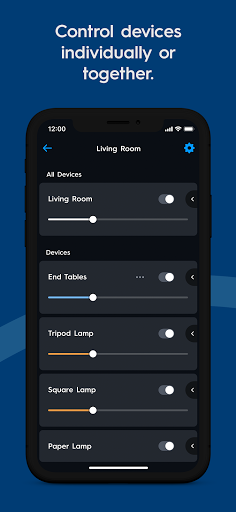
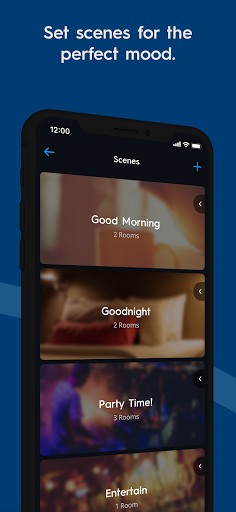
Cync is a comprehensive smart home control application that allows users to manage Cync and C by GE products through an intuitive interface. The app, powered by Savant, offers enhanced personalization features such as adding photos of devices and rooms, dynamic home screens, and a dark theme option for better viewing at night. With its patented TrueImage technology, users can experiment with colors and brightness remotely.
Advanced color control options enable users to match light colors with their decor using RGB values and a double color wheel. The app also supports grouping devices within rooms for more granular control without creating new rooms. It provides improved stability and speed compared to its predecessor, allowing faster connections and more reliable performance. Users can set light schedules, change room colors virtually, create multiple profiles, and control various smart home devices like bulbs, plugs, and cameras.
The app's voice compatibility with Amazon Alexa and Hey Google ensures convenient hands-free control without needing a separate hub. Additionally, the integration of new Cync products such as the Outdoor Smart Plug and Indoor Smart Camera extends smart control to outdoor spaces and enhances home security respectively. This makes Cync a versatile tool for managing a modern smart home environment efficiently.
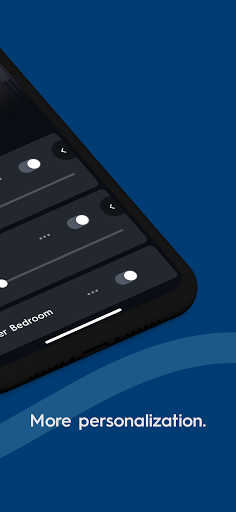
Cync stands out with its array of innovative features designed to enhance user experience in managing smart homes. One of the key highlights is the enhanced personalization it offers; users can add photos of their devices and rooms, making identification easier and providing a more tailored experience. The dynamic home screen adapts to display frequently used products prominently, while the optional dark theme improves visibility during nighttime use.
The app includes patented TrueImage technology, allowing users to take pictures of their lights and adjust colors and brightness remotely. Advanced color control lets users input RGB values to match lighting precisely with their interior design or use a double color wheel to find the perfect shade. Grouping devices within rooms adds another layer of control, enabling users to manage subsets of devices without cluttering the interface with unnecessary room creations.
Performance improvements are evident with increased stability and speed, ensuring quicker connections and more reliable interactions with smart devices. Voice compatibility with Amazon Alexa and Hey Google facilitates seamless hands-free operation. Integration with new Cync products like the Outdoor Smart Plug and Indoor Smart Camera further expands functionality, offering solutions for both convenience and security in smart home management.
User-friendly interface
Enhanced personalization
Advanced color control
Voice compatibility
Improved stability
Limited device compatibility
No iOS widget support
Occasional connectivity issues
Requires internet connection
Premium feature costs
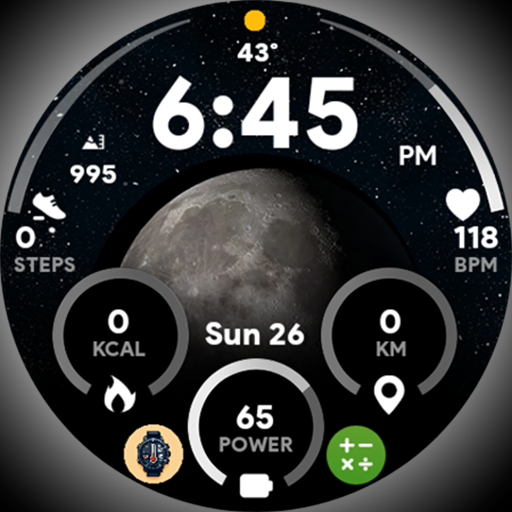
Unique informative Dial with Live Moon Phase at a glance!
 3.60
3.60
Discover how to help puppies stay calm around noise with this helpful app.
4.0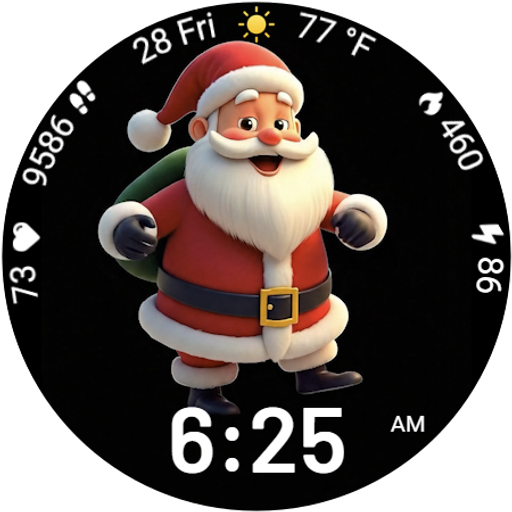
Designed to delight, impress and energize your festive spirit every single day
4.4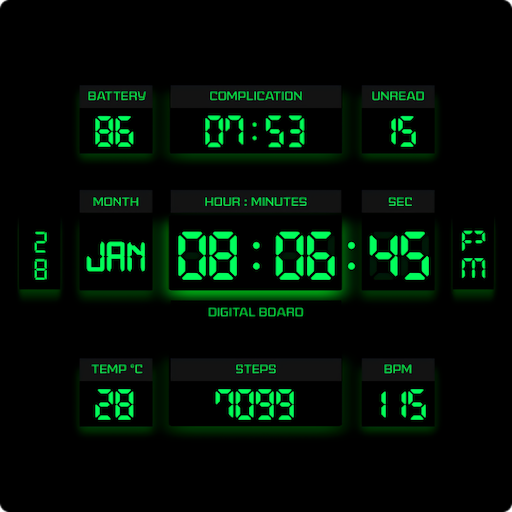
This minimalist yet classic board design brings a futuristic twist to your wrist
4.20
Do you want to communicate with spirits?
3.80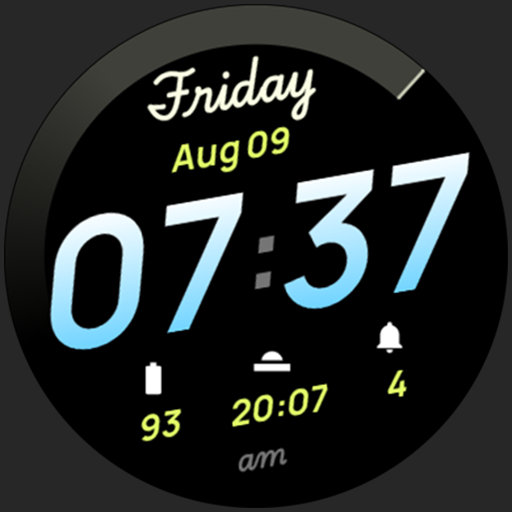
Simple, stylish & fresh watch face. Customize colors, gradients & complications.
4.70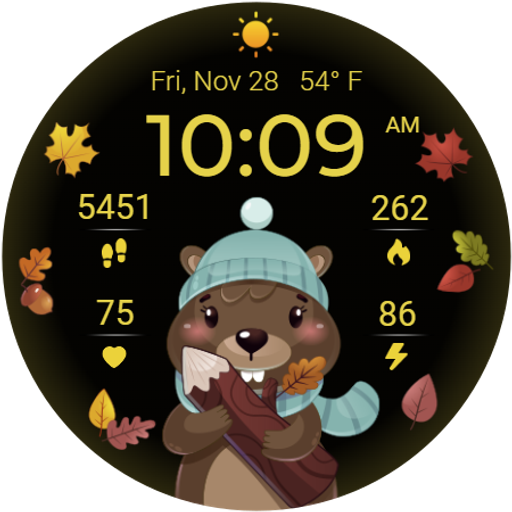
The cutest Autumn watchface featuring the adorable Mr. Squirrel
4.0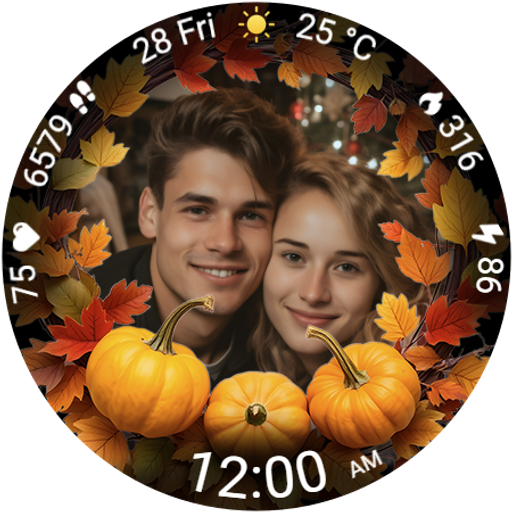
Wear your favorite memories, loved ones, pets or travel photos on your watch
4.1
Earn money for every survey and game you play, and get real rewards every time
4.50
Daily lessons from A Course in Miracles with scheduled reminders
4.80
Tap to the beat with interactive videos — warm up your reflexes & have fun
4.70
Smart & Healthy Living
4.60
Crochet made easy: step-by-step tutorials, beginner patterns & projects
4.60
Play fun games, complete quick surveys, and earn money. It's fun and easy!
4.40
Get your life organized with My Agenda!
4.30
Easily manage your child's playtime, spending messaging and more.
3.50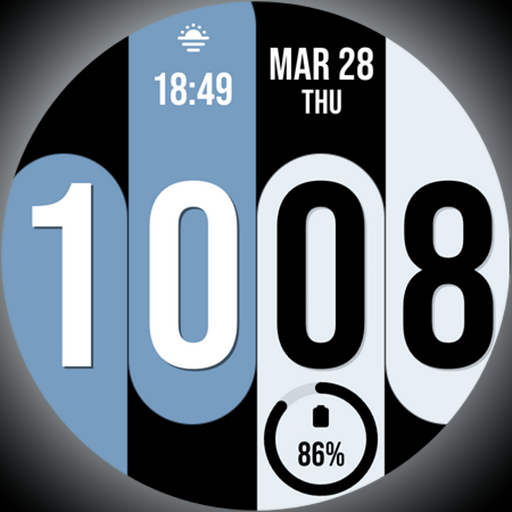
Unique Dual Colors with 6 Custom Complications for Wear OS watches!
3.40
View over 160,000 line dance stepsheets from the CopperKnob website.
3.30
The Miracle Box includes methods used by Steve Huff of Huff Paranormal.
3.20


User Reveiws