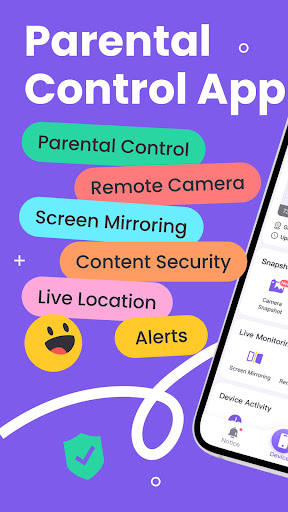
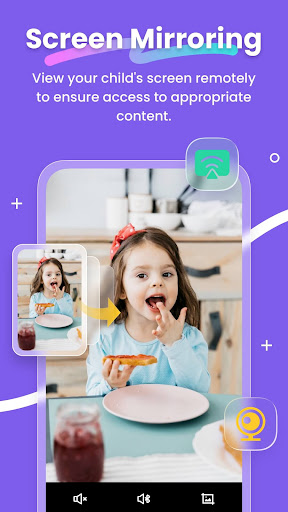
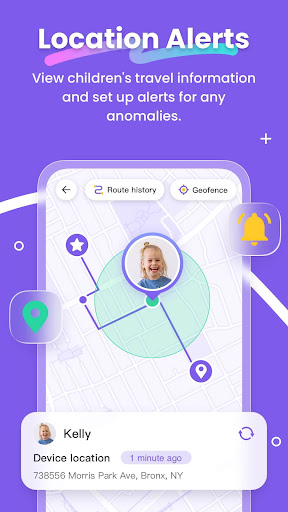

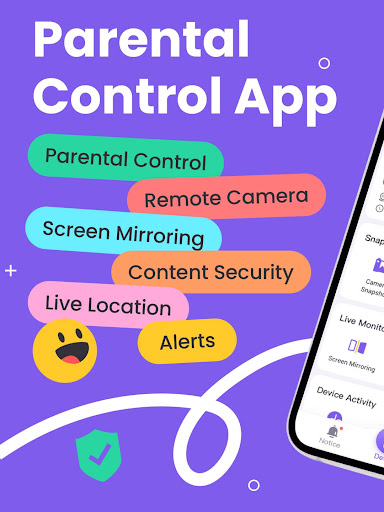
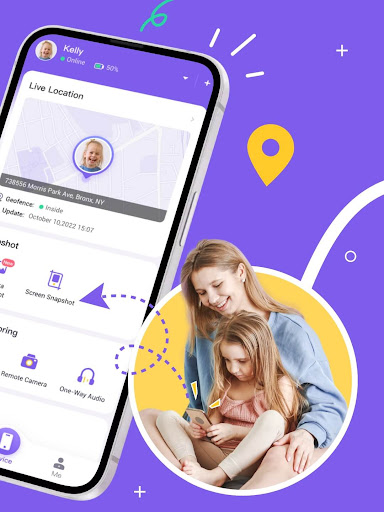

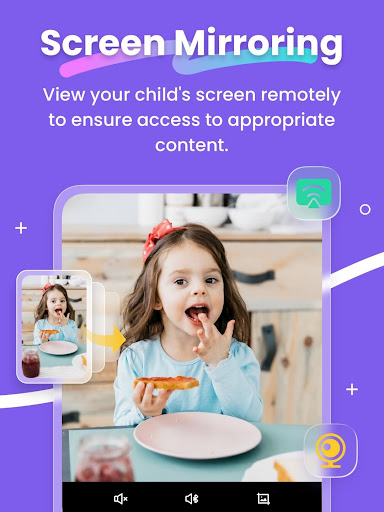

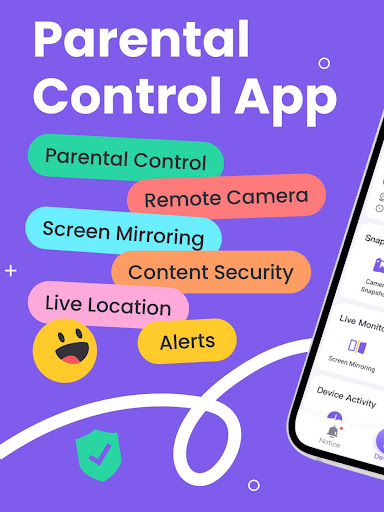
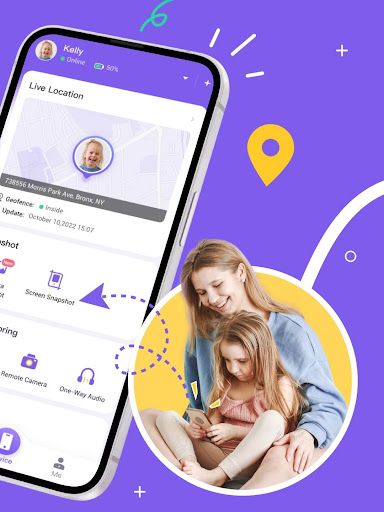
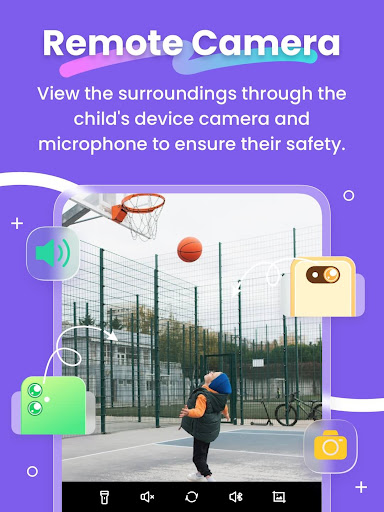

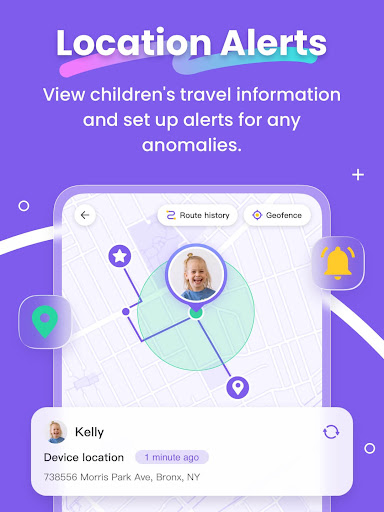
FlashGet Kids is a comprehensive parental control application designed to help parents ensure their children's safety and develop healthy digital habits. The app offers real-time location tracking, allowing parents to monitor their child's whereabouts with high-precision GPS. It also includes features like Live Monitoring, which enables remote camera access and one-way audio communication, and Screen Mirroring to project the child's device screen onto the parent's phone.
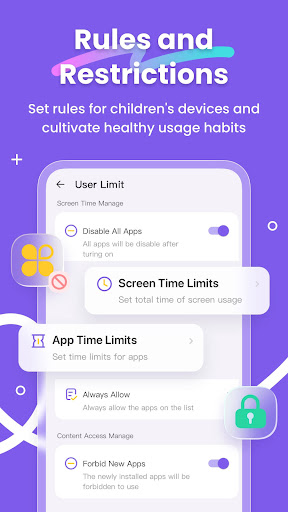
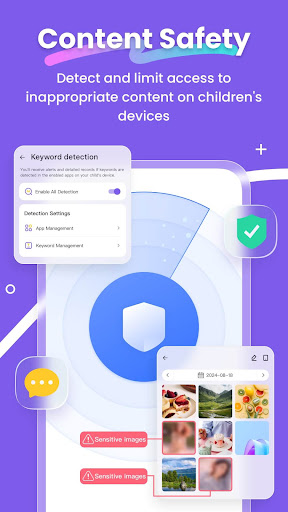
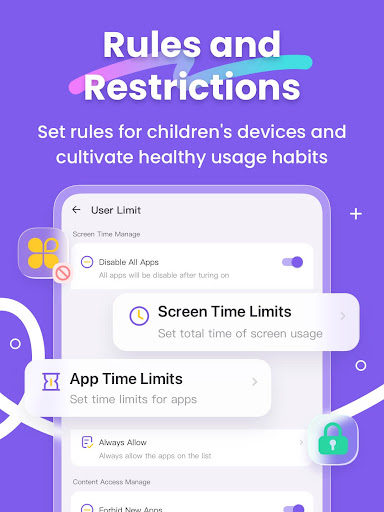
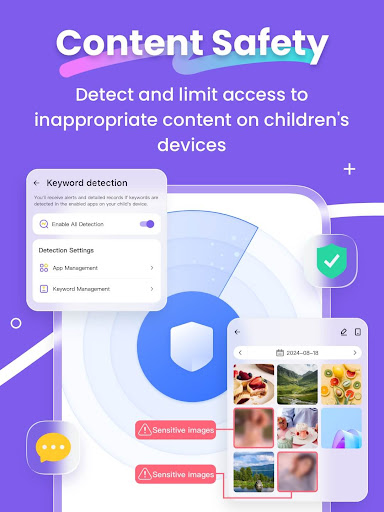
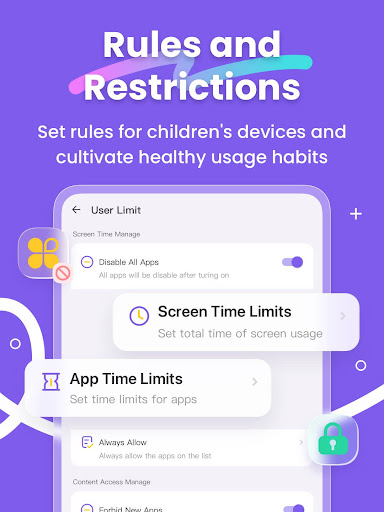
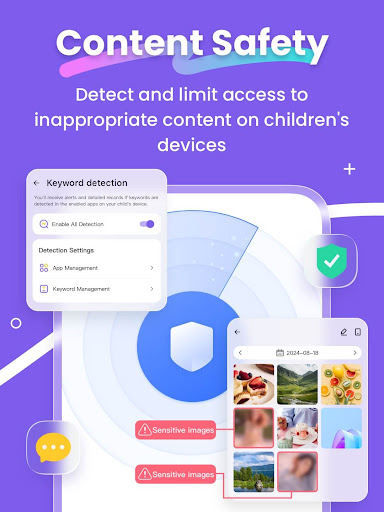
In addition to safety features, FlashGet Kids helps parents manage their children's digital habits. Through App Block and Sensitive Content Detection, parents can regulate access to potentially harmful apps and content. The app also supports setting screen time limits and creating custom usage rules for specific applications. With these robust features, FlashGet Kids acts as a virtual guardian, fostering a safe and balanced digital environment for children while strengthening family bonds.
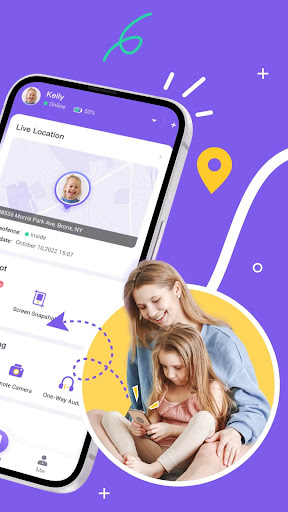
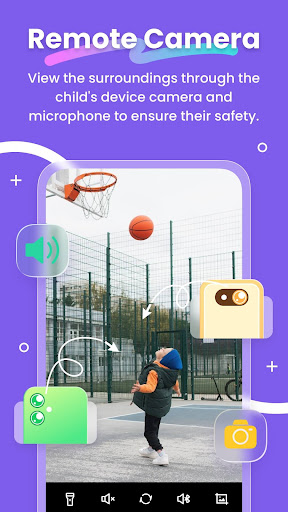
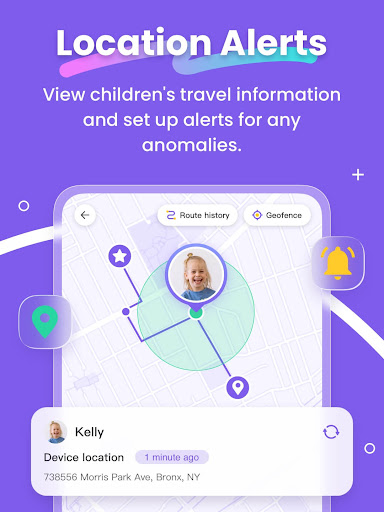
FlashGet Kids stands out with its comprehensive suite of monitoring and control features. The Live Location tracker provides precise GPS data and customizable geofencing, alerting parents when their child enters or leaves designated areas. Remote Camera and One-Way Audio capabilities allow parents to understand their child's surroundings in real-time, providing peace of mind.
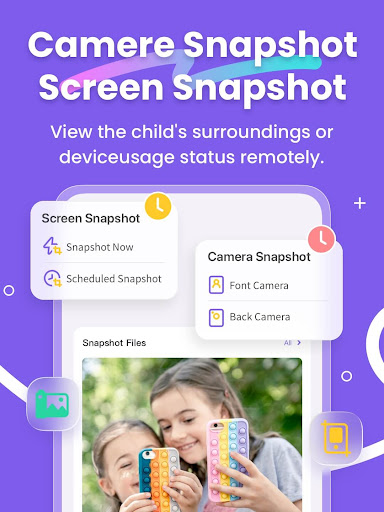
The app's Screen Snapshot and Recording feature lets parents schedule recordings of their child's device activity, helping them detect inappropriate content consumption. Sync App Notifications keep parents informed about their child's social media interactions, protecting them from cyberbullying. Additionally, the Social App and Sensitive Content Detection tools enable parents to filter harmful online content and manage app usage through time restrictions and installation alerts.
Unique to FlashGet Kids is the Live Painting feature, which allows parents to send handwritten notes or drawings to their child's device, enhancing emotional communication. Unlike typical spy apps, FlashGet Kids emphasizes building trust and understanding between parents and children, promoting responsible device usage without compromising privacy.
Real-time GPS tracking
Comprehensive app monitoring
Parent-child communication tools
Sensitive content filtering
Customizable usage schedules
Paid subscription model
Requires child's consent
Limited free version
Device compatibility issues
Learning curve for setup

All-In-One Pregnancy Tracker, Your Baby's Milestones, Growth Stages & Parenting
 4.70
4.70
Family GPS locator app — child location tracker. GPS kids tracker, family safety
4.70
A Coloring for the Whole Family! Discover the Joy of Family Love Through Colors!
3.60
Keep Your Family Safe with Pollog Family Assistants
4.10
Limit screen time, Block Apps & Games, Monitor with Parental control app
4.20
The 10 development leaps of your baby | newborn milestones & leap days tracker
4.10
It is a screen time management tool for games and mobile applications
4.50
Speech Therapy Exercises For All!
4.40
Reliable phone tracker by number & locate phone app. Protect your family.
4.50
Pinardin - Smart Parental Control, Online Safety & GPS Tracking!
4.80
Pregnancy+ App has helped 80m moms track their pregnancy with info & support!
4.80
Kids story books for children. Baby reading books with audio for pre-k toddlers
4.70
Block apps, set screen time limits, and customize usage schedules
4.50
Find unique + popular baby names for your little peanut.
4.30
Cherish every beat - capture your baby's heart sounds with our app
4.30
Learn according to the age of your child and consult with other moms.
4.20
Affirmations | Stories | Bible
4.10
AI Motion Video Maker & Ideas
4.3
Lullabies, Night Light & Age-based Routines to help your baby fall asleep
4.3


User Reveiws