

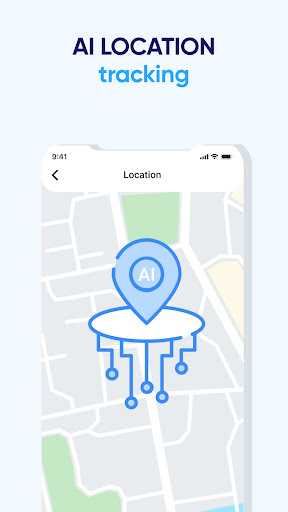
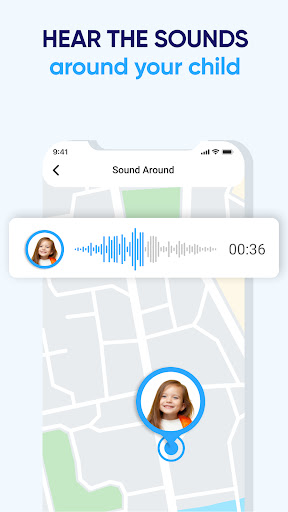
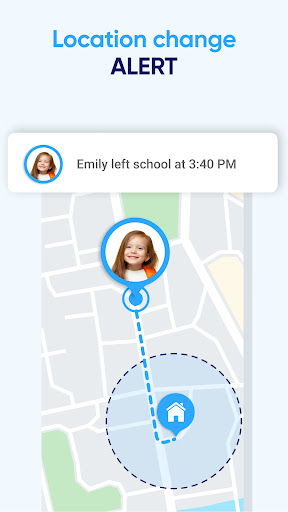
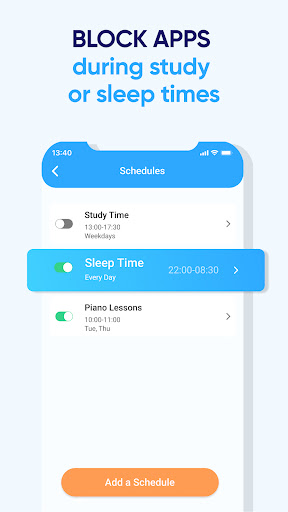
Family GPS Locator・Kids Safety is a comprehensive parental control app designed to ensure children's safety in the digital age. The app offers real-time location tracking, allowing parents to monitor their child's whereabouts with precision and receive instant notifications for arrivals or departures from specific locations.
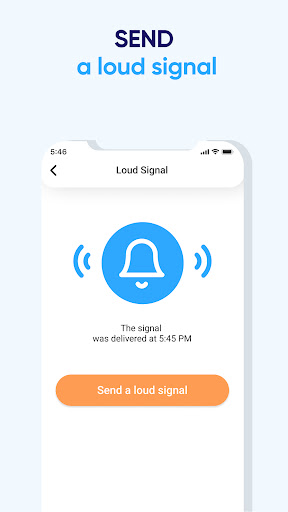
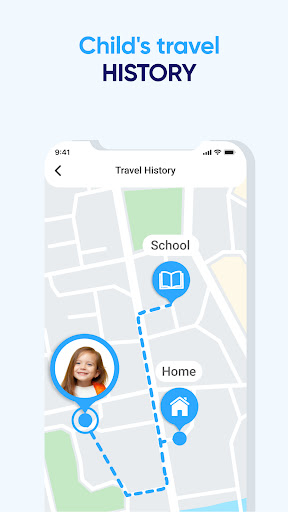
In addition to GPS tracking, the app provides features like Geozone, which lets parents set virtual boundaries and get alerts when those are crossed. A detailed location history function enables reviewing past movements. For emergencies, a Panic Button feature allows children to send immediate SOS alerts to their parents' devices.
This app is ideal for modern parents who wish to keep an eye on their children’s safety while fostering trust and open communication. By downloading Family GPS Locator・Kids Safety, parents can experience peace of mind knowing they have powerful tools at their disposal to protect their loved ones.
Family GPS Locator・Kids Safety boasts an array of features that cater to vigilant parenting. One of its standout capabilities is real-time location tracking, ensuring parents always know where their children are. This feature supports setting up geofences around safe areas, triggering alerts if those perimeters are breached.
The app also maintains a thorough location history, letting parents review where their child has been over a period of time. Additionally, it includes a Panic Button feature, giving children a direct line to alert their parents during emergencies. These functionalities collectively provide a robust safety net for families.
By combining these advanced monitoring tools with an intuitive interface, Family GPS Locator・Kids Safety ensures that parents can stay connected with their children and respond swiftly when needed. Such comprehensive protection empowers parents to manage their family's security effectively.
Real-time tracking
Geozone alerts
Panic Button
Location History
User-friendly
Requires Pandow app
Subscription fees
Battery consumption
Privacy concerns
Limited without child's phone

With BabyCam you can monitor your baby using your mobile phone, tablet, PC or TV
 4.40
4.40
Track Pregnancy, Baby Feeding, Sleep, Diaper Changes, Postpartum Health & More!
4.80
Sleep better with white noise app! Discover rain sounds, fan noise and more.
4.70
Fake call application designed for parents and adults to discipline their children through the children's police.
4.20
Pregnancy and baby formula tips for moms, plus Enfamil coupons & cash back
4.10
Watching baby, helping parents
4.10
SemLog aims to raise awareness among families and their children
3.40
GPS tracker app: Simple GPS phone tracker for fast family location tracking
4.60
Parental control: child monitoring app, screen time control, GPS child tracker
4.40
Track your labor contractions
4.90
Real-time family location with consent, check-ins & SOS—private by default.
4.40
Speech Therapy Exercises For All!
4.40
Cherish every beat - capture your baby's heart sounds with our app
4.30
Learn according to the age of your child and consult with other moms.
4.20
Limit screen time, Block Apps & Games, Monitor with Parental control app
4.20
The 10 development leaps of your baby | newborn milestones & leap days tracker
4.10
Parental Control including Screen time control, GPS tracking, App/Game blocker.
3.90
Discover fun videos, kids songs, bedtime stories and games
3.60
Track pregnancy health and wellness with pregnant tracker from healthcare advice
4.1


User Reveiws