FloraQuest

4.1

Information

Category:

Books & Reference

Price:

$ 19.99

Rank:

54

Rating:

4.1

Overview

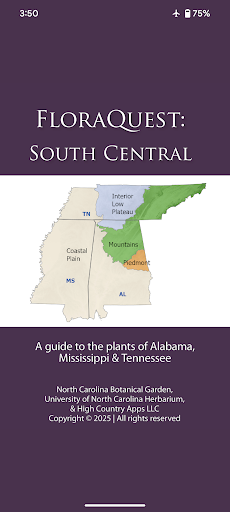
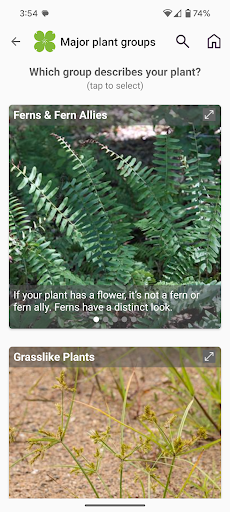
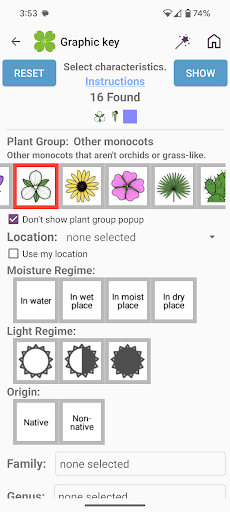
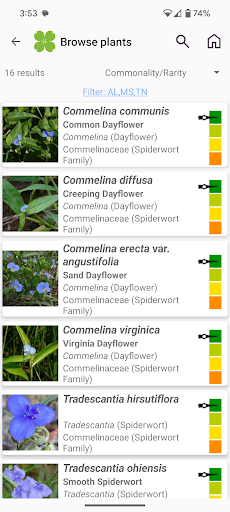
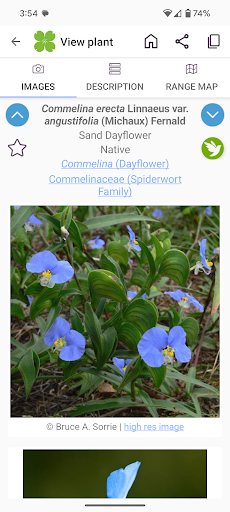
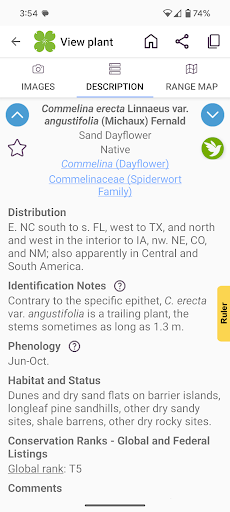
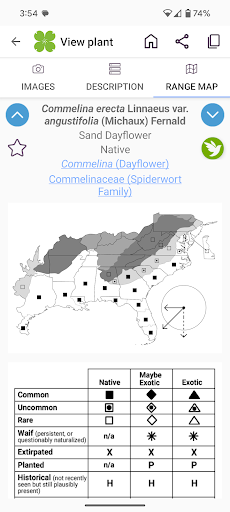
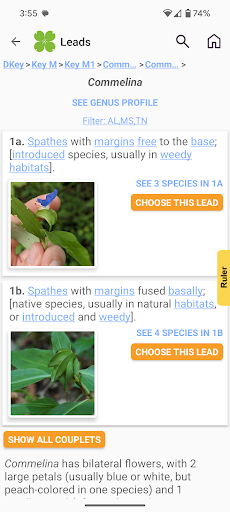
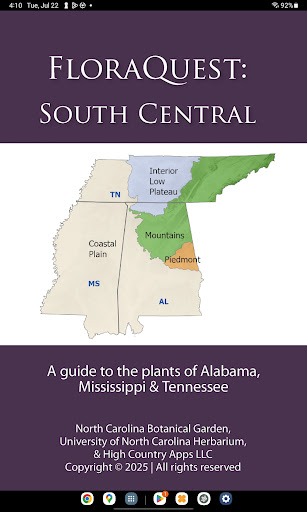
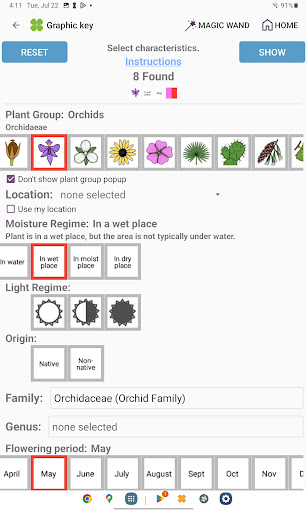
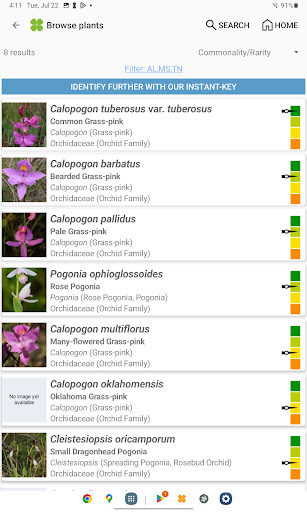
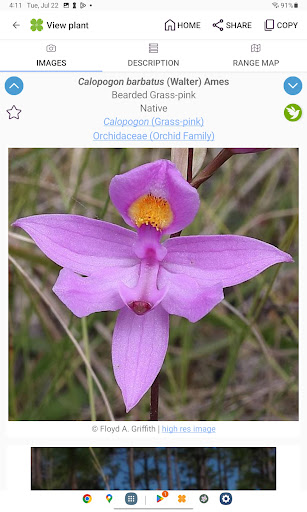
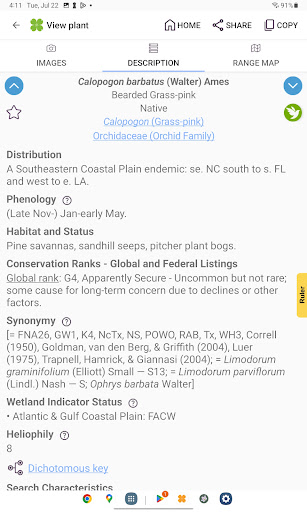
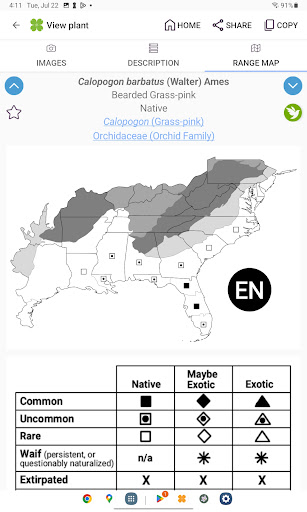
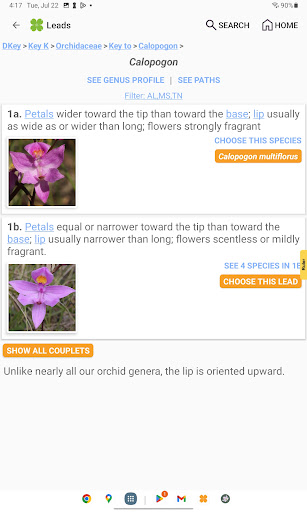
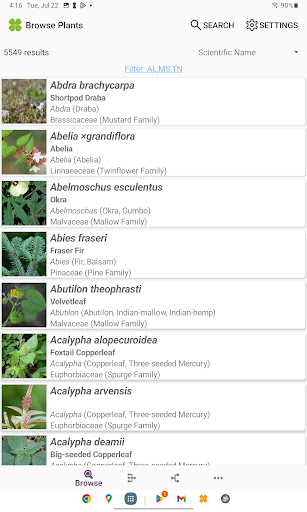
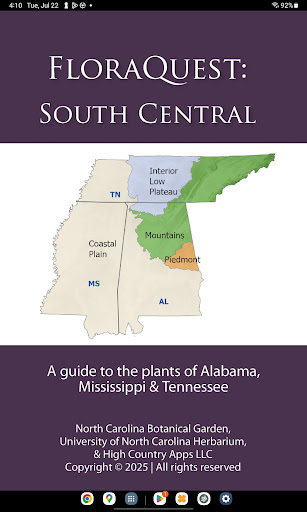
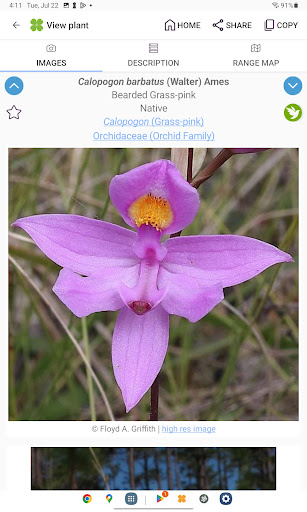
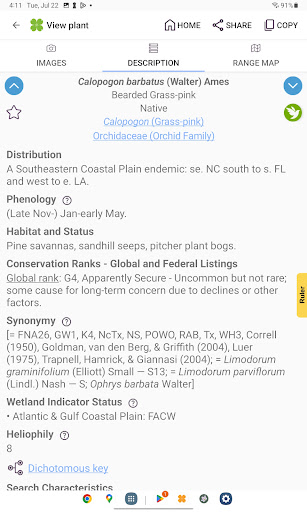
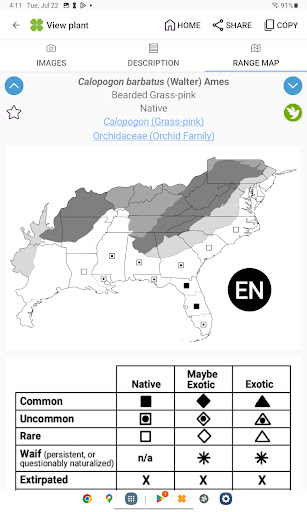
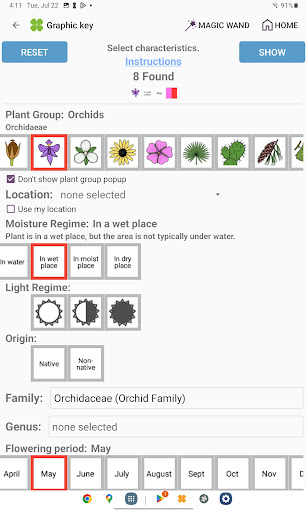
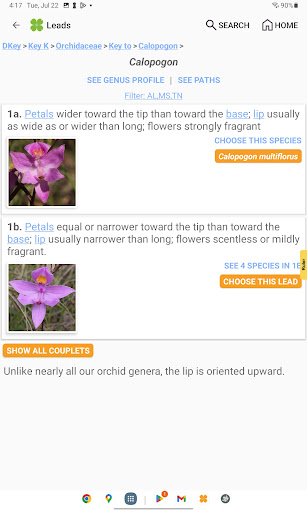
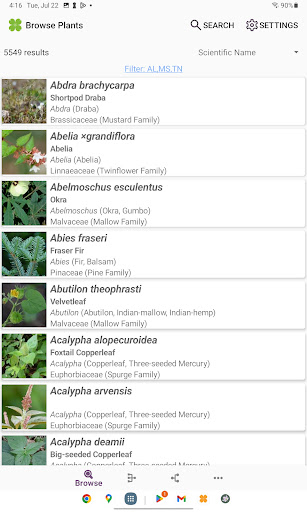
FloraQuest: South Central is an extensive plant identification app developed by the University of North Carolina's Southeastern Flora Team. It provides detailed information on 5,549 plant species across Alabama, Mississippi, and Tennessee. The app features easy-to-use graphic keys, dichotomous keys, habitat descriptions, range maps, and a library of 38,000 diagnostic photographs.

One of the standout features of FloraQuest: South Central is its offline functionality, allowing users to identify plants without an internet connection. This makes it particularly useful for botanists, hikers, and nature enthusiasts exploring remote areas within these states. Additionally, the app includes illustrated glossary terms, dark mode support, and enhanced search capabilities, making plant identification more accessible and user-friendly.

Features

FloraQuest: South Central offers a variety of advanced features designed to enhance the plant identification experience. The app includes illustrated glossary terms and image-enhanced dichotomous keys, which help users understand botanical terminology and make accurate identifications. Its improved graphic keys and search functionalities with base 2 and base 3 codes allow for precise and efficient searches.

Another notable feature is the 'Great Places to Botanize' section, which recommends prime botanical exploration sites across Alabama, Mississippi, and Tennessee. With dark mode support and plant sharing capabilities, users can customize their experience and collaborate with others. These features collectively ensure that FloraQuest: South Central stands out as a comprehensive and innovative tool in the field of botany.

E-book library size & copyright authenticity

The E-book library size and copyright authenticity are crucial factors for any digital reference application especially in the Books & Reference category where users expect a vast and reliable source of information. FloraQuest South Central excels in this aspect by providing an extensive collection of 5549 plant species found throughout Alabama Mississippi and Tennessee. This comprehensive database is not just about quantity but also quality as each entry is enriched with detailed habitat descriptions comprehensive range maps and a library of over 38000 high-quality diagnostic photographs. The app has been developed by the University of North Carolina's Southeastern Flora Team ensuring that all the content is credible and backed by expert knowledge. The inclusion of illustrated glossary terms image-enhanced dichotomous keys and enhanced search functionality with base 2 and base 3 codes further adds to the depth and usability of the e-book library. Users can be confident in the authenticity of the content as it is derived from scientific research and expert validation making it a trustworthy tool for both enthusiasts and professionals. The offline plant identification feature ensures that this vast resource is accessible anytime anywhere without the need for an internet connection enhancing its value as a portable and reliable botanical reference.

Format compatibility

Format compatibility is a significant aspect of any digital reference tool particularly in the Books & Reference category where users may access content on various devices and platforms. FloraQuest South Central addresses this need by ensuring that its rich content is accessible in a user-friendly format compatible with a wide range of devices. The app supports offline functionality which means users can access the full library of plant species habitat descriptions range maps and diagnostic photographs without being dependent on specific file formats or internet connectivity. This feature significantly enhances the app's versatility allowing botanists students and plant enthusiasts to use the app in remote locations where internet access might be limited. Additionally the app offers dark mode support catering to user preferences and improving readability in low-light conditions. The developers have also focused on creating an intuitive interface with easy-to-use graphic keys and powerful dichotomous keys ensuring that users can efficiently navigate through the extensive content regardless of their device. The upcoming release of FloraQuest Western Tier promises to bring the same level of format compatibility and accessibility to an even broader geographical area covering Arkansas Kansas Louisiana Missouri Oklahoma and Texas. This commitment to format compatibility ensures that FloraQuest remains a versatile and indispensable tool for botanical exploration and research across different regions and devices.

Props

User-friendly interface

Offline functionality

Comprehensive plant database

High-quality images

Enhanced search options

Cons

Limited to specific regions

Large app size

Advanced features may overwhelm beginners

Occasional updates needed

Some features require learning curve

Features and Functions

What is this app and what can I use it for?

A comprehensive plant guide for Alabama, Mississippi, and Tennessee.

How do I download and install this app on my device?

Visit Google Play Store, search for FloraQuest, and tap install.

How do I get started after opening the app for the first time?

Follow the on-screen tutorial to learn key features and navigation.

What are the main features and capabilities of this app?

Graphic keys, dichotomous keys, habitat info, range maps, and photos.

How can I customize my experience and adjust preferences?

Adjust preferences in settings for a personalized experience.

How do I save or bookmark my favorite content for later access?

Use bookmarks or notes feature to save favorite plant entries.

How can I share content with friends or on social media?

Share plant details via social media or messaging apps directly.

How do I access detailed information and explore more content?

Explore detailed sections like Great Places to Botanize for more insights.

What permissions does this app need and how do I manage them?

App needs storage and photo permissions; manage in device settings.

How do I check for updates and keep the app running smoothly?

Check Google Play Store for updates and enable auto-update in settings.
Show more

User Reveiws

{{ comment.reviewer_name }}
{{ comment.review_date_formatted}}
{{ comment.review_content }}
{{ tab.name }}
{{ comment.reviewer_name }}
{{ comment.review_date_formatted}}
{{ comment.review_content }}
No reviews with this rating