
GBA.emu (GBA Emulator)

4.40

Information

Category:

Arcade

Price:

$ 4.99

Rank:

N/A

Rating:

4.40

Overview

GBA.emu is an advanced open-source Gameboy Advance emulator based on VBA-M, designed with a minimalist UI and optimized for low audio/video latency. It supports a wide range of devices from the original Xperia Play to modern devices like the Nvidia Shield and Pixel phones.

The app offers high-level BIOS emulation without the need for a BIOS file and supports .gba file formats optionally compressed with ZIP, RAR, or 7Z. With features such as cheat code support, hardware sensor integration, configurable on-screen controls, and gamepad/keyboard compatibility, GBA.emu delivers a comprehensive and customizable gaming experience.

Whether you're revisiting classic games or exploring new ones, GBA.emu ensures smooth performance and broad device compatibility, making it an essential tool for Gameboy Advance enthusiasts.

Features

GBA.emu stands out with its rich feature set tailored for an optimal emulation experience. The app provides high-level BIOS emulation, eliminating the need for BIOS files, and supports .gba file formats, including those compressed with ZIP, RAR, or 7Z.

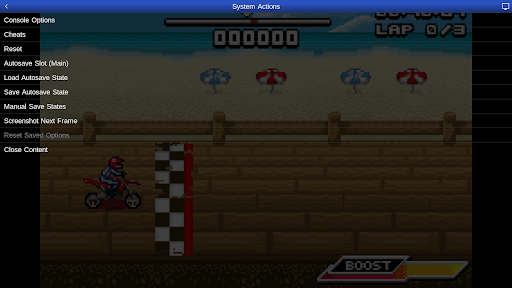
One of its notable features is the support for VBA-M-compatible cheat codes (.clt extension), allowing users to enhance their gaming experience without requiring any "Master" codes. Additionally, GBA.emu integrates hardware sensors like accelerometers, gyroscopes, and light sensors, offering immersive gameplay.

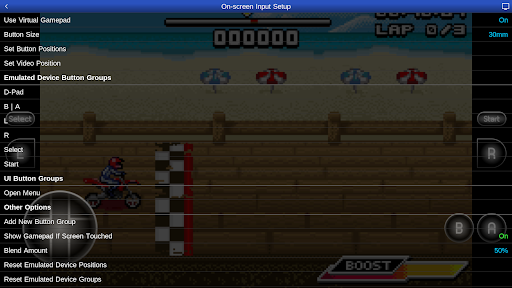
Users can enjoy configurable on-screen controls and seamless Bluetooth/USB gamepad & keyboard support compatible with HID devices such as Xbox and PS4 controllers. These features collectively ensure that GBA.emu delivers both flexibility and performance, catering to diverse gaming preferences.

Arcade authenticity & nostalgia

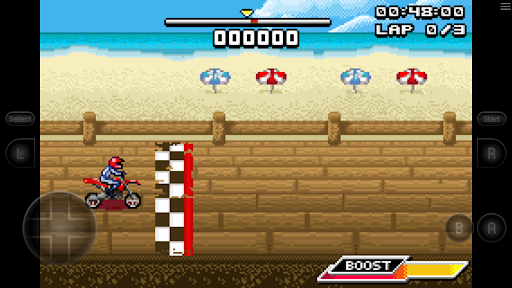
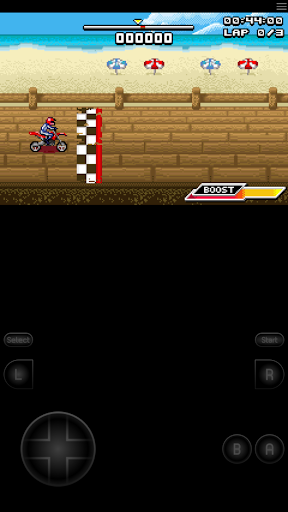
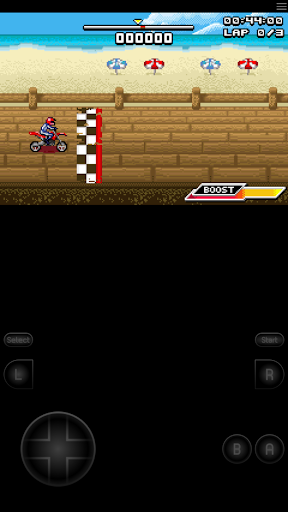
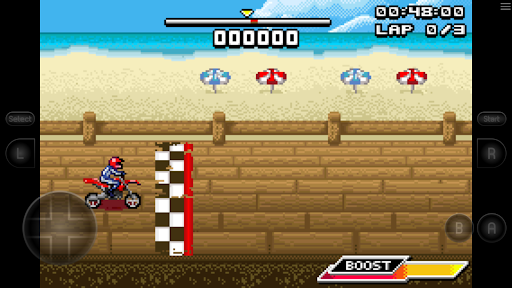
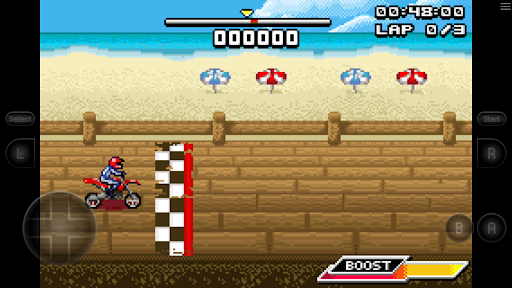
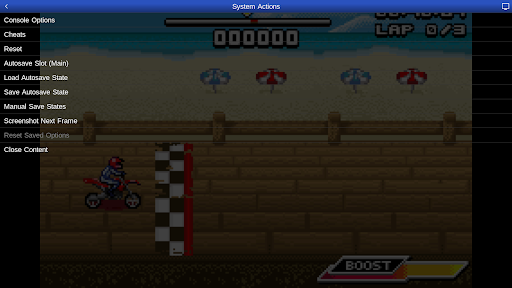
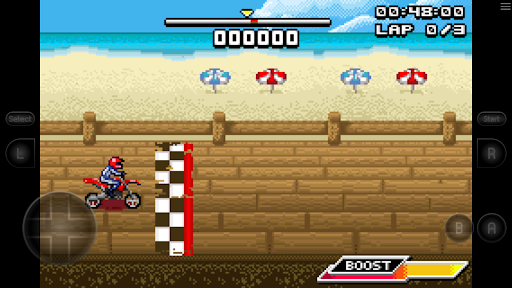
The GBA.emu Gameboy Advance emulator exemplifies arcade authenticity and nostalgia by providing an advanced emulation experience that stays true to the original console's performance while incorporating modern enhancements. Arcade authenticity refers to how accurately a software replicates the gaming experience of classic arcade machines or consoles in this case the Gameboy Advance. The emulator accomplishes this through high-level BIOS emulation which eliminates the need for BIOS files thus streamlining the setup process while maintaining the authentic behavior of games. This feature ensures that users can relive the nostalgic experience of playing their favorite Gameboy Advance titles without any compromises in game functionality. Additionally the inclusion of Motocross Challenge a bike racing game developed by David Doucet further enriches the nostalgic value as it provides a taste of the classic arcade-style gameplay that was popular during the era of the Gameboy Advance. The emulator supports a wide variety of devices from older models like the Xperia Play to modern devices such as the Nvidia Shield and Pixel phones ensuring that the nostalgic experience is accessible to a broad audience. By supporting hardware features like accelerometers gyroscopes and light sensors the emulator enhances the authenticity of gameplay experiences that originally relied on these components. Configurable on-screen controls and support for external controllers like Xbox and PS4 gamepads via Bluetooth or USB connections also contribute to recreating the tactile feel of traditional gaming setups. These features collectively ensure that users can enjoy an immersive arcade-like experience that captures the essence of the original Gameboy Advance while leveraging contemporary technology for improved convenience and accessibility.

Control responsiveness

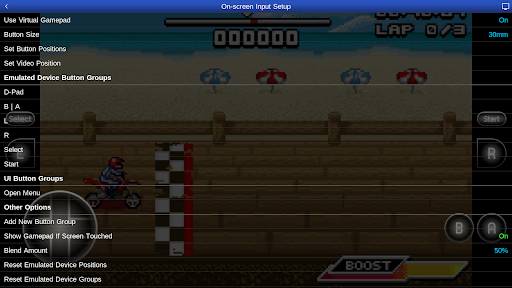
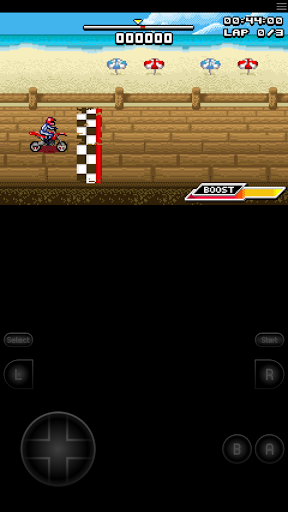
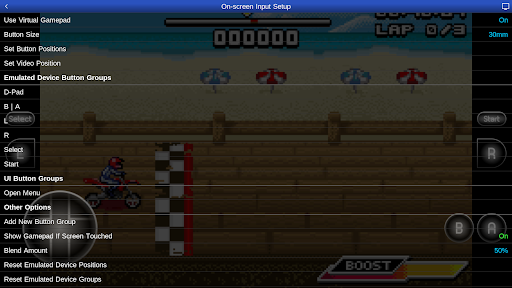
Control responsiveness is a critical aspect of any gaming emulator as it directly impacts the user's ability to interact with games in a fluid and intuitive manner. In the case of GBA.emu this emulator excels in delivering responsive controls that enhance the overall gaming experience. Control responsiveness refers to how quickly and accurately the emulator translates user inputs into in-game actions. GBA.emu achieves excellent responsiveness through several key features. Firstly its minimalist UI focuses on reducing audio and video latency which contributes to more immediate feedback when users interact with games. This low-latency approach ensures that players can execute precise movements and actions without noticeable delays which is particularly important for fast-paced arcade games where timing is crucial. Secondly the emulator offers configurable on-screen controls allowing users to customize the layout and size of virtual buttons to suit their preferences and playstyle. This flexibility enables gamers to optimize their control schemes for maximum comfort and efficiency resulting in a more enjoyable gaming session. Furthermore GBA.emu supports a wide range of external controllers including Bluetooth and USB gamepads and keyboards. This compatibility extends to any HID device recognized by the operating system such as Xbox and PS4 controllers which are known for their ergonomic designs and responsive inputs. By supporting these popular controllers the emulator ensures that users can enjoy a tactile and responsive gaming experience akin to using physical arcade machines. Lastly the emulator's support for hardware sensors like accelerometers and gyroscopes adds another layer of control responsiveness particularly for games that utilize motion-based inputs. These features collectively ensure that GBA.emu delivers a highly responsive and satisfying control experience that meets the expectations of both casual players and dedicated enthusiasts seeking to relive the arcade nostalgia of the Gameboy Advance era.

Props

Low latency

Wide device support

No BIOS needed

Cheat code support

Customizable controls

Cons

No ROMs included

Complex setup

Limited format support

Advanced features

Device-specific issues

Features and Functions

What is this app and what can I use it for?

GBA.emu is an emulator for playing Gameboy Advance games on Android devices

How do I download and install this app on my device?

Search for GBA.emu in Google Play Store and tap Install to download and install

How do I get started after opening the app for the first time?

Open the app and grant necessary permissions then load a .gba file to start playing

What are the main features and capabilities of this app?

Key features include BIOS emulation cheat code support and hardware sensor integration

How can I customize my experience and adjust preferences?

Adjust control layouts and settings via the app's configuration menu to customize your experience

How do I save or bookmark my favorite content for later access?

Save favorite games directly within the app using its bookmarking feature for easy access later

How can I share content with friends or on social media?

Use Android's sharing options to share game progress or screenshots with friends on social media

How do I access detailed information and explore more content?

Explore detailed game info and more content through the app's integrated file browser

What permissions does this app need and how do I manage them?

The app needs storage access permissions which can be managed in Android settings

How do I check for updates and keep the app running smoothly?

Check for updates in Google Play Store and enable auto-update to keep the app running smoothly
Show more

User Reveiws

{{ comment.reviewer_name }}
{{ comment.review_date_formatted}}
{{ comment.review_content }}
{{ tab.name }}
{{ comment.reviewer_name }}
{{ comment.review_date_formatted}}
{{ comment.review_content }}
No reviews with this rating