Nostalgia.GBC Pro (GBC Emulato

4.50

Information

Category:

Arcade

Price:

$ 1.49

Rank:

N/A

Rating:

4.50

Overview

Nostalgia.GBC Pro is a premium Game Boy Color emulator that allows users to relive classic gaming experiences on their mobile devices. This ad-free version offers advanced features such as save states, rewinding, and customizable controls.

The emulator supports various file formats including GB, GBC, and ZIP files. It also provides hardware acceleration through OpenGL ES and compatibility with Bluetooth gamepads for an enhanced gaming experience. Perfect for retro gaming enthusiasts who want a seamless way to play classic games on modern devices.

Features

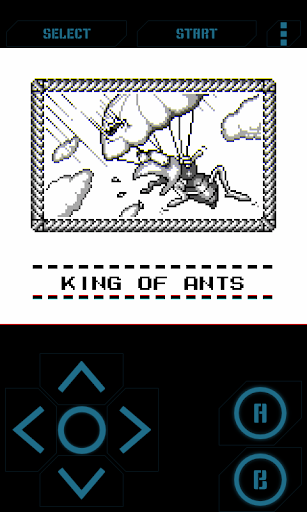
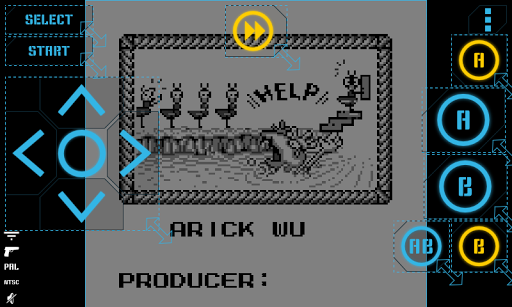
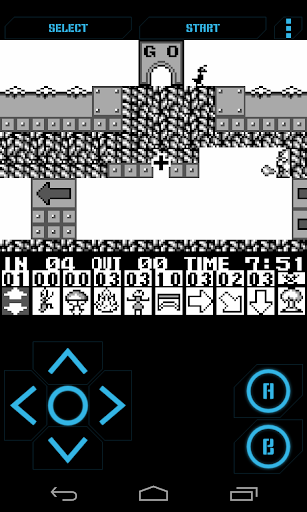
This emulator stands out with its highly customizable virtual controller, allowing users to adjust button sizes and positions. The save state feature includes 8 manual slots with screenshots and an autosave function, enabling easy sharing between devices via Bluetooth or other methods.

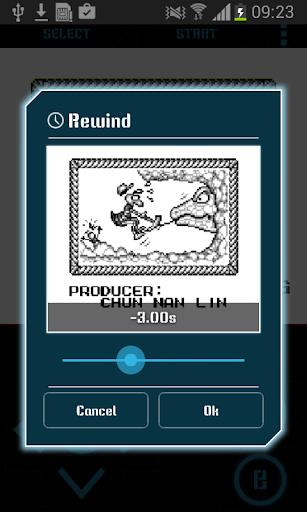
Additional notable features include rewinding functionality for correcting mistakes, turbo buttons for faster gameplay, and support for special cheat codes. With hardware keyboard support and the ability to take in-game screenshots, Nostalgia.GBC Pro delivers a comprehensive and user-friendly emulation experience.

Arcade authenticity & nostalgia

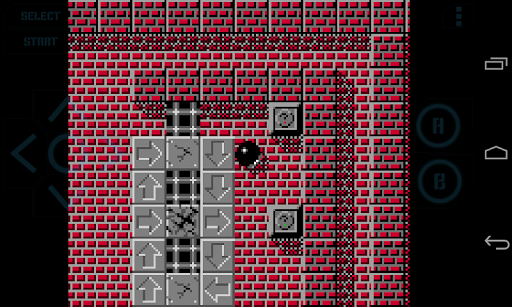
The Arcade authenticity and nostalgia feature in Nostalgia.GBC Pro is a testament to its commitment to preserving the original Game Boy Color experience while enhancing it with modern capabilities. This emulator meticulously replicates the classic gaming environment, ensuring that every pixel and sound resonates with the fond memories of arcade enthusiasts. The application leverages the latest revision of the renowned gambatte emulation core, guaranteeing an authentic recreation of GBC titles. Users can relive the excitement of their favorite games with precision-crafted graphics and sound that stay true to the original hardware specifications. Moreover, the inclusion of advanced features such as rewinding and turbo buttons adds a contemporary twist to the nostalgic journey, allowing players to rectify mistakes or speed through less engaging segments. The highly customizable virtual controller further enriches this experience by enabling users to tailor the interface to their personal preferences, thus creating a seamless blend of past and present gaming technologies. By offering support for physical controllers via Bluetooth and hardware acceleration through OpenGL ES, Nostalgia.GBC Pro ensures that the tactile joy of traditional gaming is not lost in translation. Players benefit from an immersive experience that honors the legacy of arcade gaming while embracing the conveniences of today's technology, making it an indispensable tool for both preservationists and gamers seeking the quintessential GBC encounter.

Control responsiveness

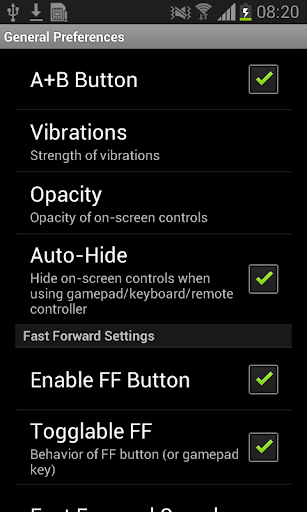
Control responsiveness in Nostalgia.GBC Pro represents a critical aspect of the user experience, ensuring that every interaction with the virtual controls translates into immediate and accurate in-game actions. This feature is vital for maintaining the fast-paced and precise nature of arcade gaming, where split-second decisions can determine success or failure. The emulator achieves exceptional responsiveness through optimized coding practices and leveraging hardware acceleration via OpenGL ES, which minimizes input lag and maximizes performance. Gamers can fine-tune their experience by adjusting the opacity and size of the on-screen controls, ensuring that the virtual buttons are both visible and comfortably accessible without obstructing the game view. Additionally, the support for external HID Bluetooth gamepads like MOGA and 8bitdo offers an alternative for those who prefer the tactile feedback of physical buttons, providing a versatile and adaptable control scheme. Quick Save and Quick Load functionalities further enhance gameplay fluidity by allowing users to pause and resume their progress instantaneously, eliminating the frustration of losing significant advancements due to unexpected interruptions. With these comprehensive control options, Nostalgia.GBC Pro delivers a responsive and intuitive interface that caters to diverse play styles and preferences, ultimately elevating the overall enjoyment and engagement of arcade gaming on mobile devices.

Props

High-quality emulation

Customizable controls

Save state sharing

Rewind feature

Hardware acceleration

Cons

No games included

Complex setup

Advanced features

Premium price

Limited support

Features and Functions

What is this app and what can I use it for?

A premium GBC emulator for playing classic games on mobile devices

How do I download and install this app on my device?

Search for Nostalgia.GBC Pro on Google Play Store and tap Install

How do I get started after opening the app for the first time?

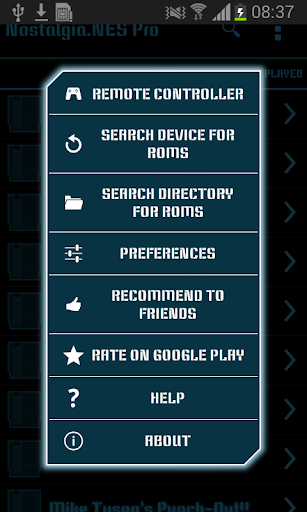
Grant necessary permissions and browse for your GB/GBC ROM files

What are the main features and capabilities of this app?

Save states, rewinding, customizable controls, and Bluetooth gamepad support

How can I customize my experience and adjust preferences?

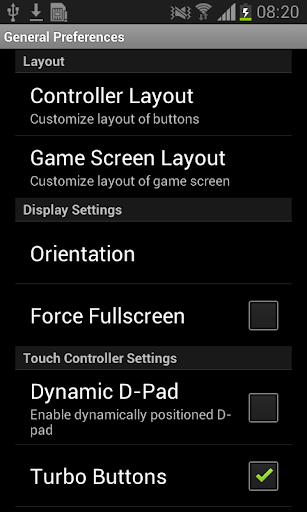
Adjust virtual controller size, position, and opacity in settings

How do I save or bookmark my favorite content for later access?

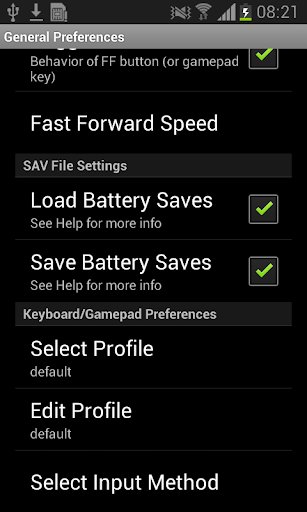
Use save states with screenshots to bookmark game progress

How can I share content with friends or on social media?

Share save states via Bluetooth, email, or messaging apps

How do I access detailed information and explore more content?

Access detailed information through in-app documentation

What permissions does this app need and how do I manage them?

Needs storage permission to access game files on your device

How do I check for updates and keep the app running smoothly?

Enable automatic updates in Google Play Store settings
Show more

User Reveiws

{{ comment.reviewer_name }}
{{ comment.review_date_formatted}}
{{ comment.review_content }}
{{ tab.name }}
{{ comment.reviewer_name }}
{{ comment.review_date_formatted}}
{{ comment.review_content }}
No reviews with this rating