
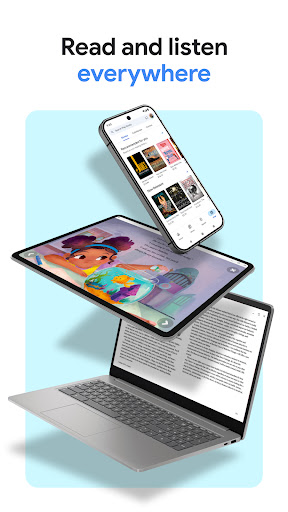

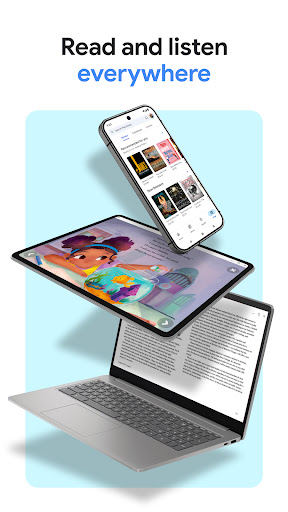
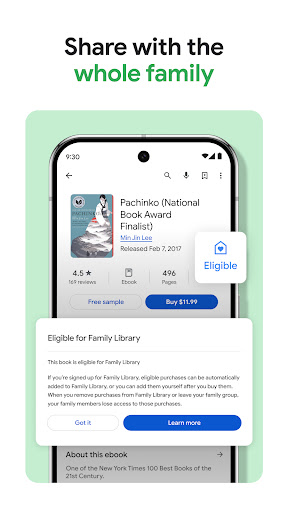

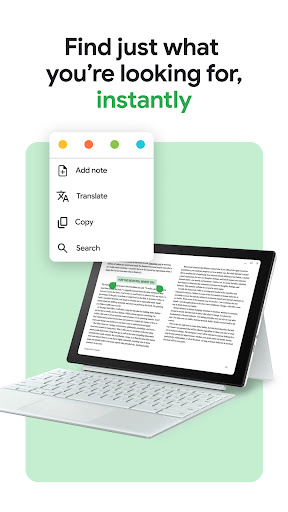
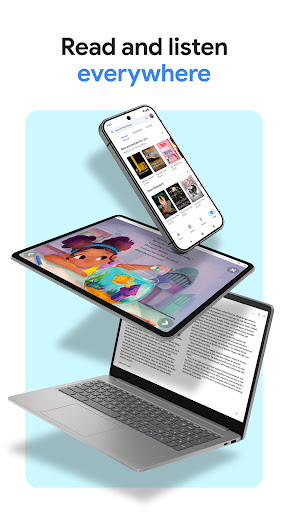


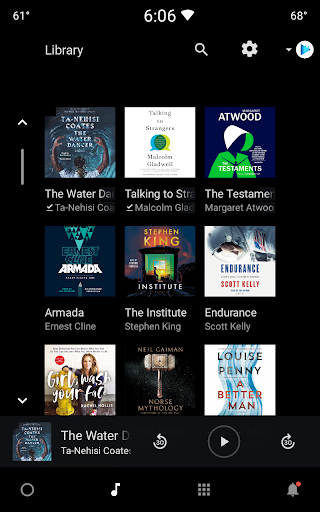
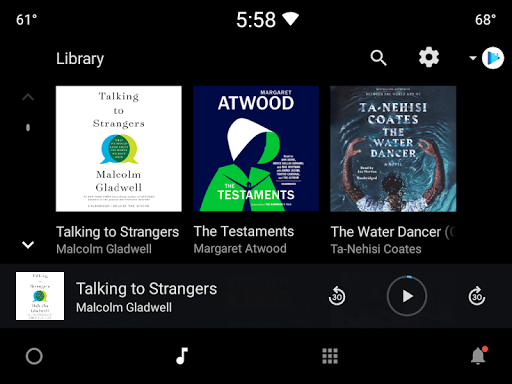
Google Play Books & Audiobooks is a comprehensive reading app that offers millions of ebooks, audiobooks, comics, and manga. The app allows users to access their library across multiple devices including phones, tablets, computers, and even in-car systems through Android Auto. With features like offline downloads, customizable shelves, and smart notes integration with Google Drive, it creates a versatile reading environment.
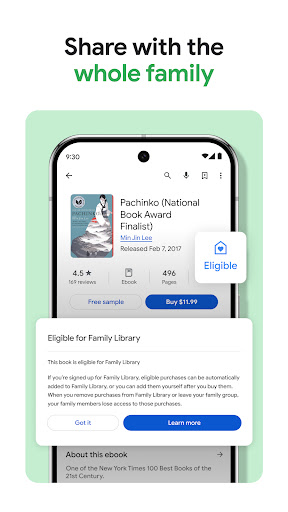
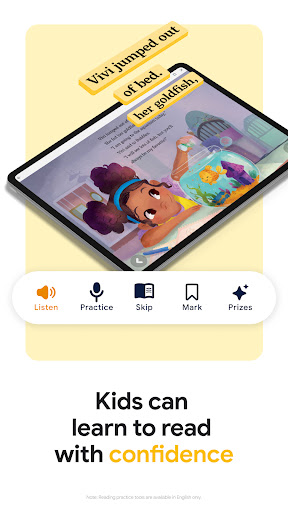
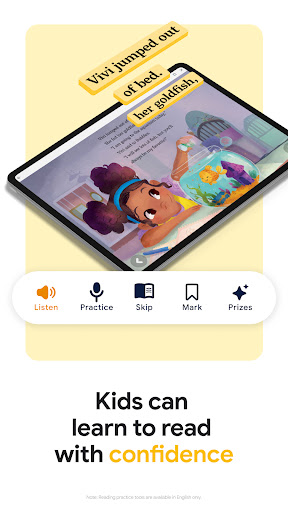
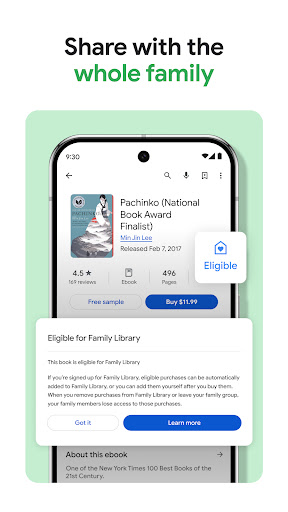
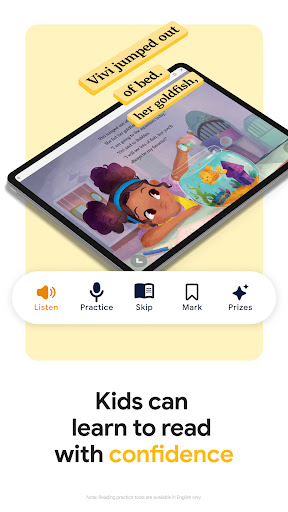
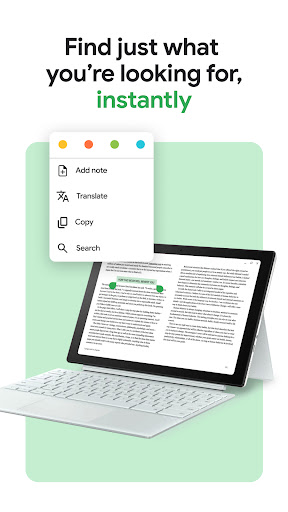
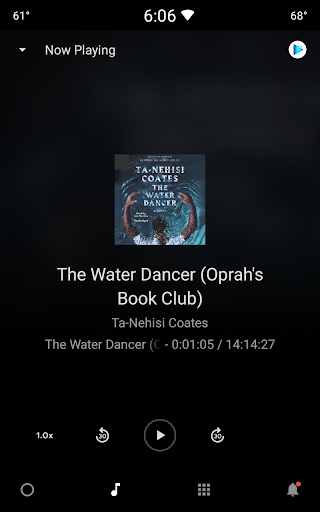
The app stands out with its unique offerings such as Bubble Zoom for an immersive comic reading experience, voice-controlled audiobooks via Google Assistant, and kid-friendly reading tools. Users can preview books before purchasing and enjoy a personalized reading experience by adjusting font, text size, and brightness. Whether you're a casual reader or a dedicated bookworm, Google Play Books provides a complete solution for all your reading needs.
Google Play Books & Audiobooks boasts an array of features designed to enhance the reading experience. One of its key strengths is cross-device compatibility, allowing seamless access to your library on various platforms. The ability to download books for offline reading ensures you can enjoy your favorite titles without an internet connection.
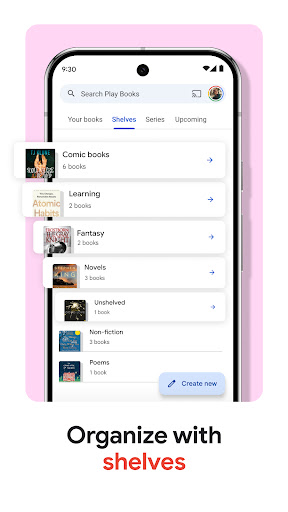
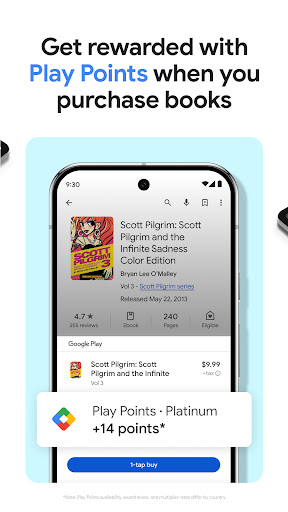
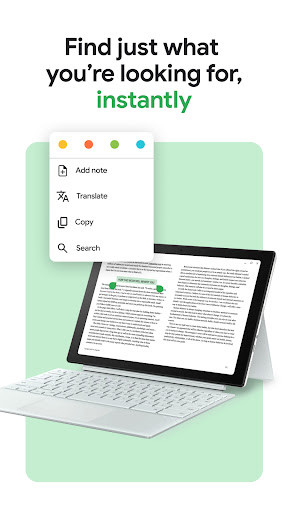
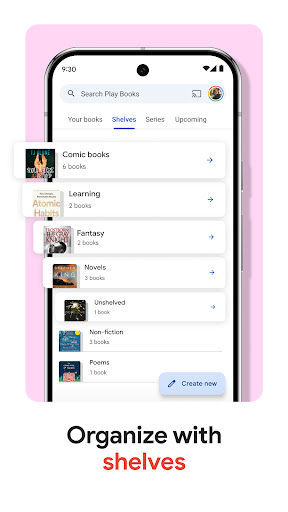
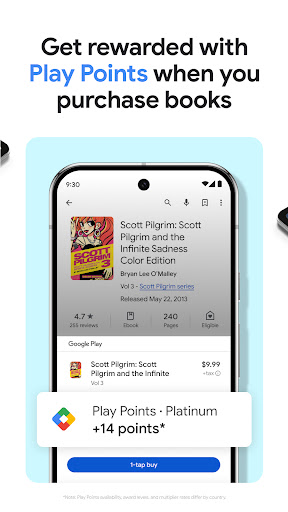
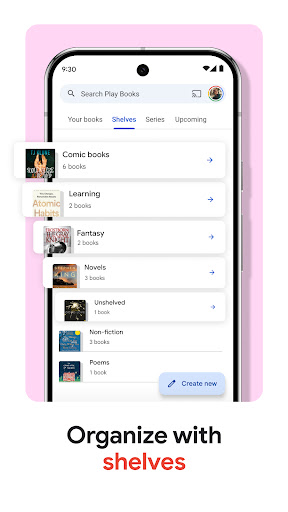
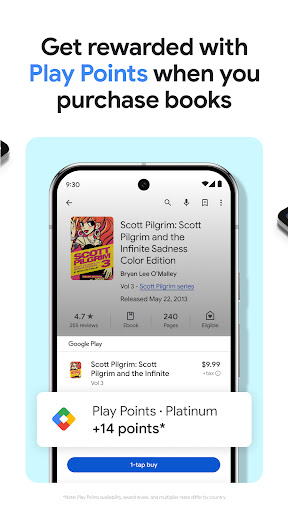
The app's organizational tools are particularly noteworthy. Users can create custom shelves to categorize their collection by genre, author, or personal themes. Smart notes functionality enables easy collaboration by syncing notes with Google Drive. Additional features include earning Google Play Points on purchases, hands-free audiobook control through Google Assistant, and specialized reading tools for kids. These comprehensive features make Google Play Books a standout choice in digital reading.
User-friendly interface
Extensive book selection
Cross-device syncing
Offline reading mode
Voice-controlled audiobooks
Limited free content
Points system varies
No subscription option
Kids tools English-only
Comics need optimization

“I am the Lorax. I speak for the trees.”
 4.80
4.80
Read and study the Bible and other content in over 1,000 languages.
4.80
Prime novels await! Fantasy & Romance on JoyRead. Immersive reads!
4.20
Read popular romance books and web novels on the fantastic ebook reader
3.50
Daily Prayer, personalized Bible Study, AI-guided Insights, and Spiritual Growth
4.80
Build family tree & discover DNA, family history heritage, origins and ancestors
4.60
Daily Bible app: King James Version with verses and audio for studying&prayer
4.40
A KJV Bible with Apocrypha and precept-based study concordance
5.00
Premium reader for ePub, PDF, and more. TTS and translation. Great on any screen
3.50
Daily thoughts, meditations, and prayers for living a sober life in recovery.
4.90
World's most comprehensive dictionary app: 13 languages, all online or offline!
4.80
Watch real short episodes in just minutes— addictive, you won't be able to stop!
4.70
"Five Dr. Seuss titles in one omBook!"
4.60
Words spoken by native English speakers and full definitions.
4.60
Unlock unlimited access to bestselling ebooks, novels, stories, and audiobooks
4.60
“It is fun to have fun, but you have to know how!”
4.40
Cute bedtime story for kids
4.30
America's best dictionary and thesaurus - with premium content and no ads
3.40
The Psalms for singing
4.4


User Reveiws