
Dictionary

3.40

Information

Category:

Books & Reference

Price:

$ 7.99

Rank:

34

Rating:

3.40

Overview

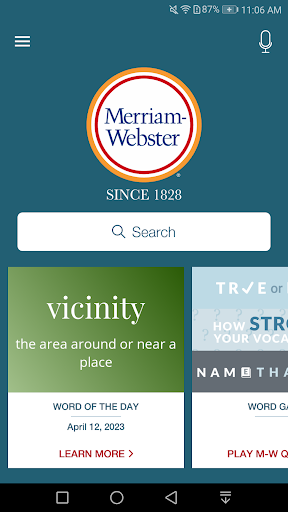
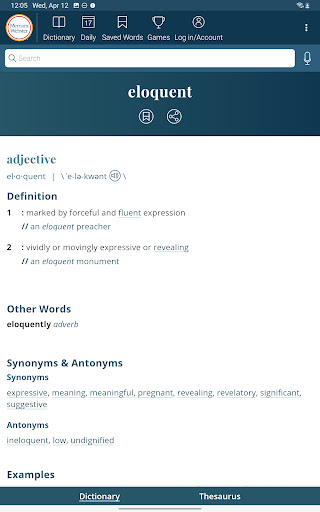
Dictionary is a premier Android app for English language reference, education, and vocabulary building. It offers continuously updated content with the newest words and meanings, making it an essential tool for both learners and word enthusiasts.

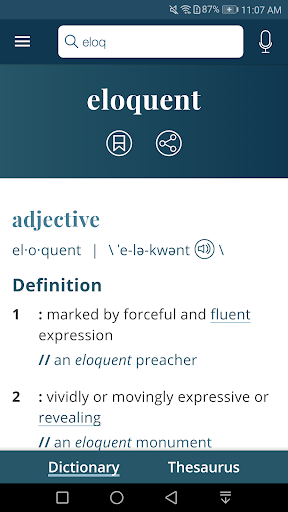
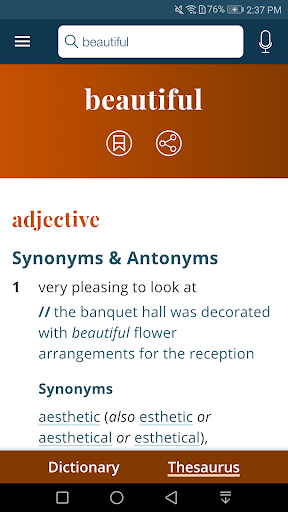
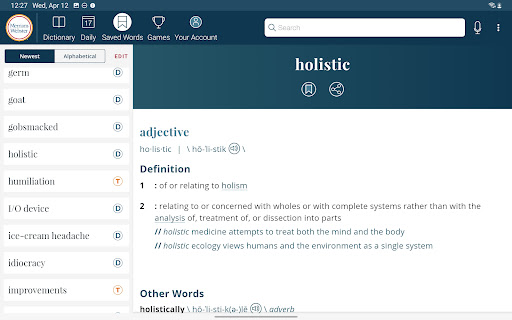
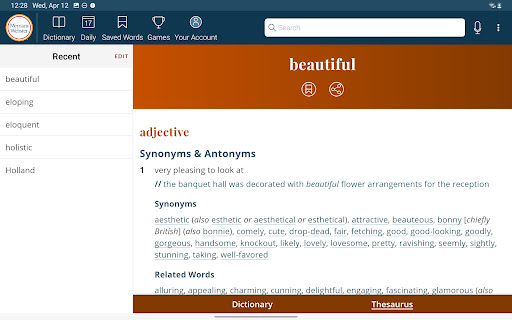
The app features an integrated thesaurus, vocabulary-building quizzes, voice search, and audio pronunciations voiced by real English speakers. With offline access to definitions and synonyms, Dictionary ensures users can learn anywhere, anytime.

Features

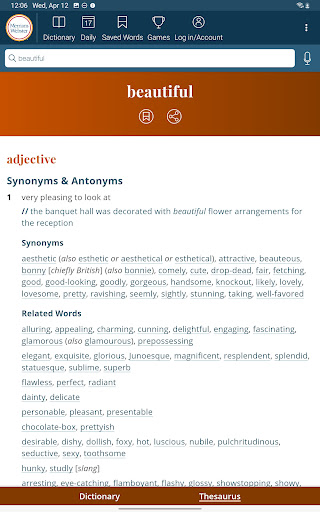
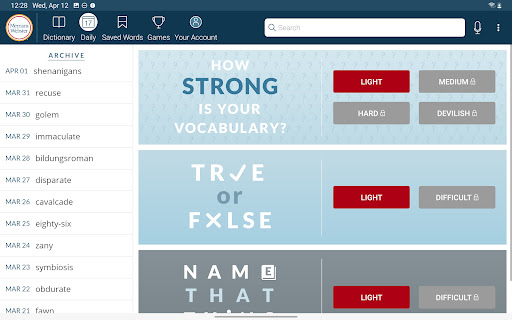
Dictionary stands out with its comprehensive set of features designed to enhance learning and reference experiences. The integrated thesaurus provides over 200,000 word choices with usage examples, while vocabulary-building quizzes offer a fun way to expand your lexicon.

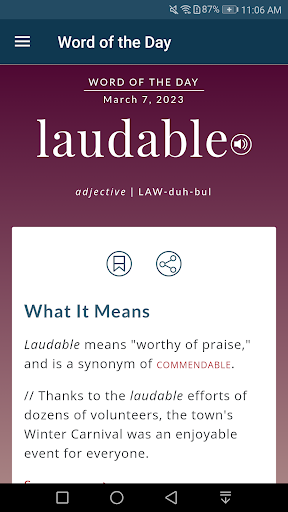
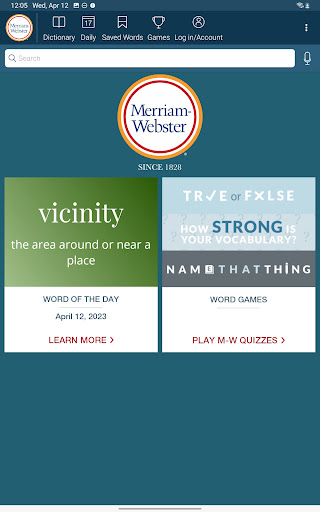
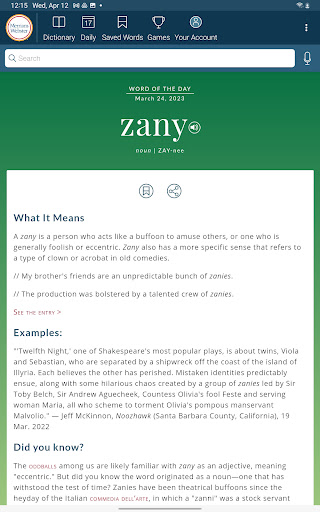
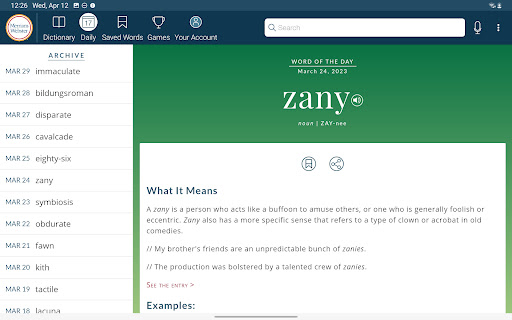
Voice search functionality allows users to look up words without spelling them, and the Word of the Day feature helps users steadily build their vocabulary. Audio pronunciations ensure accurate pronunciation, and favorite word syncing enables seamless transitions between devices.

E-book library size & copyright authenticity

The Dictionary app provides an extensive and authoritative reference library right at your fingertips. As America's most trusted dictionary optimized for Android devices it offers continuous updates with the newest words and meanings ensuring that users always have access to current language references. The application boasts a vast collection of entries covering general vocabulary as well as specialized terms from various fields making it a comprehensive resource for English language learners educators and professionals alike. Its premium content includes over 1000 graphical illustrations and more than 15000 additional entries detailing information about people and places which significantly enhances the depth and breadth of its e-book library. Moreover all content is thoroughly vetted by language experts guaranteeing copyright authenticity and accuracy. This meticulous attention to detail ensures that users are referencing reliable and legitimate information whether they are using the dictionary for academic purposes professional needs or personal enrichment. With complete offline access to definitions and synonyms users can trust that this digital library will be available whenever needed without worrying about connectivity issues thus providing peace of mind when relying on this resource for important tasks.

Format compatibility

In today's digital age format compatibility is crucial for any reference tool especially one as comprehensive as the Dictionary app. This application excels in providing users with a seamless experience across different formats and devices. For Android users the app is optimized to deliver smooth navigation and quick access to its rich content library. It supports voice search allowing users to look up words without needing to spell them out which is particularly useful for those who may struggle with spelling or prefer hands-free operation. Additionally the app features audio pronunciations voiced by real English speakers rather than relying on robotic text-to-speech technology ensuring natural and accurate pronunciation guidance. Users can also sync their favorite words between devices thanks to the Favorite Word Syncing feature making it easy to maintain consistency across multiple platforms such as smartphones tablets and computers. Furthermore the inclusion of example sentences helps demonstrate proper usage within context while integrated thesaurus entries provide alternative word choices enhancing the overall versatility of the application. Whether you're accessing the dictionary through a smartphone during your commute or studying on a tablet at home this app adapts effortlessly to your preferred format maintaining high standards of usability and accessibility throughout.

Props

No ads

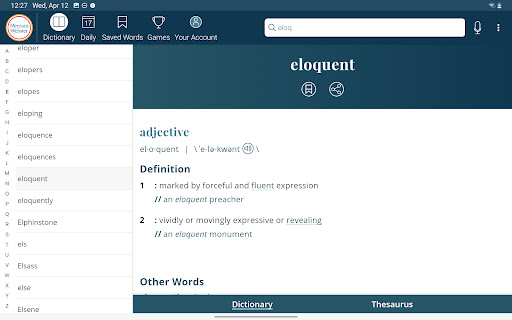
Integrated Thesaurus

Vocabulary-Building Quizzes

Voice Search

Offline Access

Cons

Premium Content Locked

Limited Offline Features

Requires Connection for Full Experience

Some Features Tablet-Specific

Illustrations Not Available Offline
Features and Functions

What is this app and what can I use it for?

A comprehensive English dictionary app with learning tools

How do I download and install this app on my device?

Visit Google Play Store, search for Dictionary, and tap Install

How do I get started after opening the app for the first time?

Open the app, grant necessary permissions, and start exploring

What are the main features and capabilities of this app?

Thesaurus, quizzes, voice search, audio pronunciations, offline access

How can I customize my experience and adjust preferences?

Adjust settings via the Preferences menu in the app

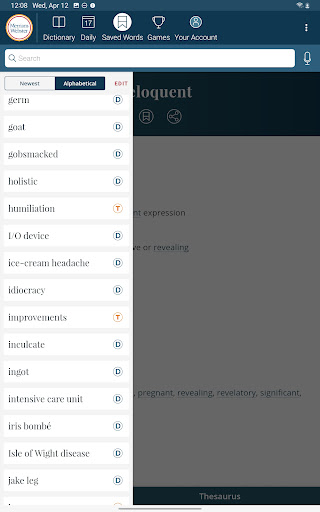
How do I save or bookmark my favorite content for later access?

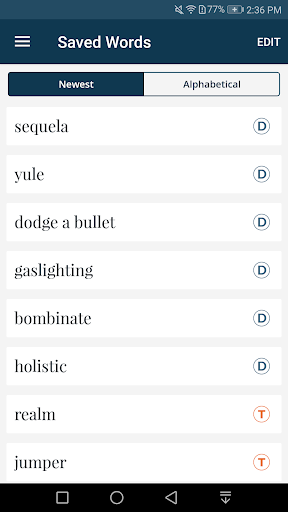
Use the Favorites feature to save important words

How can I share content with friends or on social media?

Tap Share button to post words on social media platforms

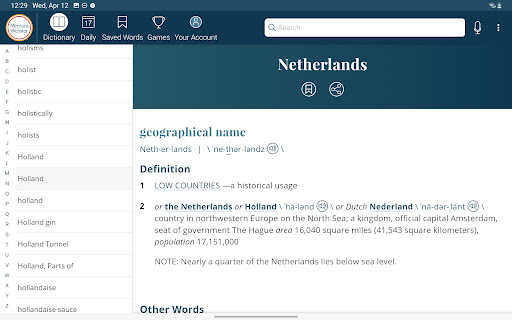
How do I access detailed information and explore more content?

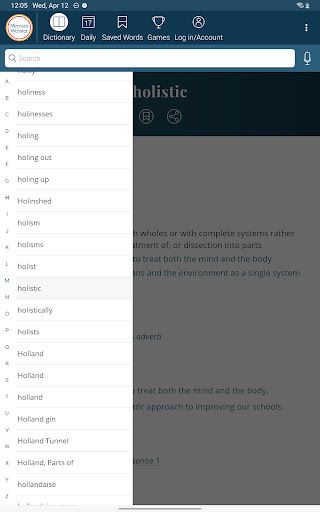
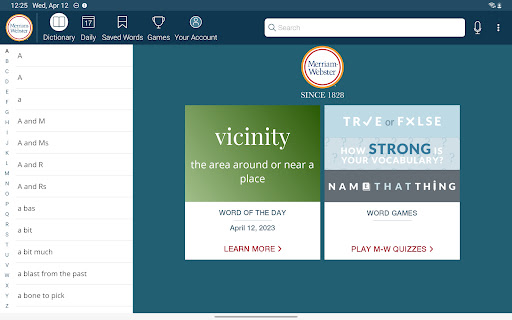
Browse full dictionary using scrolling index on tablets

What permissions does this app need and how do I manage them?

App needs storage and microphone permissions for full functionality

How do I check for updates and keep the app running smoothly?

Enable auto-updates in Google Play Store for latest version
Show more

User Reveiws

{{ comment.reviewer_name }}
{{ comment.review_date_formatted}}
{{ comment.review_content }}
{{ tab.name }}
{{ comment.reviewer_name }}
{{ comment.review_date_formatted}}
{{ comment.review_content }}
No reviews with this rating