
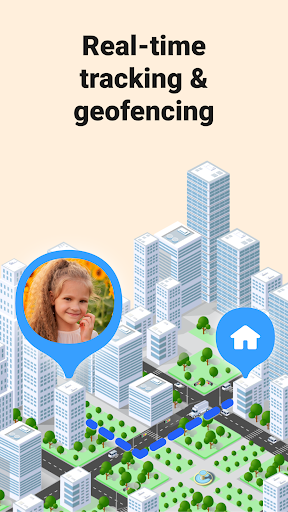

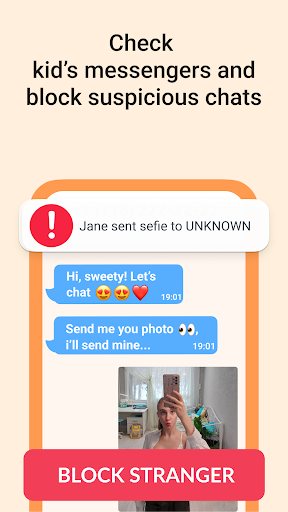
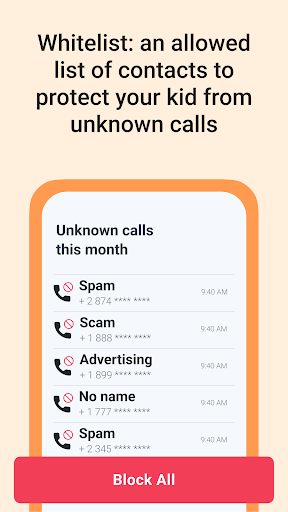
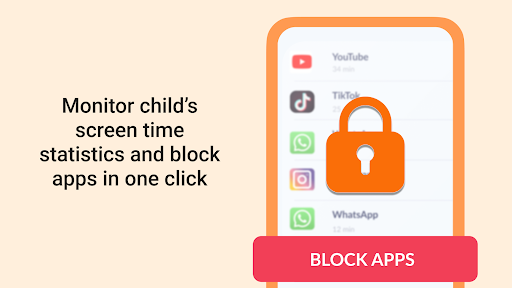
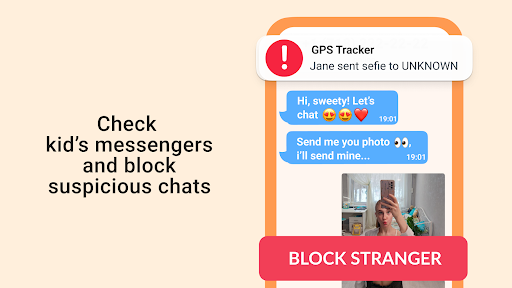
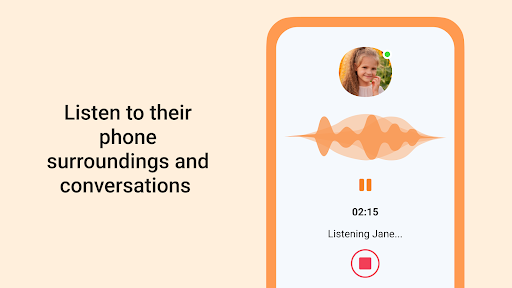
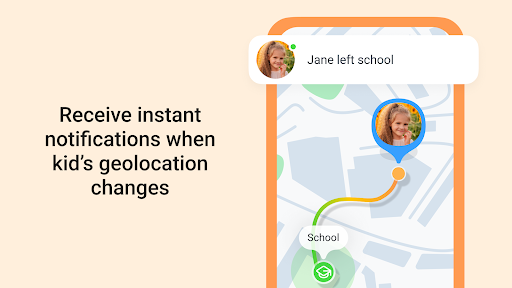
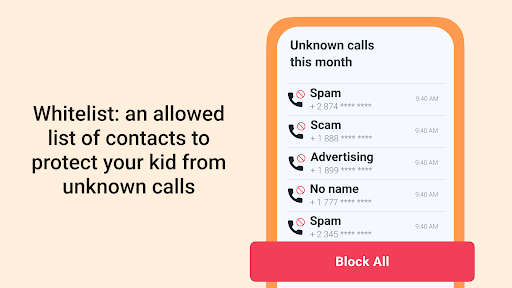

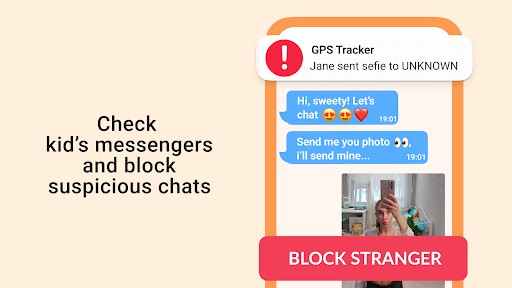

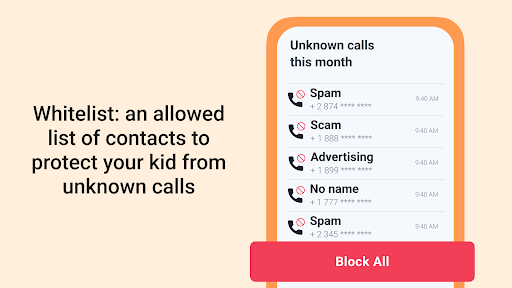
GPS Tracker is a comprehensive parenting app that combines advanced location tracking with essential safety features. The app's core functionality revolves around real-time GPS monitoring, allowing parents to track their children's locations accurately through an intuitive map interface. Beyond basic geolocation, the app offers additional parental control tools.
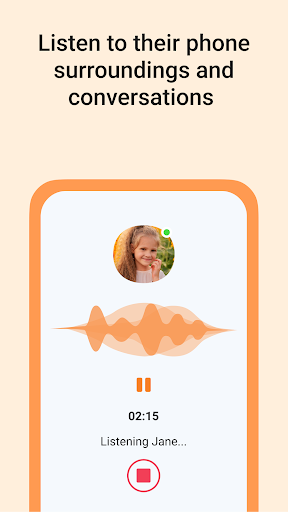
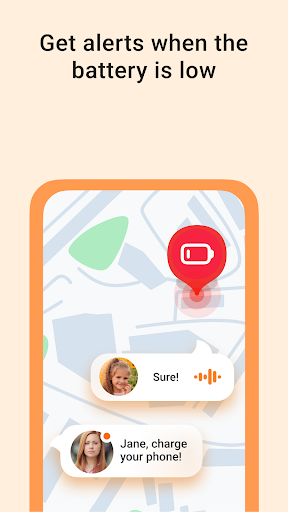
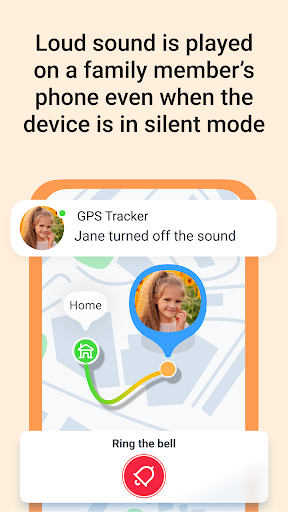
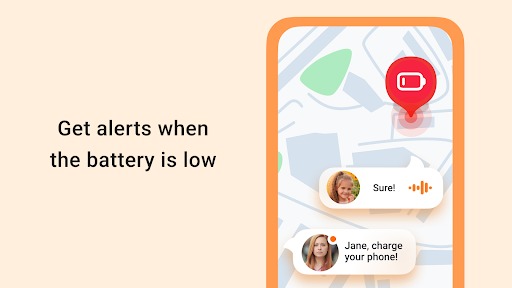
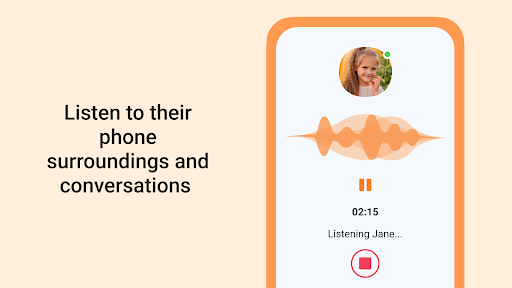
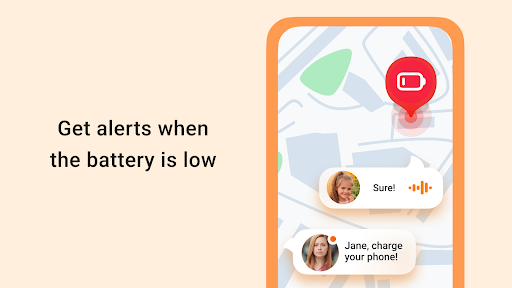
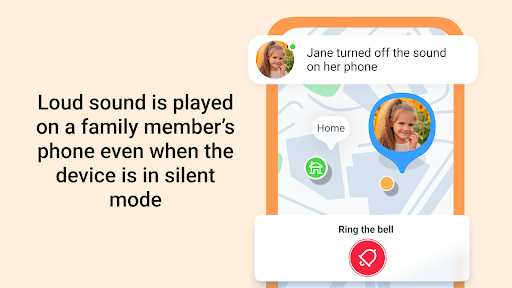
Key features include ambient sound monitoring, emergency alerts via an SOS button, and a loud signal function for locating misplaced devices. The integrated family chat system and battery status checks further enhance communication and preparedness. These capabilities make GPS Tracker particularly valuable for modern families who need reliable safety solutions.
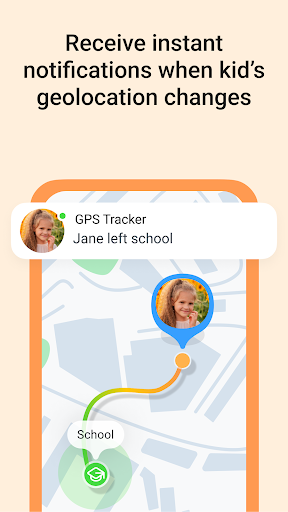
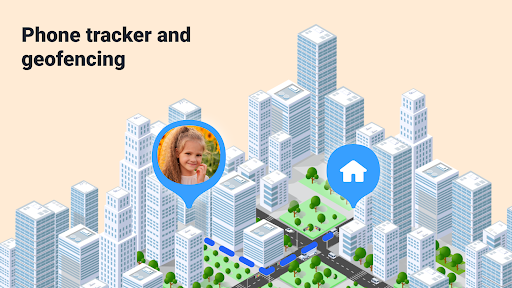
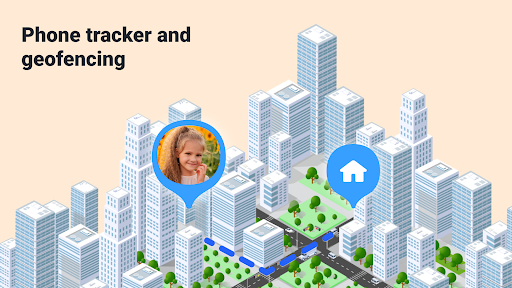
The app proves especially useful during family outings or when children travel alone. Parents can create geofenced safety zones and receive instant notifications when boundaries are crossed. This combination of precise tracking and proactive safety measures provides peace of mind for parents while ensuring children's security in various situations.
GPS Tracker distinguishes itself through its comprehensive feature set designed specifically for parental control and family safety. The app's live location tracking goes beyond basic GPS functionality by offering real-time updates with high accuracy, even in urban environments where other trackers might struggle.
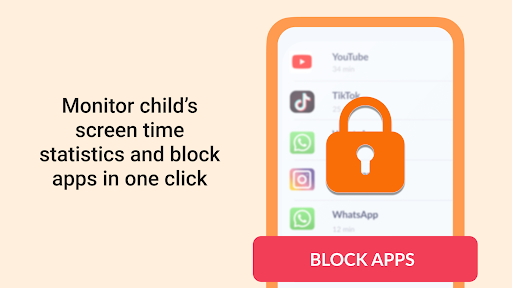
Several innovative features set this app apart from competitors. The Sound Around feature lets parents listen to their child's surroundings, providing valuable context in uncertain situations. App Statistics offer detailed usage reports, helping parents understand device activity patterns. Meanwhile, the SOS Button enables immediate emergency response, sending location data and alerts to designated contacts.
The app's technical implementation ensures reliable performance across different scenarios. Its battery-efficient tracking algorithm maintains accurate monitoring without excessive power consumption. The secure family chat system uses end-to-end encryption, while the geofencing feature allows customizable safe zone creation with instant breach notifications. These thoughtful implementations demonstrate the app's commitment to both functionality and security.
Accurate GPS tracking
Real-time location updates
Comprehensive safety features
User-friendly interface
Reliable performance
Premium features locked
Subscription fees apply
Requires constant connection
Privacy concerns possible
Learning curve present

Block apps, set screen time limits, and customize usage schedules
 4.50
4.50
SENSORYSOOTHE and SENSORSAFE: Making car seats smarter and families safer.
4.70
Discover fun videos, kids songs, bedtime stories and games
3.60
Educational resource for parents to inspire creativity in their children.
4.00
Family GPS locator app — child location tracker. GPS kids tracker, family safety
4.70
Learn according to the age of your child and consult with other moms.
4.20
Join over 1MM parents & professionals who've used OFW to navigate co-parenting
4.40
GPS tracker app: Simple GPS phone tracker for fast family location tracking
4.60
The Most Trusted Co-Parenting App.
4.60
Daily Routine & Timer for kids, ADHD, & Autism
4.80
Sleep better with white noise app! Discover rain sounds, fan noise and more.
4.70
Kids story books for children. Baby reading books with audio for pre-k toddlers
4.70
It is a screen time management tool for games and mobile applications
4.50
Babysitting video camera - Turn your two phones or tablets into a single nanny.
4.40
Findnumber: Real-time location tracker for ultimate family security
4.20
Watching baby, helping parents
4.10
The 10 development leaps of your baby | newborn milestones & leap days tracker
4.10
Happiest Baby App replaces the SNOO App (the mobile companion to SNOO & SNOObie)
3.20
Track pregnancy health and wellness with pregnant tracker from healthcare advice
4.5


User Reveiws