





IPTV Smart Player

4.10

Information

Category:

Entertainment

Price:

$ 2.49

Rank:

5

Rating:

4.10

Overview

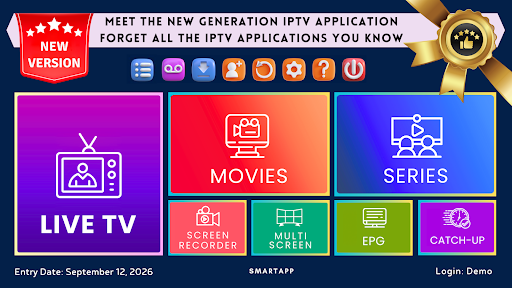
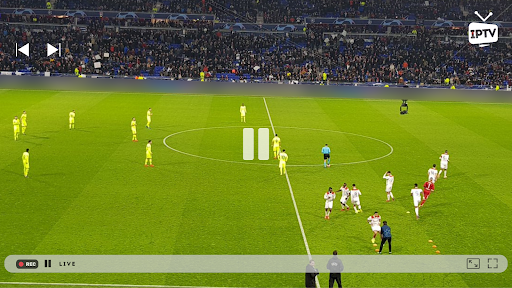
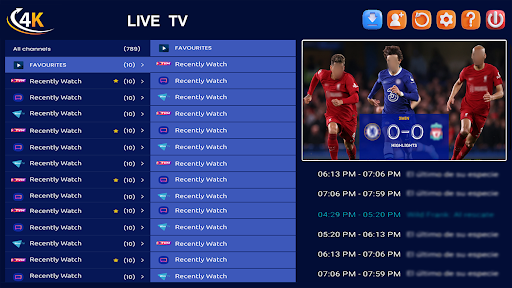
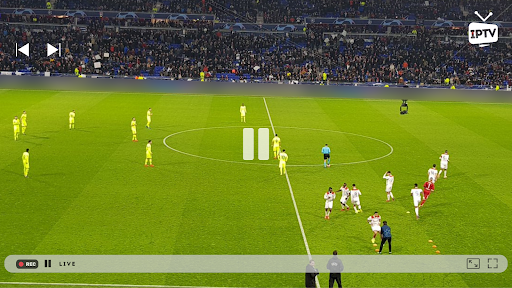
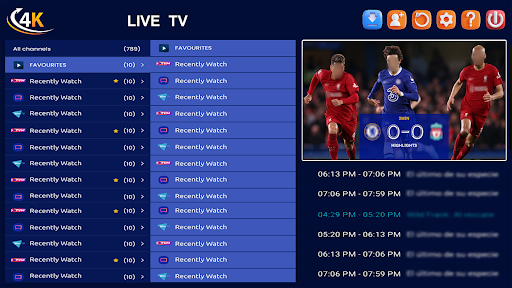
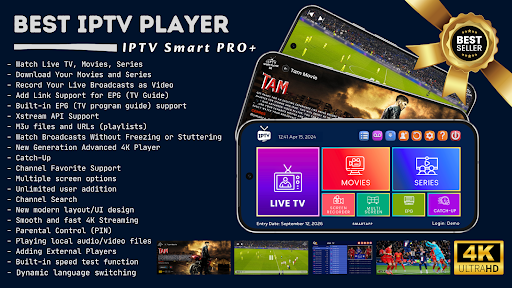
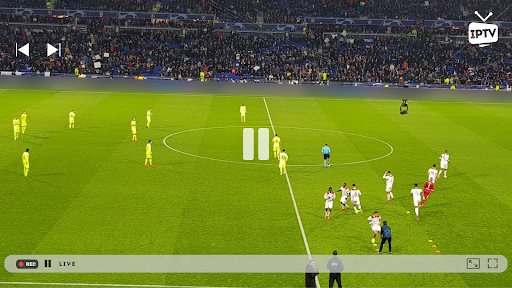
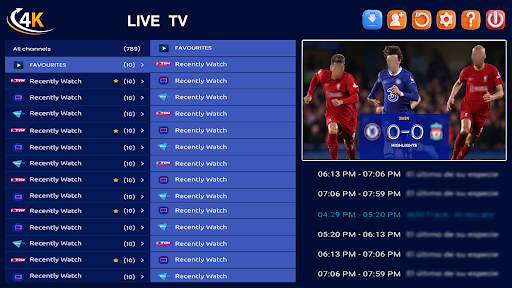
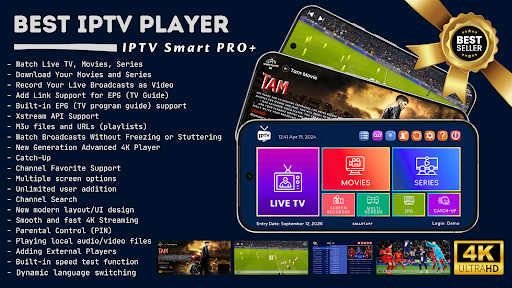
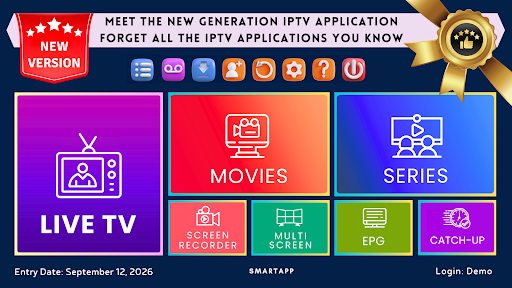
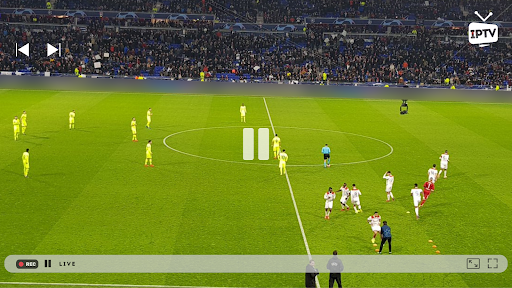
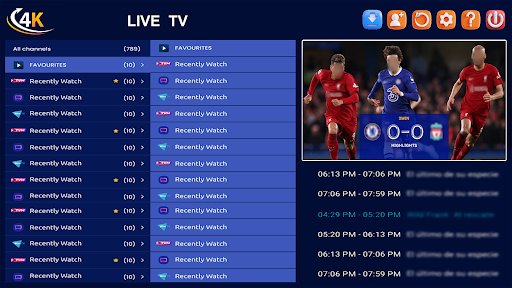
IPTV Smart Player is a cutting-edge entertainment application designed to deliver an exceptional streaming experience. This app allows users to watch live broadcasts, sports events, movies, and TV shows in stunning high definition across multiple Android devices without any lag. With support for all video formats including SD, HD, and 4K resolutions, it ensures the best possible viewing quality.

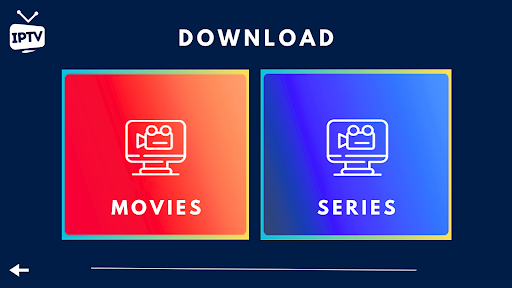
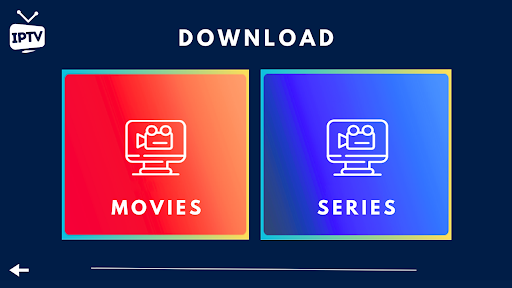
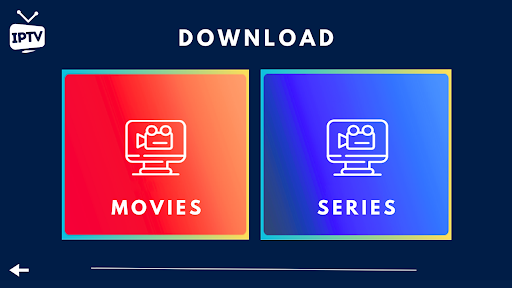
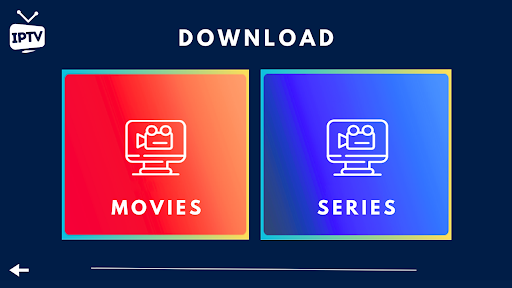
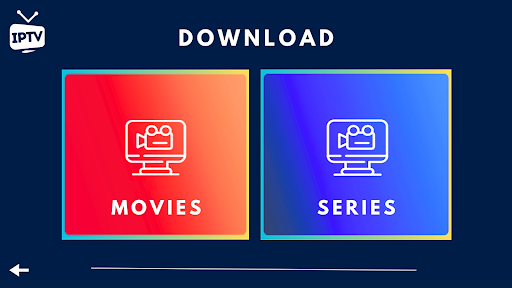
One of the standout features of IPTV Smart Player is its ability to record live broadcasts as videos for later viewing and instantly download favorite TV shows and movies. The app is powered by artificial intelligence technology, making it incredibly fast, powerful, and user-friendly. It offers a one-time purchase option, eliminating the need for monthly or yearly renewals, and is completely ad-free.

Features

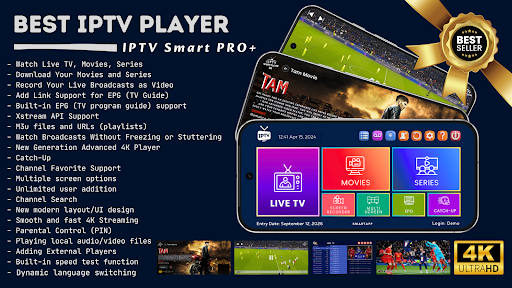
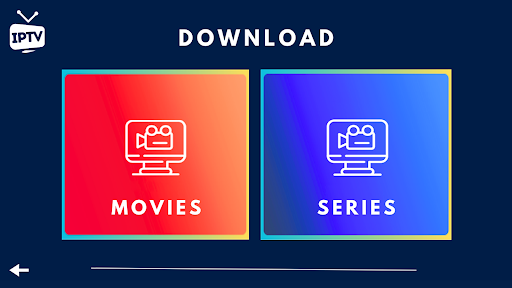
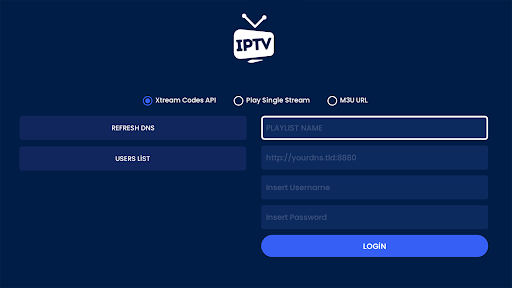
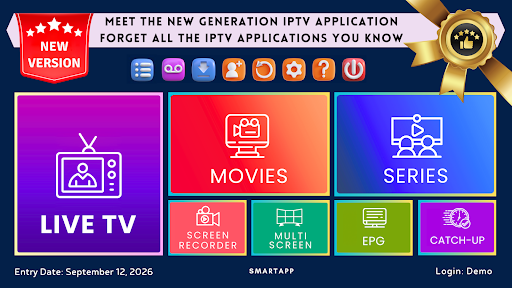
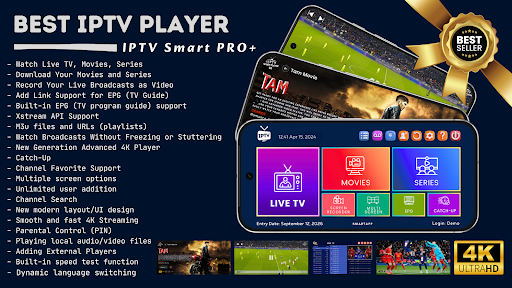
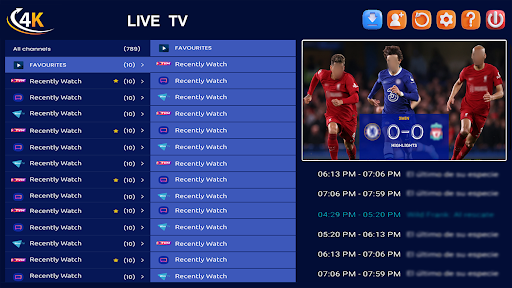
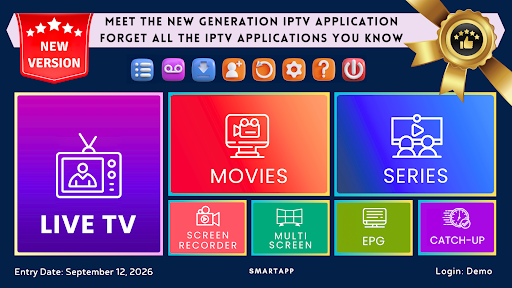
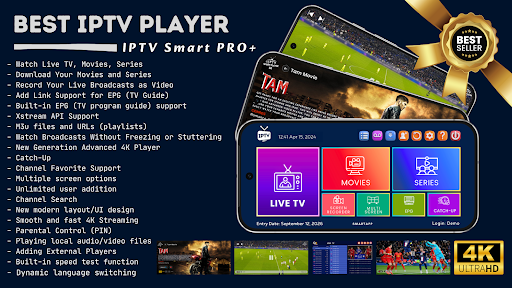
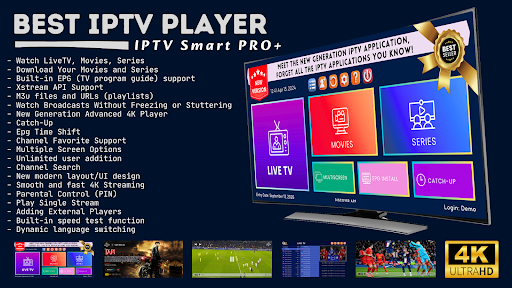
IPTV Smart Player boasts a wide array of features that cater to diverse user needs. It supports multilingual options, allowing users to switch languages dynamically. Users can download their favorite content for offline viewing and save live broadcasts as videos effortlessly. The app also supports Xstream API and EPG (TV Program Guide), enhancing the overall user experience.

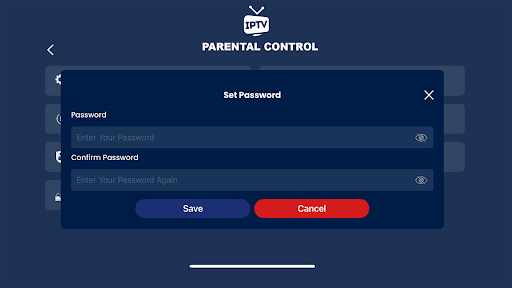
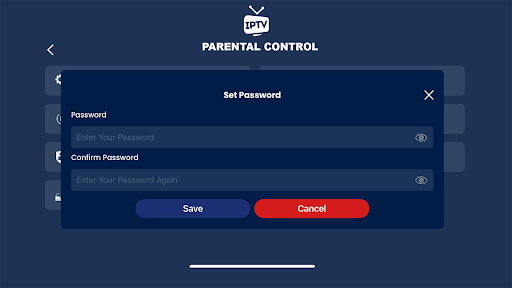
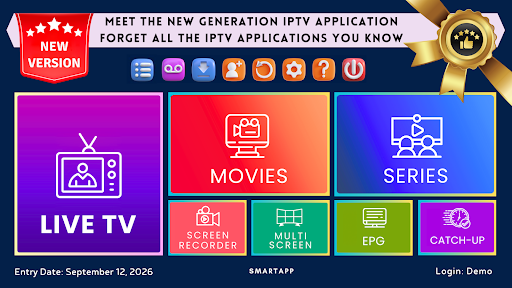
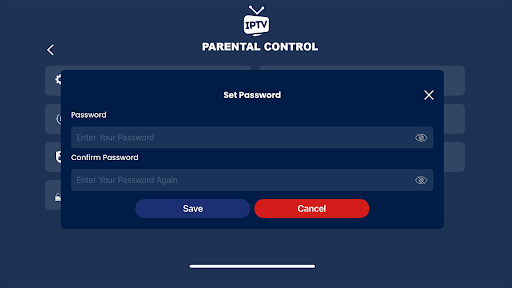
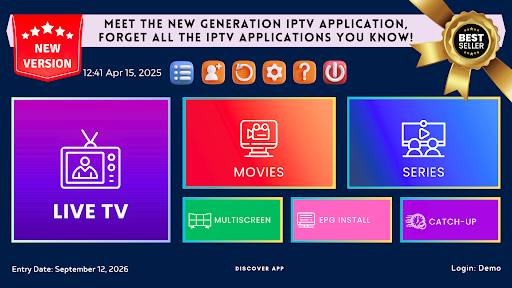
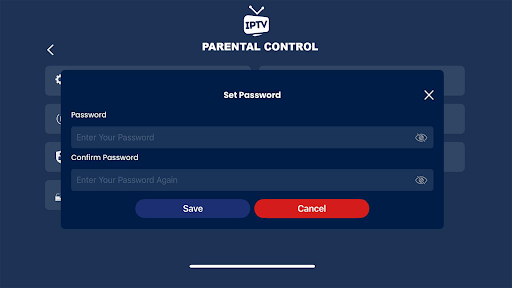
Advanced functionalities include parental controls, instant category and channel encryption, and advanced subtitle support. The next-generation 4K player offers three different options, ensuring optimal performance. Additionally, users can add unlimited users, utilize the multi-screen function to watch multiple channels simultaneously, and enjoy advanced channel search capabilities. Support for external players like VLC further enhances streaming flexibility.

Content variety & freshness

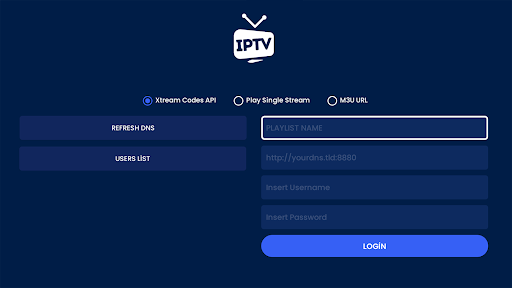
In the realm of digital entertainment applications like IPTV Smart Player content variety and freshness stand as pivotal elements that define user satisfaction and engagement levels The IPTV Smart Player app excels in offering an extensive range of content options ensuring users have access to live broadcasts sports events current movies latest seasons and TV shows This diversity is not just limited to the type of content but also extends to supporting all video formats including SD HD and 4K resolutions such as 1080p and 720p which significantly enhances the viewing experience By integrating advanced features like EPG TV Program Guide support Xstream API compatibility and the ability to add m3u files and URLs the app ensures that users can customize their content preferences to a great extent Moreover the Catch-Up feature allows users to rewatch missed broadcasts adding another layer of convenience and flexibility The app's commitment to providing fresh content is evident through its support for dynamic updates and instant downloads of favorite TV shows and movies This approach not only keeps the content library up-to-date but also caters to the evolving interests of users ensuring they always have something new and exciting to look forward to Additionally by allowing users to add channels movies and series to their favorites and watch multiple channels simultaneously with the multi-screen function IPTV Smart Player creates a personalized and engaging entertainment environment that keeps users coming back for more In essence the app's dedication to maintaining a diverse and regularly updated content library plays a crucial role in enhancing user satisfaction and fostering long-term engagement

User engagement duration & retention

User engagement duration and retention are critical metrics for evaluating the success of any entertainment application IPTV Smart Player addresses these aspects through a combination of innovative features and user-centric design elements that collectively enhance the overall user experience One of the standout features contributing to prolonged user engagement is the app's next-generation advanced 4K player which offers three different playback options This ensures that users can enjoy their favorite content in the best possible quality tailored to their specific preferences and device capabilities Furthermore the app's multilingual support covering all languages and dynamic language switching functionality make it accessible to a global audience thereby broadening its appeal and usability Another significant factor in boosting user retention is the parental control feature which allows users to hide favorite channels This ensures that the app remains family-friendly and suitable for users of all age groups Additionally the built-in speed test function and support for adding external players like VLC provide users with the tools they need to optimize their streaming experience based on their network conditions and personal preferences The app's modern UI/UX design further contributes to higher engagement levels by offering an intuitive and visually appealing interface that simplifies navigation and content discovery Lastly by enabling users to play local audio/video files and offering advanced subtitle support IPTV Smart Player ensures that users can enjoy a seamless and uninterrupted entertainment experience These thoughtful features collectively work to increase user engagement duration and improve retention rates making IPTV Smart Player a top choice for digital entertainment enthusiasts

Props

User-friendly interface

High-definition streaming

Offline viewing options

Ad-free experience

One-time purchase

Cons

Requires separate subscription

No built-in media content

Limited customer support

Complex setup for beginners

Occasional playback issues

Features and Functions

What is this app and what can I use it for?

An IPTV app for streaming live TV, sports, movies in HD.

How do I download and install this app on my device?

Visit Google Play Store, search for IPTV Smart Player, and install.

How do I get started after opening the app for the first time?

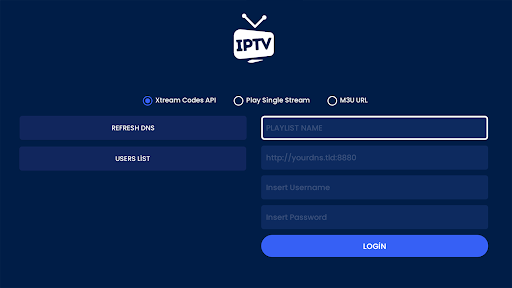
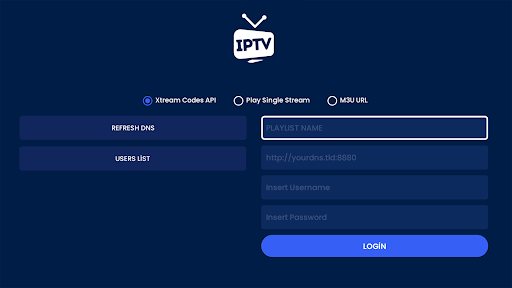
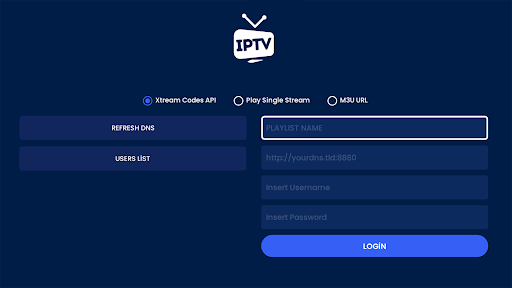
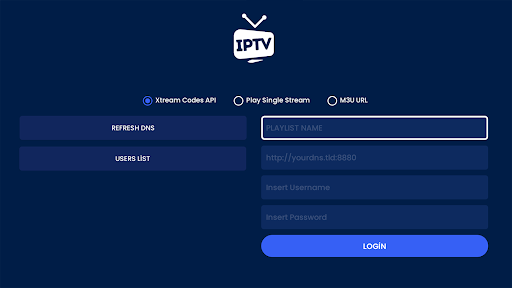
Open the app, add your IPTV provider's playlist URL.

What are the main features and capabilities of this app?

HD streaming, recording, offline downloads, multi-screen viewing.

How can I customize my experience and adjust preferences?

Adjust language, subtitles, and parental controls in settings.

How do I save or bookmark my favorite content for later access?

Use the download feature to save content for later viewing.

How can I share content with friends or on social media?

Share content links via social media or messaging apps.

How do I access detailed information and explore more content?

Browse categories, use search, and check EPG for details.

What permissions does this app need and how do I manage them?

Needs storage, network access; manage in device settings.

How do I check for updates and keep the app running smoothly?

Enable auto-updates in Google Play Store for latest version.
Show more

User Reveiws

{{ comment.reviewer_name }}
{{ comment.review_date_formatted}}
{{ comment.review_content }}
{{ tab.name }}
{{ comment.reviewer_name }}
{{ comment.review_date_formatted}}
{{ comment.review_content }}
No reviews with this rating