


Advanced IPTV : Xtream Player

3.30

Information

Category:

Entertainment

Price:

$ 1.99

Rank:

49

Rating:

3.30

Overview

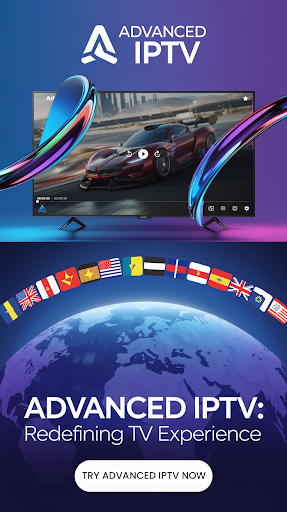
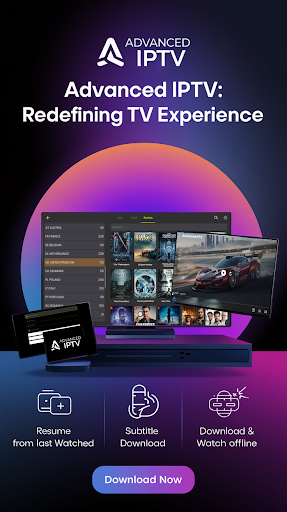
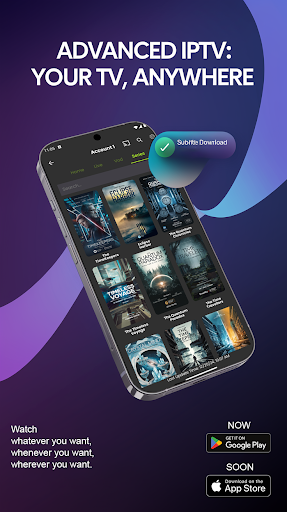
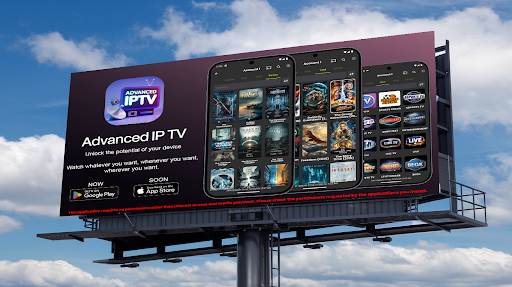
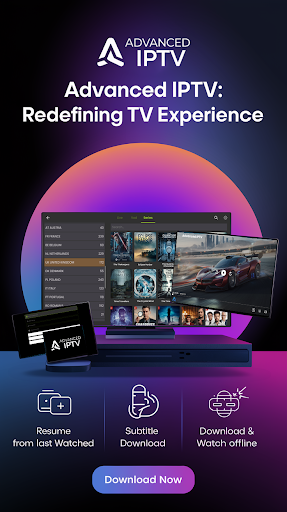
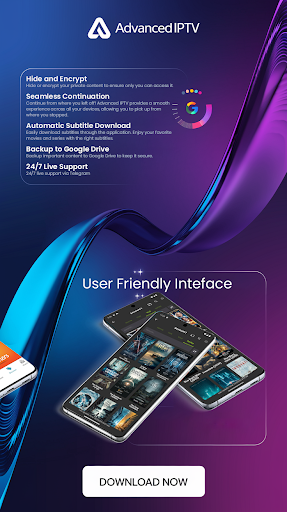
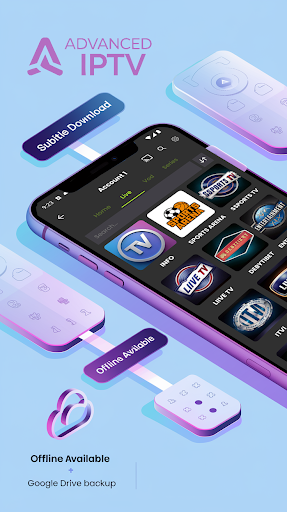
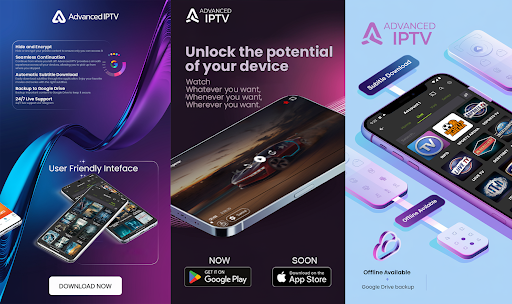
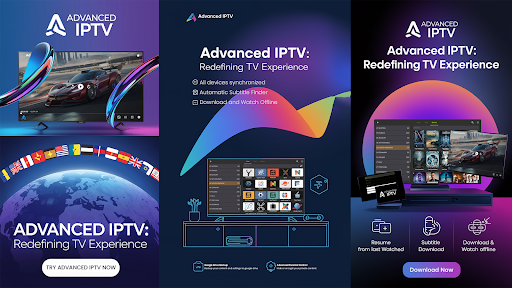
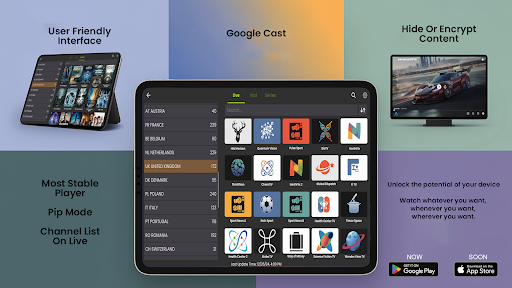
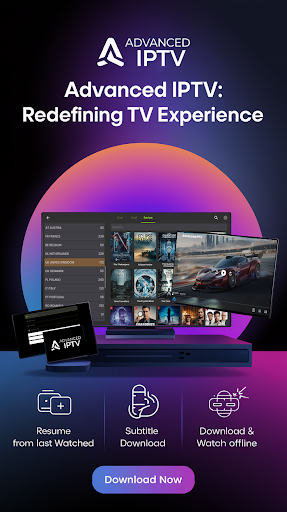
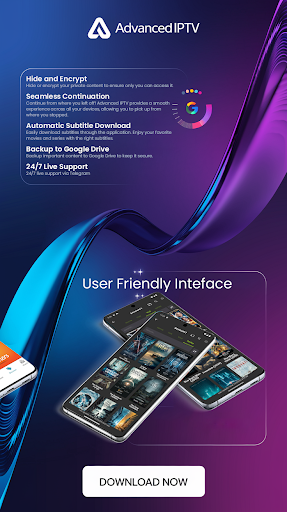
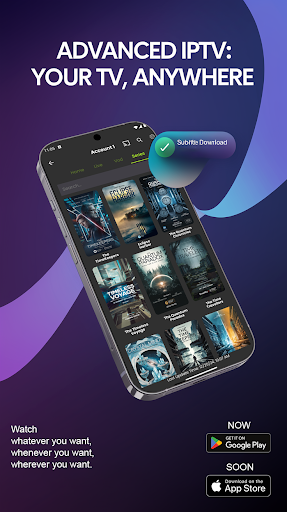
Advanced IPTV is a cutting-edge entertainment application that transforms the way users access and enjoy digital television content. Designed for seamless cross-device functionality, this app allows you to continue watching from where you left off, ensuring an uninterrupted viewing experience. With support for online subtitle downloads, users can enjoy their favorite movies and series with accurate language options.

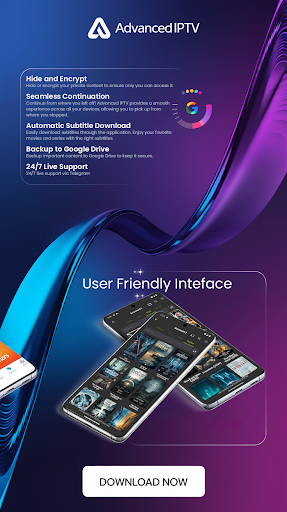
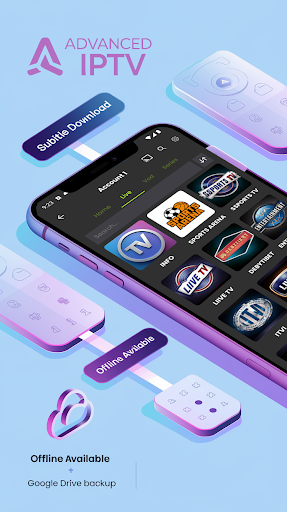
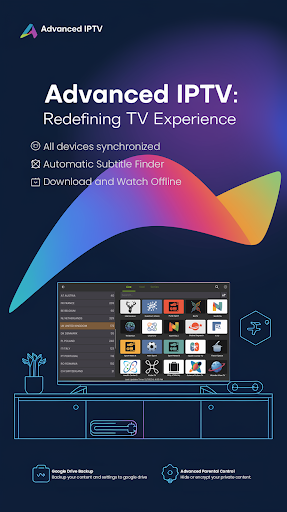
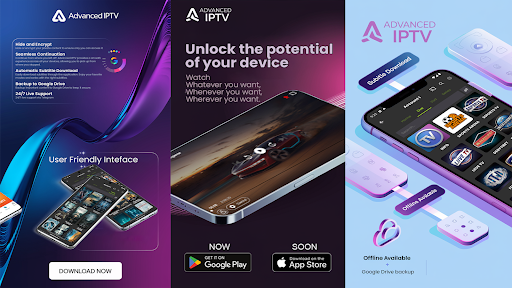
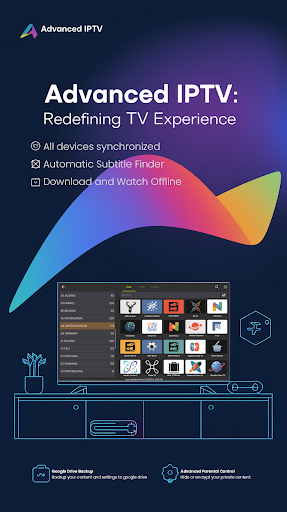
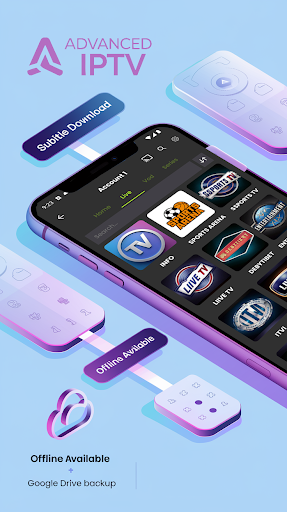
The app also offers advanced personalization features such as managing favorite channels, downloading content for offline viewing, and backing up important data to Google Drive. Advanced IPTV ensures privacy by allowing users to hide or encrypt private content. Compatible with various media players and supporting Google Cast, it provides flexibility in how and where you stream your content. Whether at home or on the go, Advanced IPTV delivers a rich and personalized TV experience tailored to modern entertainment needs.

Features

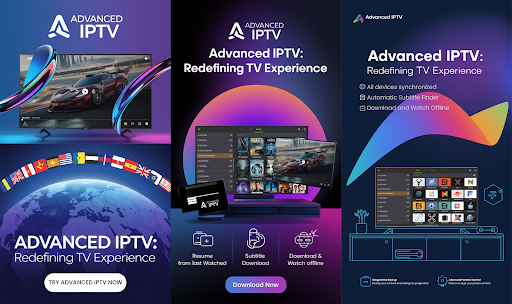
Advanced IPTV stands out with its innovative features designed to enhance user convenience and accessibility. One of its key highlights is the seamless continuation feature, which syncs your progress across devices, enabling you to resume playback effortlessly. The integrated subtitle downloader supports multiple languages, making global content more accessible to diverse audiences.

For those who value customization, the app allows users to manage favorite channels, download videos for offline use, and secure their data through Google Drive backups. Privacy-conscious users will appreciate the ability to hide or encrypt sensitive content. Additionally, compatibility with various media players and support for Google Cast ensure maximum flexibility. These robust features collectively create a versatile and user-friendly IPTV platform suitable for all types of viewers.

Content variety & freshness

In the realm of digital entertainment applications like Advanced IPTV Xtream Player content variety and freshness stand as pivotal elements that significantly enhance user engagement and satisfaction. Content variety refers to the range of different media options available within the app including movies series live channels and more across numerous genres and languages. Freshness pertains to how frequently new content is added ensuring users always have something new to explore. Advanced IPTV excels in both these aspects by offering a wide array of TV shows movies and live channels spanning multiple genres and supporting over 20 languages such as English Arabic Spanish and more. This extensive multilingual support ensures global accessibility catering to diverse audiences. Moreover the application provides regular updates introducing new content which keeps the user experience dynamic and engaging. Users can enjoy seamless continuation of their favorite shows download subtitles for enhanced viewing and even hide or encrypt private content. The ability to download content for offline viewing further enriches this variety allowing uninterrupted access regardless of internet connectivity. With its compatibility with various media players and Google Cast functionality users can stream content on their preferred devices enhancing convenience. Additionally the app's live support via Telegram ensures any content-related queries are promptly addressed. Overall Advanced IPTV not only meets but exceeds expectations in delivering a rich and varied content library that remains fresh and relevant making it an indispensable tool for modern entertainment needs.

User engagement duration & retention

User engagement duration and retention are critical metrics for evaluating the success of entertainment applications like Advanced IPTV Xtream Player. Engagement duration measures how long users actively interact with the app while retention tracks the likelihood of users returning to the platform over time. Advanced IPTV employs several innovative features that boost both these metrics effectively. Firstly the app offers a seamless continuation feature allowing users to pick up where they left off across multiple devices. This continuity encourages longer viewing sessions as users aren't constrained by device limitations. The option to download and watch content offline also contributes to increased engagement since users can consume media at their convenience without worrying about connectivity issues. Furthermore the integration of online subtitle downloads enhances the viewing experience making it more inclusive and enjoyable for a global audience thus fostering longer engagement durations. The app's capability to backup important content to Google Drive and hide or encrypt private content adds layers of personalization and security which incentivize users to remain engaged with the platform. Compatibility with various media players and support for Google Cast enable users to stream content on larger screens such as TVs providing a home theater-like experience that can captivate audiences for extended periods. Additionally the availability of 247 live support through Telegram ensures that any technical issues are swiftly resolved minimizing disruptions and maintaining high levels of user satisfaction. By combining these advanced features with a rich multilingual interface and frequent content updates Advanced IPTV successfully cultivates a loyal user base that consistently returns for more thereby achieving impressive retention rates alongside prolonged engagement durations.

Props

User-friendly interface

Multi-language support

Offline viewing capability

Google Cast integration

24/7 live support

Cons

Limited free features

Requires stable internet

Premium subscription cost

No built-in player

Complex setup for beginners

Features and Functions

What is this app and what can I use it for?

An IPTV app offering seamless streaming and offline viewing.

How do I download and install this app on my device?

Visit Google Play Store, search for Advanced IPTV, and tap Install.

How do I get started after opening the app for the first time?

Sign in, set preferences, and explore the main menu for content.

What are the main features and capabilities of this app?

Key features include subtitles, offline downloads, and Google Cast.

How can I customize my experience and adjust preferences?

Adjust settings via the Preferences menu to customize your experience.

How do I save or bookmark my favorite content for later access?

Use the Favorites option to bookmark preferred channels or shows.

How can I share content with friends or on social media?

Tap Share, choose platform, and send content links to friends.

How do I access detailed information and explore more content?

Access the Details tab or browse categories for more content.

What permissions does this app need and how do I manage them?

The app requires internet and media permissions only.

How do I check for updates and keep the app running smoothly?

Enable auto-updates in Google Play Store or check manually.
Show more

User Reveiws

{{ comment.reviewer_name }}
{{ comment.review_date_formatted}}
{{ comment.review_content }}
{{ tab.name }}
{{ comment.reviewer_name }}
{{ comment.review_date_formatted}}
{{ comment.review_content }}
No reviews with this rating