iRadTech

4.50

Information

Category:

Medical

Price:

$ 24.99

Rank:

23

Rating:

4.50

Overview

iRadTech is a comprehensive radiographic positioning guide designed for medical imaging professionals and students. The app provides detailed instructions for over 200 radiographic positions, covering technical factors, patient positioning, and image quality points.

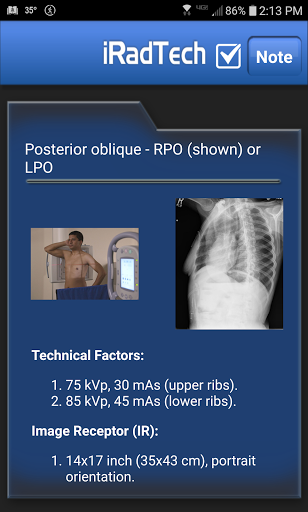
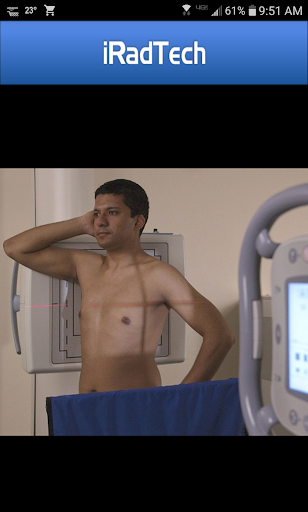
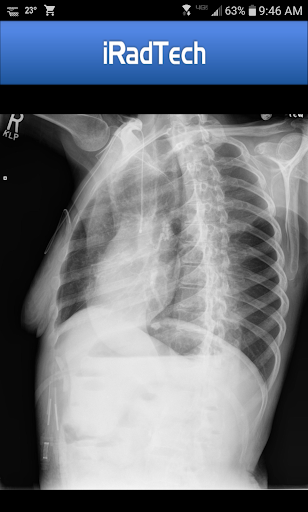
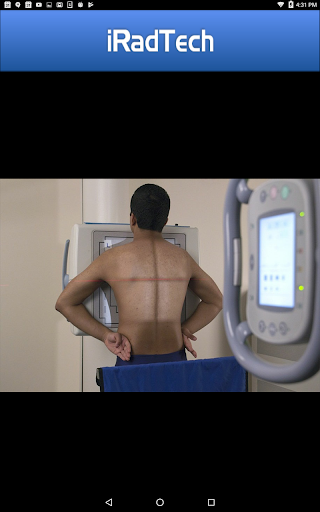
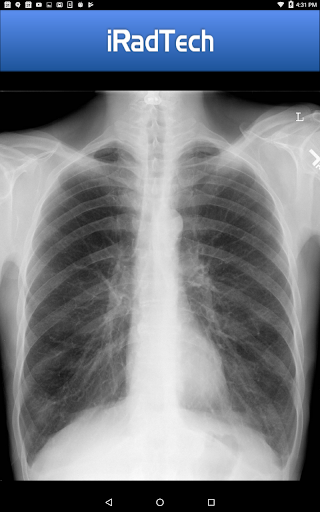
With features like suggested digital imaging systems settings, representative radiographic images, and enlargeable photographs of properly positioned models, iRadTech serves as an essential reference tool. Its search function and My Routines feature help users efficiently organize their work, making it particularly valuable for those preparing for ARRT exams or working in clinical environments.

Features

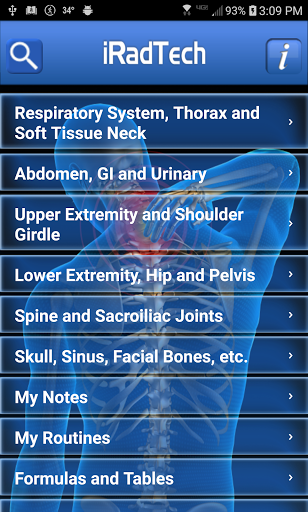
The app offers extensive features including technical factor settings for various positions, respiration instructions, and central ray details. Each position comes with a helpful NOTE tab for saving techniques and special terms.

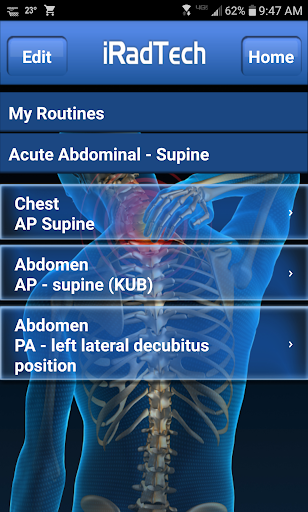
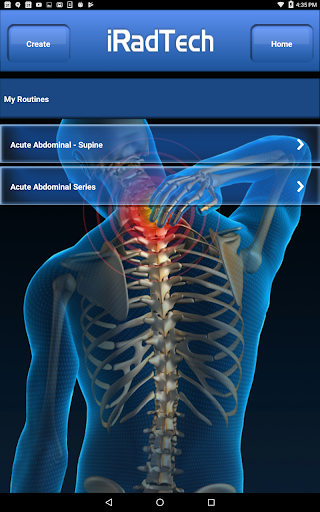
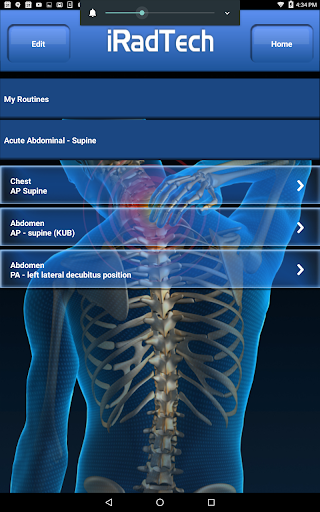
iRadTech includes unique functions such as My Routines for grouping selected positions into routines and My Notes for general note-taking. Developed using ARRT Content Specifications, the app covers nearly all entry-level radiographic positions while also providing optional positions that are useful in clinical practice.

Backed by experienced radiography educators, the app references the latest ASRT Radiography Curriculum and national positioning texts, ensuring accurate and up-to-date information for technologists and clinical instructors.

Medical content credibility & expert review

In the field of medical imaging and radiography positioning guidance it is crucial to ensure that all information provided is credible and has undergone thorough expert review This ensures both the safety of patients and the accuracy of diagnostic imaging The iRadTech application excels in this aspect by providing detailed instructions for over 200 radiographic positions which have been meticulously developed using the ARRT Content Specifications These specifications are recognized standards in the radiologic technology profession ensuring that the content is aligned with industry best practices Furthermore the application's content has been written and edited by two Ph D radiography educators each boasting more than 30 years of teaching experience This level of expertise guarantees that users are receiving information that is not only accurate but also reflective of the latest advancements and techniques in radiography Additionally the instructions provided in iRadTech are referenced against the most recent ASRT Radiography Curriculum and national positioning texts This means that users can trust that they are getting information that is consistent with current educational and professional standards By relying on such authoritative sources iRadTech provides medical imaging professionals and students with a reliable tool that supports their clinical practice and learning With features like suggested digital imaging systems technical factor settings and image quality points users can be confident that they are applying the correct techniques to produce high-quality diagnostic images In summary iRadTech stands out as a credible and expertly reviewed resource making it an invaluable asset for anyone involved in medical imaging

Teleconsultation quality

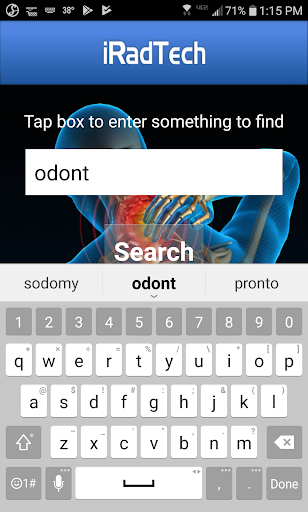
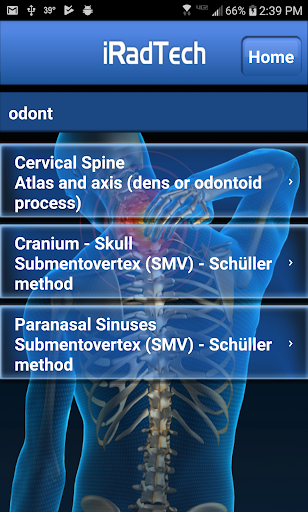
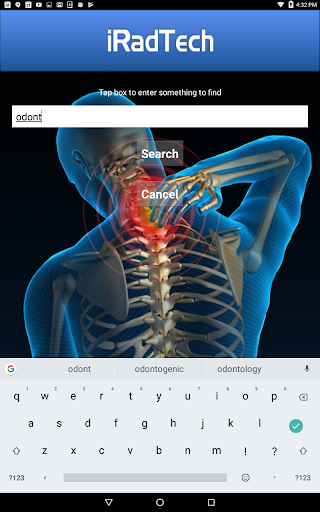
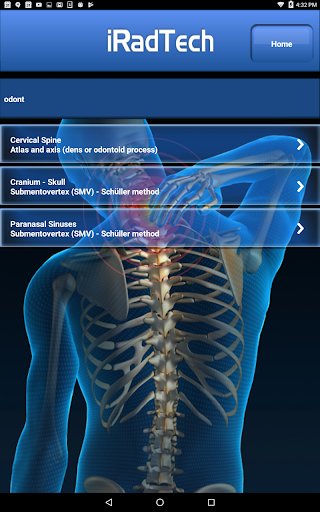
While iRadTech does not provide direct teleconsultation services it significantly enhances the quality of remote consultations through its comprehensive radiographic positioning guide For medical imaging professionals who engage in teleconsultations having access to accurate and detailed positioning instructions is essential to effectively communicate with colleagues or consult on complex cases The application offers a search function that allows users to quickly find specific positioning instructions by searching position titles and or instructions This feature is particularly useful during teleconsultations where time is often of the essence Additionally the My Routines function enables users to group selected positions into a saved routine This capability can streamline the consultation process by allowing professionals to easily access frequently used positioning sequences Moreover the representative radiographic images included in iRadTech can be enlarged for closer inspection This functionality facilitates clearer discussions about image quality and positioning accuracy during teleconsultations as users can zoom in on details to illustrate specific points Another valuable feature is the enlargeable photograph of properly positioned human models showing the correctly collimated area of interest with the central ray entry point These visual aids can greatly enhance the clarity of remote consultations by providing concrete examples of proper positioning techniques Lastly the helpful NOTE tab for every position allows users to save techniques special terms or other pertinent information This personalized note-taking feature ensures that important details discussed during teleconsultations are not lost and can be referenced later Overall while iRadTech may not offer traditional teleconsultation services its robust set of tools and resources empowers medical imaging professionals to conduct high-quality remote consultations with confidence

Props

User-friendly interface

Comprehensive position coverage

High-quality reference images

Efficient search functionality

Expert-developed content

Cons

Premium-priced app

Occasional updates needed

Limited interactive features

No offline mode available

Heavy on text content

Features and Functions

What is this app and what can I use it for?

A radiographic positioning guide for medical imaging professionals and students

How do I download and install this app on my device?

Search 'iRadTech' on Google Play Store and tap install

How do I get started after opening the app for the first time?

Explore the main menu and select a radiographic position to view instructions

What are the main features and capabilities of this app?

Detailed positioning guides, technical factors, and image quality points

How can I customize my experience and adjust preferences?

Use My Notes and My Routines functions to customize your experience

How do I save or bookmark my favorite content for later access?

Save favorite positions using the My Routines feature for quick access

How can I share content with friends or on social media?

Share content via email or messaging apps directly from the app

How do I access detailed information and explore more content?

Tap on any position for detailed instructions and enlarged images

What permissions does this app need and how do I manage them?

App requires storage permission to save notes and routines

How do I check for updates and keep the app running smoothly?

Check Google Play Store regularly for updates and enable auto-update in settings
Show more

User Reveiws

{{ comment.reviewer_name }}
{{ comment.review_date_formatted}}
{{ comment.review_content }}
{{ tab.name }}
{{ comment.reviewer_name }}
{{ comment.review_date_formatted}}
{{ comment.review_content }}
No reviews with this rating