
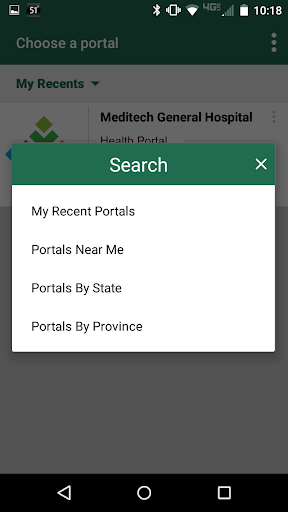
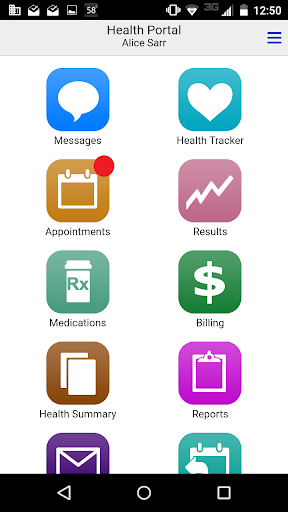
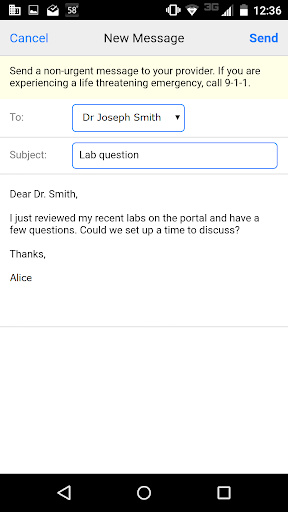

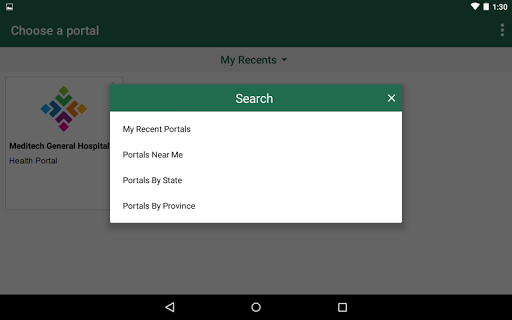

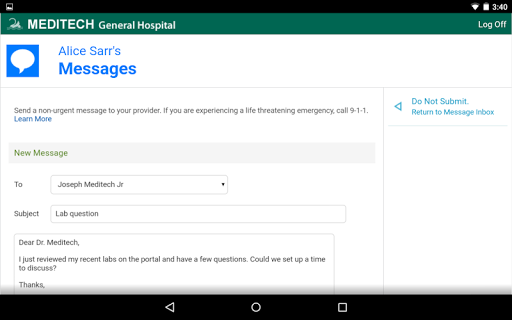

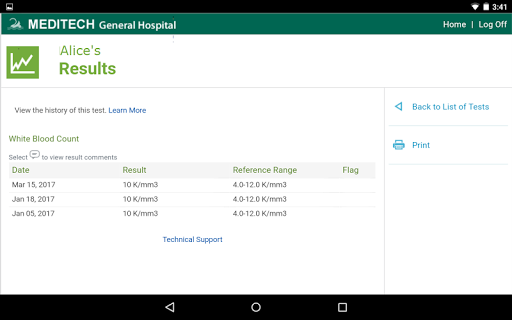
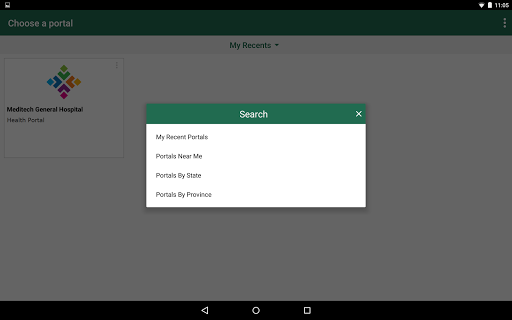
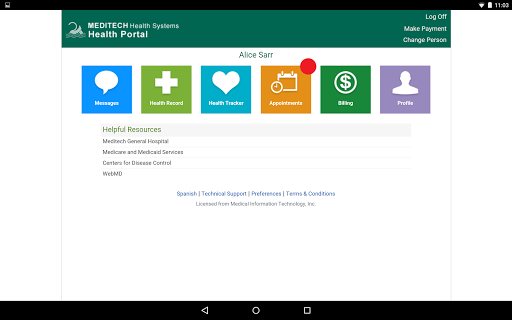
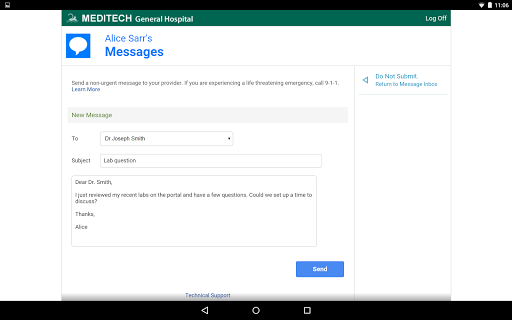
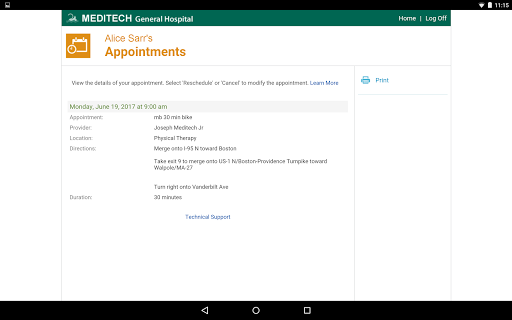
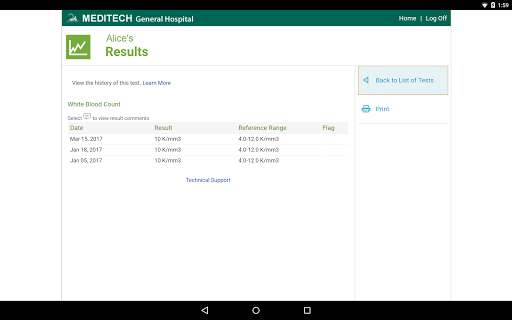
MEDITECH MHealth is a mobile health application that provides secure and convenient access to your personal health information. The app serves as the mobile extension of MEDITECH's Patient and Consumer Health Portal, allowing users to manage their healthcare directly from their mobile devices or tablets. With features like secure communication with care teams, appointment scheduling, pre-registration, and reviewing lab results, MHealth empowers patients to take control of their healthcare management.
Designed for both individuals and families, this app offers tools to track immunizations, allergies, conditions, and home medications. Users can also request prescription renewals and reference visit history, including discharge instructions. By leveraging existing Patient Portal credentials, MHealth ensures a seamless login process while maintaining robust security protocols. This makes it an essential tool for anyone seeking to streamline their healthcare management on-the-go.
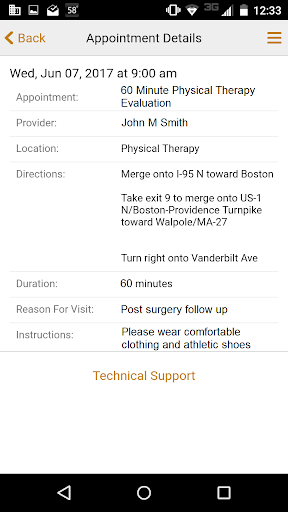
MEDITECH MHealth boasts a comprehensive set of features tailored to enhance patient engagement and healthcare management. One of its standout capabilities is secure messaging, which allows users to communicate directly with their care team, ensuring timely responses to medical queries. The app also supports appointment management, enabling users to request new appointments, view upcoming visit details, and even pre-register for scheduled visits, saving time at the clinic.
In addition to these core functionalities, MHealth provides detailed access to laboratory results and radiology reports, empowering patients with transparent health data. The app includes tracking systems for immunizations, allergies, and ongoing conditions, alongside medication management tools that facilitate prescription renewals. Furthermore, users can easily reference historical visit information and forms, such as discharge instructions, making post-care follow-up more efficient. These features collectively ensure that MHealth stands out in the realm of mobile health applications.
User-friendly interface
Comprehensive health tracking
Secure communication
Convenient appointment scheduling
Seamless integration with portals
Limited to existing portal users
Dependent on provider activation
No standalone account creation
Potential learning curve
Feature availability varies
The MDLIVE app makes connecting with a doctor fast, easy, and convenient.
 4.60
4.60
Patient Health Portal
4.20
Download the PulsePoint app and use your CPR skills to save a life!
4.60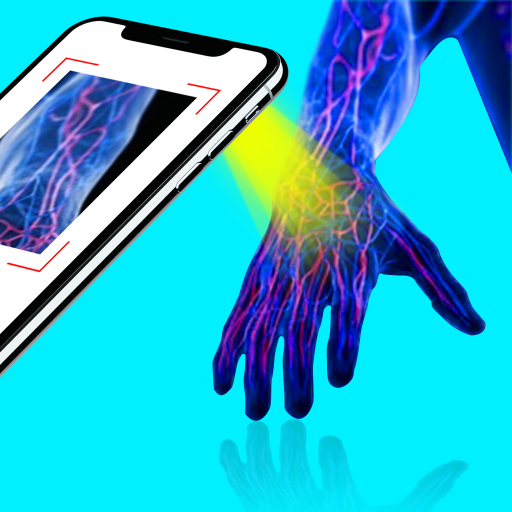
X-Vein: Advanced vein detection for medical practice
3.10
A rapid reference for healthcare professionals caring for pediatric patients.
4.30
Access health information and communicate with your care team anytime, anywhere.
4.80
The Client Portal app empowers you to manage care from one secure place
4.10
Continuous Glucose Monitoring
3.40
Get Rx fast at the pharmacy, schedule health care, and shop ExtraCare savings.
3.30
Elegant, easy-to-use period tracker for fertility, PMS symptoms, and more
4.90
Search by insurance, see real-time openings & verified reviews, get care fast.
4.80
Want to make it easier to manage your health? We’re with you, wherever you are.
4.70
Amplify surrounding sounds, conversations, TV or lectures for louder hearing.
4.70
Your donation experience just got smoother; Donor Hub is your go-to place.
4.70
Enjoy 200%+ volume booster with bass booster, equalizer and headphone supported.
4.60
Molina Members: My Molina. Manage your health anytime, anywhere!
4.30
Over 1,200 review questions and 5 exams—pass the NREMT with EMT Review Plus!
4.10
Donating plasma just got easier with the BioLife Plasma Services mobile app.
3.90
ECG modules improve rhythm ID. ACLS is a simulator for cardiac arrest scenarios.
4.2


User Reveiws