
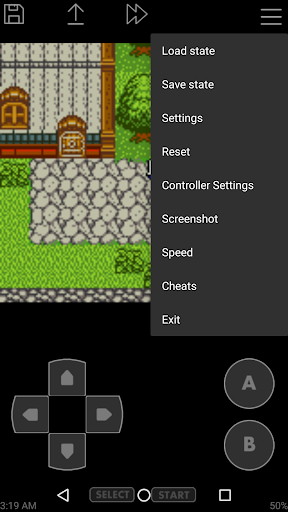
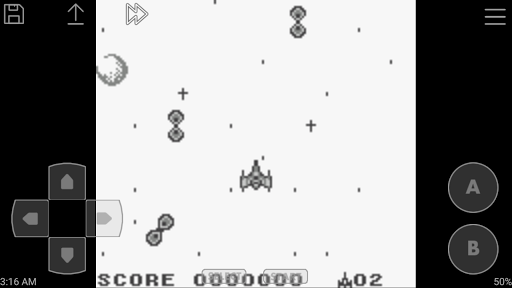
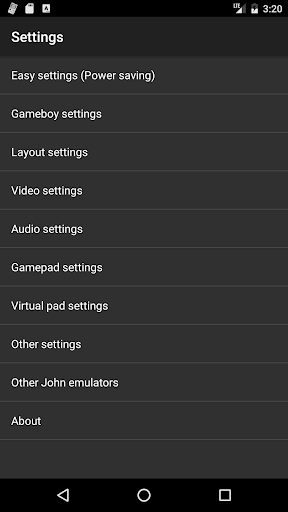
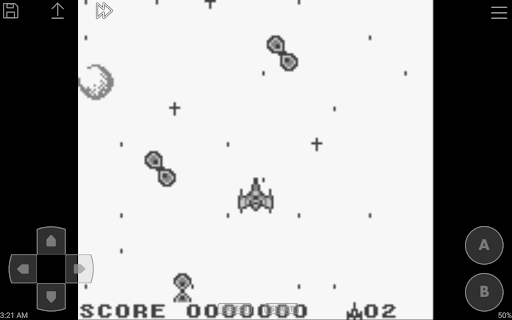
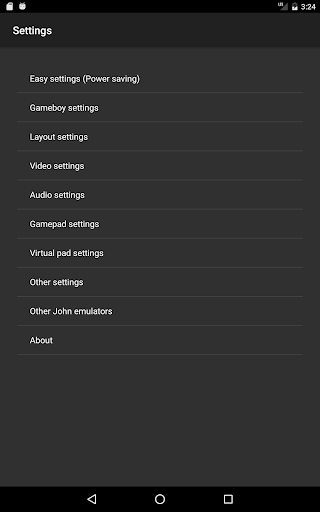
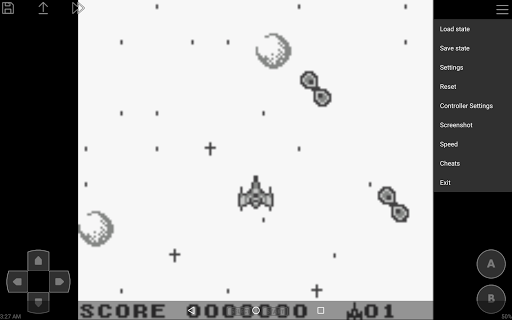
John GBC is a feature-rich arcade emulator designed for Android 6.0 and above, offering users the ability to relive classic gaming experiences on their mobile devices. This Game Boy/Game Boy Color emulator does not include game files by default and requires users to provide their own legally obtained ROMs.
The app boasts an original GBC engine with high-quality rendering capabilities, ensuring authentic graphics and smooth gameplay. Its powerful processing enables very fast emulation while supporting various features like save states with previews, customizable controls, and turbo buttons. John GBC also supports zipped game files, making it convenient for users to manage their game library.
Ideal for retro gaming enthusiasts, this emulator allows you to play your favorite classic games anywhere, anytime. With its comprehensive feature set including virtual on-screen keypads, fast forward/slow down functionality, and cheat support, John GBC delivers an enhanced and flexible gaming experience that surpasses the original hardware limitations.
John GBC distinguishes itself through its advanced feature set tailored for both casual players and hardcore retro gaming enthusiasts. The emulator's original GBC engine provides accurate hardware emulation while maintaining high performance across different Android devices.
One of its standout capabilities is the sophisticated rendering system that produces crisp, high-quality visuals. The app supports multiple display options including Super Game Boy borders, enhancing the authenticity of the gaming experience. Its powerful file management system can search for game files across SD cards and internal storage, while also supporting compressed file formats for easier organization.
The emulator offers extensive customization options, allowing users to adjust control schemes, utilize turbo functions, and even apply cheats using popular code formats. Additional features like Dropbox support (through John DataSync), Bluetooth controller compatibility, and various playback speed options make this app one of the most versatile GB/GBC emulators available in the arcade category.
Fast emulation speed
High-quality rendering
Customizable controls
No advertisements
Comprehensive feature set
Requires own game files
No iOS version
Paid application
Complex setup
Needs technical knowledge

Turn-based pixel game where jumping is the only weapon!
 4.4
4.4
Sit back and relax! Tap to move the black hole, and swallow weapons to win.
4.20
Use superpower in your magic hands. Defeat the enemies in a fun elemental game.
4.50
Motorcycle racing games! Prove your paperboy can win in the bike race 3D!
4.50
Epic offline war strategy game - build your city, train your army, conquer
4.20
Protect the balloon! Only 1% of players can reach lvl 100 with all the balloons!
3.70
Shoot the web, jump and teleport! Be a stickman hero and destroy your enemies!
4.50
Challenge your friends in this game! Two players on one device!
4.70
Thoughtful strategy and tactical thinking are required to win each battle!
4.30
Save the Galaxy from galaxiga alien - Classic arcade shooter game
4.60
Eat & evolve your shark in the ultimate shark survival game!
4.50
PC Engine/TurboGrafx-16 Emulator
4.50
Suck the other’s blood and be the longest surviving mosquito!
4.40
Millions of crafters have smashed billions of blocks! Now you can join the fun!
4.40
Slice up a juicy storm!
4.20
A Ball Bouncer With Depth
4.00
A fast, full-featured GB/GBC emulator with link cable emulation.
3.80
Spaceship racing on a rocky planet — pure action and challenge.
4.5
Fast reflexes, glowing obstacles, endless action.
4.0


User Reveiws