
Kahoot! Play & Create Quizzes

4.70

Information

Category:

Education

Price:

Free

Rank:

21

Rating:

4.70

Overview

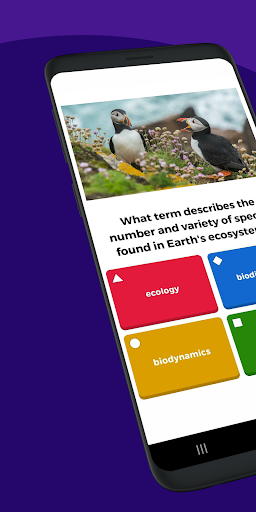
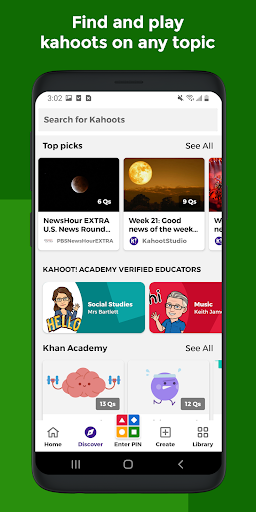
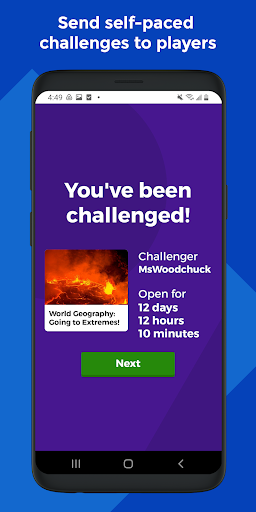
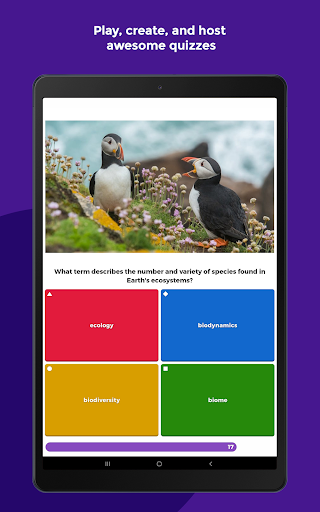
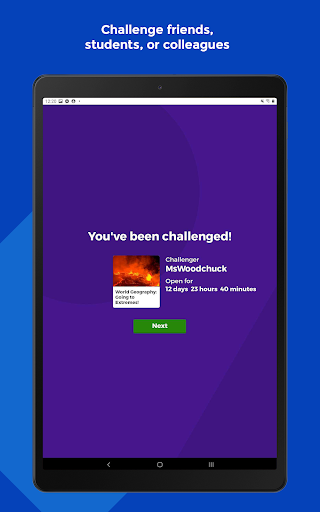
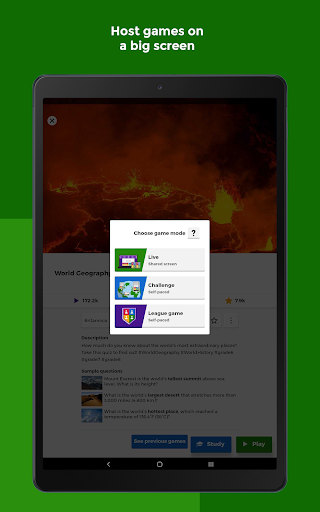
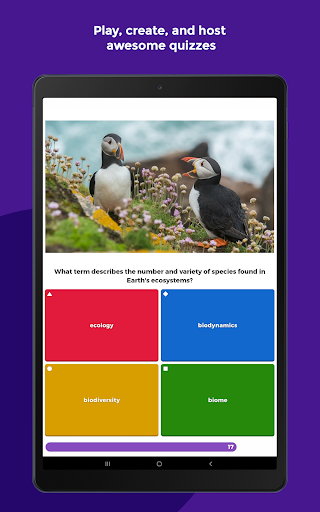
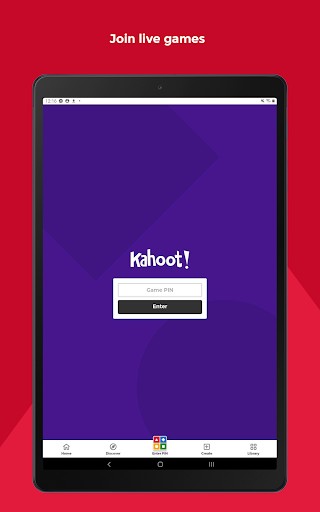
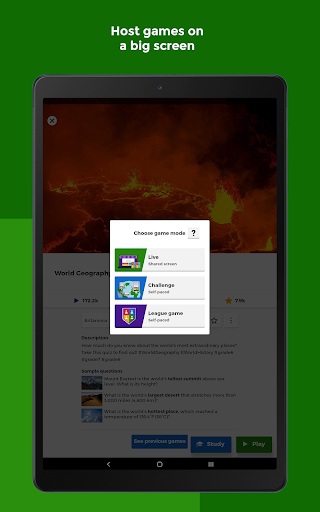
Kahoot! Play & Create Quizzes is an educational app designed to make learning engaging and interactive through quiz-based games. Available in multiple languages including English, Spanish, French, German, Italian, Brazilian Portuguese, and Norwegian, it caters to a diverse audience of students, teachers, families, and company employees. The app allows users to participate in live quizzes, create their own quizzes with multimedia elements, and engage in self-paced challenges.

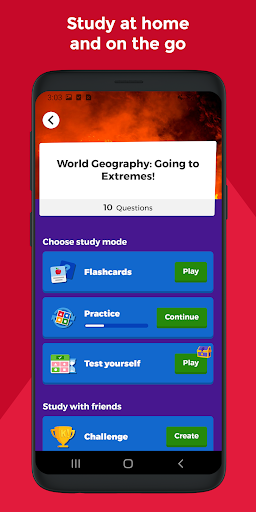
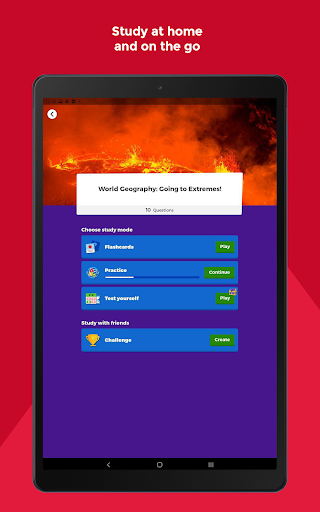
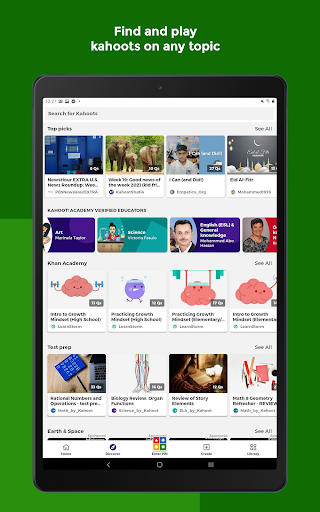
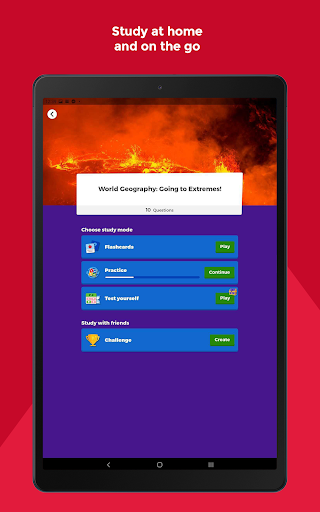
For students, Kahoot! offers unlimited free flashcards and various study modes, making it ideal for both individual and group learning. Teachers can utilize the platform to search for ready-to-play quizzes or create custom ones, while also assessing student progress through detailed reports. Families can enjoy interactive quizzes at home, and companies can leverage Kahoot! for employee training and events. With both free and premium features, Kahoot! supports a wide range of educational and professional needs.

Features

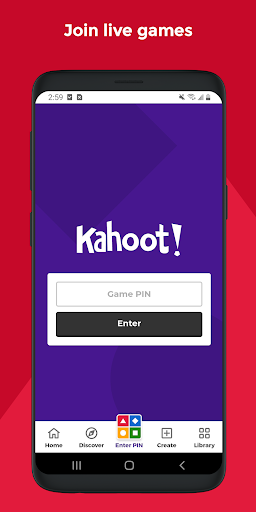
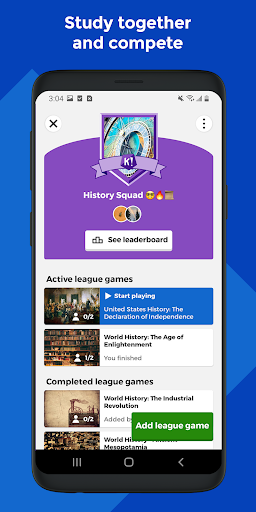
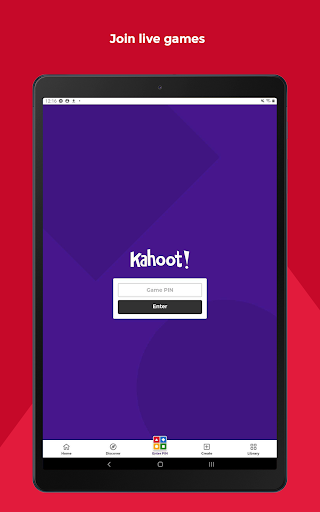
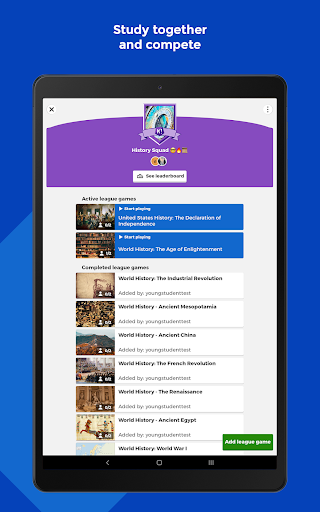
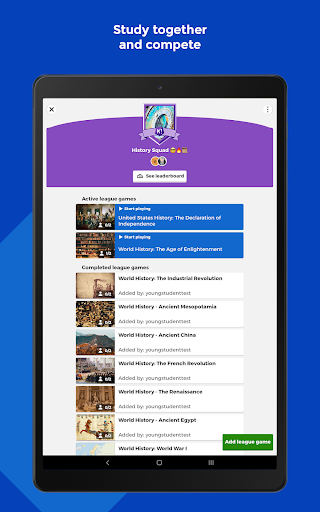
Kahoot! boasts a variety of features that enhance the learning experience. Users can join live kahoots hosted in classrooms or virtual settings, submit answers directly through the app, and compete with friends in study leagues. The app supports multimedia integration, allowing creators to add images or videos to their quizzes, thus making them more engaging and informative.

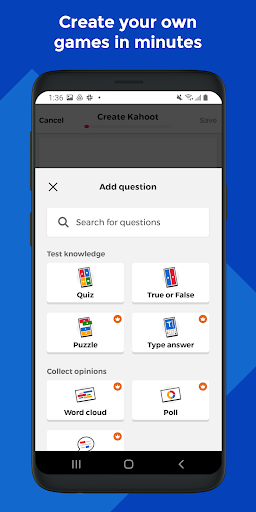
Teachers can combine different question types to boost engagement and assign self-paced challenges for content review. For businesses, Kahoot! offers advanced features such as polls and word cloud questions, which encourage audience interaction during presentations and meetings. Additionally, premium subscriptions unlock access to an extensive image library and advanced question formats like puzzles and open-ended questions, providing even more versatility for educators and professionals alike.

Content accuracy & authority

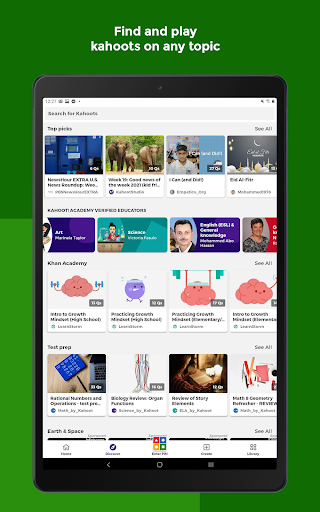
In the realm of educational applications, content accuracy and authority stand as pillars upon which effective learning experiences are built. Kahoot! Play & Create Quizzes exemplifies this principle by offering a platform where students, teachers, and lifelong learners can access quizzes that are not only engaging but also rooted in credible information. The app allows educators to either choose from millions of ready-to-play kahoots crafted around various subjects or create their own, ensuring that the material aligns with authoritative sources and curriculum standards. For students, this means that whether they are studying at home using flashcards or participating in live quizzes at school, they engage with content vetted for its precision and reliability. Moreover, the ability for teachers to assess learning outcomes through detailed reports adds another layer of accountability, making certain that the knowledge imparted is both accurate and beneficial. By providing tools like advanced question types and an extensive image library under premium features, Kahoot! further enhances the authenticity of educational content, allowing creators to design quizzes that are visually informative while maintaining factual integrity. This dedication to authoritative content ensures users can trust Kahoot! as a reliable tool for education across different settings, be it classrooms, homes, or workplaces.

Personalized learning paths

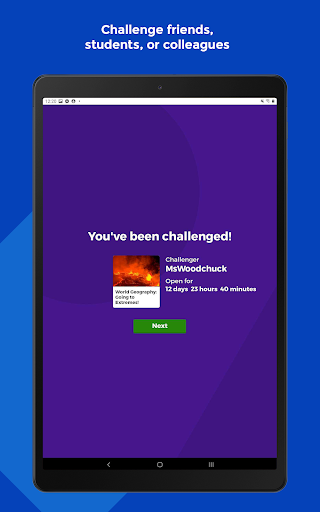
Kahoot! Play & Create Quizzes distinguishes itself in the educational technology landscape by facilitating personalized learning paths tailored to individual needs and preferences. Recognizing that each learner possesses unique strengths and areas for growth, Kahoot! equips educators with powerful tools to customize quizzes that cater to diverse learning styles. Teachers can effortlessly craft quizzes incorporating varied question types such as puzzles, polls, and open-ended inquiries, enabling them to address specific educational objectives while accommodating different levels of student comprehension. Furthermore, the self-paced challenges feature empowers students to progress through material at their speed, fostering an environment where they can thoroughly grasp concepts before advancing. This adaptability extends beyond traditional classroom settings; company employees can utilize Kahoot! for professional development, engaging with tailored e-learning modules designed to enhance specific skills relevant to their roles. Families too can leverage Kahoot! to support children's education at home, selecting quizzes that match their interests and academic requirements. By integrating smart study modes alongside competitive elements like study leagues, Kahoot! motivates learners to achieve personal milestones while enjoying the process. Such personalized approaches not only increase engagement but also improve retention rates, demonstrating Kahoot!'s commitment to nurturing an adaptive learning ecosystem where every user can chart their course towards knowledge acquisition.

Props

User-friendly interface

Wide range of question types

Multilingual support

Engaging multimedia content

Detailed progress reports

Cons

Premium features require subscription

Limited offline functionality

Some features are complex for new users

Dependent on internet connection

Occasional performance issues

Features and Functions

What is this app and what can I use it for?

Kahoot! is an educational app for interactive quizzes and learning.

How do I download and install this app on my device?

Download Kahoot! from Google Play Store and install it on your device.

How do I get started after opening the app for the first time?

Open the app, sign up or log in, and explore available quizzes.

What are the main features and capabilities of this app?

Main features include live quizzes, flashcards, and study leagues.

How can I customize my experience and adjust preferences?

Customize experience by creating quizzes and adjusting settings.

How do I save or bookmark my favorite content for later access?

Save favorite quizzes by bookmarking them within the app.

How can I share content with friends or on social media?

Share quizzes via social media or direct links with friends.

How do I access detailed information and explore more content?

Access detailed info by exploring quiz descriptions and results.

What permissions does this app need and how do I manage them?

The app needs permissions for media and notifications; manage in settings.

How do I check for updates and keep the app running smoothly?

Check for updates in the app store to keep Kahoot! running smoothly.
Show more

User Reveiws

{{ comment.reviewer_name }}
{{ comment.review_date_formatted}}
{{ comment.review_content }}
{{ tab.name }}
{{ comment.reviewer_name }}
{{ comment.review_date_formatted}}
{{ comment.review_content }}
No reviews with this rating