

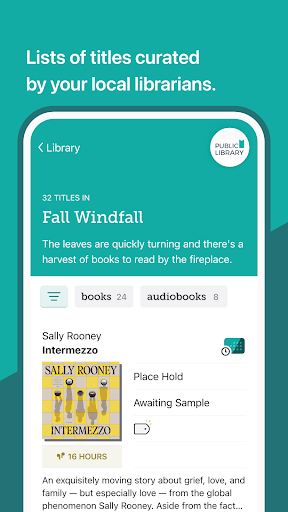
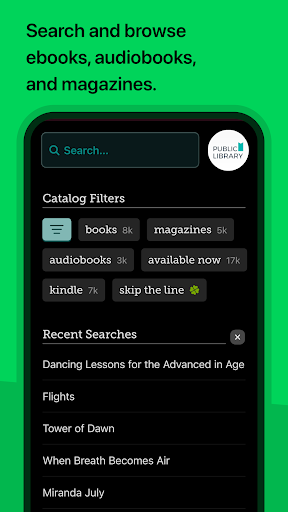
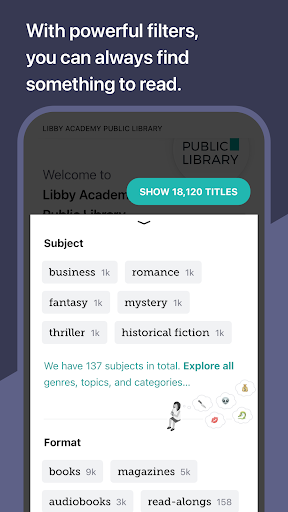
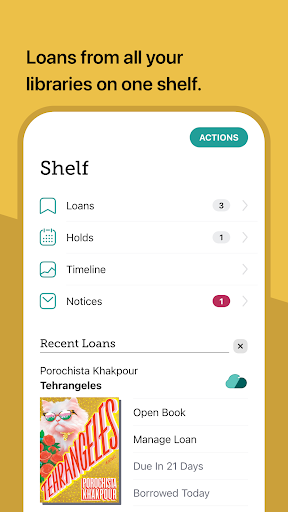
Libby is an award-winning app designed for library enthusiasts who want instant access to millions of ebooks, audiobooks, and magazines. With a simple library card, users can borrow these resources for free, making it an essential tool for avid readers. The app offers a seamless experience across devices, allowing you to download titles for offline reading or stream them to save space.
One of Libby's standout features is its compatibility with Kindle (for U.S. libraries) and Android Auto for audiobooks, enhancing the accessibility and convenience for users. Whether you're commuting or relaxing at home, Libby ensures your next great read or listen is always within reach. Its intuitive design and powerful functionalities like automatic reading position syncing make it a must-have app for book lovers worldwide.
Libby stands out with its comprehensive set of features tailored for book lovers. The app allows users to browse their library's digital catalog, offering everything from timeless classics to New York Times best-sellers. Borrowing and enjoying various formats such as ebooks, audiobooks, and magazines is made effortless, ensuring that there's something for every reader.
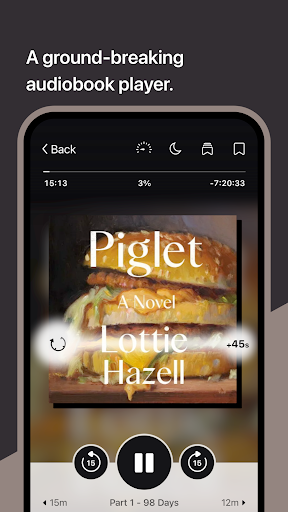
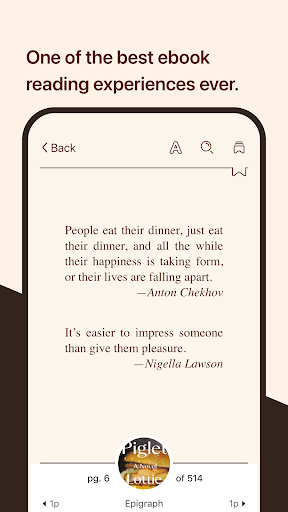
For those who enjoy customization, Libby's ebook reader provides options to adjust text size, background color, and book design. It also supports zooming into magazines and comic books, defining and searching for words and phrases, and even reading along with kids. Audiobook lovers will appreciate the groundbreaking audio player, which includes adjustable playback speeds, sleep timers, and easy navigation controls. These features collectively enhance the user's reading and listening experience, making Libby a versatile choice for accessing library resources.
User-friendly interface
Wide selection of books
Offline reading capability
Syncs across devices
Free resource access
Limited to library holdings
Kindle support restricted to U.S.
Dependent on library subscriptions
Occasional loading delays
No direct purchase option

Guide for dōTERRA® Products
 3.60
3.60
“I am the Lorax. I speak for the trees.”
4.80
This is the pro version King James bible Offline that we have
4.70
Master AKC Rally signs with in-depth hints, diagrams, and expert guidance.
4.50
ISAIAH EXPLAINED with Avraham Gileadi Ph.D.
4.00
Learn Thai with 195,000+ entries, crisp Thai sounds, big text; works offline.
4.80
Full text, sheet music, and recordings of the print edition
4.60
Read books PDF, EPUB, WORD, KINDLE, MOBI! Your ebook reader among reading apps.
4.80
A story reading app: Read stories, novels and books, or write your own.
3.90
Audiobook player with cross-device progress sync, playlists, and widget support.
4.80
Track your Star Wars book collection across Canon & Legends
4.80
The favorite Christmas story comes to life!
4.80
8 Dr. Seuss short stories in 1 app!
4.70
Powerful Bible study tools linked to every verse in an easy-to-use Bible reader!
4.60
Crowd-sourced listing of businesses with anti-gun signs, and pro-2a alternatives
4.60
Scan. Price. Grade.
4.60
Werewolf novels & romance stories in audiobooks for book lovers! Werewolf storie
4.60
"BIG A, little a. What begins with A?"
4.10
Knots 360 Pro ( 3D ) shows you animated 192 knots in 3D perspective
4.10


User Reveiws