
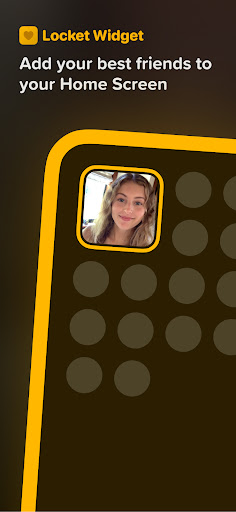
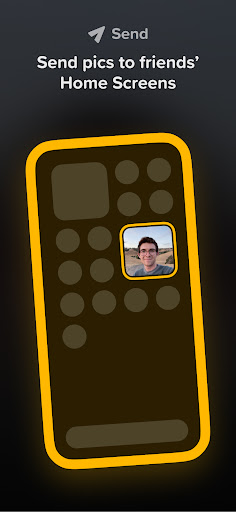
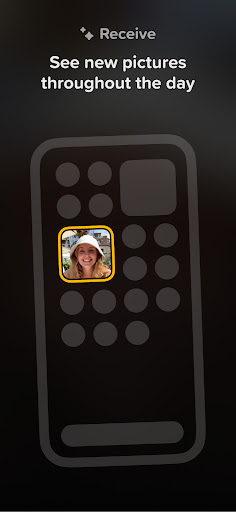
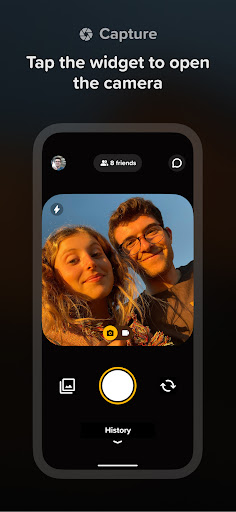
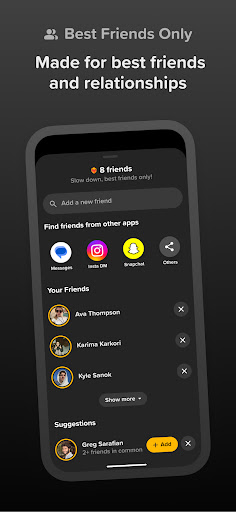

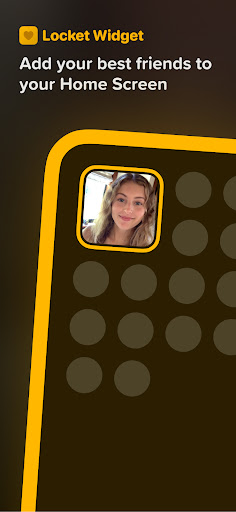
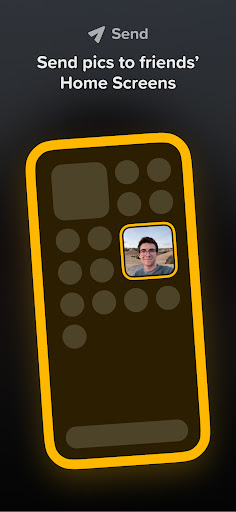
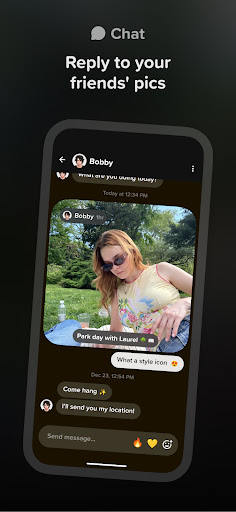
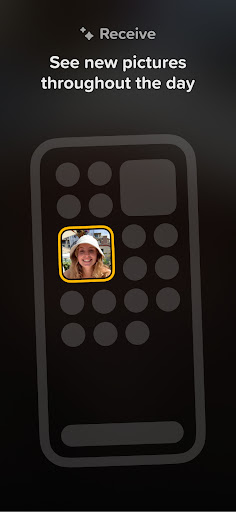
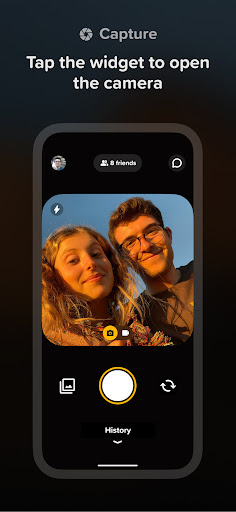
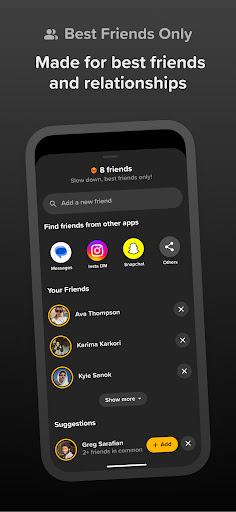
Locket Widget is a unique social application that allows users to share live photos with their closest friends directly through their smartphone's Home Screen. The app emphasizes meaningful connections by limiting the number of friends to 20, ensuring interactions remain personal and genuine. With its instant photo-sharing feature, users can view updates from friends every time they unlock their phone, creating an ongoing visual conversation.
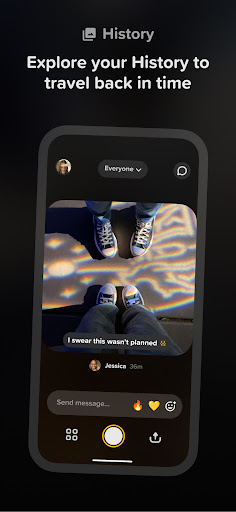
One of the standout features of Locket Widget is its simplicity and focus on real-life moments. There’s no need to worry about follower counts or public reactions. Instead, users can send photos and react privately with emojis, fostering authentic communication. Additionally, the app builds a history of shared images, allowing users to look back on cherished memories over time. This makes Locket Widget not just a communication tool but also a way to preserve special moments with loved ones.
The Locket Widget app offers several innovative features that set it apart in the social networking space. First, its widget-based design allows for seamless integration into the user's Home Screen, making photo sharing as effortless as unlocking the phone. When a friend sends a photo, it appears instantly on the widget, providing real-time updates without needing to open the app.
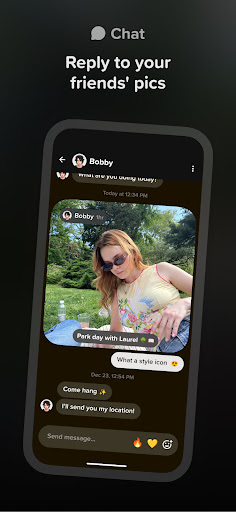
Another key feature is the ability to send reactions to received photos. Users can respond with emojis, which then 'rain down' on the sender's photo, adding a playful and interactive element to conversations. Importantly, these reactions are private and not tracked publicly, encouraging users to be themselves without the pressure of social validation. Lastly, the app maintains a history of all shared images, creating a timeline of interactions that users can revisit anytime, making it both a functional and sentimental tool for staying connected.
User-friendly interface
Real-time photo sharing
Private and secure
Encourages genuine interactions
Free to use
Limited to 20 friends
No advanced editing tools
Requires constant connectivity
Small user base
History storage may be limited

Video call and chat, live stream and making friends around the world!
 4.60
4.60
This is to support the developer of Infinity for Reddit. No exclusive features.
4.2
Sell unwanted items and buy preloved stuff in your local community.
4.10
Chill and Chat with Tagged Live Video with millions of peeps
4.10
The world's leading social networking app for gay, bi, trans, and queer people.
4.10
Message and video call your family and friends!
2.60
SuperLive is a super popular video-streaming social network
4.60
Connect and share ideas
4.10
A video app from OpenAI - AI video generation by the maker of ChatGPT
4.60
Get notifications of FREE Stuff for Nextdoor, Letgo, offerup & TrashNothing
4.70
Date single & make friend
4.60
This version of Facebook uses less data and works in all network conditions.
4.60
Match, chat & date with singles nearby. The dating app to find true love
4.50
Watch 24/7 great live stream, or go live to boost your social followers!
4.50
Meet Strangers Online, Live Video Chat & Make Random Video Calls on Joi!
4.30
Online group games like Mafia, Word War, Scattergories, Ludo, Uno, and many more
4.30
Looking for a date or a friend? Swipe to match and meet open-minded singles.
4.20
Dating for singles. Meet lonely people nearby online. Find your match here!
4.20
Go Live, Chat & Meet New People! Friends. And more than friends.
3.80


User Reveiws