Math Kids: Math Games For Kids

4.50

Information

Category:

Educational

Price:

Free

Rank:

N/A

Rating:

4.50

Overview

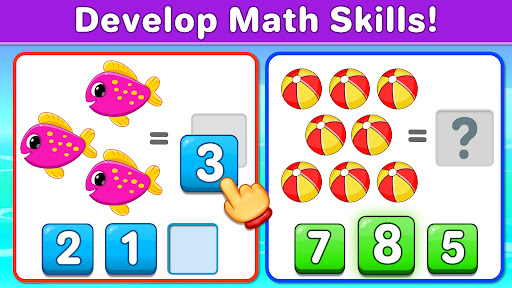
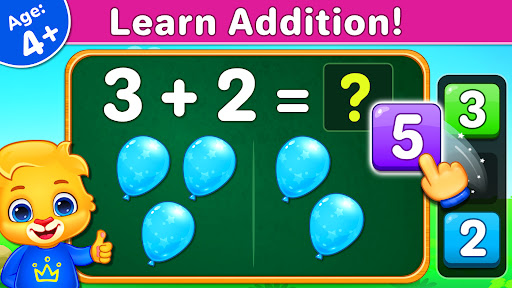
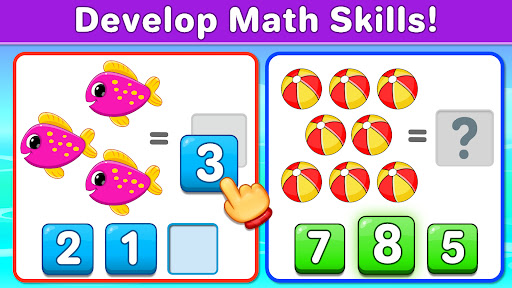
Math Kids is an educational app designed to teach young children fundamental math skills through engaging mini-games. The app targets preschoolers, kindergarteners, and toddlers, helping them learn counting, addition, and subtraction in a fun way.

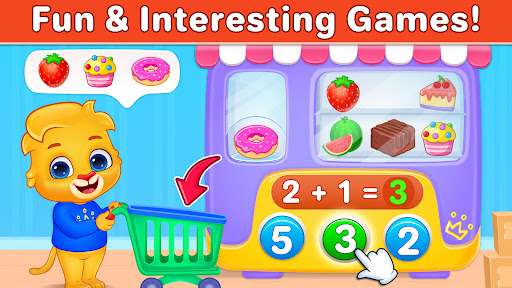
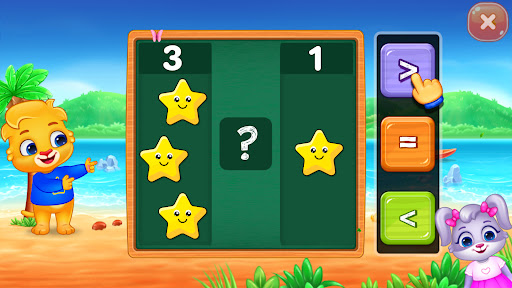
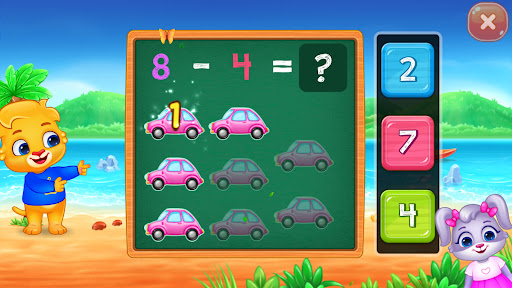
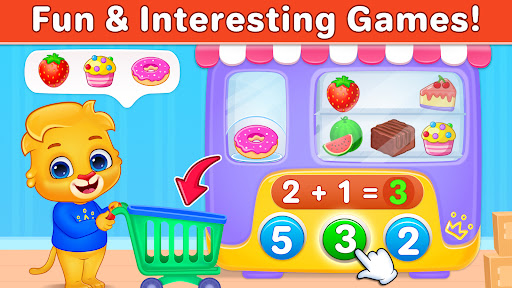
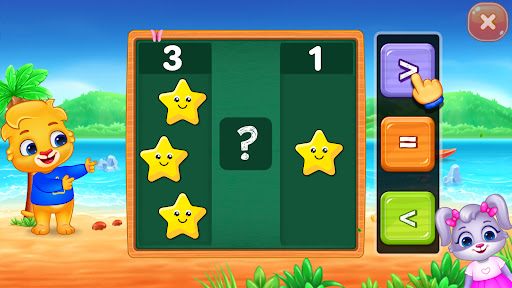
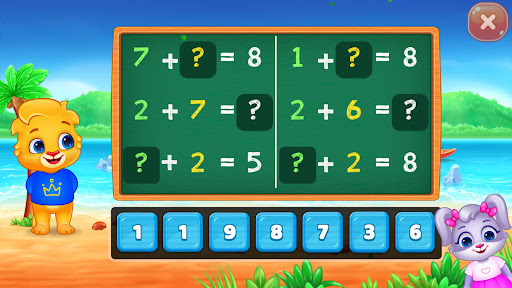
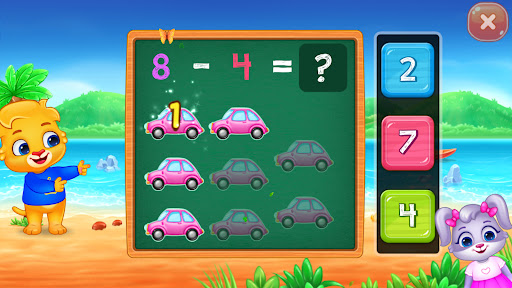
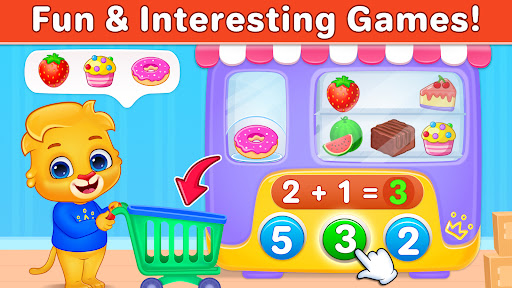
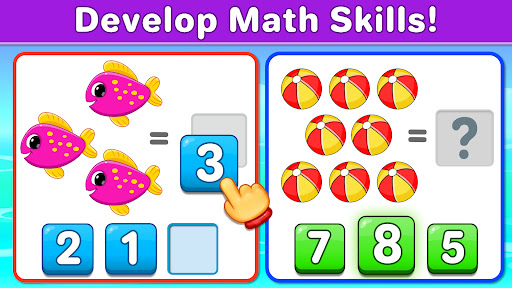
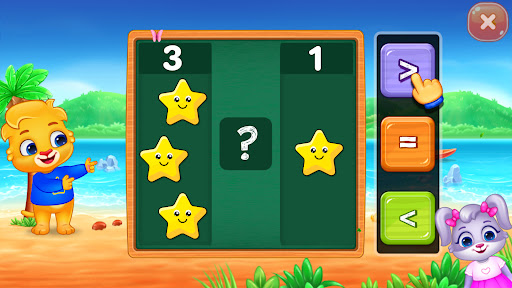
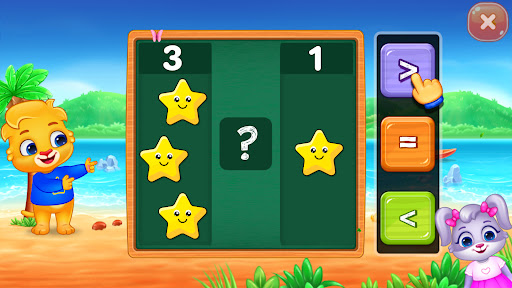
The app offers various interactive games that make learning enjoyable. Children can practice counting objects, comparing groups of items, solving addition and subtraction puzzles, and completing quizzes. These activities not only build essential math skills but also enhance logical thinking and problem-solving abilities.

Parents can customize the difficulty level and monitor their child's progress through report cards. Math Kids provides a solid foundation for early mathematics education, preparing children for academic success in kindergarten and beyond.

Features

Math Kids stands out with its diverse range of educational games tailored for young learners. Each game focuses on different aspects of mathematics, such as counting, comparing, adding, and subtracting. The app uses interactive elements like drag-and-drop and tapping to engage children actively.

One key feature is the ability for parents to adjust the game mode difficulty, ensuring the app remains challenging yet achievable for children as they progress. Additionally, the report card function allows parents to track their child's performance over time, providing valuable insights into areas of strength and improvement.

The app is completely free, with no in-app purchases or third-party ads, making it a safe and accessible learning tool for all families. Its frustration-free design ensures that children can navigate the app independently, promoting self-directed learning from an early age.

Content authority & curriculum alignment

In the realm of educational applications, content authority and curriculum alignment stand as pivotal elements that determine the effectiveness of learning outcomes. For Math Kids: Math Games For Kids, these aspects are meticulously crafted to ensure that preschoolers, kindergarteners, and early elementary students receive an authentic and structured learning experience. Content authority refers to the credibility and accuracy of the educational material presented within the app. Math Kids establishes its authority by focusing on fundamental mathematical concepts such as counting, addition, and subtraction, which are essential building blocks for young learners. The app's design incorporates several mini-games that transform abstract mathematical ideas into tangible, interactive experiences. These games are not arbitrary but are developed based on recognized educational standards, ensuring that the content delivered is both age-appropriate and pedagogically sound. Curriculum alignment further enhances the app's educational value by organizing the learning process to match established educational frameworks. This means that the activities provided in Math Kids correspond with what children are expected to learn at specific stages of their educational journey. By aligning with curricular standards, Math Kids ensures that the skills acquired through the app will seamlessly integrate with what children are learning in formal educational settings. This dual focus on authoritative content and curriculum alignment provides immense value to users. Children benefit from engaging with high-quality educational material that lays a strong foundation for future academic success. Parents can feel confident that their children are learning accurate information that complements school-based education. Furthermore, the appu2019s customization features allow adults to adjust difficulty levels and monitor progress through report cards, ensuring that each childu2019s learning path remains aligned with their individual needs and pace. In summary, Math Kids excels in delivering authoritative content that aligns with educational curricula, making it an invaluable tool for early childhood mathematics education.

Gamification-learning integration

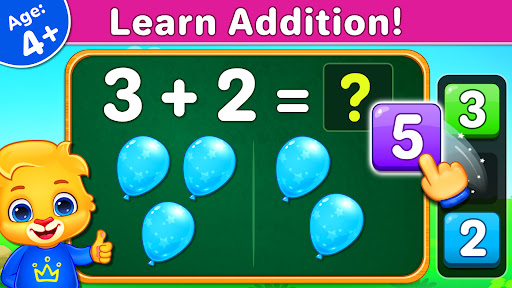
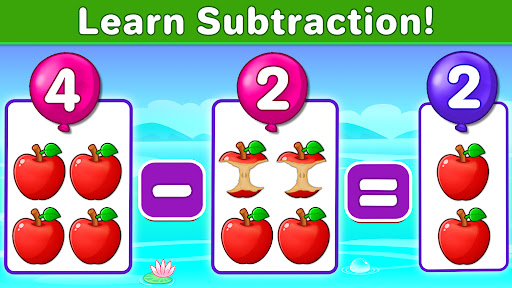
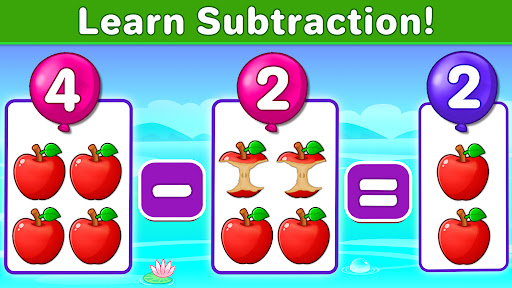
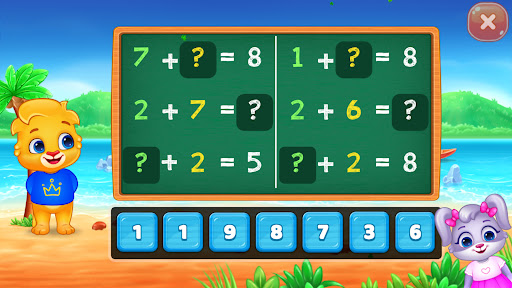
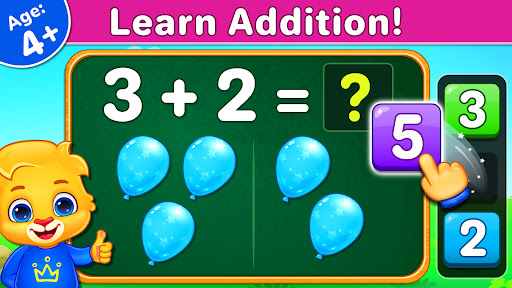
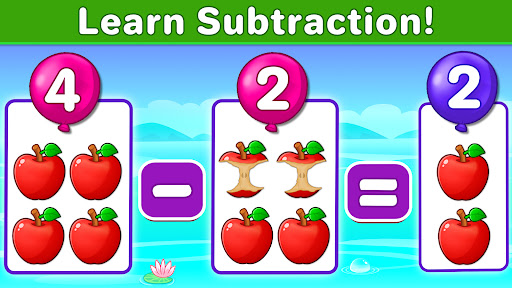
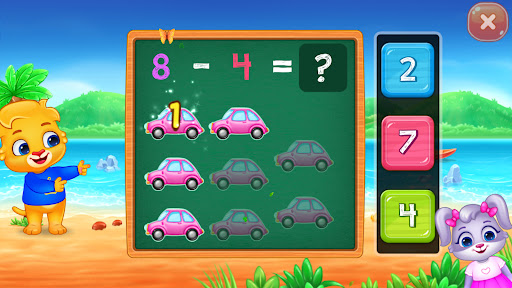
The integration of gamification elements within educational platforms has revolutionized the way children engage with learning materials, and Math Kids: Math Games For Kids exemplifies this innovative approach. Gamification involves incorporating game-like features into non-game contexts to enhance user engagement and motivation. In the case of Math Kids, this strategy transforms the potentially daunting task of learning mathematics into an enjoyable and rewarding experience for young learners. At the core of Math Kids' gamification strategy is the use of interactive mini-games that teach essential math skills through play. These games cover various mathematical concepts including counting, addition, subtraction, and comparison, each designed to be both entertaining and educational. For instance, the Adding Puzzle game allows children to create math problems by dragging numbers across the screen, while the Subtracting Fun game challenges them to count items and solve puzzles. This playful approach to learning helps maintain children's interest and encourages repeated engagement with the educational content. Beyond mere entertainment, the gamification elements in Math Kids serve a deeper educational purpose. The app employs a reward system where children earn stickers for completing games and achieving milestones. This system taps into intrinsic motivational factors by providing positive reinforcement and a sense of accomplishment. As children collect stickers and progress through different levels, they develop a stronger connection to the learning process and become more invested in their mathematical development. Moreover, the gamified structure of Math Kids supports differentiated learning experiences. The app offers customizable game modes that enable parents and educators to adjust difficulty levels according to each child's abilities and learning pace. This flexibility ensures that all users, regardless of their initial skill level, can find appropriate challenges and experience success in their learning journey. The combination of engaging gameplay, meaningful rewards, and adaptable difficulty levels creates a powerful learning environment that effectively integrates gamification with educational objectives. This approach not only makes learning mathematics more accessible and enjoyable for young children but also helps establish positive associations with educational activities that can last throughout their academic careers. In conclusion, Math Kids demonstrates how thoughtful gamification can significantly enhance the learning experience, making mathematics education both effective and entertaining for preschoolers and early elementary students.

Props

User-friendly interface

Completely free

No third-party ads

Customizable difficulty

Progress tracking

Cons

Limited to basic math

No advanced levels

Graphics may be simple

Repetitive gameplay

Not for older kids
Features and Functions

What is this app and what can I use it for?

A free math learning app for young kids offering counting and basic arithmetic games

How do I download and install this app on my device?

Search 'Math Kids' on Google Play Store, tap Install, and open after download

How do I get started after opening the app for the first time?

Select preferred game mode and adjust difficulty via settings menu if needed

What are the main features and capabilities of this app?

Counting, comparing, adding, subtracting, and progress tracking features available

How can I customize my experience and adjust preferences?

Adjust game difficulty and customize learning experience in settings

How do I save or bookmark my favorite content for later access?

Earn and save stickers by completing games and reaching milestones

How can I share content with friends or on social media?

Share achievements and scores via social media platforms directly

How do I access detailed information and explore more content?

Access detailed reports and explore more math challenges in-game

What permissions does this app need and how do I manage them?

Requires basic device permissions managed through system settings

How do I check for updates and keep the app running smoothly?

Enable auto-updates in Google Play Store or manually check for updates
Show more

User Reveiws

{{ comment.reviewer_name }}
{{ comment.review_date_formatted}}
{{ comment.review_content }}
{{ tab.name }}
{{ comment.reviewer_name }}
{{ comment.review_date_formatted}}
{{ comment.review_content }}
No reviews with this rating