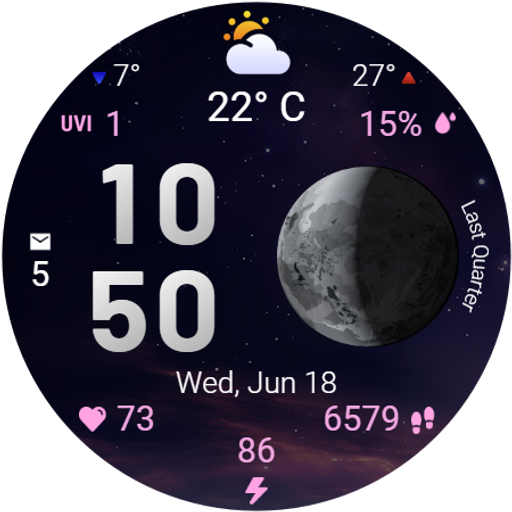
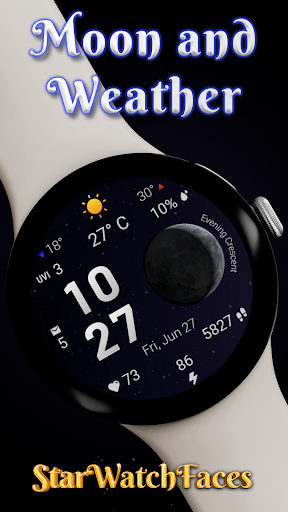
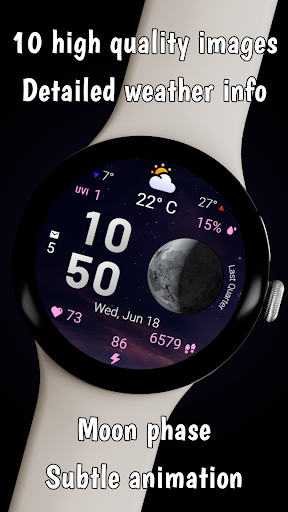
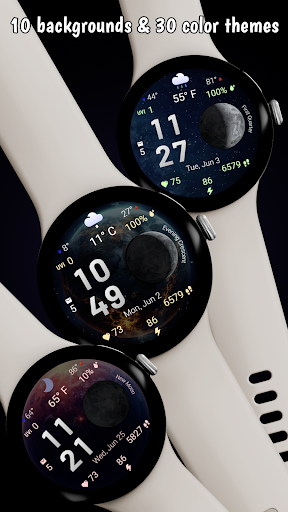
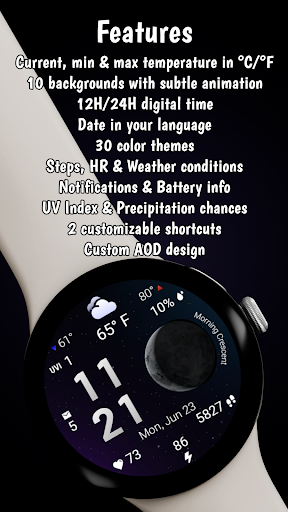


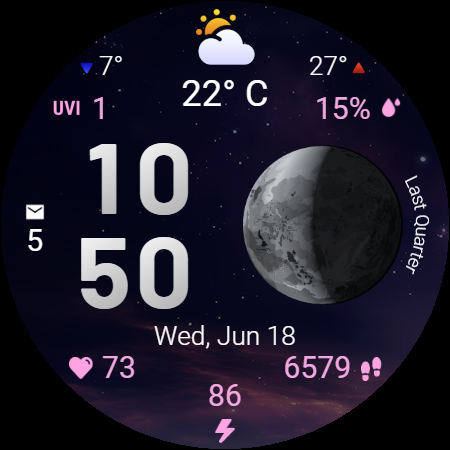
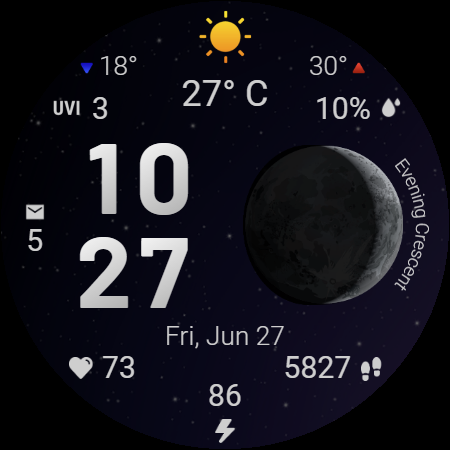
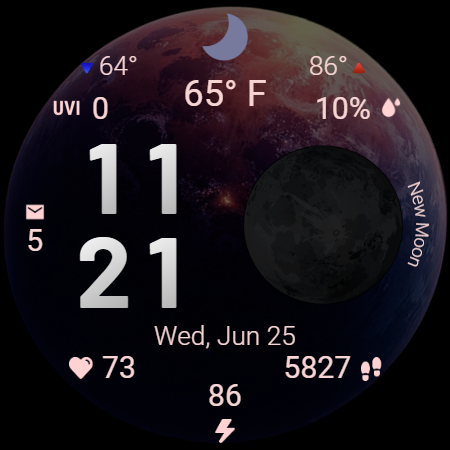
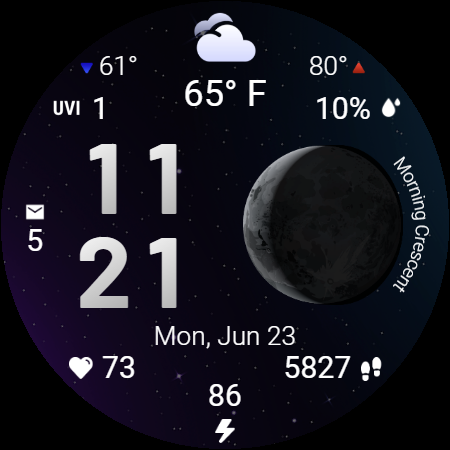
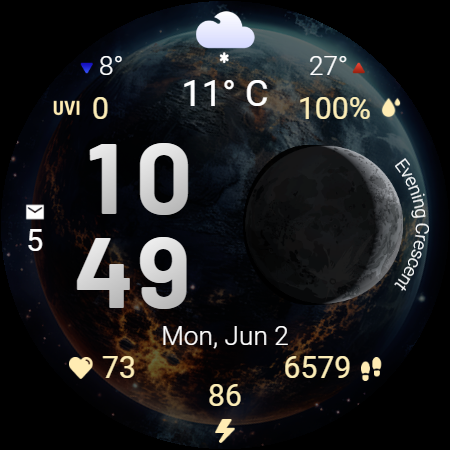
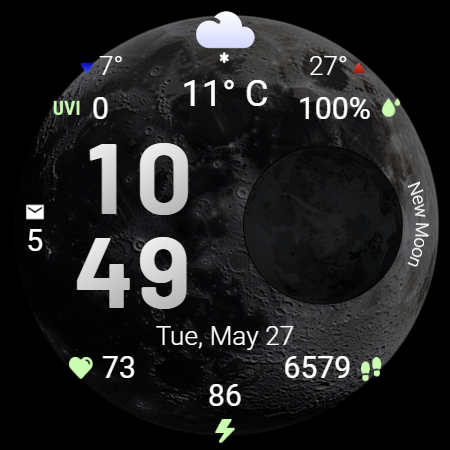
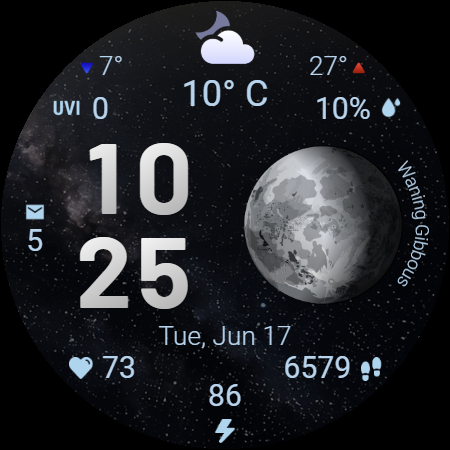
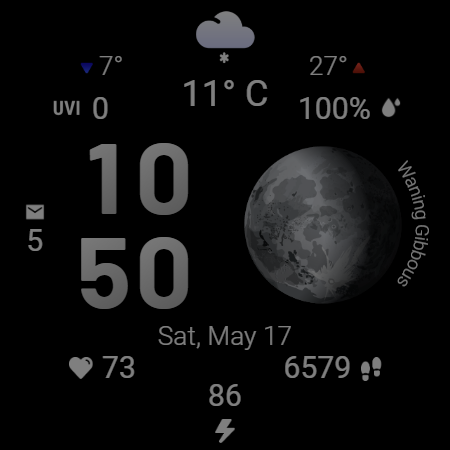
Moon & Weather is a premium Wear OS watch face that combines astronomy, weather tracking, and health monitoring into one stunning package. Featuring 10 animated space-themed backgrounds, live moon phase visualization, and customizable color themes, it offers users an elegant way to stay informed while expressing their personal style.
This app provides detailed weather data including current temperature, UV index, and precipitation chances alongside health stats like heart rate and step count. With Always-On Display support and intuitive shortcuts, it ensures essential information is accessible at a glance without compromising battery life.
Perfect for stargazers and weather enthusiasts, Moon & Weather brings both functionality and beauty to your wrist, making it ideal for those who value aesthetics and practicality in their smartwatch experience.
Moon & Weather stands out with its comprehensive feature set tailored for smartwatch users. The app includes 10 beautifully animated space-themed backgrounds, each paired with 30 customizable color themes, allowing users to personalize their watch face while maintaining excellent readability.
Weather tracking is highly detailed, offering current temperature, daily min/max temperatures, UV index levels, and precipitation probabilities. These features are complemented by accurate moon phase visualization that labels each phase clearly. Health monitoring capabilities include real-time heart rate tracking, step counting, and battery level display.
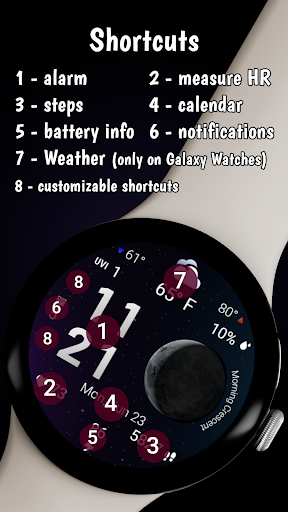
Productivity-focused features include two customizable shortcut areas for quick app launches and an optimized Always-On Display mode that mirrors the main layout. This combination of aesthetics, functionality, and performance optimization makes Moon & Weather a top choice for Wear OS users seeking a versatile watch face.
Stunning visuals
Customizable options
Accurate moon phases
Detailed weather data
Health monitoring tools
Limited Wear OS support
High battery usage
Complex customization
Premium pricing
Occasional bugs

Get the ad-free version of the highly rated WeatherBug app for accurate weather!
 4.50
4.50
Accurate Thermometer: indoor & outdoor temperature, humidity, pressure, and wind
4.50
Arrive safely! Travel weather forecasts for your entire trip at time of arrival.
3.60
Instant weather updates, easy to check anytime on your home screen.
3.50
Most precise & accurate compass app give true North South East West directions.
3.00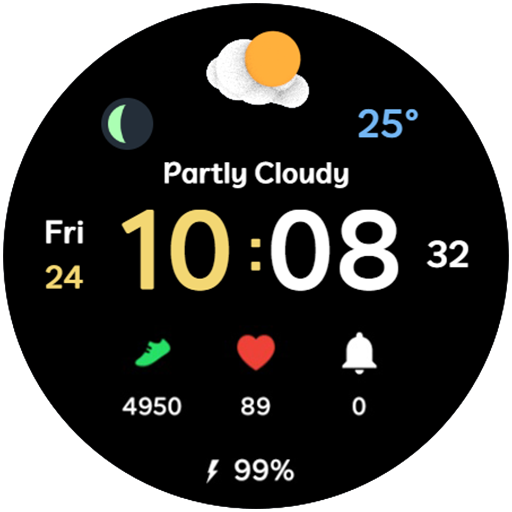
3D Animation Weather Icon
4.00
My Aurora Forecast Pro is the app for the Northern Lights and Aurora Borealis.
4.70
Weather watch face for Wear OS 5+
4.10
Live NOAA weather app to track storm, rain, wind, lightning & real local updates
4.20
The weather channel, tiempo weather forecast, weather radar & weather map
4.70
Get accurate rainfall and snowfall totals for pinpoint locations on a map.
4.60
Weather radar map, storm tracker, local forecast, live rain alerts & daily news.
4.60
All-in-one weather radar launcher with rain, temperature maps & local forecast.
4.30
Accurate Local Weather Forecast, let you easily understand the nearby weather!
4.20
Global weather forecast, powered by layered radar & hourly weather updates
4.10
Analog Weather Watch Face for Wear OS 5+
4.10
An unofficial app version of the National Weather Service (Weather.gov)
3.90
Determine Best Hunting Times for any date, any location.
2.50
Your local weather app with storm radar, rain tracker, weather maps & AQI.
4.4


User Reveiws