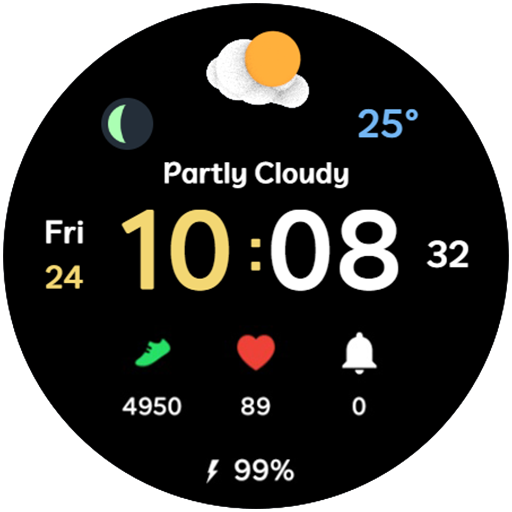
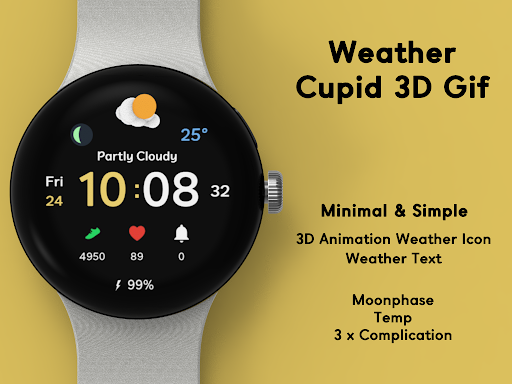
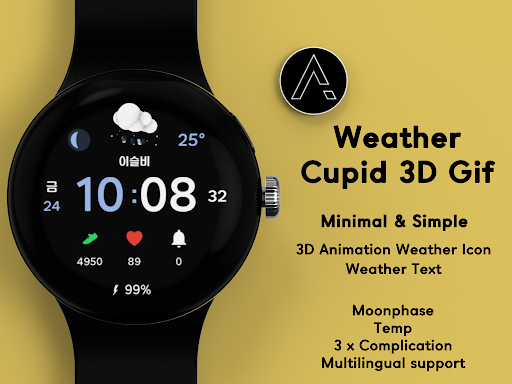
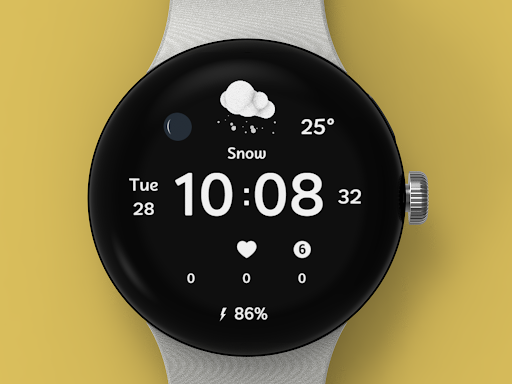

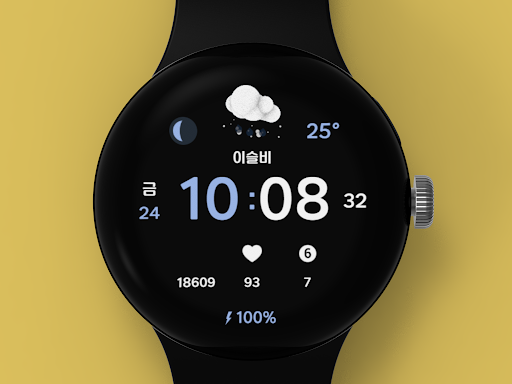
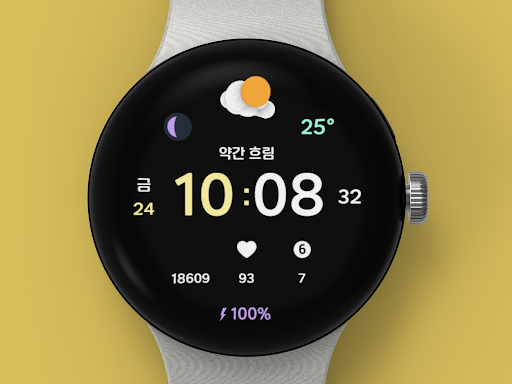
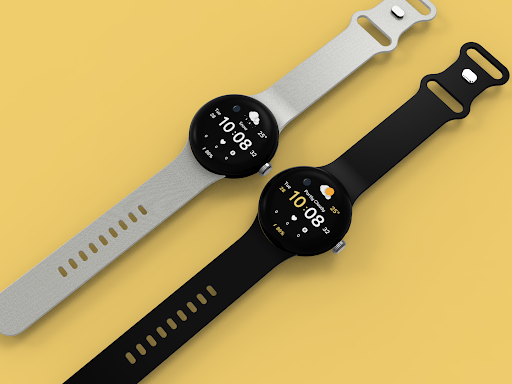
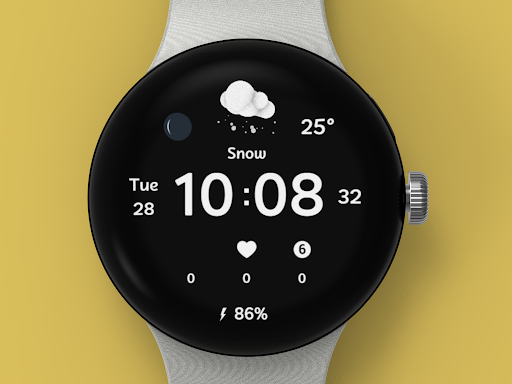
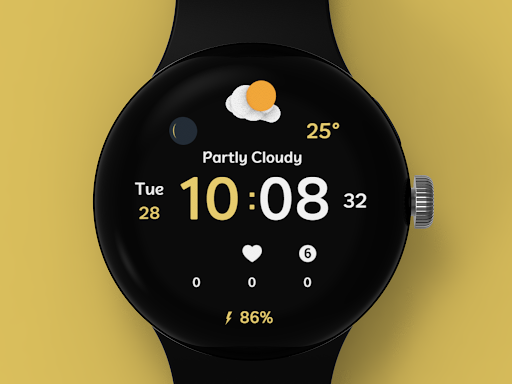

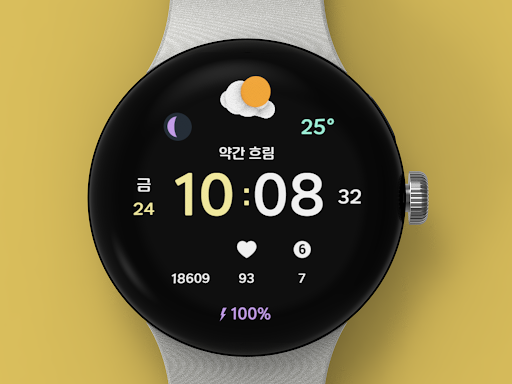
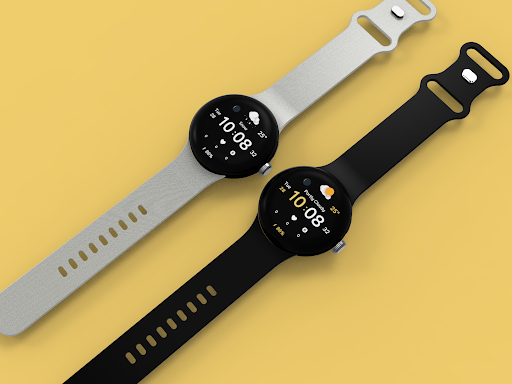
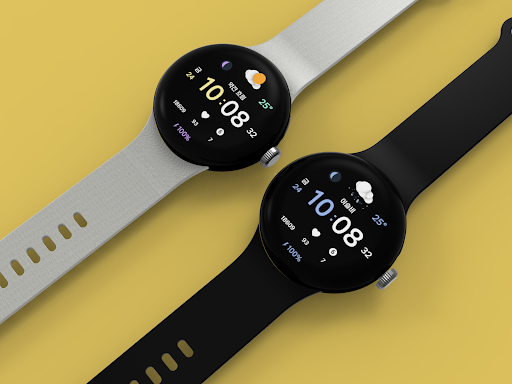
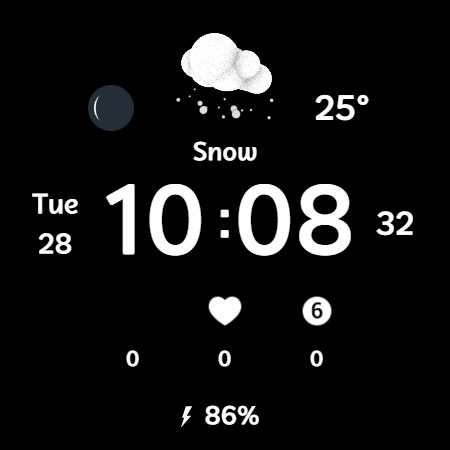
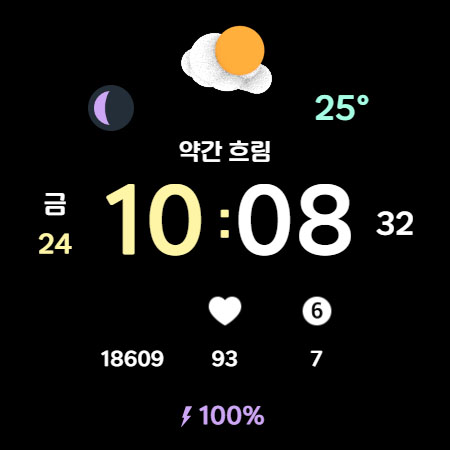

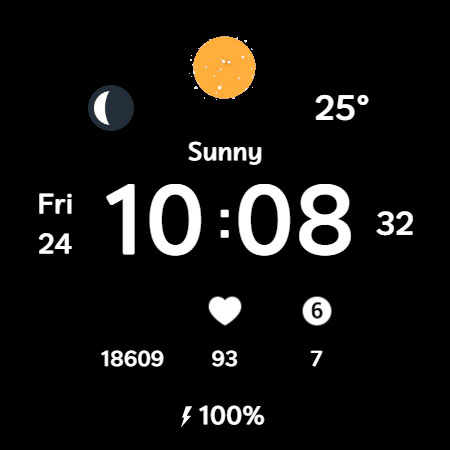
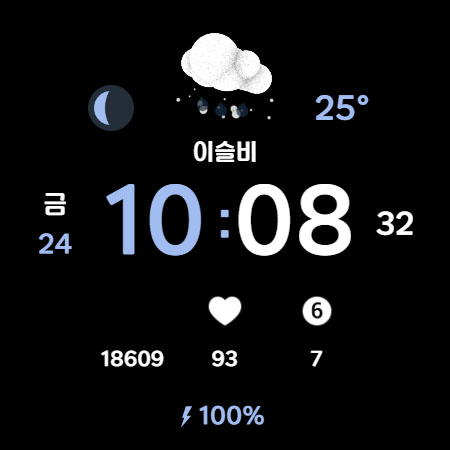

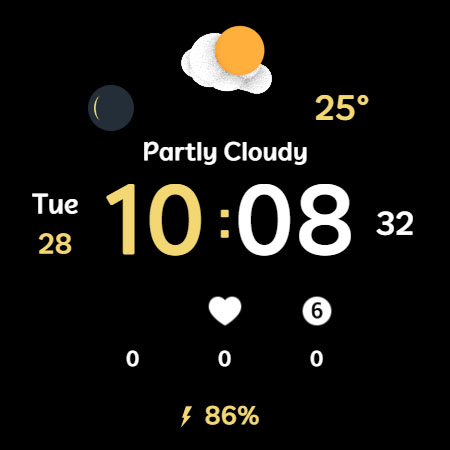
Weather Cupid 3D Gif is a visually appealing Wear OS watch face that combines minimalist design with practical functionality. The app features animated 3D weather icons that display temperature, moon phase, and other essential information while matching your device's aesthetics.
This digital watch face supports both Celsius and Fahrenheit temperature formats, offers multilingual options, and displays 12/24 hour time format based on user preference. The weather information automatically updates every 30 minutes, ensuring users have current data at a glance. Additionally, the app provides battery percentage and health information monitoring.
Perfect for smartwatch users who want both style and substance, Weather Cupid 3D Gif enhances daily convenience by displaying vital information through an intuitive interface. Its customization options and automatic weather updates make it a valuable tool for managing your day effectively.
The Weather Cupid 3D Gif watch face stands out with its unique combination of features designed for both functionality and personalization. The app showcases animated 3D weather icons that bring visual interest to your smartwatch display while providing accurate weather information.
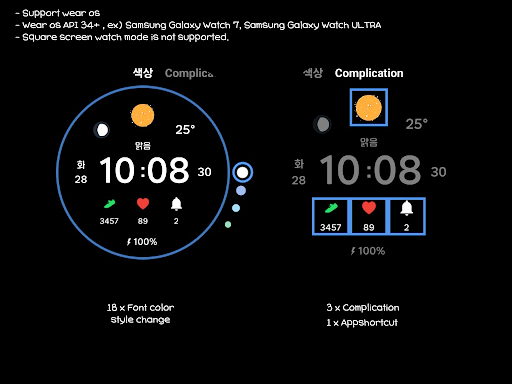
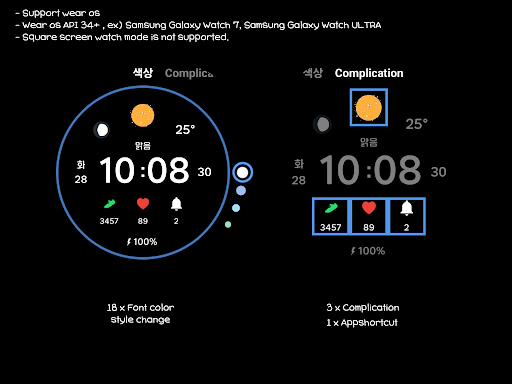
Users can customize their experience through 18 font color styles, three complication options, and an app shortcut feature. The watch face supports various practical functions including temperature display in both Celsius and Fahrenheit, moon phase tracking, and battery percentage monitoring. It also features multilingual support and 12/24 hour time format options.
What sets this app apart is its seamless integration with Samsung's weather API and its compatibility with Wear OS devices. While square screen mode isn't supported, the app delivers smooth performance and reliable weather updates approximately every 30 minutes, making it a dependable companion for your daily activities.
Visually appealing 3D animations
Regular weather updates
Customizable design options
Multilingual support
Accurate timekeeping
No square screen support
Limited manual update control
Bluetooth dependency
Initial setup complexity
Samsung API reliance
Moon phase calendar with live wallpaper, lunar widget, & 3D simulation.
 3.60
3.60
The Weather Network TV App - Your weather when it really matters
2.90
Local weather forecast, reliable daily weather report
4.30
Your Personal Weather Assistant
4.00
Weather forecast & live radar map
4.20
Weather radar, satellite, wind, waves, ocean and hurricane forecasts.
4.70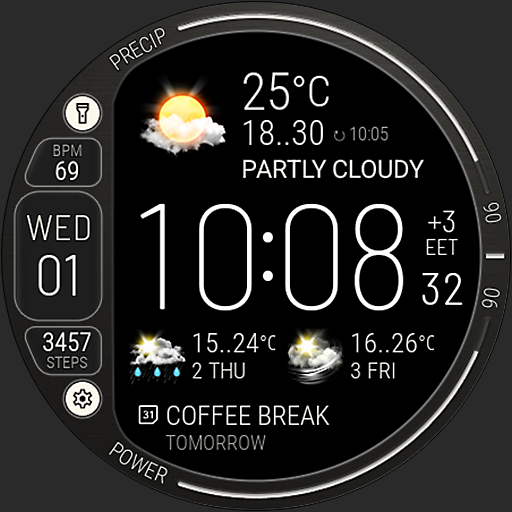
Digital Weather Watch Face for Wear OS 5+
4.2
Your Reliable Weather Companion
4.10
Local weather forecast app, your personal 7*24 local weather forecast assistant.
4.90
Aviation weather made simple. Visual decoder for METAR & TAF
4.90
Weather Forecast, Trending News, Hurricane & Storm Tracker, Alerts & Live Radar.
4.80
Industry leading whitetail movement predictor & hunting app.
4.60
Get the ad-free version of the highly rated WeatherBug app for accurate weather!
4.50
Super-res, real-time weather radar. Be prepared for extreme weather.
4.50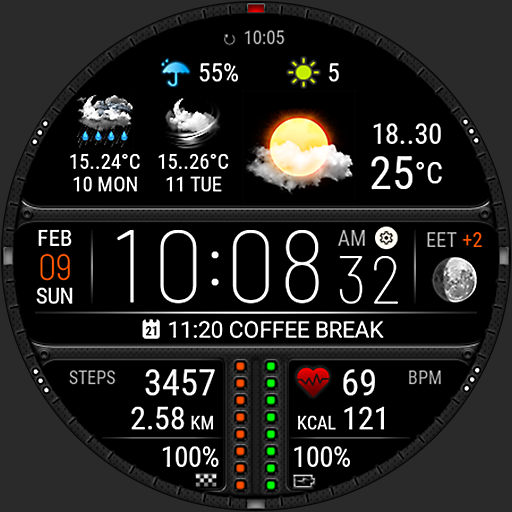
Download now and give your smartwatch a fresh, premium look!
4.20
Live NOAA weather app to track storm, rain, wind, lightning & real local updates
4.20
Storm Radar, Alerts & Live Weather Forecasts Right on Your Home Screen
3.70
A tool that provides real-time and 5-day weather info.
4.0
Dynamic weather watch face with glass effect, bold time & 7 complications.
4.0


User Reveiws