
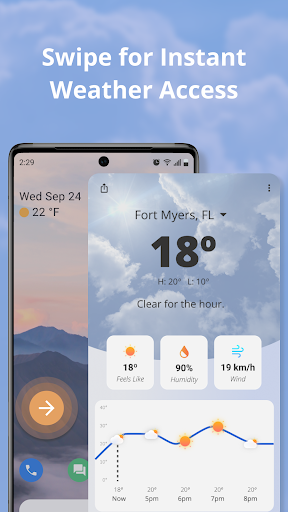
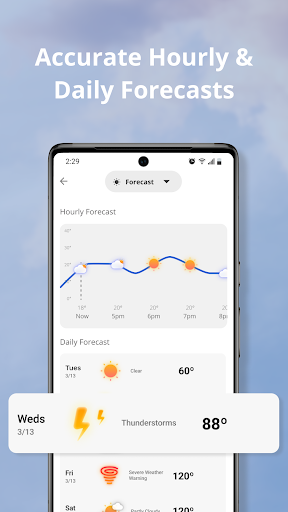
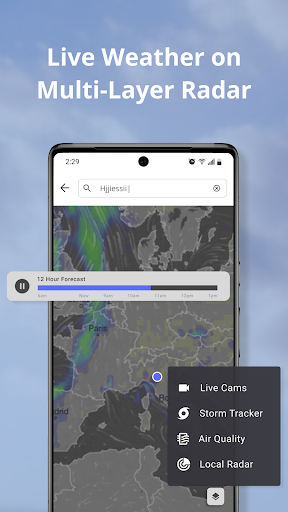
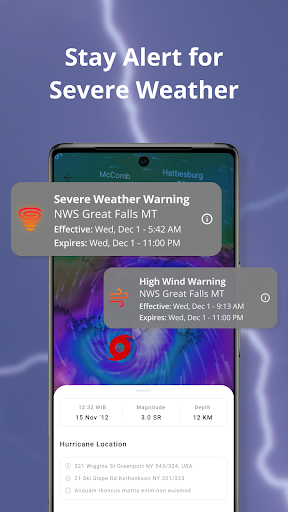
Weather Now Launcher is a comprehensive weather application designed to keep users informed about current and upcoming weather conditions directly from their homescreen. The app leverages NOAA's powerful radar capabilities to provide accurate, real-time weather updates, ensuring users are prepared for any severe weather events such as storms or hurricanes.
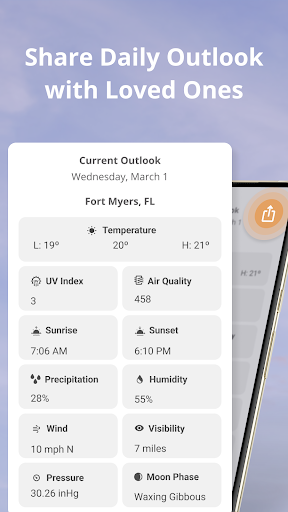
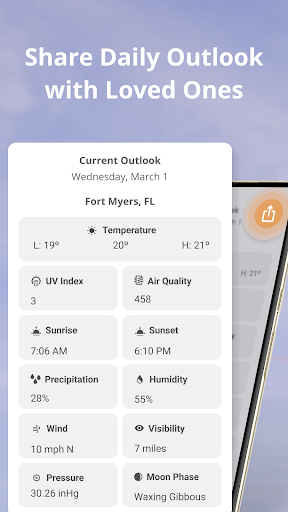
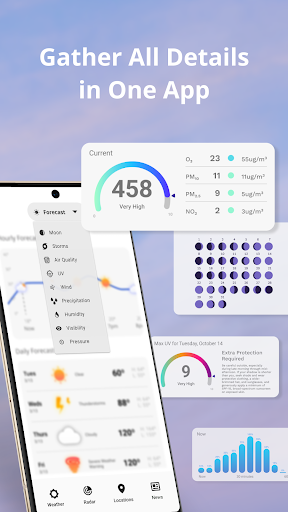
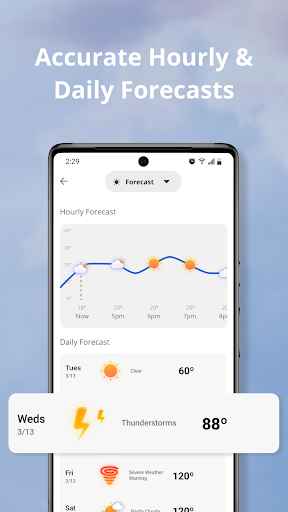
Beyond basic weather information, Weather Now Launcher offers detailed forecasts including temperature, wind speed, humidity, and more, allowing users to plan their day with confidence. Its customizable weather widget displays hourly forecasts, making it easy to stay ahead of changing weather patterns. With an intuitive interface and interactive map, the app provides a seamless experience for tracking weather in real-time.
This app is particularly useful for outdoor enthusiasts, adventurers, and anyone who wants to stay prepared for unexpected weather changes. By delivering reliable data through its sleek design, Weather Now Launcher empowers users to make informed decisions while prioritizing safety.
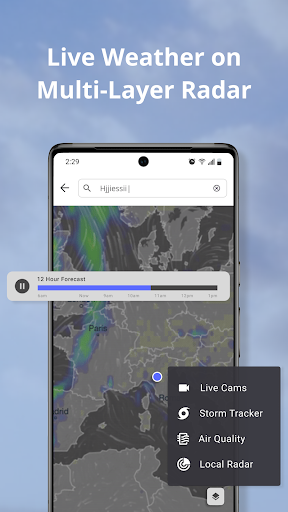
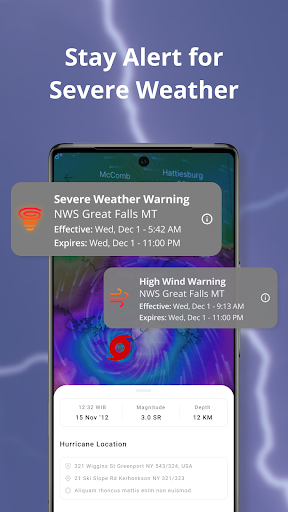
Weather Now Launcher stands out with its robust feature set tailored for weather monitoring. One of its key features is the live radar powered by NOAA, which allows users to track storms, monitor rainfall patterns, and receive instant alerts on severe weather conditions in their local area. This ensures users can take timely action when adverse weather approaches.
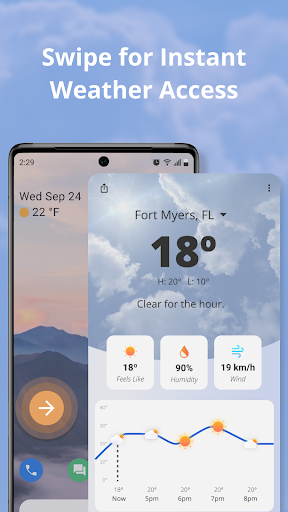
The app also provides detailed weather forecasts beyond the basics, offering insights into temperature fluctuations, wind speed, humidity levels, and more. Users can customize their homescreen with an intuitive weather widget that displays hourly forecasts, keeping them informed throughout the day. Additionally, the app includes a variety of weather alerts and warnings, ranging from heavy rain and snowfall to hurricane notifications, ensuring users are always prepared.
With its user-friendly interface, Weather Now Launcher makes navigation effortless. Users can switch between radar views, zoom into specific areas, and explore an interactive map to analyze weather patterns in detail. These features collectively enhance the overall user experience while maintaining accuracy and reliability.
Accurate weather data
Real-time alerts
User-friendly interface
Customizable widgets
Detailed forecasts
Limited global coverage
Requires internet connection
Ads may appear
No offline mode
Search setting changes
Moon phase calendar with live wallpaper, lunar widget, & 3D simulation.
 3.60
3.60
Weather for Indiana, Kentucky and Ohio
4.90
Thermometer shows indoor and outdoor temperature
4.70
The reliable and trusted global air quality, wildfire, pollen, PM2.5 forecast
4.70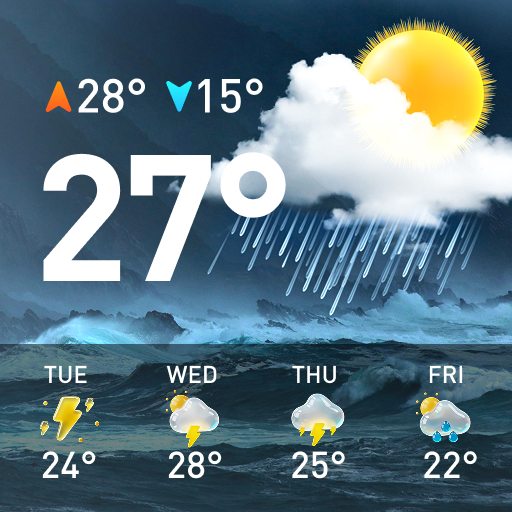
Accurate Weather App: various widgets, real-time storm radar, hurricane tracker.
4.50
Weather watch face for Wear OS 5+
4.10
Powerful US and worldwide earthquake feed with earthquake alerts and maps.
4.70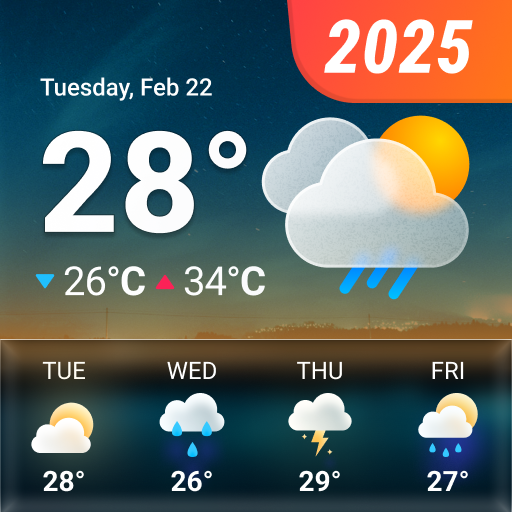
14-day & 24-hour Forecast | Real-time Alert | Accurate & Fast
4.40
Local forecast, alerts, rain, snow and wind radar, air quality & weather widget
4.60
Live Weather Forecast app with acu weather radar, weather alert & weather widget
4.80
Live Alabama weather from James Spann—forecasts, radar, alerts, Spanncams.
4.70
The weather channel, tiempo weather forecast, weather radar & weather map
4.70
Your ultimate app for real-time weather information!
4.70
Get the ad-free version of the highly rated WeatherBug app for accurate weather!
4.50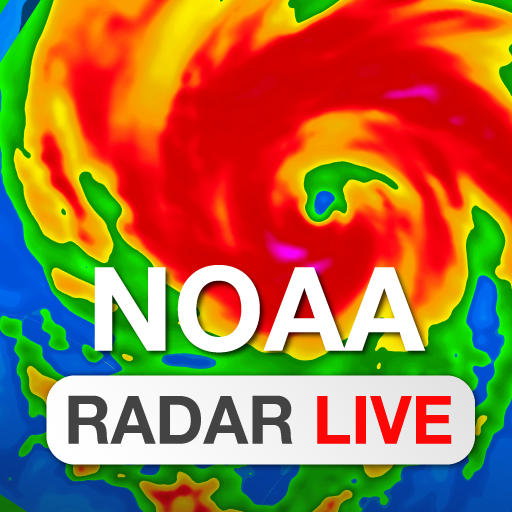
NOAA radar, weather forecasts, hurricane tracking & customizable alerts.
4.50
Accurate weather forecast and beautiful weather & clock widgets
4.20
An unofficial app version of the National Weather Service (Weather.gov)
3.90
Quickly check the Hanalei river gauge height during heavy rains on Kaua'i.
4.0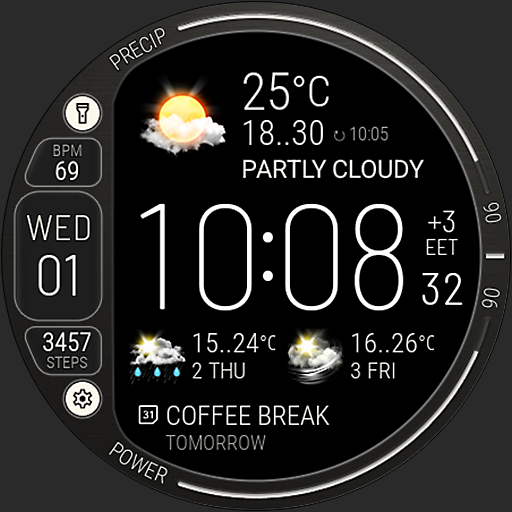
Digital Weather Watch Face for Wear OS 5+
4.1


User Reveiws