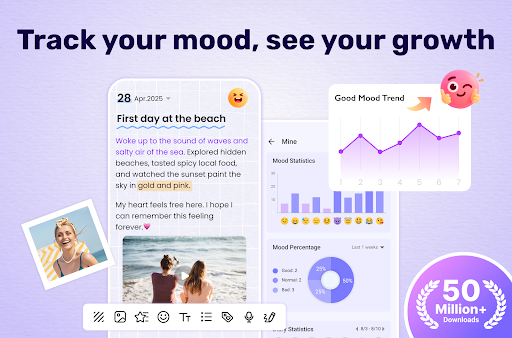
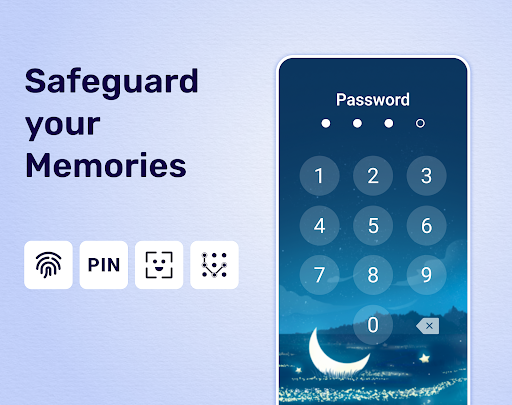
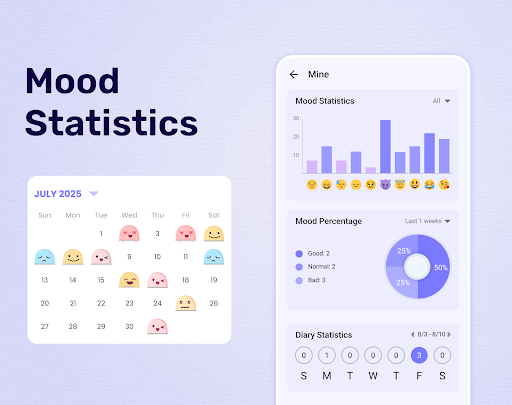
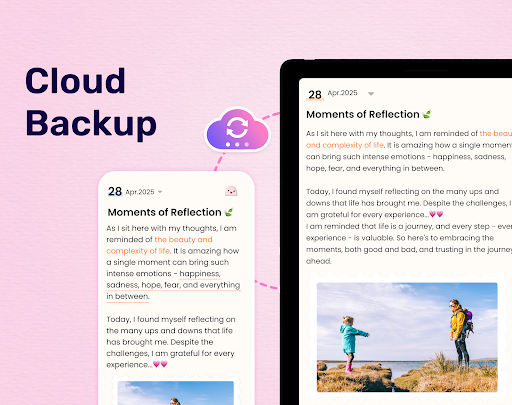
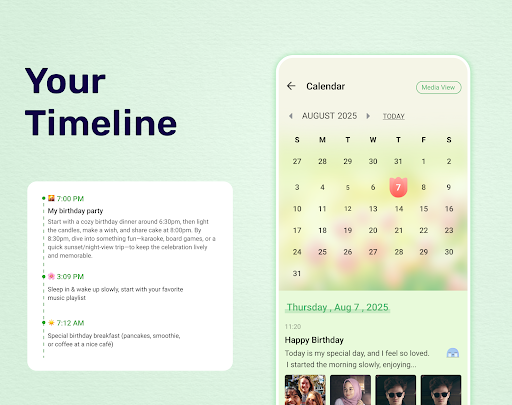
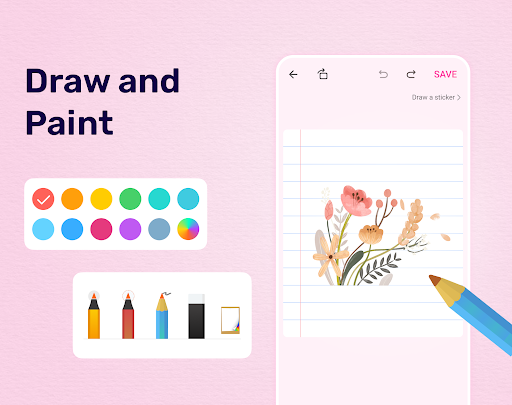
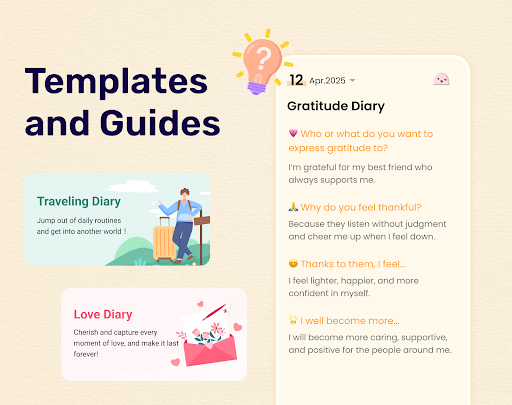
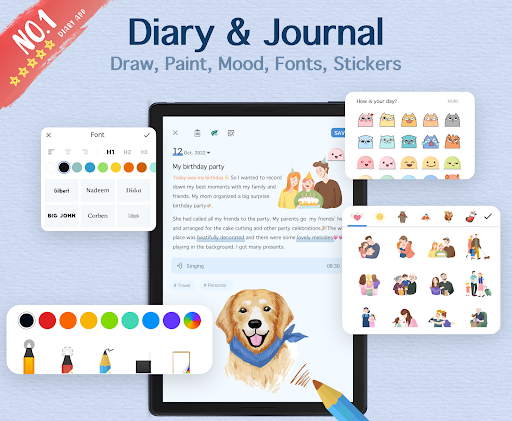
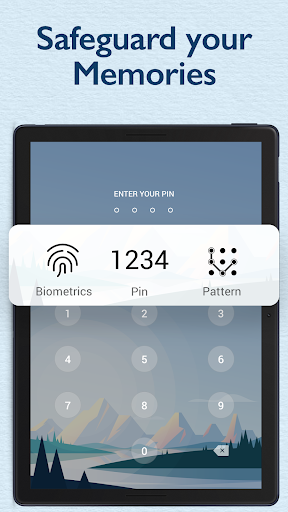

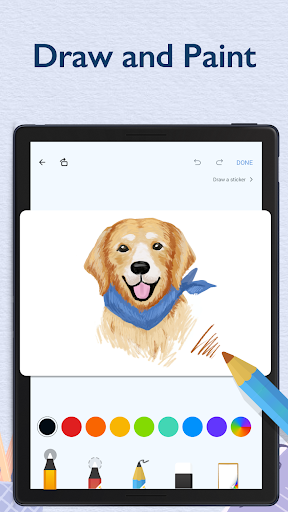
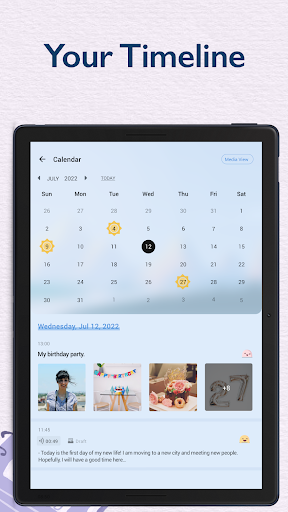

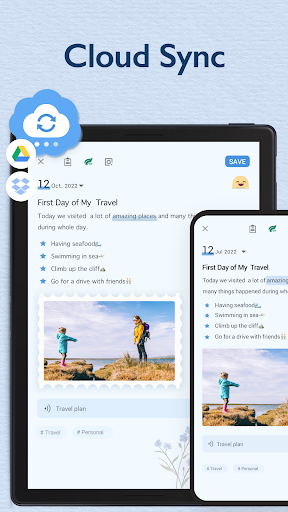
My Diary is a comprehensive digital journaling app designed for users who value privacy and creative expression. This lifestyle application allows you to document your daily life through text, photos, and videos, while offering customization options such as themes, stickers, and fonts. The app's standout feature is its robust security system, which includes password protection and fingerprint authentication, ensuring that your personal memories remain private. Whether you're recording daily thoughts, tracking moods, or organizing travel experiences, My Diary provides a secure and versatile platform. Its cloud sync functionality with Google Drive and Dropbox guarantees that your entries are safely stored and accessible across multiple devices.
In addition to its core journaling capabilities, My Diary offers practical features like eye protection mode, mood tracking, and tag organization. These elements not only enhance the user experience but also promote mental well-being and efficient content management. The ability to export your diary entries to various formats such as PDF and TXT adds another layer of convenience, making it easy to preserve your memories in physical form if desired. With its combination of security, customization, and thoughtful design, My Diary stands out as an essential tool for anyone looking to maintain a detailed and secure personal journal.
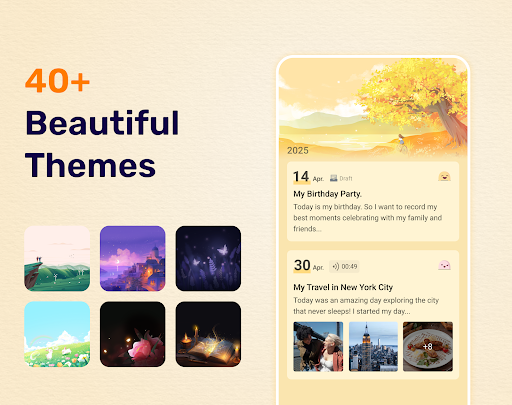
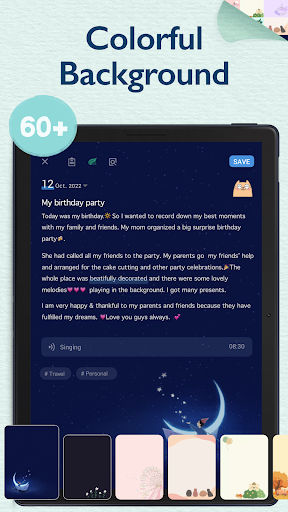
My Diary distinguishes itself through a variety of innovative features tailored to enhance the journaling experience. One of its primary strengths is the extensive customization options available to users. You can choose from multiple artistic themes, select unique background designs, and incorporate stickers and emojis to make each entry visually appealing and personalized. The inclusion of a night dark theme ensures comfortable writing during nighttime sessions, while the eye protection mode helps reduce strain during extended use. These aesthetic choices allow users to create a journal that truly reflects their personality and preferences.
Security is another cornerstone of My Diary's feature set. The app provides multiple layers of protection, including passcode locks and fingerprint authentication, safeguarding your private thoughts from unauthorized access. Furthermore, the cloud sync capability with services like Google Drive and Dropbox ensures that your data is backed up and retrievable on different devices. For those interested in tracking their emotional well-being, the mood tracking feature offers valuable insights into your psychological state over time. By combining these advanced security measures with practical tools for creativity and wellness, My Diary delivers a well-rounded and user-centric journaling solution.
User-friendly interface
Robust security features
Versatile customization options
Cloud backup and sync
Mood tracking and analysis
Limited free features
Occasional bugs reported
Ads in free version
Export options require premium
Heavy on storage

Discover how to help puppies stay calm around noise with this helpful app.
 4.5
4.5
Daily lessons from A Course in Miracles with scheduled reminders
4.80
Duo Watch Face (animated)
4.1
BILT interactive 3D instructions help you get the job done right
3.50
Smart & Healthy Living
4.60
Discover your Nationality, Family Origin, and Ancestry from one selfie
4.50
The Miracle Box includes methods used by Steve Huff of Huff Paranormal.
3.20
Going above and beyond known spirit communication
3.60
Create slime on your phone and enjoy satisfying and relaxing ASMR games
4.50
Get roadside help, discounts, travel tools & more — AAA is with you everywhere.
4.80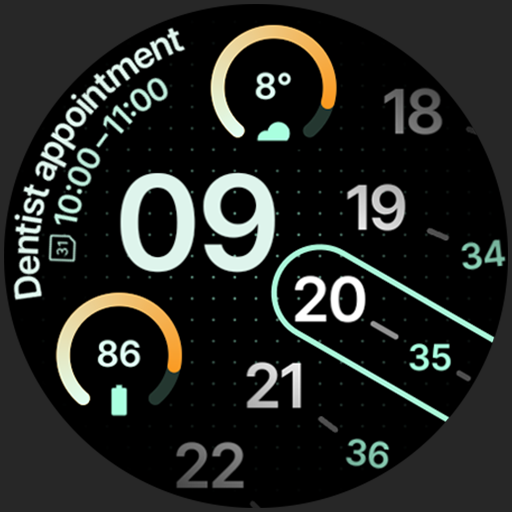
A unique and customizable watch face which rotates its layout every minute.
4.80
A smart Siddur with halachic times
4.60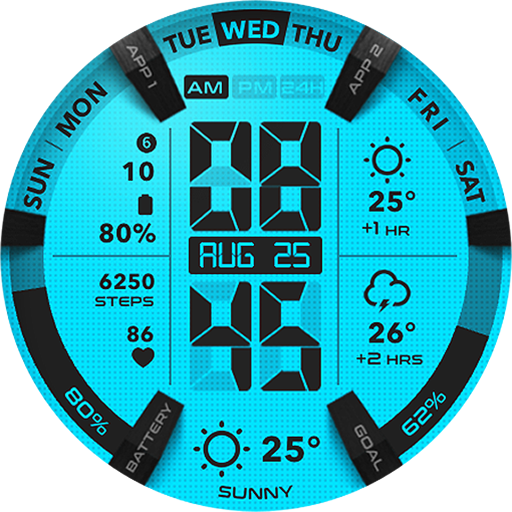
Retro animated weather with hourly forecast Watch Face for Wear OS
4.60
This app is intended to support professional EMDR therapy.
4.50
PARAVOX 4 is a professional ITC paranormal research application.
4.50
Zodiac & Horoscope Launcher: Daily Sign Predictions & Astrology
4.40
Discounts, savings, and rewards
4.20
Spirit Communicator is a real paranormal ghost hunting app with many fun modes.
3.90
Easily manage your child's playtime, spending messaging and more.
3.50


User Reveiws