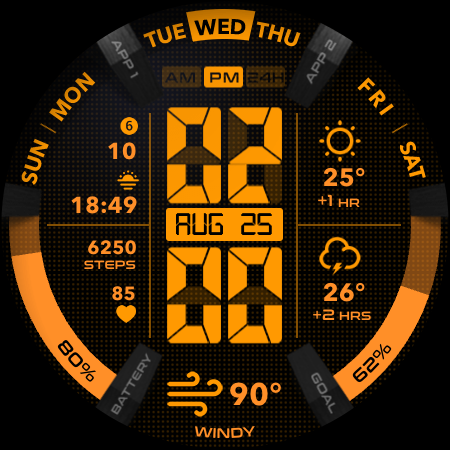
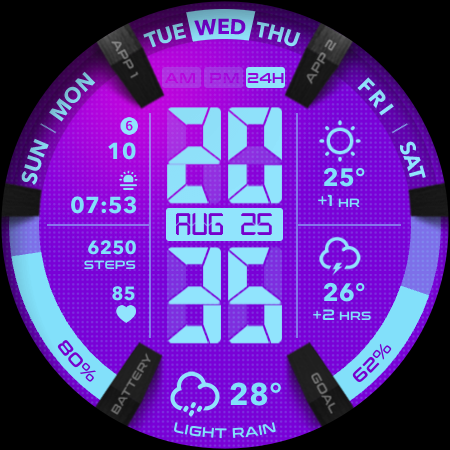
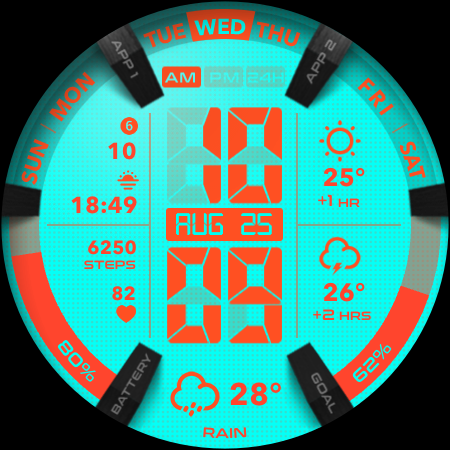
UsA LCD Weather Anim

4.60

Information

Category:

Lifestyle

Price:

$ 1.49

Rank:

44

Rating:

4.60

Overview

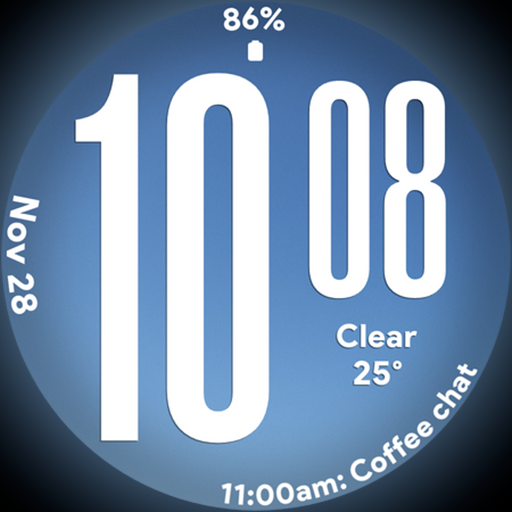
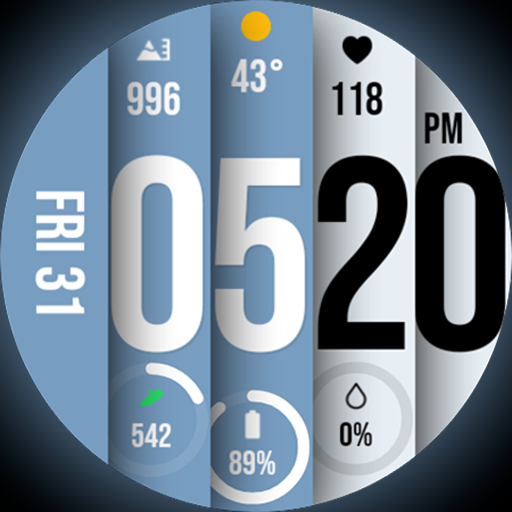
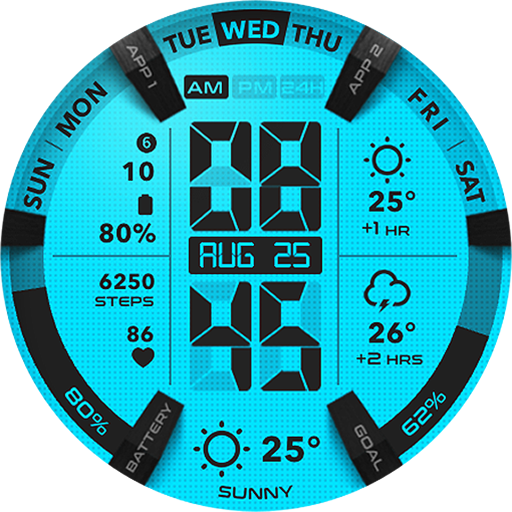
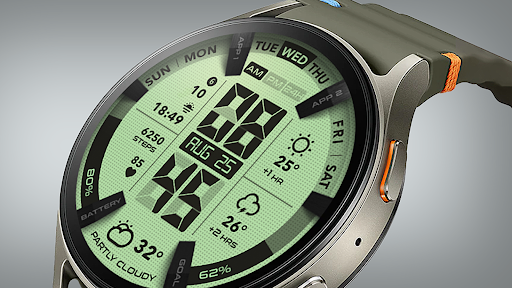
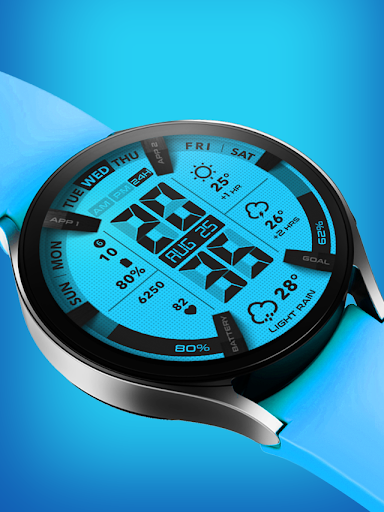
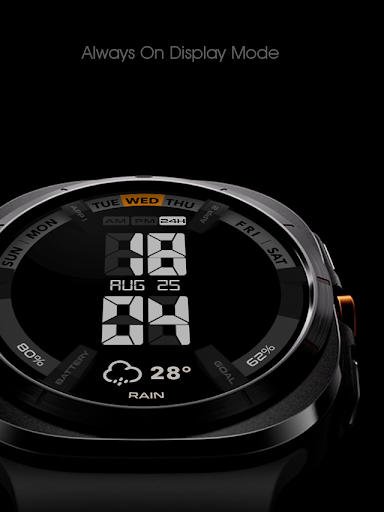
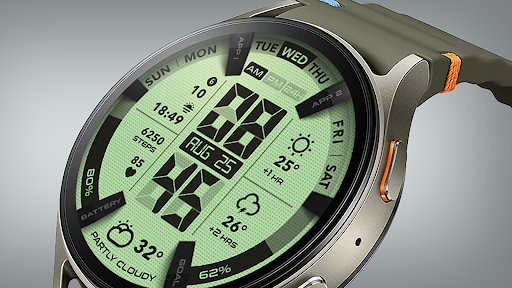
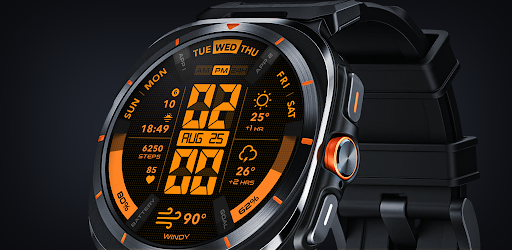
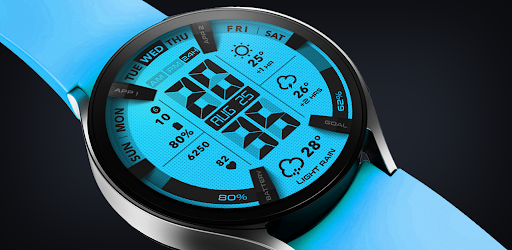
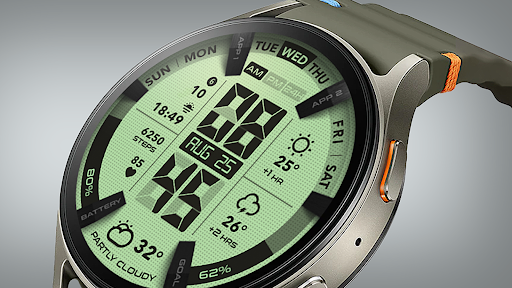
UsA LCD Weather Anim is a digital watch face designed for Wear OS devices, offering users an animated weather display alongside hourly forecasts. This lifestyle application stands out with its customizable color styles and unique design elements.

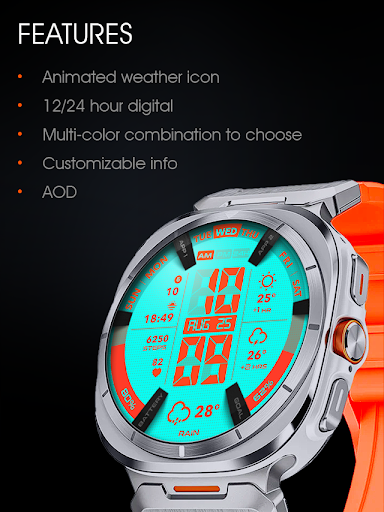
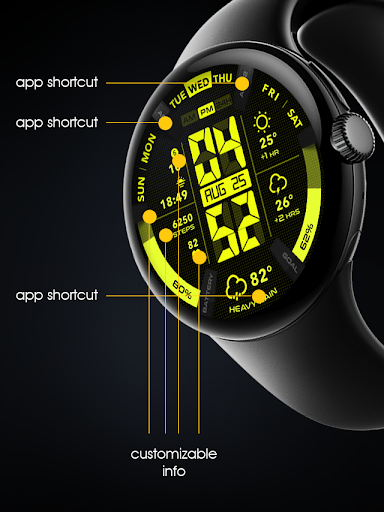
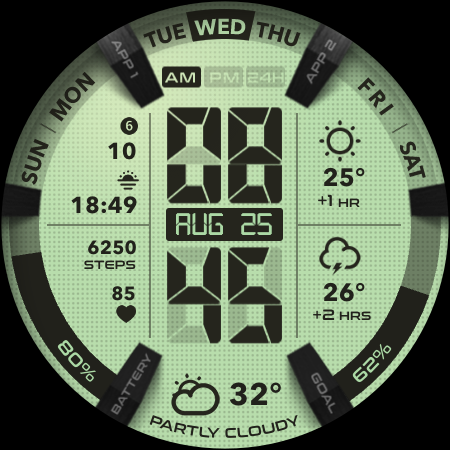
The app provides essential timekeeping features in both 12 and 24-hour formats while integrating real-time weather animations and two-hour forecasts. Users can personalize their watch faces with custom complications, step goal gauges, battery indicators, and a specially designed Always-On Display (AOD) mode.

Ideal for tech-savvy individuals who value both functionality and style, this watch face enhances daily productivity by delivering crucial information at a glance while maintaining a personalized aesthetic that suits individual preferences.

Features

UsA LCD Weather Anim distinguishes itself through innovative features tailored for Wear OS users. The application's core functionality includes a digital clock interface available in both 12 and 24-hour formats, complemented by animated weather displays that provide current conditions and forecasts for the next two hours.

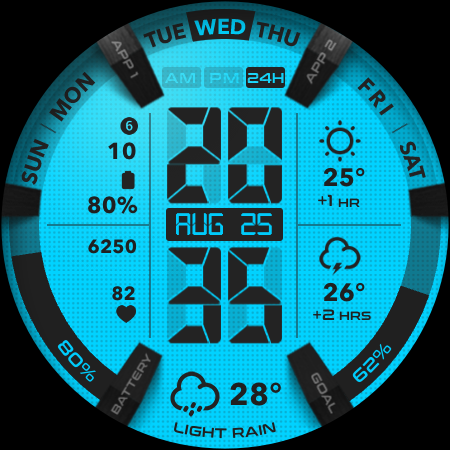
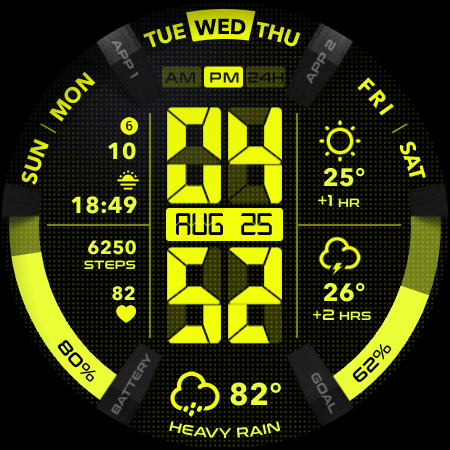
Customization is at the heart of this app's appeal. Users can modify color schemes to create a unique watch face that reflects their personal style. The inclusion of practical widgets such as step goal trackers, battery level indicators, and customizable complications makes this more than just a timepiece - it's a comprehensive lifestyle management tool.

The specially engineered Always-On Display (AOD) feature deserves particular attention. This power-efficient ambient mode maintains essential information visibility while minimizing battery consumption, striking a perfect balance between utility and energy efficiency.

Lifestyle category coverage

The UsA LCD Weather Anim app offers a comprehensive lifestyle experience by integrating essential daily features into a wearable device interface. The application goes beyond basic timekeeping by incorporating animated weather displays and hourly forecasts which are crucial for planning and decision-making in everyday life. Users can customize the color style of their watch face allowing them to tailor the appearance to match personal preferences or fashion choices. This customization extends to practical elements such as a step goal gauge and battery gauge which cater to fitness enthusiasts and those who need to monitor their device's power levels. Additionally the inclusion of customizable complications means users can prioritize the information most relevant to their lifestyle whether that be calendar events weather updates or fitness metrics. The specially designed Always On Display AOD feature provides continuous access to important information even when the watch is idle although it should be noted that this convenience comes with increased battery consumption. By supporting Wear OS API 34+ the app ensures compatibility with the latest wearable technology standards offering users an up-to-date and future-proof experience. Overall the app's extensive feature set demonstrates a deep understanding of diverse lifestyle needs making it a versatile companion for various daily activities and personal expression.

Content authenticity & expert credibility

UsA LCD Weather Anim establishes its content authenticity through a combination of accurate weather animations reliable hourly forecasts and verified technical integrations. The app's weather data representation is not only visually engaging but also serves as a dependable source of meteorological information helping users make informed decisions about their day-to-day activities. The customization options particularly the ability to adjust between 12 and 24-hour modes based on the user's phone settings demonstrate a commitment to providing authentic and personalized experiences. Furthermore the app's support for Wear OS API 34+ indicates that it adheres to current industry standards and best practices ensuring that users receive a modern and secure service. The developer's invitation to join a Telegram group for live support and discussion adds another layer of credibility as it shows willingness to engage directly with users and address any concerns or questions they might have. This direct line of communication helps build trust and allows for real-time verification of issues or features. Additionally the detailed installation instructions and customization guidance provided within the app description reflect a thoughtful approach to user experience suggesting that the developers have invested considerable effort into ensuring that all features work as intended. The emphasis on using the same Google account for purchase and installation further reinforces the legitimacy of the transaction process contributing to overall user confidence in the app's authenticity and reliability.

Props

Unique animated weather

Highly customizable

Battery efficient AOD

Step tracking integration

Intuitive complication system

Cons

Limited to Wear OS

Requires API 34+

Battery intensive features

Complex setup process

Premium only features
Features and Functions

What is this app and what can I use it for?

A customizable Wear OS watch face with animated weather and complications

How do I download and install this app on my device?

Search UsA LCD Weather Anim on Play Store and install via your registered Google account

How do I get started after opening the app for the first time?

Tap hold current face scroll right tap add find downloaded section select new face

What are the main features and capabilities of this app?

Animated weather forecast customizable colors step tracking battery gauge AOD mode

How can I customize my experience and adjust preferences?

Tap hold face access customize menu adjust color styles manage complications settings

How do I save or bookmark my favorite content for later access?

Use built-in customization options save preferred color schemes complication layouts

How can I share content with friends or on social media?

Direct friends to Play Store listing share weather animations through supported apps

How do I access detailed information and explore more content?

Explore detailed settings through watch face customization menu adjust all parameters

What permissions does this app need and how do I manage them?

Needs location data for weather internet for updates manage permissions in settings

How do I check for updates and keep the app running smoothly?

Enable auto-updates in Play Store check for new versions regularly maintain latest build
Show more

User Reveiws

{{ comment.reviewer_name }}
{{ comment.review_date_formatted}}
{{ comment.review_content }}
{{ tab.name }}
{{ comment.reviewer_name }}
{{ comment.review_date_formatted}}
{{ comment.review_content }}
No reviews with this rating