
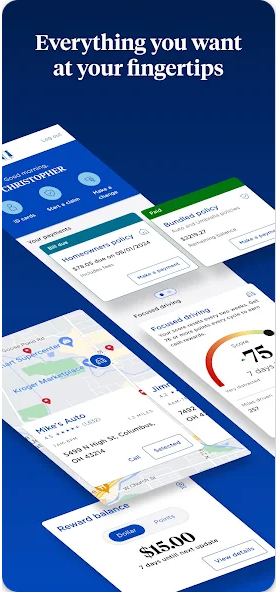
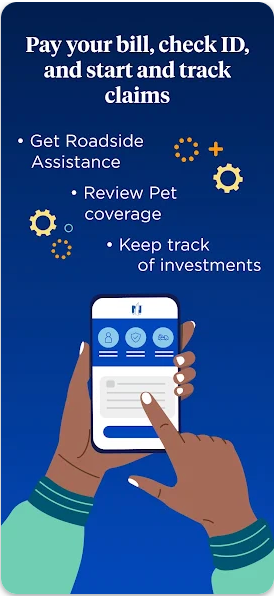
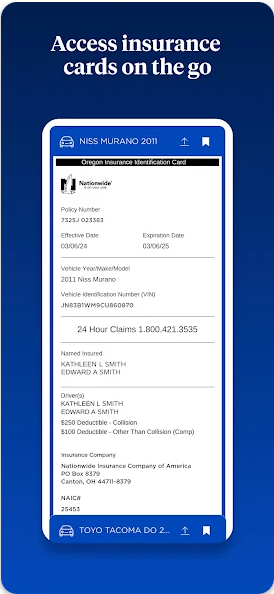
Nationwide Mobile is a finance-focused application designed to provide users with convenient access to their financial information and services. The app allows customers of Nationwide, a well-known financial institution, to manage their accounts on the go. With this app, users can check balances, transfer funds, pay bills, deposit checks, and receive important account notifications.
One standout feature is its secure login options, including fingerprint and facial recognition for compatible devices. This ensures that users' financial data remains protected while offering quick access. Additionally, the app provides tools for budgeting and setting savings goals, empowering users to take control of their finances effectively.
Whether you're at home or traveling, Nationwide Mobile offers a reliable way to handle your banking needs anytime, anywhere. Its intuitive interface makes it easy for anyone to navigate and perform essential tasks efficiently.
Nationwide Mobile stands out due to its comprehensive set of features tailored for managing personal finances. Users can view detailed transaction histories, categorize expenses, and even set up alerts for low balances or unusual activities. These functionalities help users stay informed about their financial status and prevent potential issues.
The app also includes advanced security measures such as two-factor authentication and real-time fraud monitoring. Such features ensure that users' accounts are safeguarded against unauthorized access. Furthermore, Nationwide Mobile supports multiple account types, including checking, savings, loans, and credit cards, all accessible from one unified dashboard.
For those looking to save more effectively, the app offers personalized insights and tips based on spending habits. It helps users identify areas where they can cut back and save more, ultimately aiding in better financial planning and decision-making.
User-friendly interface
Comprehensive account management
Advanced security features
Personalized financial insights
Convenient mobile banking tools
Limited international support
Occasional syncing issues
No investment tracking
Some features require enrollment
Customer service delays

Currency Converter supports all currencies of the world.
 5.00
5.00
Get a cash advance instantly. File taxes & cover unexpected bills in minutes.
4.60
The simplest way to budget, bank, save and invest.
4.50
Manage and cancel subscriptions, lower bills, track expenses, create budgets.
4.60
Banking, Budgeting & Investing
4.60
All expenses at a glance.
4.80
Our Chase Mobile App makes it easy for you to bank on the go 24/7.
4.60
Make Real Cash by Playing Games! Fetch Playful Rewards, Win & Triumph
4.50
Venmo is the fun and easy way to pay and get paid.
4.10
Secure, simple money transfer app. Send money to Mexico and worldwide fast.
4.80
Keep track of your subscriptions with no limitations
4.80
Pay rent on your schedule.
4.70
Money App - Earn Cash back, Fast Cash Advance, Personal Loan Offers, Banking
4.70
“Money Manager” is an optimized application for personal asset management.
4.70
Powerful Money Manager, Expense & Savings Tracker, Budget Planner - Pro Version
4.70
Navigate your unique financial path confidently with help from Credit Karma.
4.70
Easily invest, save, and plan—all in one app.
4.60
Access State Farm accounts, policies, ID cards and more
4.60
Amazing Financial Calculator. Based on HP 10bII, but easier to use!
4.40


User Reveiws