
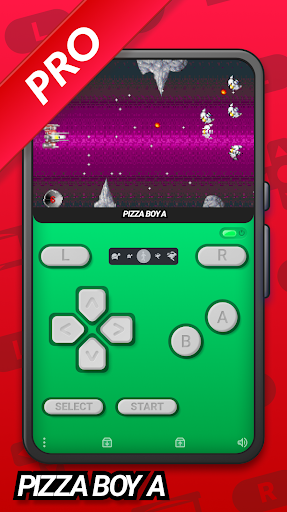
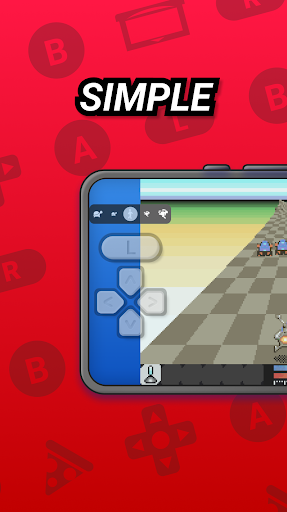
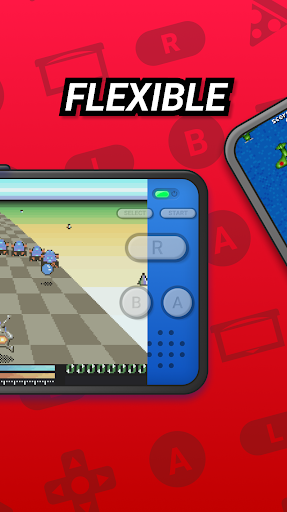
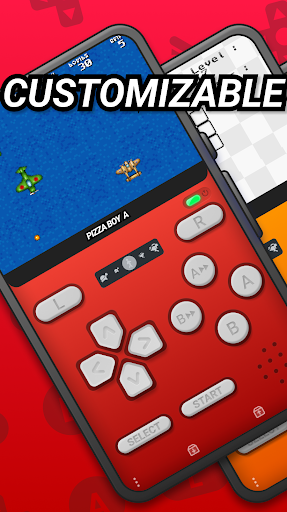
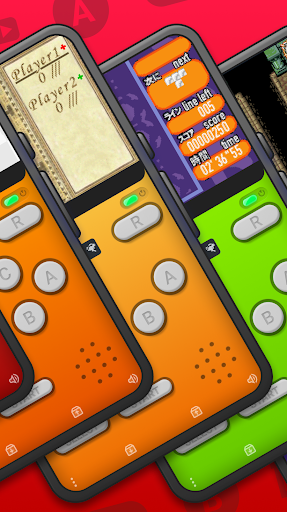
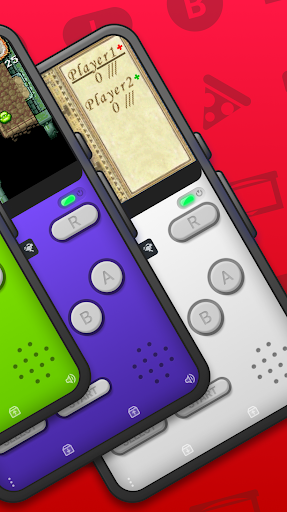
Pizza Boy A Pro stands as a premium GBA emulator, meticulously crafted for Android users who cherish the nostalgia of retro gaming. This independent development offers an unparalleled emulation experience, focusing solely on Game Boy Advance ROMs, ensuring precision and high performance without any affiliation to Nintendo Corporation.
With its recent availability for purchase after a successful stint on Play Pass, Pizza Boy A Pro brings forth a suite of advanced features. Users can enjoy a beautiful GUI, customizable skins, cheat functionalities, Google Drive synchronization, and quick/auto save options among others. The emulator also supports local and WiFi multiplayer modes, providing an enriched settings menu and improved control systems for an immersive experience.
The emulator's support for custom BIOS and cartridges hardware like gyroscope, light sensor, tilt sensor, and rumble pack, along with rewind capabilities, makes it a top choice for enthusiasts. It guarantees 60 FPS even on older devices, thanks to its core written in C and assembly, ensuring low battery consumption while leveraging OpenGL and OpenSL native libraries for top-tier video and audio performance.
Pizza Boy A Pro distinguishes itself through a plethora of sophisticated features designed to enhance user experience. Beyond its fundamental role as a GBA emulator, it introduces beautiful GUI and customizable skins that allow personalization according to user preferences.
Advanced functionalities such as cheat support, Google Drive sync, quick/auto save states, and local/WiFi multiplayer capabilities underline its versatility. An enhanced settings menu coupled with improved control systems ensures intuitive navigation and gameplay. Furthermore, the emulator's backing for custom BIOS and cartridge hardware features like gyroscope and light sensors adds another layer of authenticity to the gaming experience.
Common features shared with Pizza Boy A Basic include exceptional scores in precision tests, utilization of OpenGL and OpenSL for superior video/audio performance, total customization of button sizes/positions, hardware joypad support, shader compatibility, and handling of zip/7z archives. RetroAchievements support further enriches the gaming journey by introducing achievement systems into classic games.
High-performing emulation
Customizable user interface
Google Drive integration
Multiplayer support
Enhanced control system
No Game Boy Color support
ROMs not included
Premium price tag
Complex setup for beginners
Limited customer support
R-TYPE game
 4.60
4.60
Neogeo MVS/AES Emulator
3.30
Antistress & relaxing games,stress relief; Antistress toys, calming games.
4.20
Join the art challenge: Guess the word and draw fast before the timer runs out!
4.20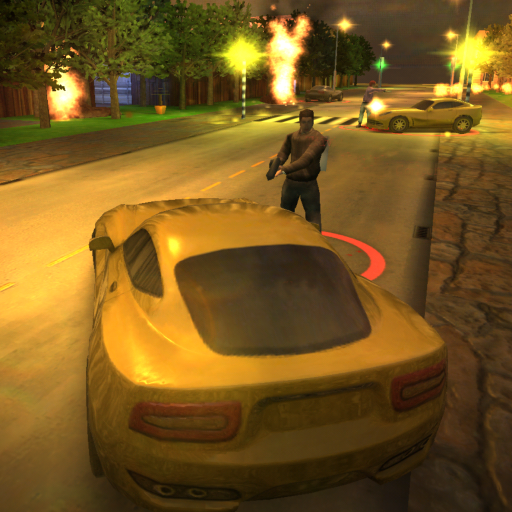
Payback 2 includes everything from tank battles to high speed helicopter races!
4.50
Play, Craft and Share your Endless Runner Levels on Kooply Run: Subway Craft
4.50
Sega Saturn Emulator
4.20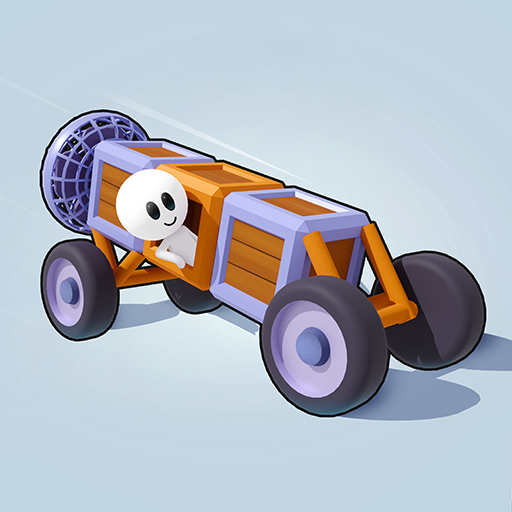
Cool car builder & racing simulator: make a car to win the obstacle course race!
4.60
Running game: dance in a twerk battle and become the twerk hero in our fun race!
4.30
Gameboy Color Emulator
4.60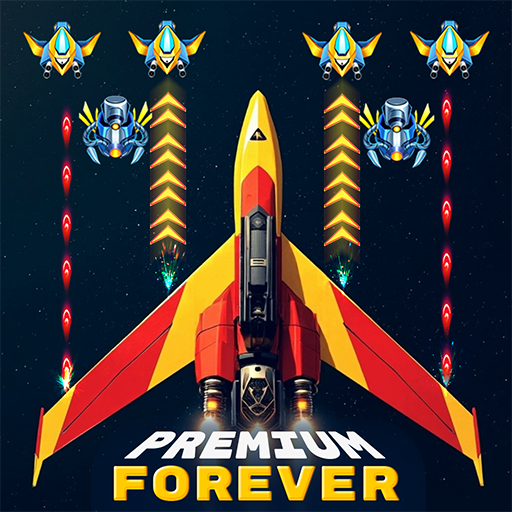
Venture into the galaxy to fight against the invasion of space invaders.
4.60
Merge bowmasters to win the bow and arrow war! Play the fun archery game!
4.60
Nostalgia.GBC is a high quality GBC emulator.
4.50
NES Emulator
4.40
Genesis/Mega Drive/CD & Master System/Mark III Emulator
4.30
Slice up a juicy storm!
4.20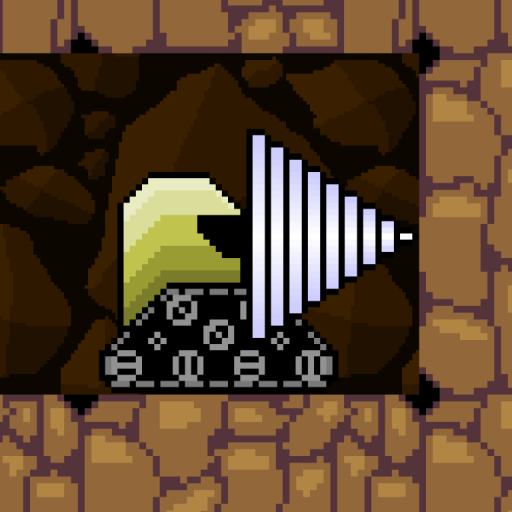
Dig yourself a way to gold, diamonds and success with this addictive mining game
3.90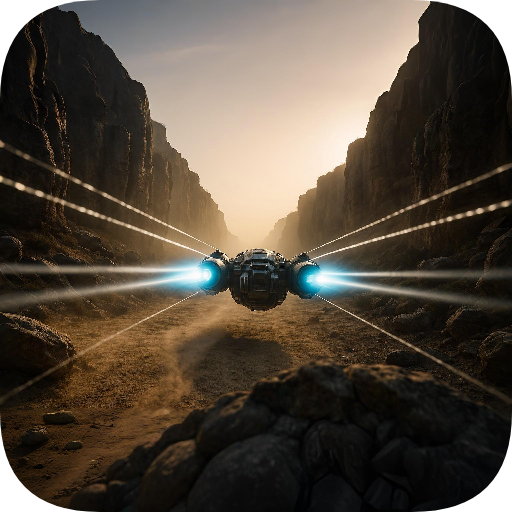
Spaceship racing on a rocky planet — pure action and challenge.
4.1
Divine powers at your fingertips! An innovative and frantic shoot-'em-up!
4.1


User Reveiws