
Oolimo Guitar Chords

4.70

Information

Category:

Education

Price:

$ 4.99

Rank:

22

Rating:

4.70

Overview

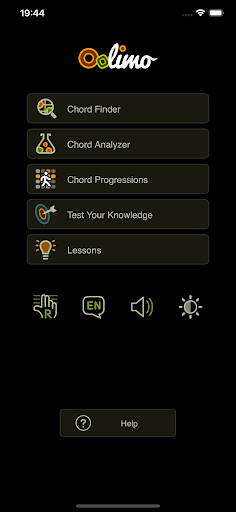
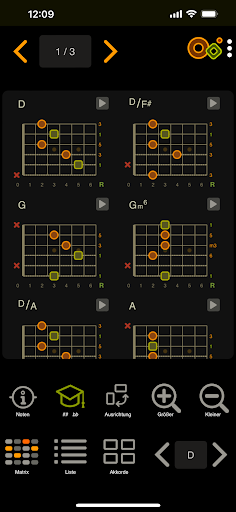
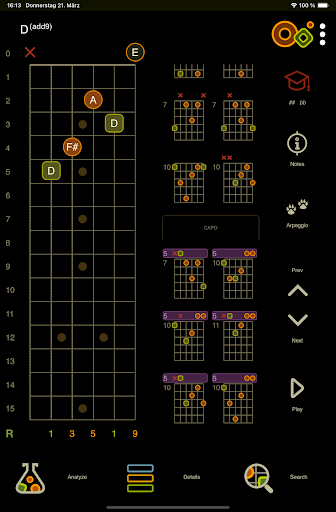
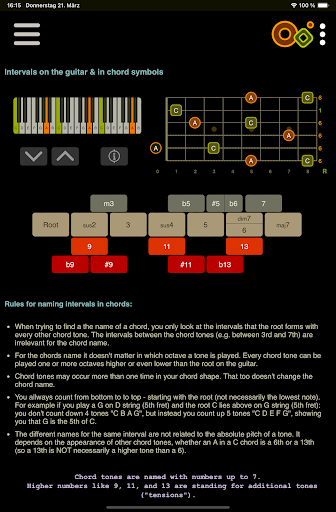
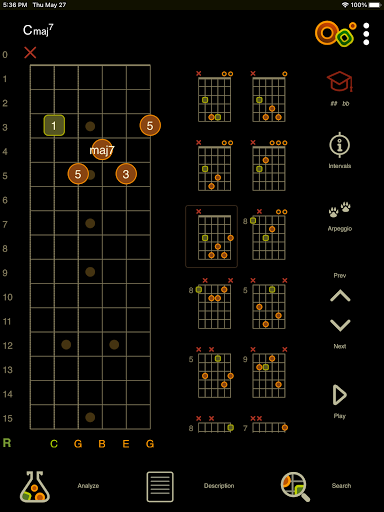
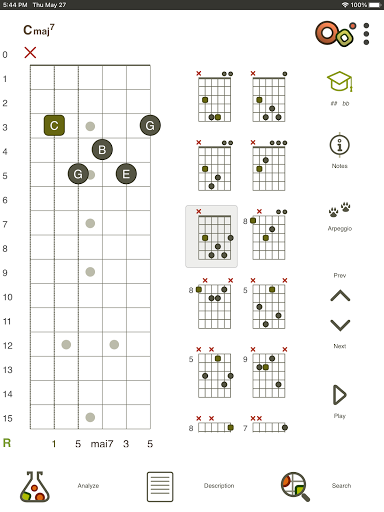
Oolimo Guitar Chords is an innovative educational app designed to deepen your understanding of guitar chords and harmonic theory. This comprehensive tool combines a chord finder, analyzer, progression explorer, and interactive theory lessons into one intuitive platform. Created by guitarist Oliver Mochmann, the app features a manually curated database of usable voicings and intelligent algorithms that adapt chords to your selected key.

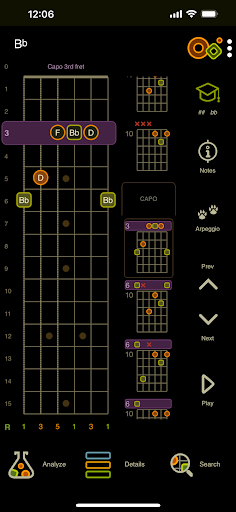
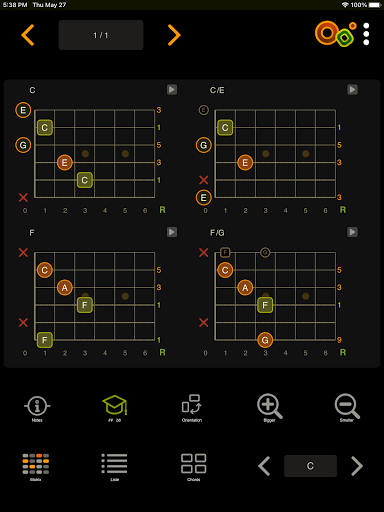
The application stands out through its structured approach to chord theory, offering clear explanations behind harmonic relationships. Whether you're deciphering complex chord symbols or mastering essential progressions, Oolimo provides lasting musical insight rather than just quick tips. Its interactive fretboard, staff notation display, and playback functionality make it an invaluable learning companion for guitarists at all levels.

Features

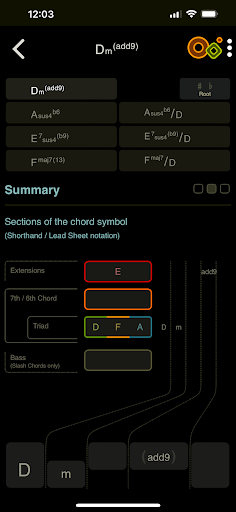
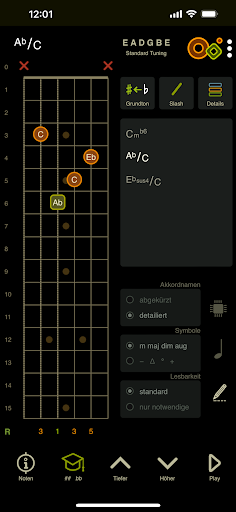
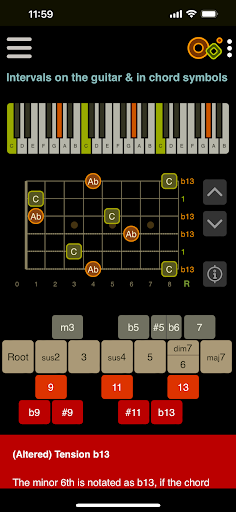
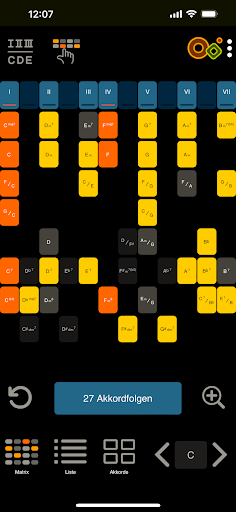
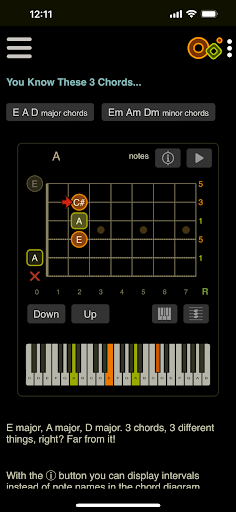
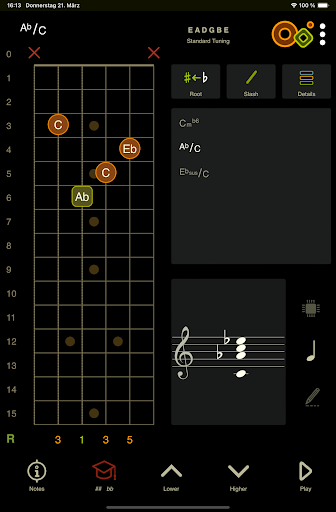
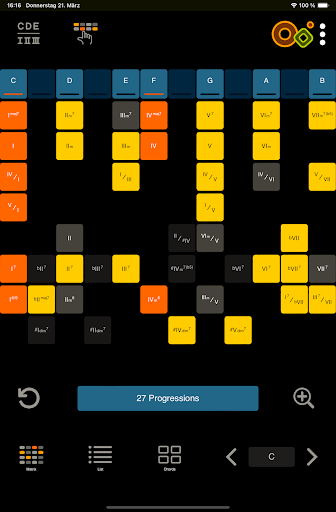
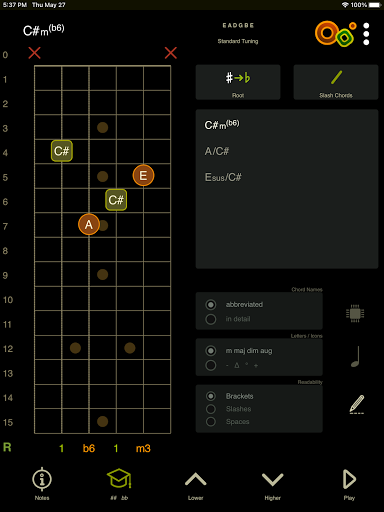
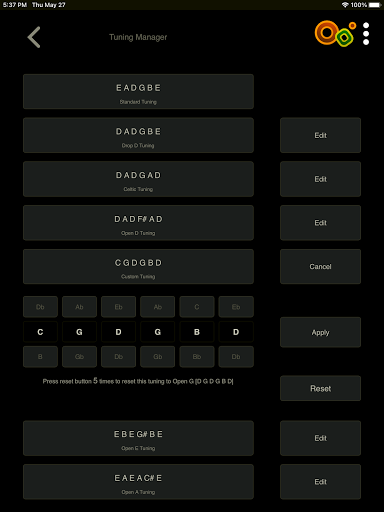
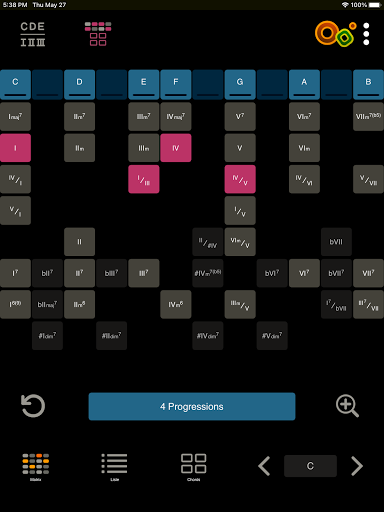
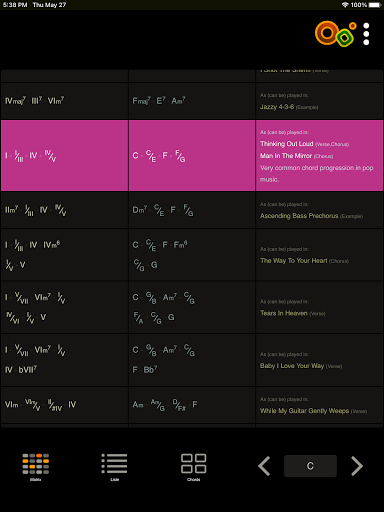
Oolimo distinguishes itself through several advanced features that enhance the learning experience. The Chord Finder utilizes an intelligent algorithm to present musically relevant voicings, while the Analyzer instantly identifies any chord entered on the virtual fretboard - even in alternate tunings. The Progression Explorer uses an innovative matrix system to visualize harmonic relationships across different keys.

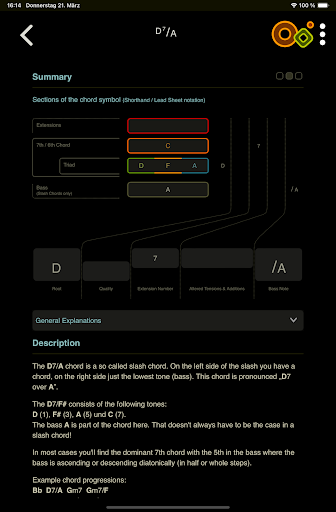
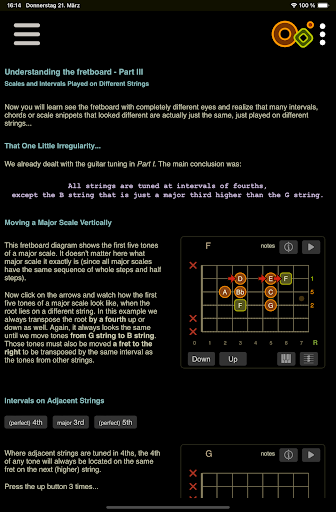
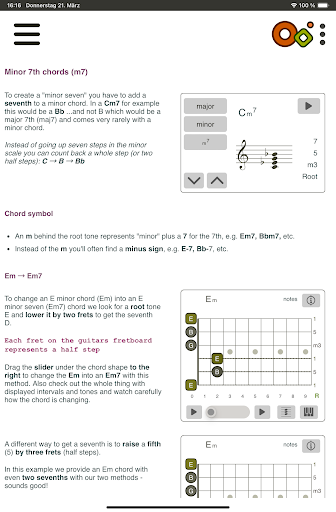
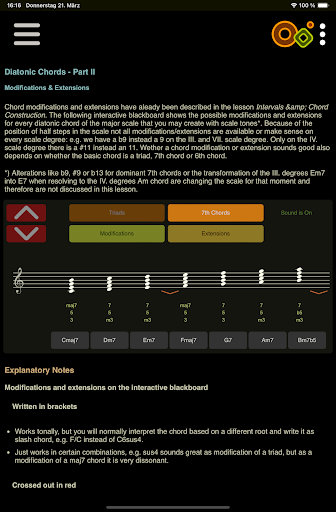
The app's 22 interactive theory lessons incorporate smart visualizations to explain complex concepts like diatonic harmony and altered chords. Additional features include switchable detailed/compact chord names, day/night mode, left-handed support, and multilingual options. These elements work together to create a flexible learning environment that adapts to individual needs while maintaining theoretical accuracy.

Content accuracy & authority

In the realm of music education applications like Oolimo Guitar Chords content accuracy and authority stand as pillars of credibility and effectiveness. This application meticulously ensures that all theoretical explanations chord names and harmonic relationships are not only correct but also stem from a deep understanding of music theory. Created by guitarist and developer Oliver Mochmann Oolimo merges musical depth with clarity and usability transforming abstract theory into tangible knowledge that users can see hear and comprehend. The app's foundation rests on a structured unified and accurate approach to chord theory which is akin to a mathematical framework in its precision yet remains engaging like a creative playground. With 22 interactive lessons smart visualizations elucidate complex concepts such as intervals chord construction voicings slash chords diatonic harmony and every major chord type. These lessons coupled with an intelligently curated database of usable voicings ensure that whether you're a novice or an experienced player the insights gained are comprehensive and lasting. Furthermore features like the Chord Analyzer which provides instant correct chord names for any fingering entered on the virtual fretboard reinforce this commitment to accuracy. By supporting standard and open tunings including advanced notation options and displaying all notes on the staff Oolimo guarantees that musicians receive precise information tailored to their specific needs enhancing both learning and practical application.

Personalized learning paths

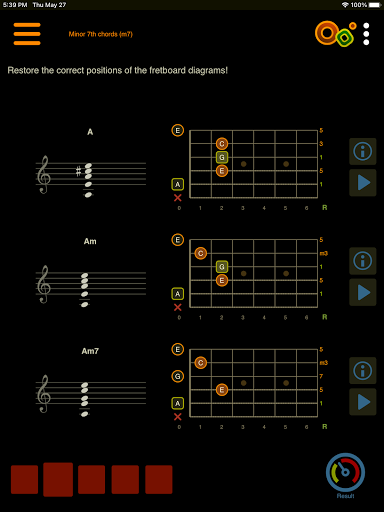
Oolimo Guitar Chords distinguishes itself through its dedication to personalized learning paths ensuring that each user's journey is uniquely suited to their individual needs and aspirations. While traditional educational resources often present a one-size-fits-all approach Oolimo leverages adaptive algorithms and interactive modules to cater to diverse learning styles and levels of expertise. The application's main modules such as the Chord Finder and Chord Progressions matrix offer tailored experiences where users can explore chords and progressions in ways that resonate with their personal musical context. For instance the Chord Finder adapts automatically to the selected key allowing musicians to discover voicings that make musical sense while transferring shapes to the Analyzer with ease. Moreover the Theory Lessons module comprising 22 interactive sessions employs smart visualizations to explain intricate topics ranging from basic intervals to sophisticated altered suspended add sixth and diminished chords thus accommodating varying degrees of proficiency. Additionally quizzes integrated within the app test knowledge and train the ear covering aspects like chord construction intervals harmonic context voicings tensions and more thereby promoting learning through play. General features further enhance personalization with options such as switchable detailed or compact chord names daynight mode and lefthanded mode catering to individual preferences and environments. By providing these customizable tools and resources Oolimo empowers users to carve out their own paths in mastering guitar chords fostering both technical skill and creative expression.

Props

Comprehensive chord database

Interactive learning tools

Multilingual support

Left-handed mode available

Intelligent algorithmic processing

Cons

No real-time collaboration

Limited advanced jazz chords

Interface may overwhelm beginners

Occasional analysis delays

Premium content requires subscription

Features and Functions

What is this app and what can I use it for?

A comprehensive guitar chord learning app with theory lessons and analysis tools

How do I download and install this app on my device?

Search 'Oolimo Guitar Chords' on Google Play Store and install from there

How do I get started after opening the app for the first time?

Explore the main modules and select beginner-friendly theory lessons

What are the main features and capabilities of this app?

Chord finder, analyzer, progression explorer, and interactive theory lessons

How can I customize my experience and adjust preferences?

Adjust display settings, switch between compact/detailed views, toggle day/night mode

How do I save or bookmark my favorite content for later access?

Save favorite chords and progressions in personal library folders

How can I share content with friends or on social media?

Use built-in sharing options to post diagrams on social media platforms

How do I access detailed information and explore more content?

Access detailed information through the Analyzer and Theory Lessons sections

What permissions does this app need and how do I manage them?

App needs basic device permissions; manage them in system settings

How do I check for updates and keep the app running smoothly?

Check Google Play Store regularly for updates and maintain sufficient storage space
Show more

User Reveiws

{{ comment.reviewer_name }}
{{ comment.review_date_formatted}}
{{ comment.review_content }}
{{ tab.name }}
{{ comment.reviewer_name }}
{{ comment.review_date_formatted}}
{{ comment.review_content }}
No reviews with this rating