
CCM Glossary App

2.90

Information

Category:

Education

Price:

$ 2.99

Rank:

36

Rating:

2.90

Overview

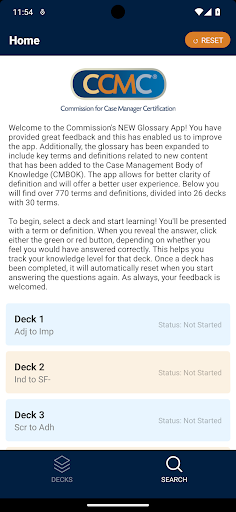
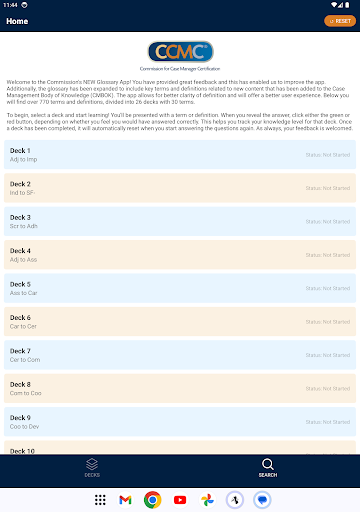
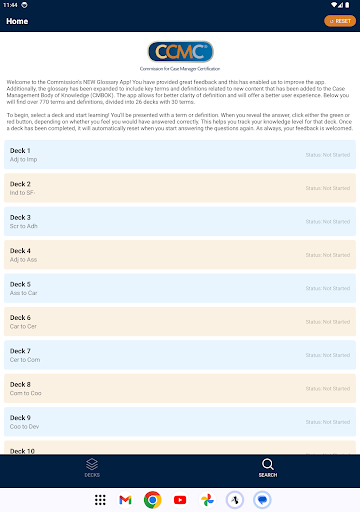
CCM Glossary App is an educational tool designed to enhance understanding of key terms in case management. With over 770 terms and definitions divided into 26 decks, this app provides users with a comprehensive learning experience.

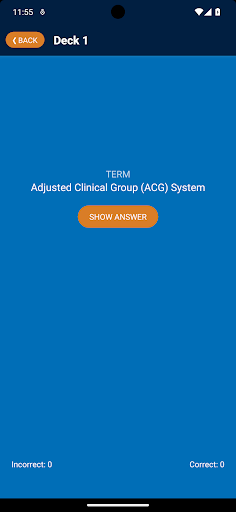
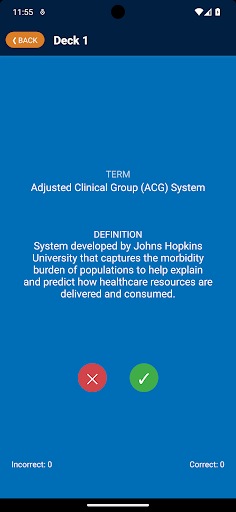
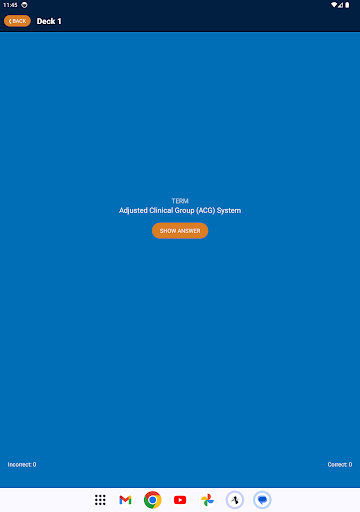
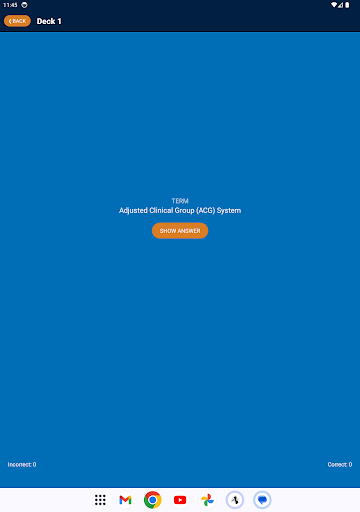
The app features an intuitive flashcard system that allows users to test their knowledge effectively. By selecting a deck and starting the learning process, users can track their progress through color-coded feedback buttons, ensuring better clarity and retention of information.

Whether you are a student or a professional in case management, the CCM Glossary App offers valuable resources to expand your knowledge base and improve your expertise in the field.

Features

One of the standout features of the CCM Glossary App is its expanded glossary, which now includes new content from the Case Management Body of Knowledge (CMBOK). This ensures that users have access to the latest terminology and definitions relevant to their field.

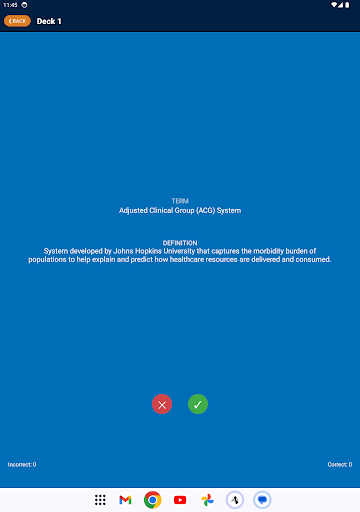
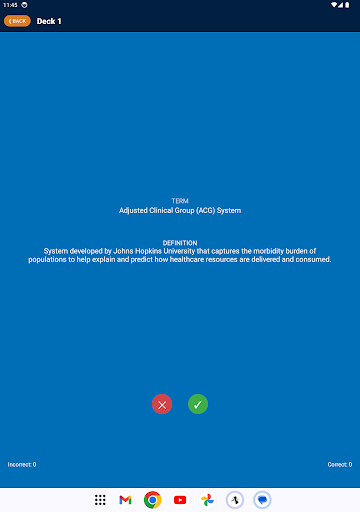
The app's interactive flashcard system is designed for effective learning. Users can review terms and definitions at their own pace, using the green and red buttons to track their understanding and retention. This feature helps users identify areas where they need further study.

Additionally, the app offers a seamless user experience with its easy-to-navigate interface and automatic reset functionality for completed decks. These features make learning engaging and efficient, catering to both beginners and advanced learners.

Content accuracy & authority

In the realm of educational applications accuracy and authority of content are paramount as they directly impact the user's learning experience and knowledge acquisition The CCM Glossary App excels in this aspect by providing over 770 terms and definitions carefully curated and expanded from the Case Management Body of Knowledge CMBOK This extensive glossary covers key terms related to case management ensuring that users have access to comprehensive and reliable information Each term and definition has been reviewed and improved based on user feedback guaranteeing that the content remains relevant and accurate This commitment to quality ensures that learners can trust the information provided which is crucial for building a solid foundation of knowledge Furthermore the app's structured approach with terms divided into 26 decks enhances clarity and focus allowing users to systematically learn and review specific areas of interest By offering such authoritative content the app not only educates but also empowers users to deepen their understanding of complex concepts with confidence

Personalized learning paths

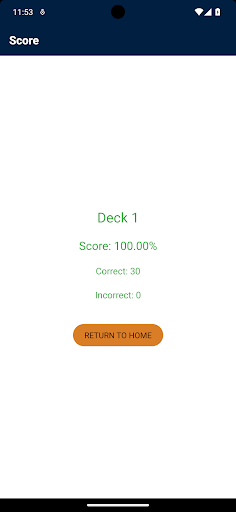
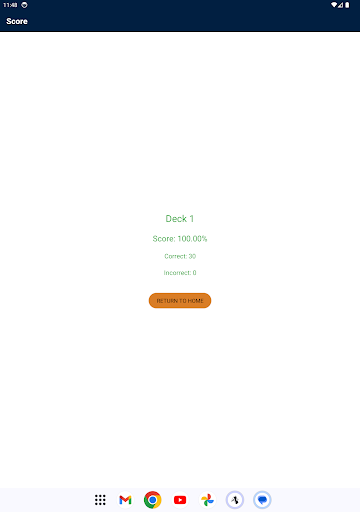
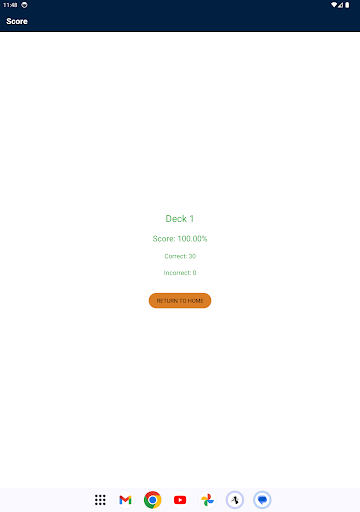
The CCM Glossary App offers personalized learning paths that adapt to individual user needs enhancing the overall educational experience Upon opening the app users can select from 26 decks each containing 30 terms This modular structure allows learners to focus on specific areas of interest or areas where they need improvement As users progress through the decks they engage with terms and definitions revealing answers and assessing their own knowledge through a simple feedback mechanism clicking either a green or red button based on their perceived correctness This interactive process helps track knowledge levels for each deck enabling users to identify strengths and weaknesses The app's ability to automatically reset completed decks further supports personalized learning as it encourages continuous review and reinforcement of knowledge Additionally the app's design promotes self paced learning allowing users to determine their own speed and style of learning This flexibility is crucial for accommodating different learning preferences and schedules making the app suitable for a wide range of users from students to professionals seeking to enhance their expertise Overall by combining structured content with interactive features and self assessment tools the CCM Glossary App creates a personalized and effective learning environment tailored to each user's unique requirements

Props

User-friendly interface

Comprehensive glossary

Interactive learning tools

Progress tracking system

Regular updates and improvements

Cons

Limited to case management

No offline mode available

Requires constant internet

Interface could be more modern

Occasional performance issues

Features and Functions

What is this app and what can I use it for?

An educational app offering 770+ case management terms and definitions for learning

How do I download and install this app on my device?

Download from Google Play Store and install by following on-screen instructions

How do I get started after opening the app for the first time?

Select a deck to start learning and use feedback buttons to track progress

What are the main features and capabilities of this app?

Main features include flashcards, progress tracking, and updated glossary

How can I customize my experience and adjust preferences?

Customize by selecting specific decks and tracking individual progress

How do I save or bookmark my favorite content for later access?

Bookmark favorite terms by marking them correctly during practice sessions

How can I share content with friends or on social media?

Share interesting terms via social media directly from the app interface

How do I access detailed information and explore more content?

Access detailed info by reviewing definitions and related terms in each deck

What permissions does this app need and how do I manage them?

App needs basic permissions; manage them in device settings

How do I check for updates and keep the app running smoothly?

Check for updates in the app store and enable auto-update for smooth operation
Show more

User Reveiws

{{ comment.reviewer_name }}
{{ comment.review_date_formatted}}
{{ comment.review_content }}
{{ tab.name }}
{{ comment.reviewer_name }}
{{ comment.review_date_formatted}}
{{ comment.review_content }}
No reviews with this rating