Pinkfong Baby Shark

3.40

Information

Category:

Education

Price:

Free

Rank:

62

Rating:

3.40

Overview

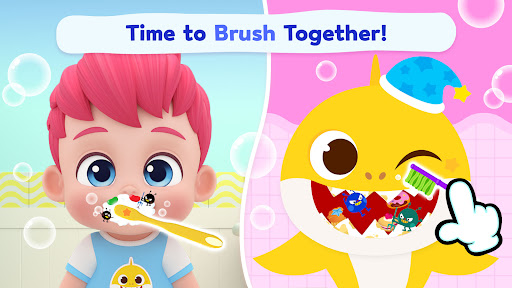
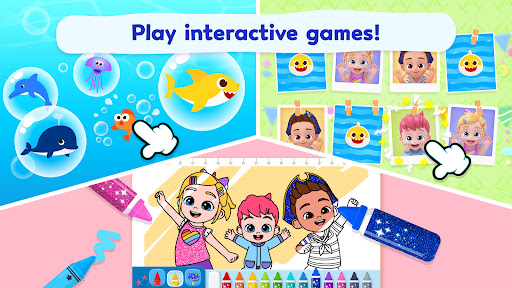
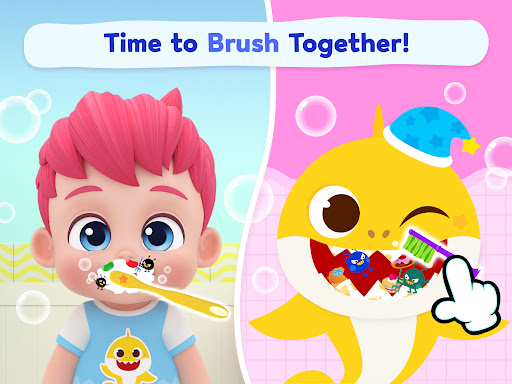
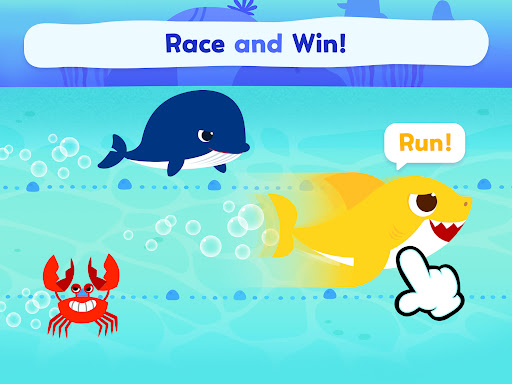
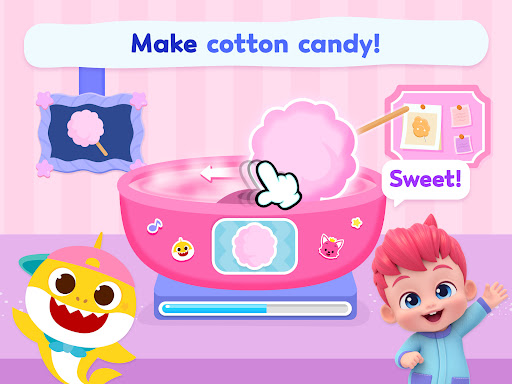
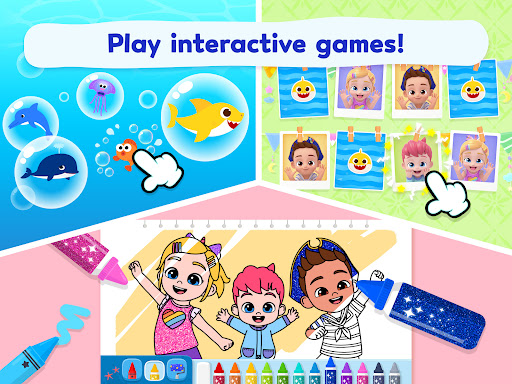
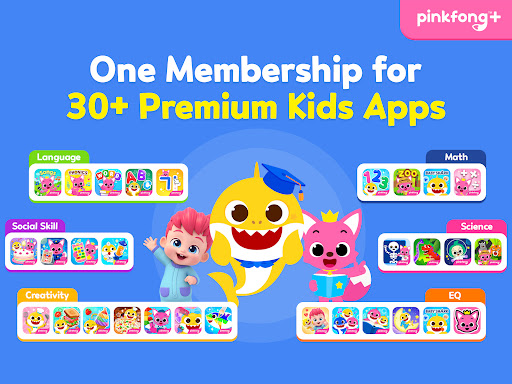
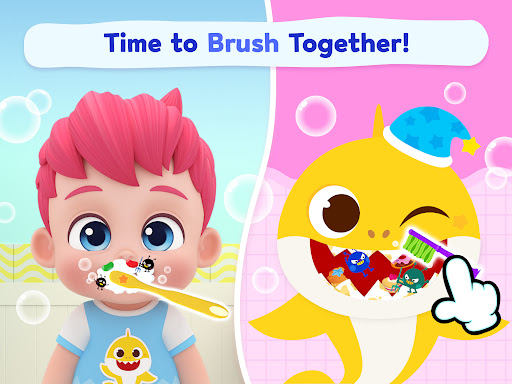
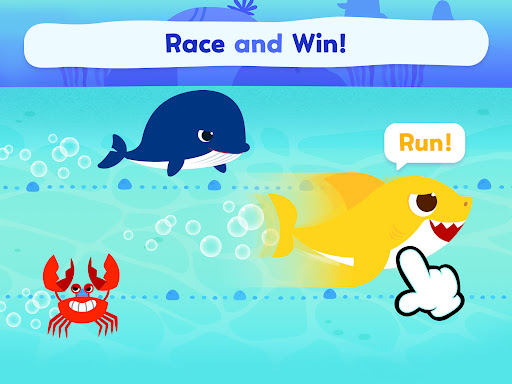
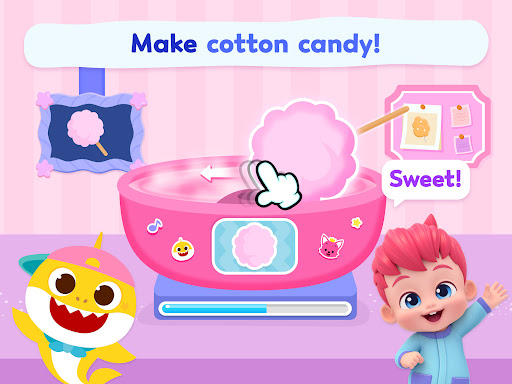
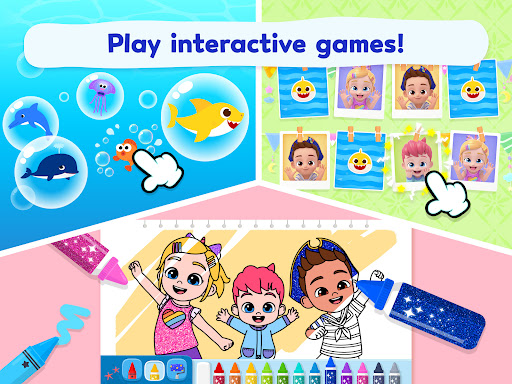
Pinkfong Baby Shark is an educational app designed for toddlers and young children, offering a world of fun and learning through interactive games, creative activities, and engaging videos. The app features 11 kids games that include activities such as brushing teeth, making cotton candy, and memory challenges with beloved characters like Bebefinn and Baby Shark.

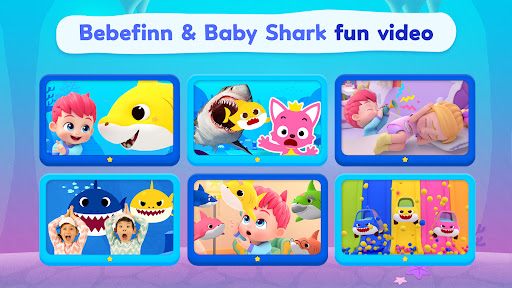
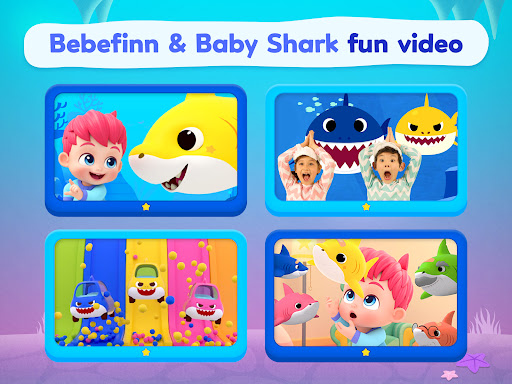
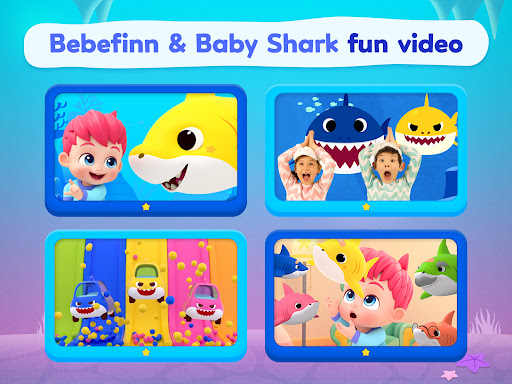
In addition to the games, the app provides access to educational videos in multiple languages, featuring popular songs from the Baby Shark series and new Bebefinn content. These videos are not only entertaining but also foster language development and cultural awareness. With its mix of play and education, Pinkfong Baby Shark creates a comprehensive learning environment that promotes creativity, cognitive skills, and good habits.

Features

The Pinkfong Baby Shark app stands out with its diverse range of features tailored for young learners. It includes interactive kids games that encourage habit formation, creativity, and memory enhancement. For instance, children can engage in role-playing scenarios that teach daily routines or explore music creation to boost their artistic expression.

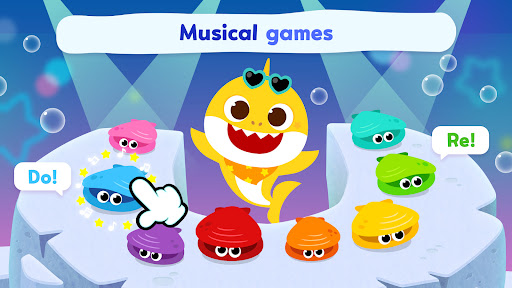
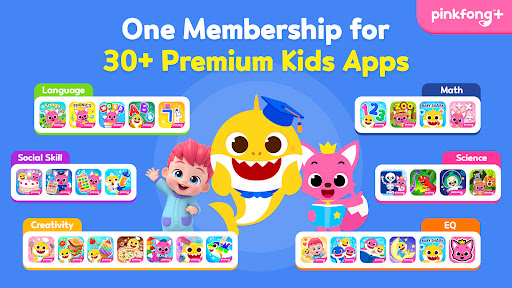
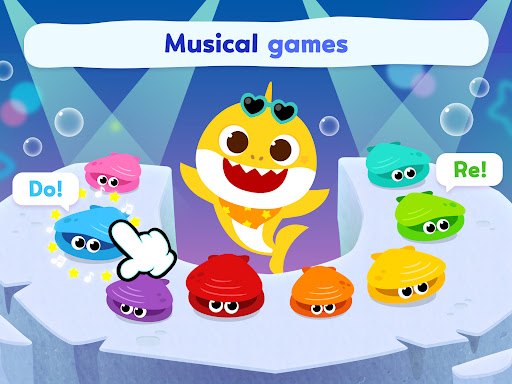
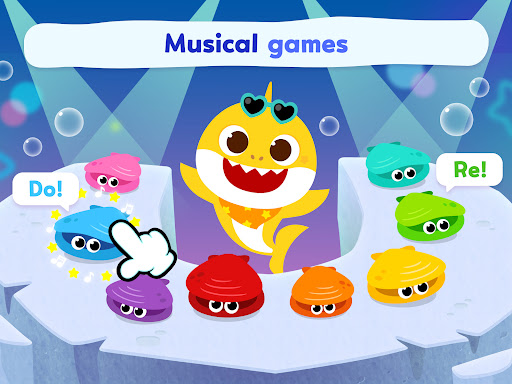
Another highlight is the app's extensive library of educational videos available in multiple languages, which broadens the child's linguistic and cultural horizons. Furthermore, the integration of animated books and instrument-themed games adds another layer of educational value, allowing children to immerse themselves in stories or create music, thus supporting their overall development in an enjoyable way.

Content accuracy & authority

In the realm of educational applications for children, content accuracy and authority stand as pivotal elements ensuring that young learners receive correct information through reliable sources. The Pinkfong Baby Shark app excels in this area by providing meticulously crafted educational videos and interactive games that are not only engaging but also grounded in factual correctness. Each video and game within the app is developed under the supervision of educational experts who ensure that all content aligns with early childhood learning standards. For instance, the animated books and instrument-themed games featuring Baby Shark and Bebefinn are designed to teach valuable life skills such as good hygiene habits and creativity in music composition. Furthermore, the app offers a diverse selection of songs and stories available in multiple languages including English, Korean, Japanese, Spanish, and Chinese among others. This multilingual approach not only broadens the cultural horizon of its young audience but also ensures linguistic precision across different regions. By integrating these authoritative materials into an entertaining format, Pinkfong Baby Shark successfully transforms routine learning activities into delightful experiences. As a result, toddlers can enjoyably absorb knowledge about animals, colors, shapes, and numbers while simultaneously developing essential cognitive abilities. Thus, parents can rest assured knowing their children are engaging with high-quality, vetted content that fosters both intellectual growth and emotional development within a safe digital environment.

Personalized learning paths

The concept of personalized learning paths refers to the adaptive mechanisms embedded within educational tools that cater to individual learner's needs, preferences, and pace. In the case of the Pinkfong Baby Shark application, this feature manifests through its varied offerings of interactive games, creative coloring activities, and educational videos tailored specifically for toddlers and fans of kids YouTube. Upon entering this vibrant world inhabited by beloved characters like Baby Shark and the newest addition Bebefinn, users encounter a plethora of options designed to stimulate curiosity and encourage self-directed exploration. For example, memory-enhancing flip card challenges and character-spotting games help sharpen cognitive skills at a personalized rate suited to each childu2019s unique developmental stage. Additionally, the app includes instrument-themed games where youngsters can create their own melodies, thereby promoting musical creativity alongside technical skill acquisition. Another significant aspect is the availability of animated books which narrate exciting stories allowing children to follow along at their comfort level. These narratives often incorporate key educational themes such as animal recognition or numerical understanding presented via captivating visuals and sound effects. Moreover, the inclusion of various difficulty levels within these activities ensures that every toddler can find appropriate challenges matching their current abilities. Consequently, whether it involves brushing teeth with Baby Shark to learn healthy habits or diving into coloring scenes filled with imaginative scenarios, each interaction contributes towards building a customized educational journey. Such thoughtful design empowers young learners to progress confidently on their distinct paths while enjoying continuous engagement with content that remains fresh and relevant over time.

Props

Engaging content for toddlers

Educational and entertaining

Multilingual support

Variety of games and activities

Safe learning environment

Cons

Limited to shark theme

Additional purchases required

Some features may be repetitive

Interface can overwhelm younger users

Ads between game sessions

Features and Functions

What is this app and what can I use it for?

An app for kids to play games and watch educational videos with Baby Shark.

How do I download and install this app on my device?

Search 'Pinkfong Baby Shark' on Google Play Store and tap Install.

How do I get started after opening the app for the first time?

Follow the on-screen tutorial to learn navigation and basic functions.

What are the main features and capabilities of this app?

Kids games, coloring, videos, and music creation with Baby Shark.

How can I customize my experience and adjust preferences?

Adjust settings via the Preferences menu to customize your experience.

How do I save or bookmark my favorite content for later access?

Save favorites by tapping the bookmark icon on desired content.

How can I share content with friends or on social media?

Use the Share button to post content on social media platforms.

How do I access detailed information and explore more content?

Tap Explore or similar options to find detailed info and more content.

What permissions does this app need and how do I manage them?

App needs mic and camera access; manage in device settings.

How do I check for updates and keep the app running smoothly?

Enable auto-updates in Google Play Store to keep the app current.
Show more

User Reveiws

{{ comment.reviewer_name }}
{{ comment.review_date_formatted}}
{{ comment.review_content }}
{{ tab.name }}
{{ comment.reviewer_name }}
{{ comment.review_date_formatted}}
{{ comment.review_content }}
No reviews with this rating