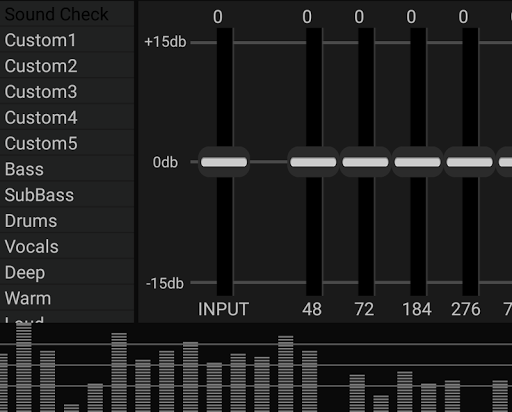
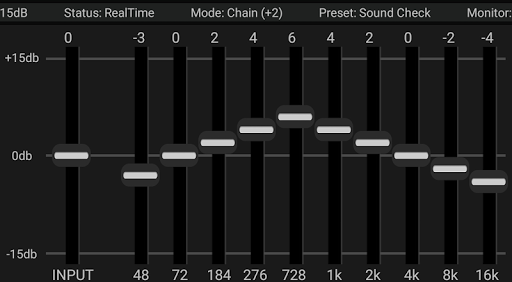
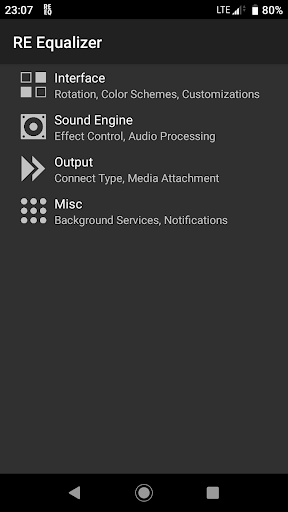
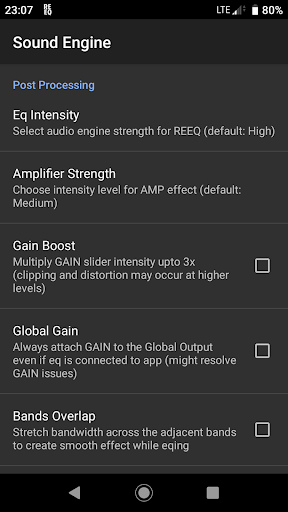
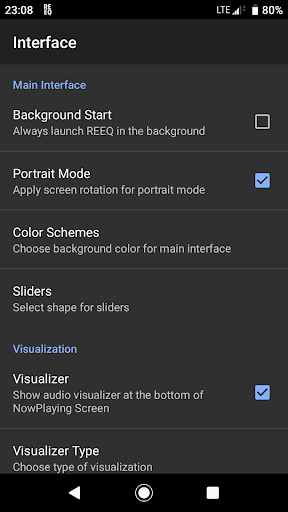

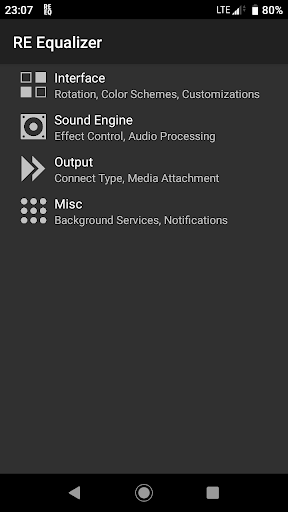
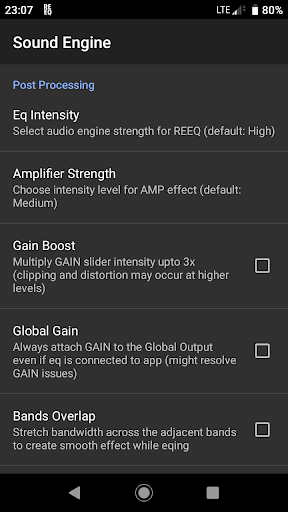
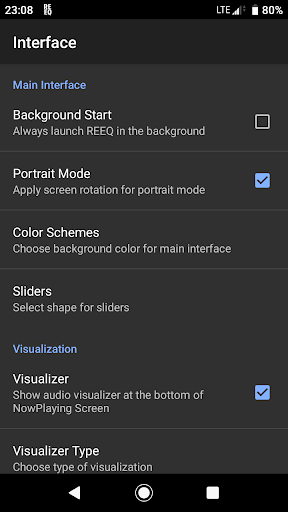
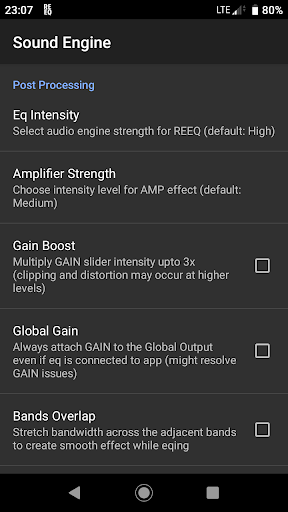
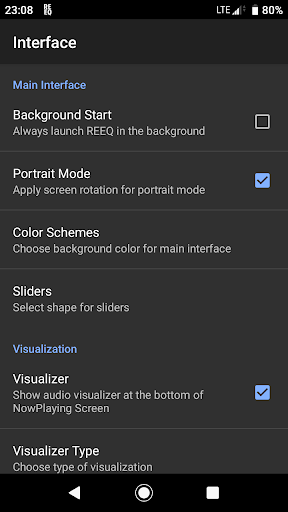
RE Equalizer FX is a sophisticated audio equalization tool designed for both casual listeners and professional audio engineers. Developed by WiseSchematics, this application brings the power of studio-grade equalizers to mobile devices. The app's core functionality lies in its ability to provide users with precise control over their audio experience through advanced features like the Shunt Audio Engine and Smart Interface technologies.
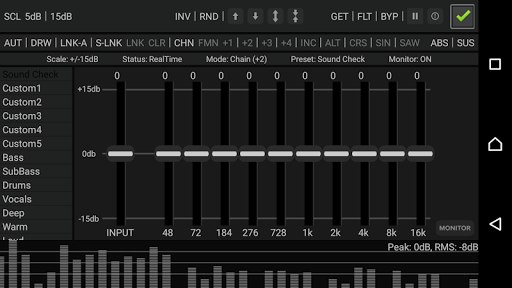
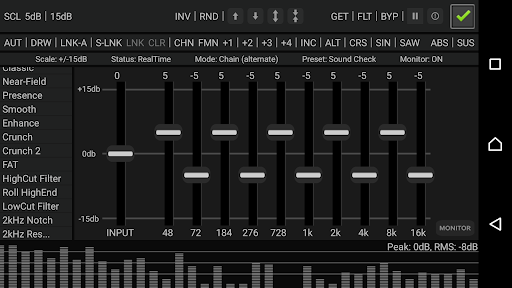
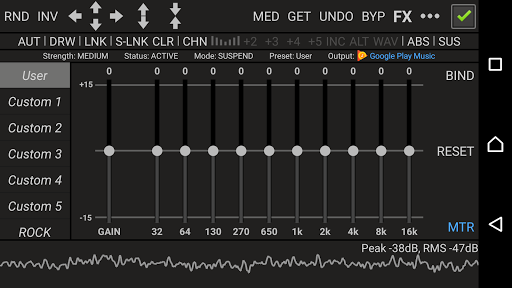
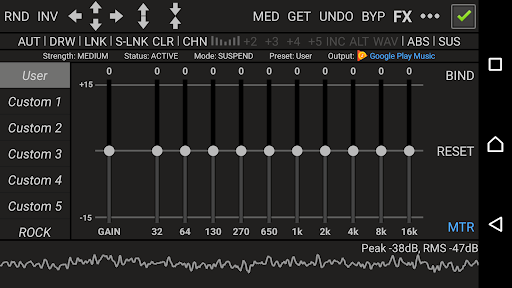
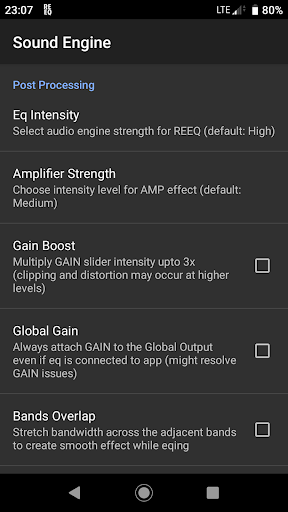
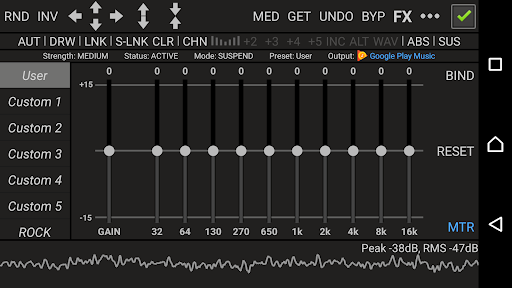
The application offers an impressive array of tools including 10 ISO faders, proportional Q filters, and various effects such as amplifier, compressor, and balance adjustments. These features allow users to shape their sound with remarkable accuracy. Whether you're looking to fine-tune your music library or need professional-grade tools for audio production, RE Equalizer FX delivers a comprehensive solution that works seamlessly across different audio sources.
One notable use case is its implementation in mobile DJ setups where real-time audio adjustments are crucial. The app's ability to maintain clear sound quality while making complex adjustments makes it an invaluable tool for live performances. This level of control and precision demonstrates the app's value in enhancing audio experiences across various scenarios.
RE Equalizer FX distinguishes itself through its extensive feature set tailored for audio professionals and enthusiasts alike. The application incorporates WiseSchematics' proprietary Shunt Audio Engine and Smart Interface technologies, which work together to eliminate common audio artifacts while providing intuitive controls. These innovations enable users to achieve perfect curve responses and stair-stepped filter adjustments without introducing unwanted noise or distortion.
A key aspect of the app is its implementation of proportional Q filters and 20 built-in pre-engineered presets alongside 10 customizable slots. This combination allows for both quick adjustments using proven settings and the flexibility to create unique sound profiles. The inclusion of advanced features like gain scaling options, multi-directional automation control, and seven distinct modes for drawing EQ curves showcases the depth of control available to users.
What sets RE Equalizer FX apart from other equalizer applications is its integration of a real-time analyzer and threshold gate system. These professional-grade tools enable users to monitor their audio adjustments in real-time while preventing clipping issues. The app's dual availability as both a standalone application and plugin version bundled with Resound Methods further enhances its versatility, making it suitable for various workflows and device configurations.
Studio-grade audio processing
Intuitive user interface design
Comprehensive effect suite
Real-time audio analysis
Flexible preset system
Steep learning curve
High system requirements
Limited free version
Background app conflicts
Complex setup process

Turn your phone into a musical instrument from the future!
 3.90
3.90
Make music anywhere. Turn your device into an instrument.
4.2
Formerly known as Spotistats! View your top tracks, artists, albums and more!
4.40
10-Band Audio Equalizer, Sound / Bass Booster for Spotify Users & Music Players
4.40
Remove ads permanently from Music Visualizer
4.4
Your song collections with lyrics and chords on Android smartphones and tablets.
4.80
Music Streaming suite for Ampache, Nextcloud Music and compatible backends.
4.1
Turn your Android phone into a professional audio analyser with up to 120 bands.
4.00
Responsive piano with great sounds, graphics, and songs
4.80
Listen to live FM radio stations, sports, music and news on global radios online
4.70
Record, Mix & Master with all n-Track effects, 64-bit audio and Stem Separation.
4.70
DJ Music Mixer - DJ Remix: remix songs, make beat music & record mix of DJ.
4.40
Play KORG’s revolutionary touch-based instrument on a variety of devices.
4.40
Ringtone Maker is free app create ringtone from music files or your recording.
4.40
The only true audiophile music player with Hi-Fi audio rendering and DSP engine
3.90
Powerful beat maker & DJ mixer to remix tracks, make music, & perform DJ mix
3.70
Turn Every Moment into Music
3.60
Simple mp3 and mp4 player with advanced features.
3.40
Control your MIDI USB or Bluetooth devices in app and avoid some trampling
3.30


User Reveiws